What you need to know
- Pixel Launcher is letting you search for quick settings tiles like Wi-Fi, Bluetooth, and even Flashlight, mirroring their counterparts in the quick settings panel.
- Notably, non-system or third-party app tiles, such as Digital Wellbeing, won't appear in the search results.
- This feature isn't available to everyone yet, but it's lurking in the Android 14 QPR2 Beta.
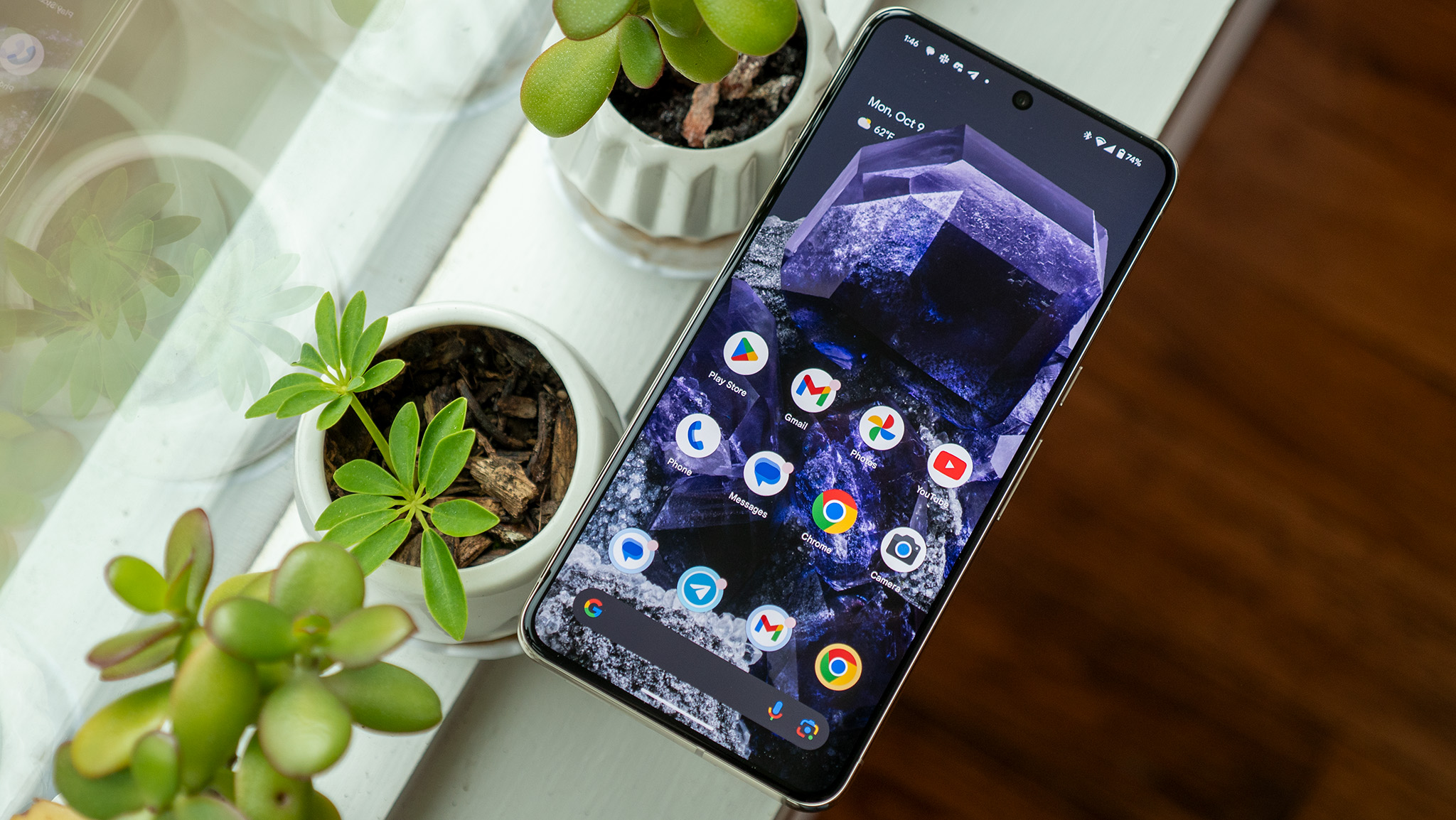
Pixel Launcher's search function is now stepping up its game by incorporating quick settings tiles for more seamless and quicker access to actions you often perform.
If you've installed Android 14 QPR2 Beta 2, the Pixel Launcher search may now be throwing up quick settings tiles right at the top of your results, as spotted by 9to5Google. They are then followed by the usual Google Search suggestions, results from your installed apps, and subsections in the Settings app tucked in at the end.
The quick settings tiles in the Pixel Launcher search mimic their own dedicated panel, which appears when you swipe down from the top on the home screen. You can handle everything from Internet, Bluetooth, Do Not Disturb, Hotspot, Camera/Microphone access, Screen record, Home/Device controls, Battery Saver, and more.
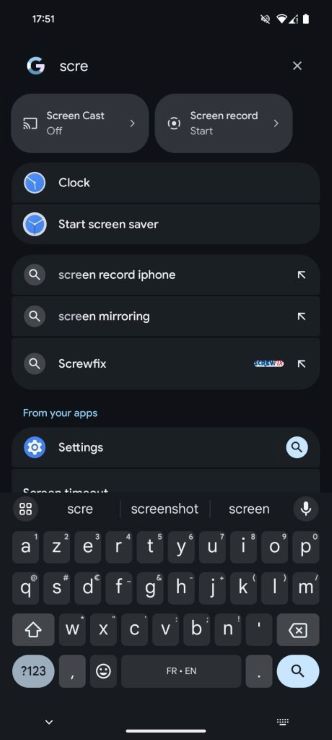
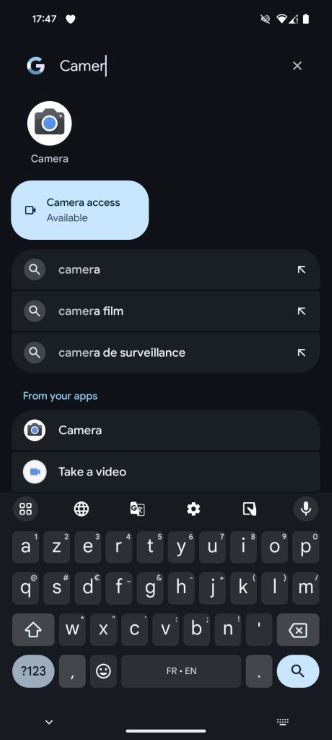
The search results are also interactive, just like messing with the toggles in your notification shade. For example, when you're eyeing the Wi-Fi section, it dynamically shows you all the available Wi-Fi networks. But the results are limited and don't extend to third-party or non-system apps like Digital Wellbeing.
The Pixel Launcher search used to hook you up with system settings through shortcuts, but the latest change comes with extra perks that weren't in the results before. Now you're getting options like a QR code reader and Flashlight. Behind the scenes, Android System Intelligence is responsible for making it all happen.
At the moment, only a handful of beta testers have access to this feature, but Google might bless all Pixel users with it in the QPR2 stable release. Fingers crossed, they'll throw in support for third-party quick settings tiles too.


.jpg?w=600)