What you need to know
- Google's Quick Share update causes significant Wi-Fi connectivity issues for Pixel 10 users.
- Workarounds involve uninstalling the Quick Share extension or using Bluetooth for file transfers.
- Google is yet to officially address the Wi-Fi problem impacting Pixel 10 users.
Enjoy our content? Make sure to set Android Central as a preferred source in Google Search, and find out why you should so that you can stay up-to-date on the latest news, reviews, features, and more.
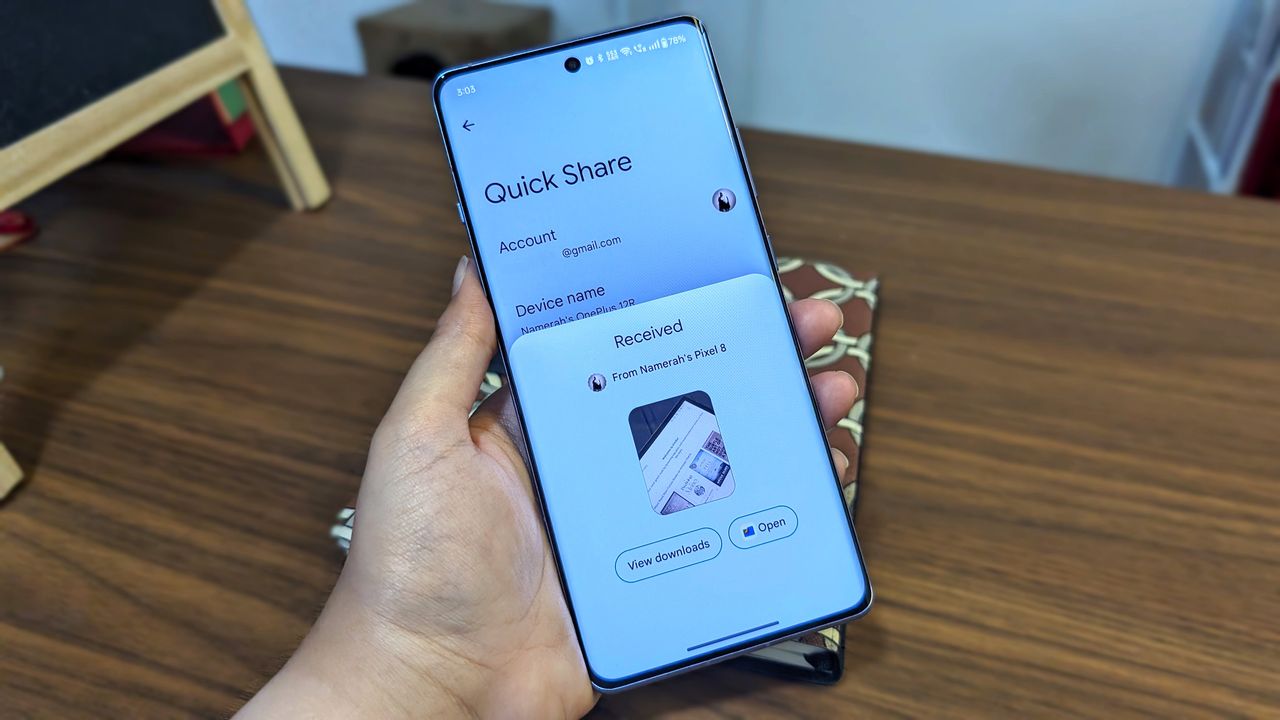
Google announced an industry-changing move just about a week ago, making it easier for Pixel 10 users to share images, files, and basically anything on their phone to Apple devices. However, it seems like some Pixel 10 users seem to be facing a significant software bug that seems to be impacting their Wi-Fi connectivity (as spotted by Piunika Web)
Some users took to Google's forum to report that opening the Quick Share menu immediately kills the phone's Wi-Fi connection. The user said that as soon as they opened the sharing menu to send a file, the Wi-Fi disconnected. And when they try to reconnect while the menu is open, the network list shows their network, but they won't connect to it.
According to several reports so far, this issue stems from the new Quick Share extension update (1.0.815689706). According to another user on Reddit, their Pixel 10 Pro XL began malfunctioning immediately after the Quick Share extension update. After a quick troubleshooting of the extension, they were able to confirm that the Wi-Fi issue stemmed from this update alone.
What could likely be causing this issue, according to Gemini, is that the standard Wi-Fi hardware (like in the Pixel) is usually built for Wi-Fi Direct (a standard protocol). But now with this new update, Google could be forcing this hardware to emulate AWDL (a proprietary Apple protocol), which could be causing the network to get glitchy and drop out.
While Google hasn't yet officially addressed the issue, some temporary workarounds are being passed around that could help fix this issue. Pixel 10 users have two options to choose from: You can either choose to get rid of this extension until a fix arrives, by heading to Settings > Apps > See all apps, locating the "Quick Share extension," and selecting "Uninstall updates."
Or, if you urgently need to send a file to an Apple device, you can temporarily bypass the driver conflict by manually toggling your Wi-Fi off before opening the Quick Share menu; this forces the transfer to happen via Bluetooth or mobile data, though you may need to restart your phone afterward to connect back to your Wi-Fi.
Android Central has reached out to Google about the issue, and we'll update this article once we have more information.