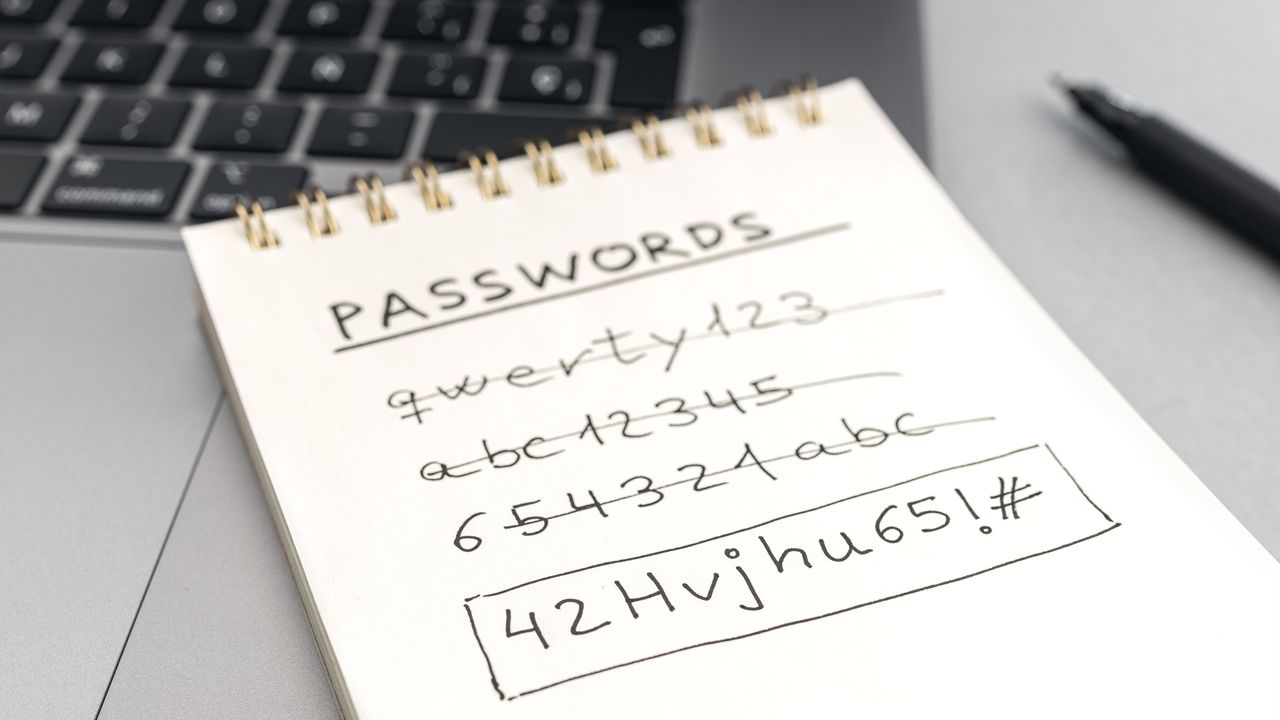
How do you keep track of your passwords? Unless you answered with: a password manager, then you may have a less than secure method for signing into your accounts. Hackers love lazy, reused, breached and just plain bad passwords because it makes their job – breaking into and taking over your accounts – so much easier.
It's no secret that the problem with passwords is: people. People are the ones creating this issue by using terrible passwords which is why so many companies are switching over to better systems (like passkeys).
Since the first way to fix any issue is to identify the problem, let's own up to it. If people are the problem, they can also be the solution.
How bad passwords create risk
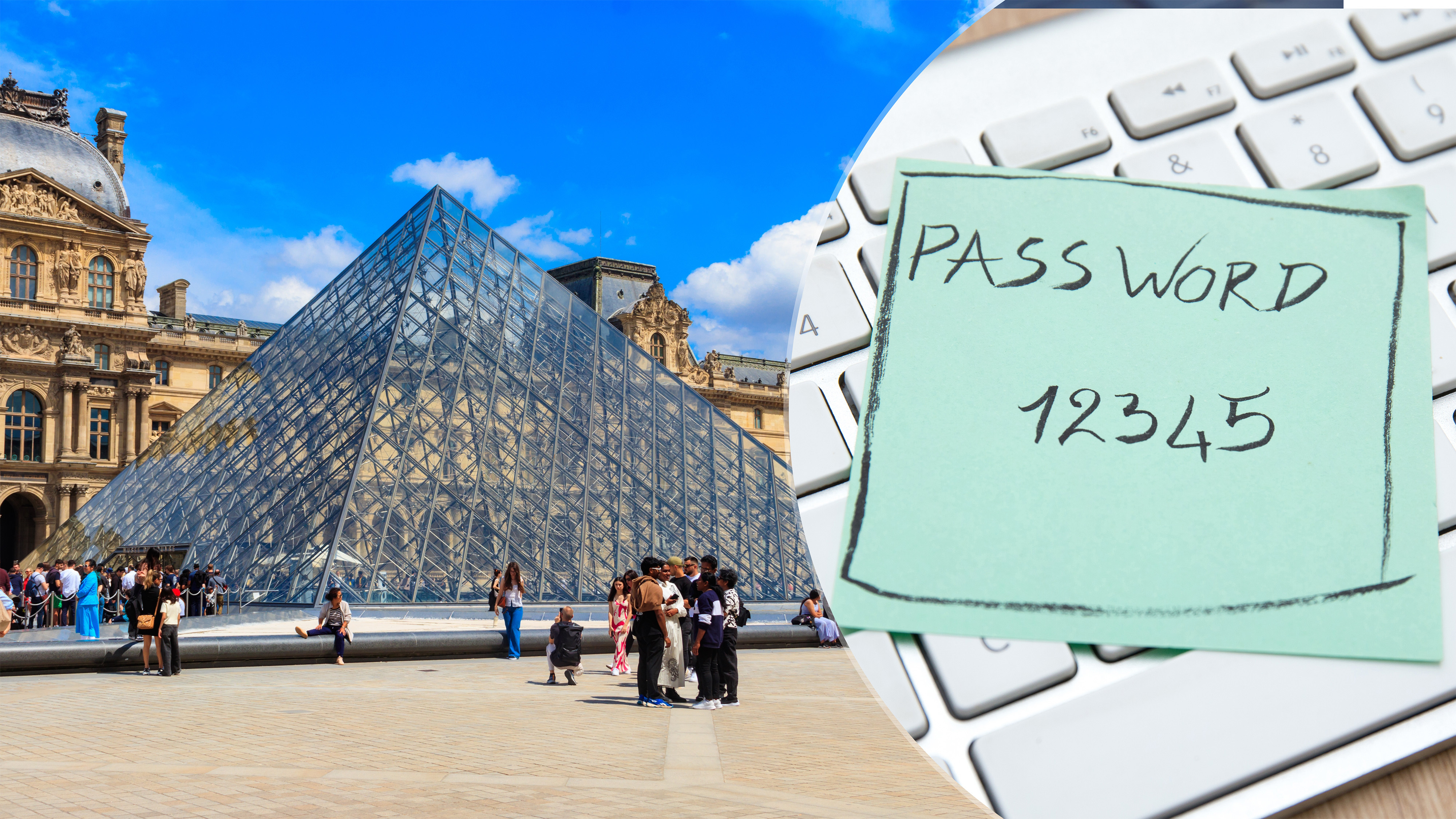
This year one of the biggest news stories was the heist at the Lourve, which revealed a security system that was riddled with issues – including that it had 'Lourve' as its password. We'd like to say that's the worst we've ever heard but in a world where the most common passwords of 2024 were “123456” “111111” “ADMIN” and “qwerty”, that's actually far from surprising.
According to research from SpyCloud, more than 140 million people had their passwords exposed in 2024. That same report points out that more than 70% of people also reuse passwords, which means that those stolen passwords allow bad actors to access multiple accounts putting a lot more personal data at risk.
Solution: Password managers
We recommend using one of the best password managers, over and over again, because of how many benefits there are to doing so – and that's in addition to the convenience of not having to keep track of the 168 passwords you probably have. That's right, according to research from NordPass, 168 is the average number of passwords for most people.
The other good reasons for using a password manager is that doing so cuts down on the kind of lazy, bad password habits that make passwords so easy to crack. Namely, password reuse and short, easy to remember passwords.
A password manager creates strong and unique passwords with long strings of multiple upper and lower case characters as well as numbers and symbols that are unique to each account. It remembers them so there's seamless synced across all your devices, and because a password manager won't recognize a mimic or look-a-like site it can also protect against phishing.
Solution: Multi-factor authentication
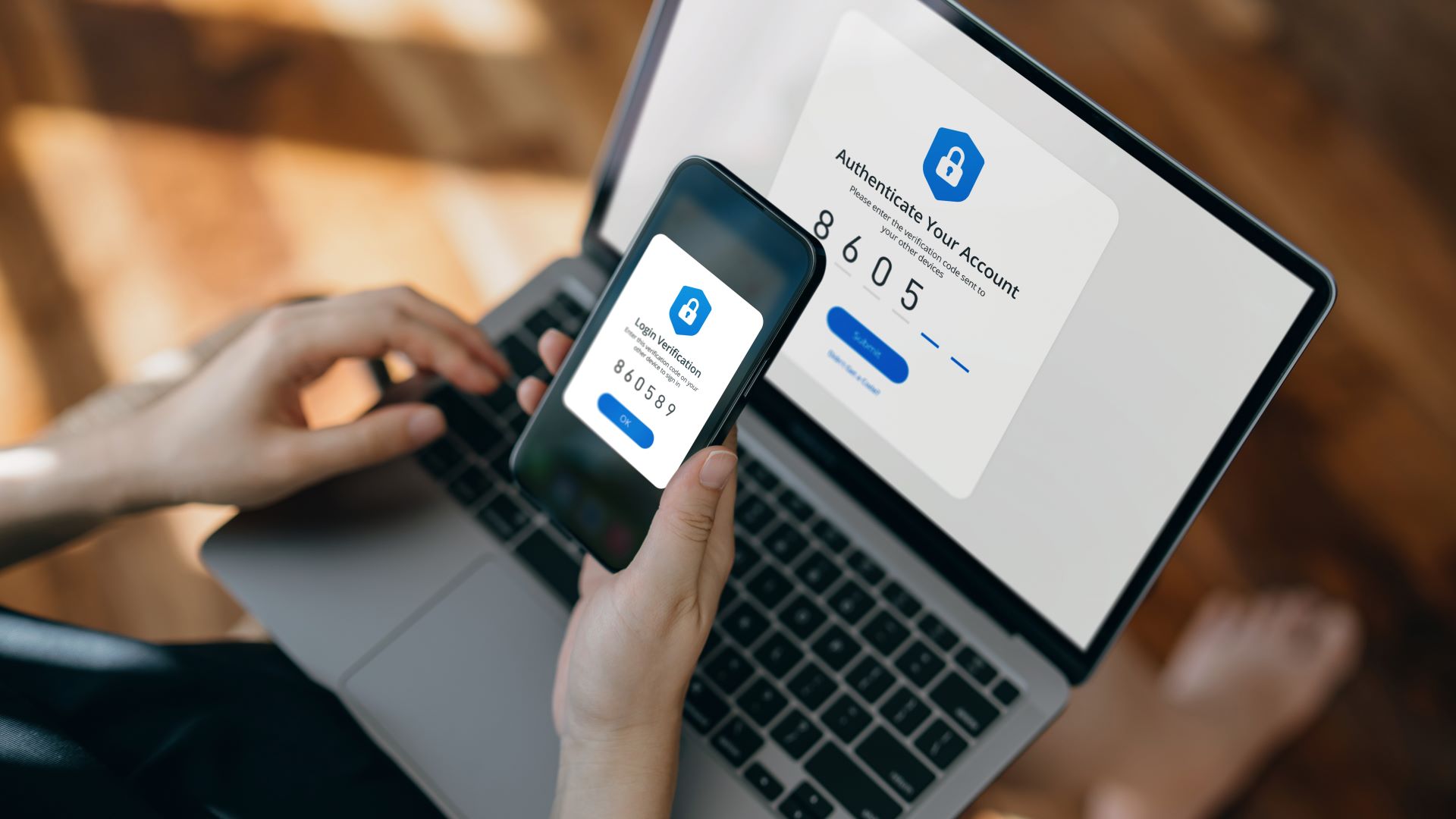
If you don't use two-factor authentication, here’s a brief run-down: Two-factor, or multi-factor, authentication is a secondary method that involves verifying access into your accounts in a way that makes it more difficult for hackers to emulate.
This can be via a static passcode, an SMS message, a phone call or even a USB-based security key. Most online sites or apps are set up so that you can easily enable this extra layer of security. The only drawback is that it will require a few extra minutes to get done initially — and it means an extra step when logging in. However, there's a significant security benefit.
Two-factor authentication, 2FA, is extremely effective. In 2022, Google said that rolling out 2FA had shown a 50% decrease in account takeovers. And according to CISA (Cybersecurity and Infrastructure Agency) and research from Microsoft, multi-factor authentication shuts down 99% of automated hacking attempts.
Setting up 2FA isn't complicated: When you log in, using your username and password as usual, you enter in a code you receive on your smartphone via email or text message. Sometimes though, you’ll need to open an app to receive the code. When you return to log in, you enter in the code and then can access to your account.
This makes it very difficult for anyone else to get into your account, since they won’t be able to get both the password and code. A hacker getting access to your password – be it cracked, stolen or purchased – isn't so unusual, but when you receive the prompt that lets you know someone is requesting access to your account, you have time to switch your password, lock your account or run a scan with the best antivirus software.
Solution: Passkeys
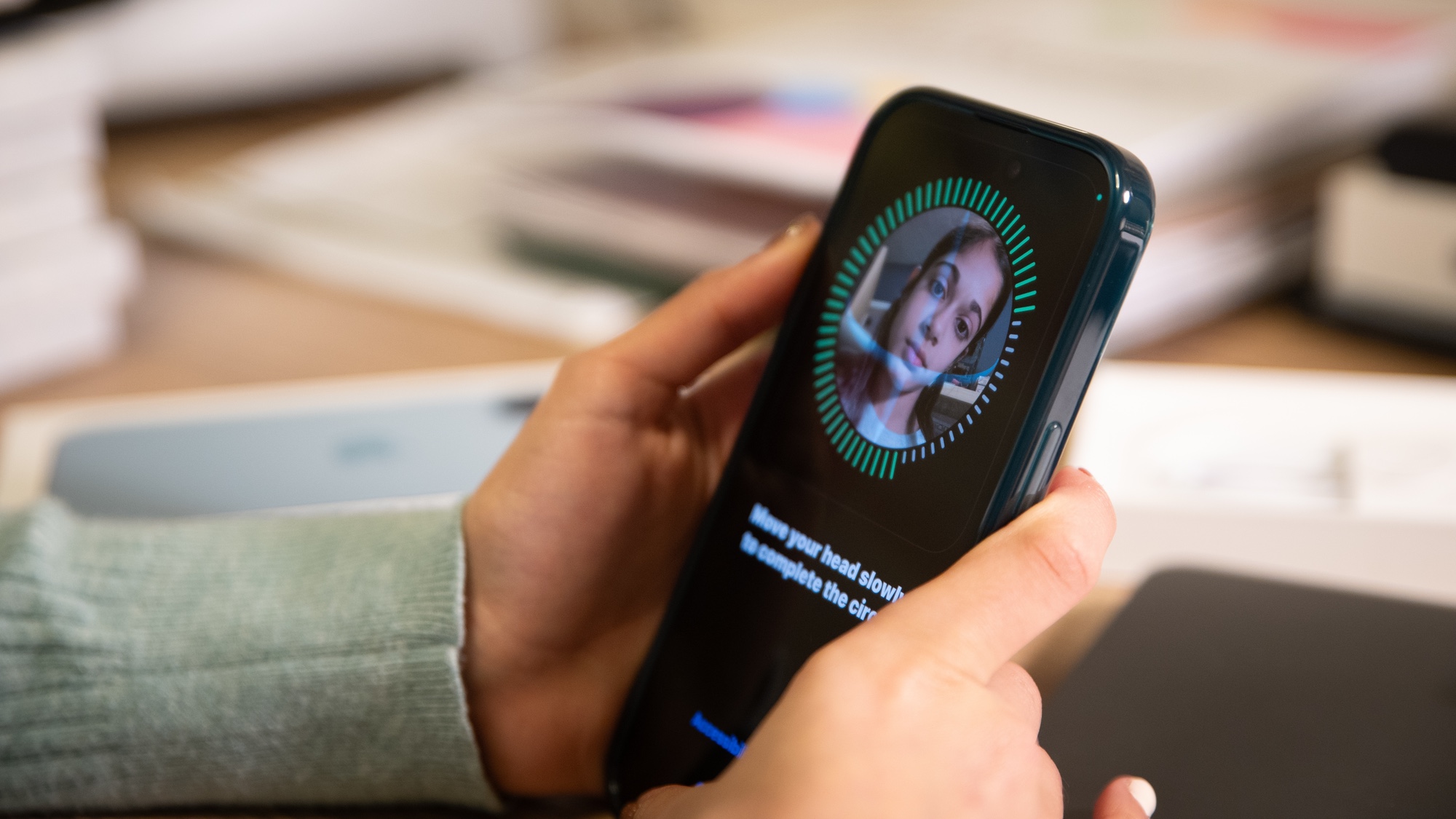
Since their introduction just a few years ago, passkeys are now being widely adopted as the preferred — and more secure — method of accessing an account. Both Microsoft Authenticator and Dropbox Passwords announced they would close this year with Microsoft in particular switching users to a passkey login.
Passkeys are a passwordless login used in place of traditional passwords. This is preferred as a more secure options since each passkey is a unique digital key that can’t be reused. Passkeys are kept in an encrypted format on your device, instead of on a company's servers, making them safe in the event of a data breach too.
You don't have to remember a password, and you can use your own smartphone or laptop. Passkeys are built on the WebAuthentication or WebAuthn standard, which uses public-key cryptography to better secure your accounts. Passkeys also can’t be stolen in phishing attacks.
Cybercriminals and hackers often use phishing or social engineering as a way to gain access to someone’s username and password in order to steal their accounts. With passkeys, though, you have a private and public key and while the public key stays on a company’s servers, the private key remains on your device and can’t be easily stolen.
If you opt to set up a passkey, you will be asked to confirm your account log in, then an authenticator to use a secondary form of verification to access your password, like your face or fingerprints. That's the private key stored on your device. When it comes time to login, the site's server sends a request to the authenticator which asks for your "private key" like your face ID or fingerprint. When it matches, you're able to access your account, the process usually happens quite quickly after the initial setup.
Taking back control
By putting the advice above into good use, you can finally say goodbye to the security concerns and anxiety that comes from using insecure passwords. This will take some time and effort on your part, but trust me, it's worth it.

Follow Tom's Guide on Google News and add us as a preferred source to get our up-to-date news, analysis, and reviews in your feeds.