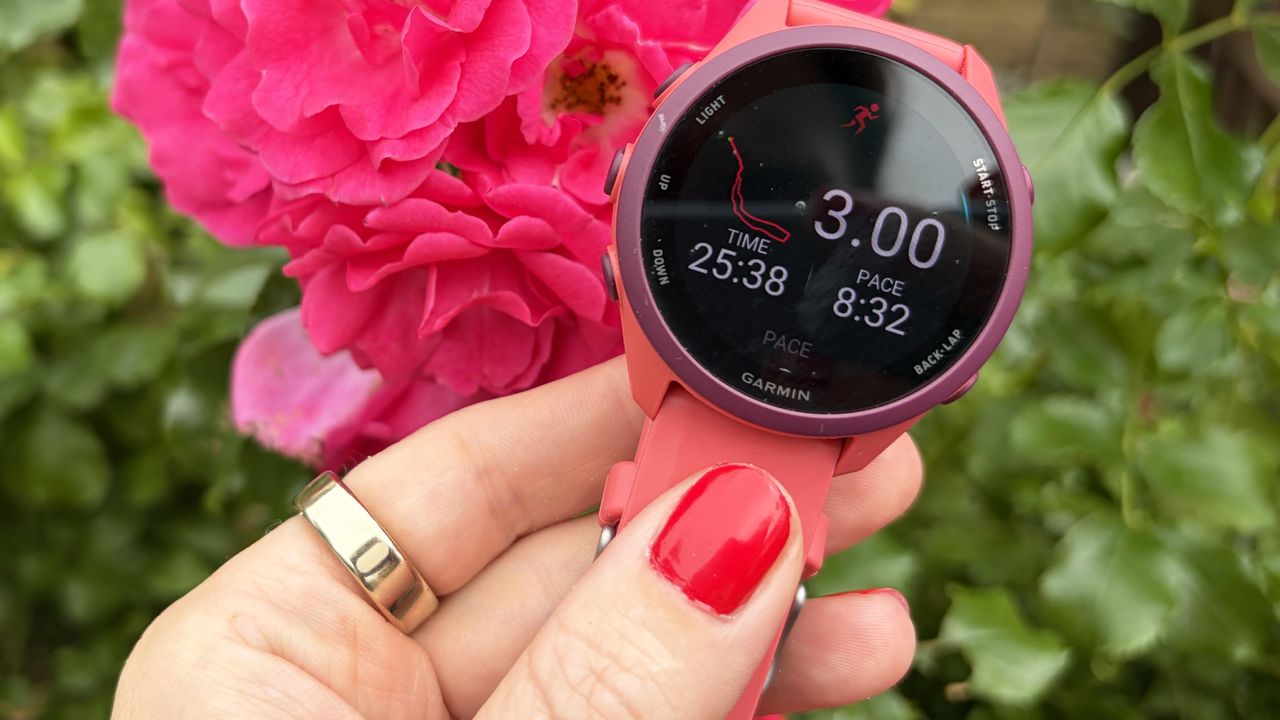
The one major downside of a screenless fitness tracker is that you don’t get live feedback during your workout. Oura has set out to change this, with its new Live Workout Tracking feature. Until now, the Oura ring has purely been a retrospective tracker, allowing you to see your stats once you’ve finished a run or bike ride, but now, the ring allows you to see real-life stats on your outdoor activities.
To find out more, I used my Oura Ring 5 and Garmin Forerunner 170 on an outdoor run around sunny Hyde Park in London. Read on to find out more about Oura’s latest feature.
You’ll need your phone with you
The Oura Ring doesn’t have built-in GPS, so it uses your phone’s location for the Live Workout Tracking. This means you’ll need to carry your phone with you on the run, but if you didn’t, you wouldn’t be able to see the live information from your Oura ring anyway!
When using Live Workout Tracking, the Oura app uses your phone’s internal GPS to track your route, altitude, and velocity. If you’re wearing another device that’ll track your heart rate, such as one of the best Garmin watches, or the Apple AirPods Pro 3, you can also see live heart rate stats. These will sit on a widget on your lock screen, so you can look at your phone at any point to see your live data.
You won’t get your live heart rate without a connected device
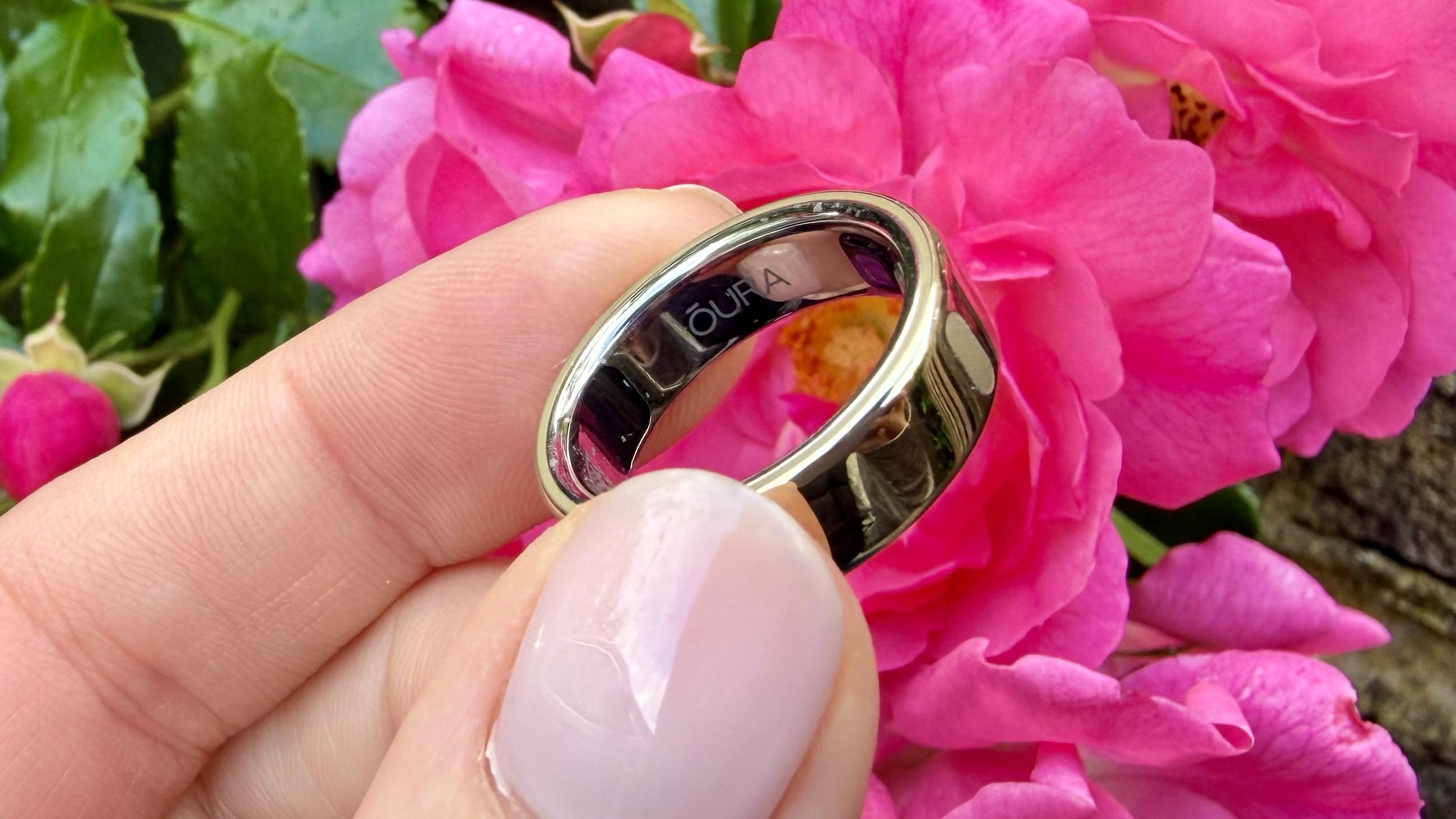
Your Oura ring is recording your heart rate all of the time and, during a workout, the optical sensors of the ring turn on permanently, streaming your heart rate second-by-second, instead of every few minutes. That said, you won’t see your heart rate in the Live Workout Tracking unless you have a third-party heart rate monitor connected.
If you don’t, you can still look at your heart rate once you’ve finished your workout. However, if you’re using your heart rate during the session, perhaps for a run where you’re trying to stay in Zone 2, you’ll need to connect another device. The list includes Garmin, Polar, AirPods Pro 3, and the Powerbeats Pro 2.
It’s definitely a useful upgrade
So, how did it perform on the run? For this test, I used my Oura Ring 5 connected to my iPhone 17, and my Garmin Forerunner 170, which has its own multi-band GPS and wasn’t connected to my phone. I found the Oura Ring 5 to be pretty much spot-on when comparing it to the stats on my Garmin over the easy 5K recovery run around Hyde Park.
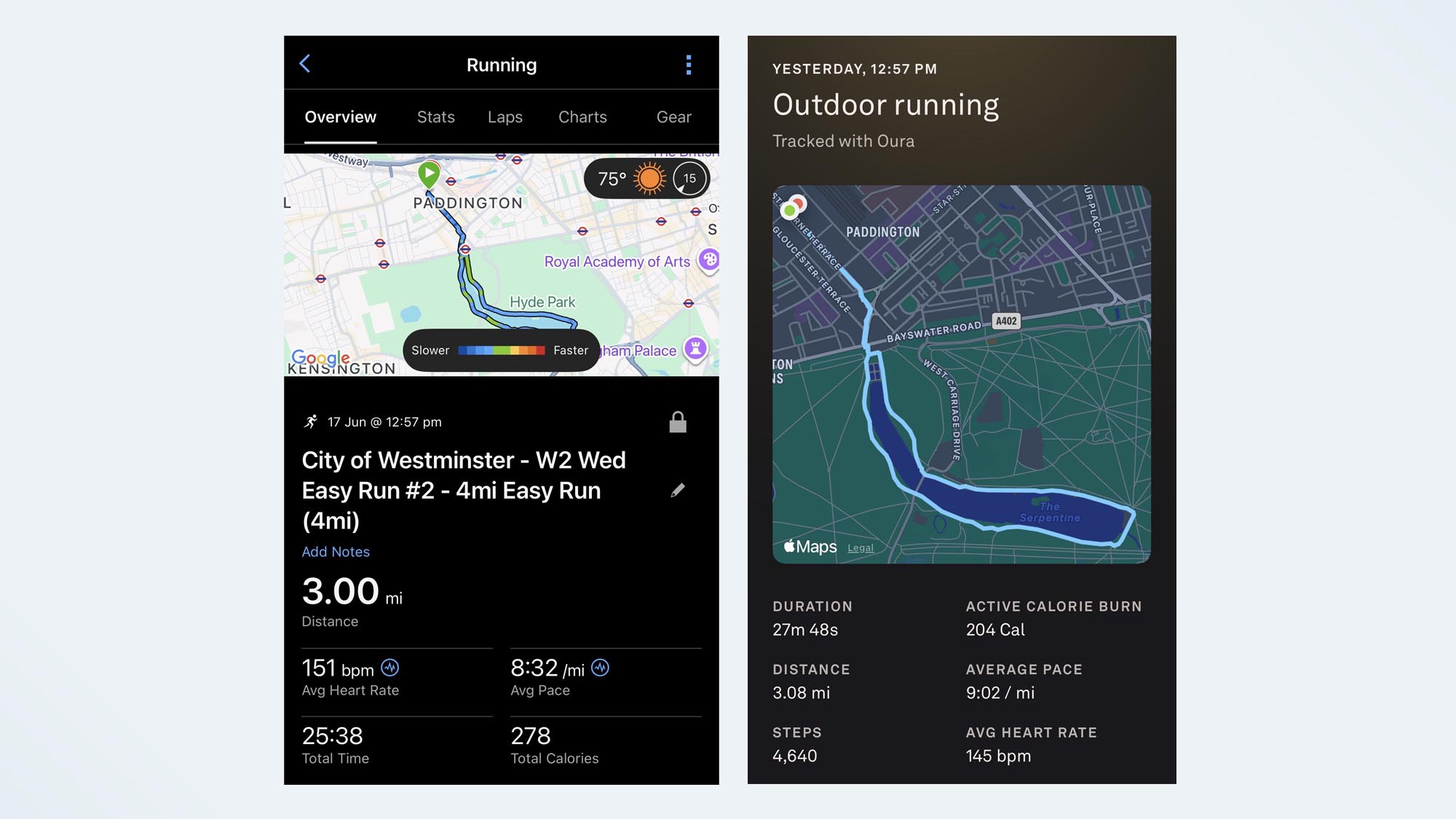
When I synced both runs to my phone afterwards, there was a slight difference in pace; this is purely down to the auto-pause feature on my Garmin watch. The Oura Ring didn’t autopause at stop lights (and trust me, there are a lot of them in central London), so it recorded my average pace as 9:02 minutes/mile, whereas my Garmin recorded the run as an average pace of 8:32 minutes/mile.
When I look at the heart rate zones, the Oura Ring recorded my average heart rate for the run was 145 beats per minute, whereas the Garmin Forerunner 170 recorded 151 beats per minute, so both put this run in zone 4, telling me that I was pushing too hard for a recovery run, or was struggling running on such a warm day.
I’m currently training for my seventh marathon, so I’d personally only use this feature for really easy runs, where I was running to feel and didn’t need to follow a structured plan. That said, if you don’t own a running watch or you prefer to run without distractions, this little tweak really makes a huge difference and is a welcome addition to the Oura line-up. Live Tracking is available on Oura Ring Gen 3, Oura Ring 4, and Oura Ring 5.