If you thought ChatGPT was already pretty good at generating images, buckle up because ChatGPT Images just got a major upgrade that OpenAI promises to be as useful as it is fast. OpenAI just announced that starting today, the company is rolling out a completely revamped version of its Images tool — and it’s live for all ChatGPT users right now.
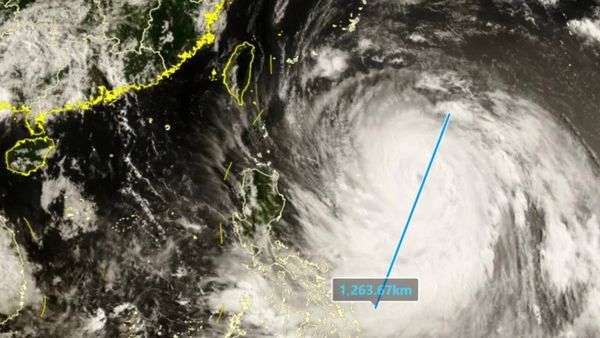
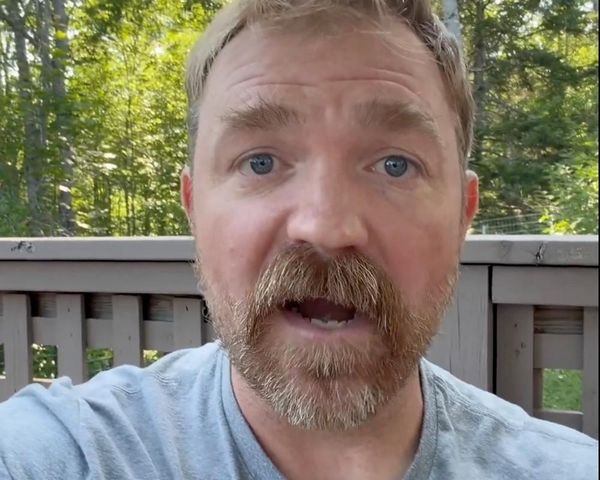
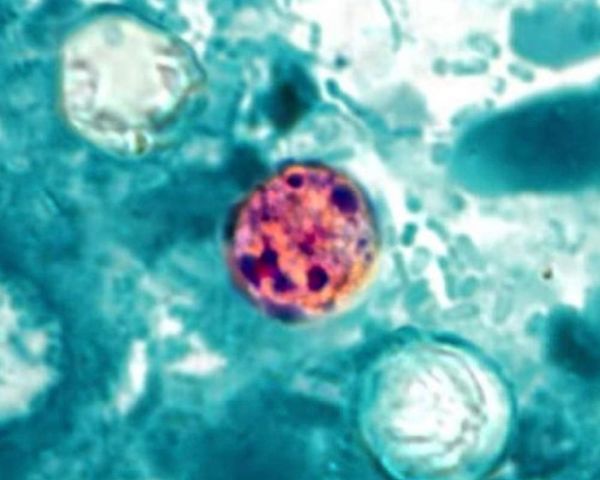
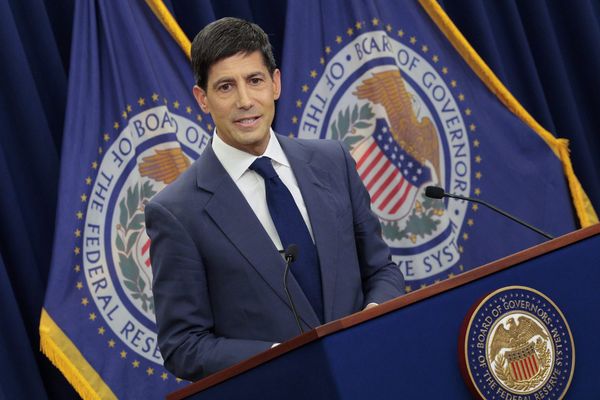
Whether you’re editing real photos or generating visuals from scratch, the new ChatGPT Images promises to deliver much better results — and up to 4x faster than before.
OpenAI says these are the improvements you'll notice today
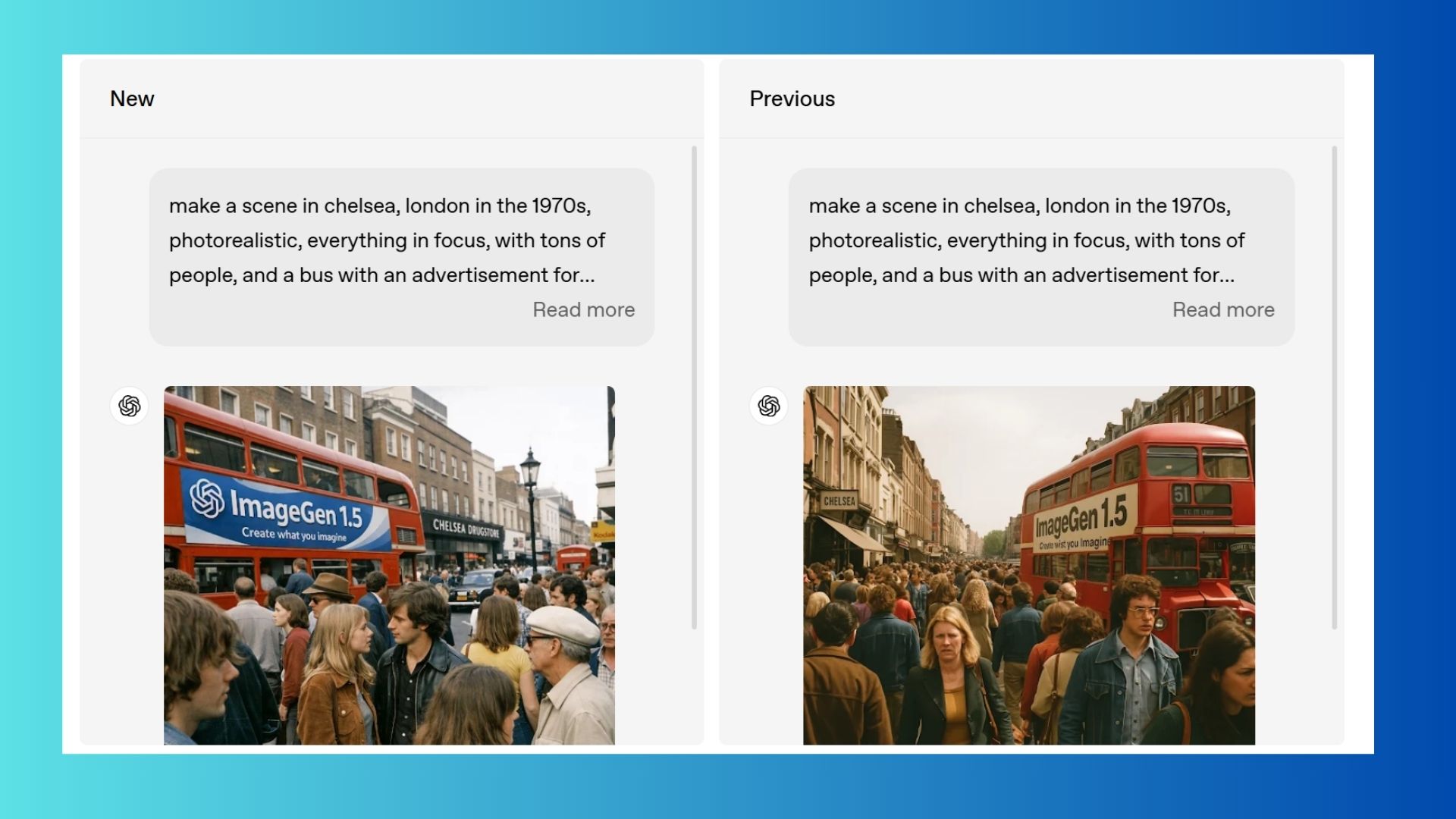
- Precise, detail-preserving edits. This new update promises that ChatGPT now understands your editing intent. Want to tweak a photo without wrecking the lighting or composition? It will keep what matters and only change what you ask for. Try this with portrait edits, headshots or even swapping backgrounds, or trying on new outfits in image form. This could be a game-changer for designers and marketers.
- A new creative space built for ideas. Beyond an updated model, OpenAI is giving users an opportunity to explore images with a dedicated Images experience in the sidebar now that helps spark ideas. It's a place to try preset styles and jumpstart your visual creativity without writing a perfect prompt. This feature also includes inspiration prompts and filters, so you can get rolling even if you don’t know exactly what to ask for.
- Faster results and real-time exploration. OpenAI promises images will now render up to four times faster, and you can keep exploring new ideas while other image jobs are still processing.
5 ChatGPT image prompts to try right now
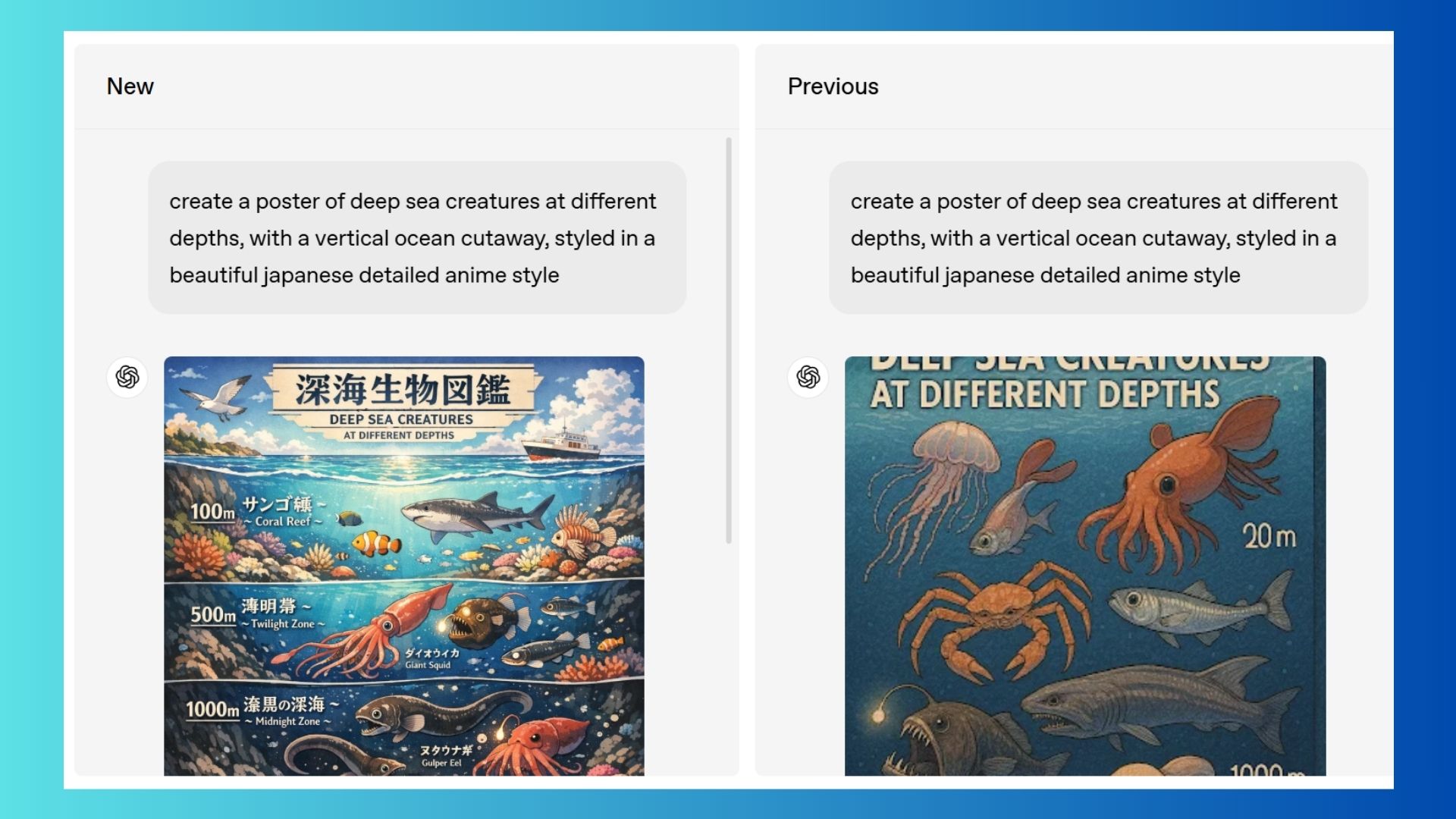
Want to see what the new ChatGPT Images can really do? These prompts are designed to show off its improved accuracy, editing control and creative range — no prompt engineering degree required.
1. Turn a photo into a stylized portrait
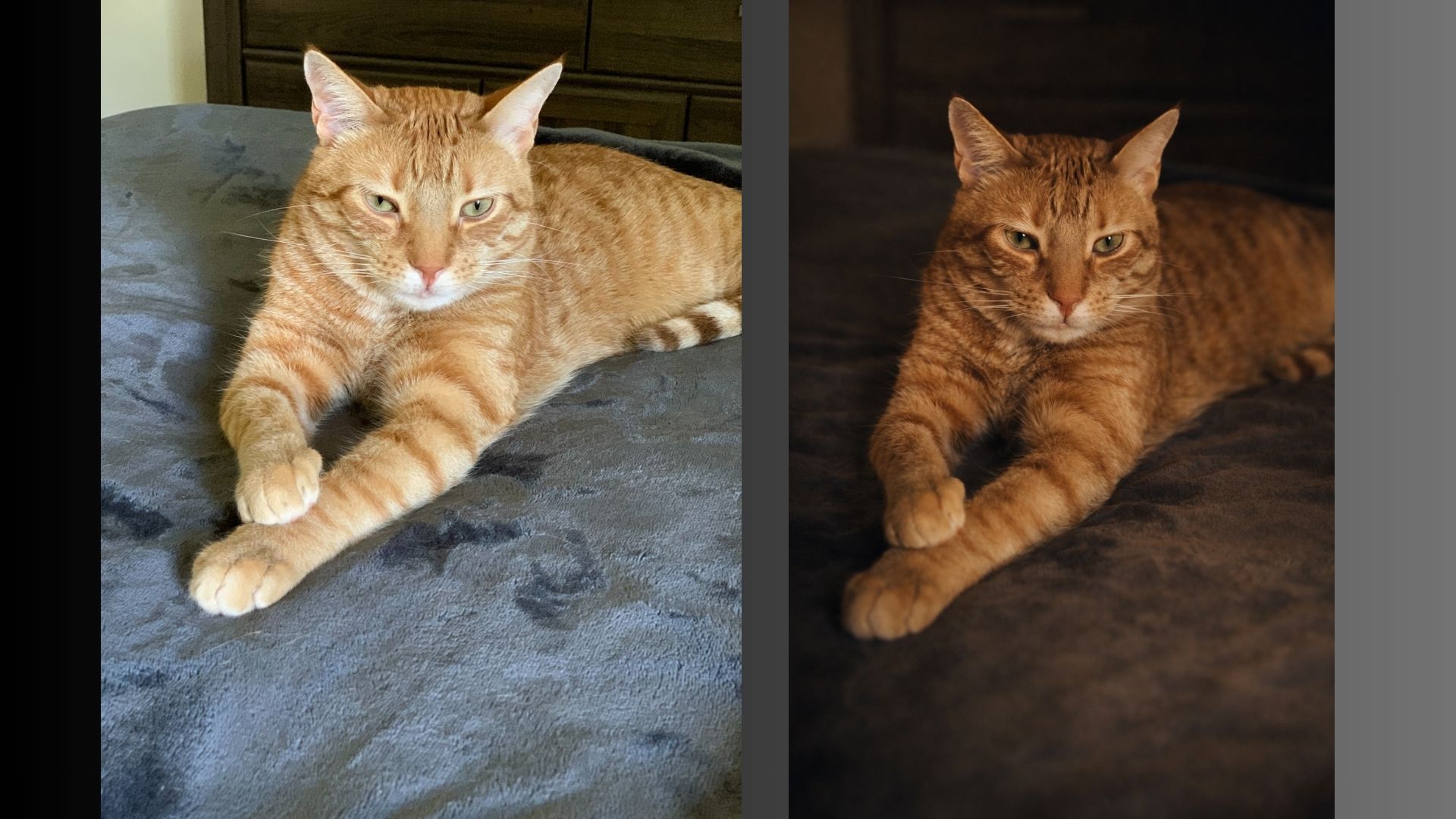
Prompt: Turn this photo into a cinematic portrait with soft lighting, shallow depth of field and a warm, moody color grade — keep the facial features realistic.
Because the new model is said to be much better at presevering facial structure this prompt is the key to applying artistic styles while avoiding the uncanny valley effect.
2. Edit an image without ruining the original
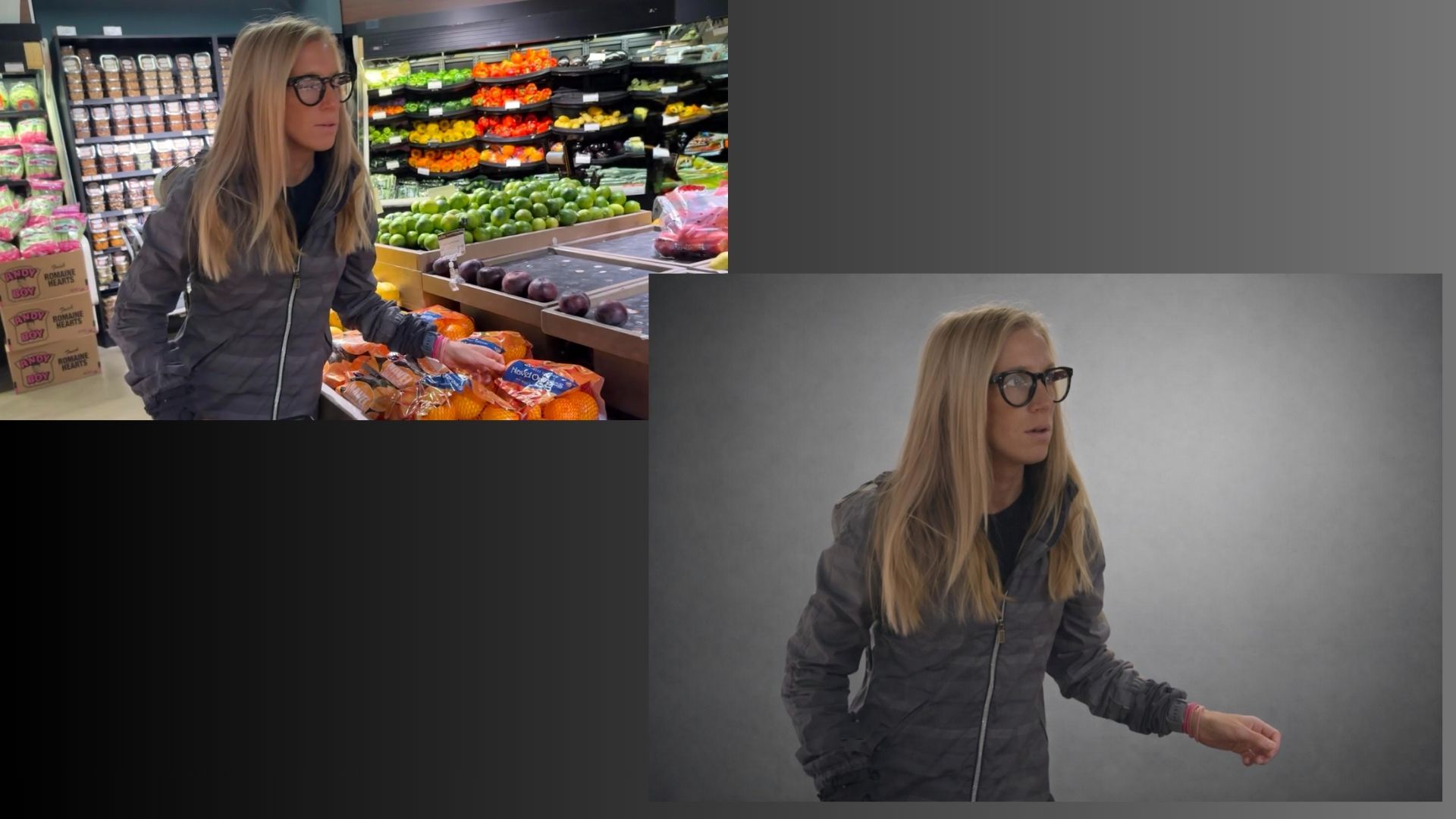
Prompt: Remove the background and replace it with a minimal studio backdrop — keep the lighting, shadows and subject exactly the same.
This shows how well ChatGPT now understands selective edits, instead of re-generating the entire image from scratch.
3. Create a social-ready graphic with text

Prompt: Create a clean Instagram-style graphic that says ‘AI made this easier’ in bold, readable text with a modern tech aesthetic.
This is a huge upgrade that we've all been waiting for: text inside images has improved dramatically, making this useful for social posts, slides and quick marketing visuals.
4. Generate concept art from an idea
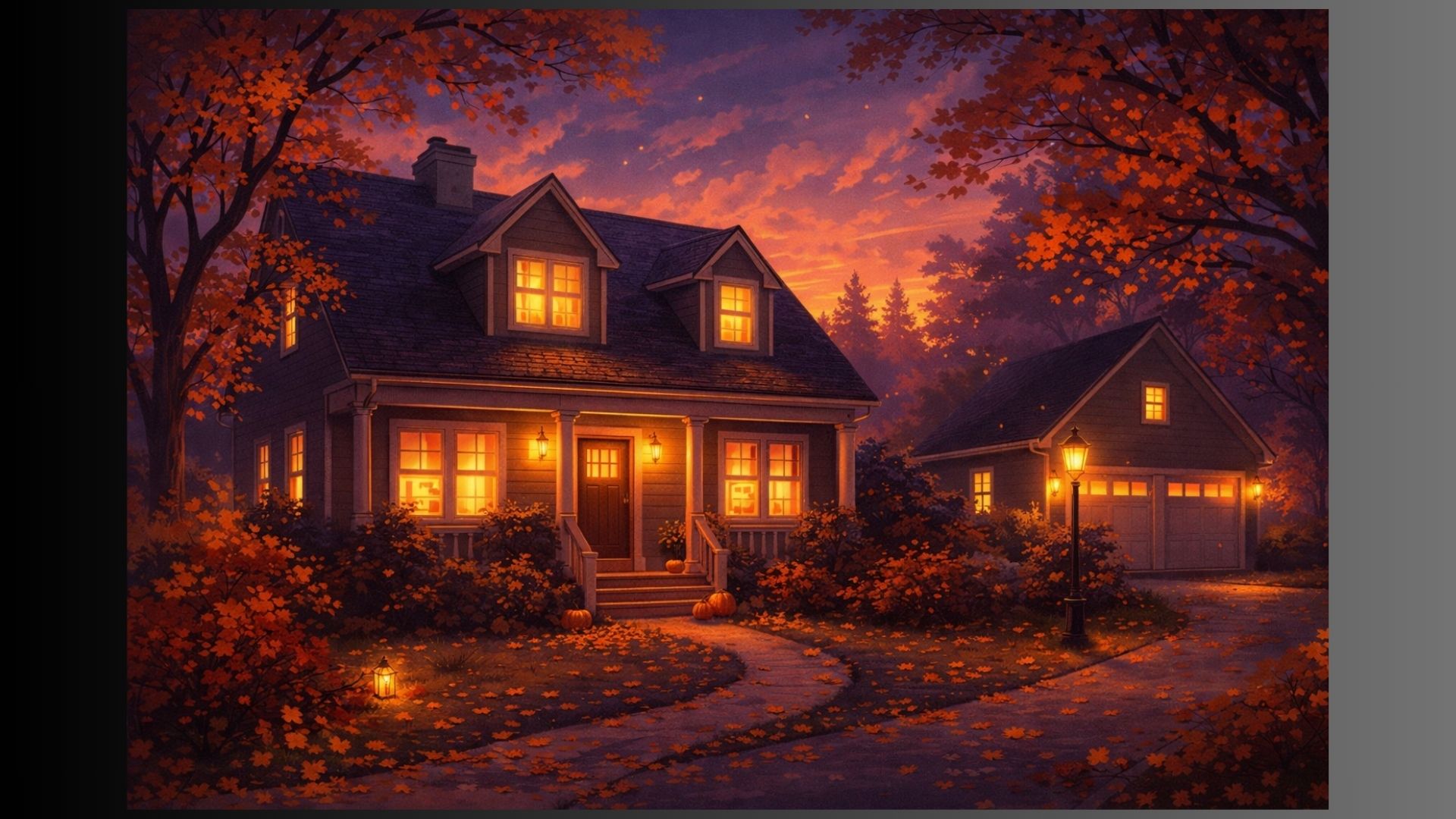
Prompt: Create concept art for a cozy suburban home at dusk with warm lights, autumn trees and a slightly whimsical tone.
This type of prompt highlights how well the model handles atmosphere, lighting and mood.
5. Try a fun style remix
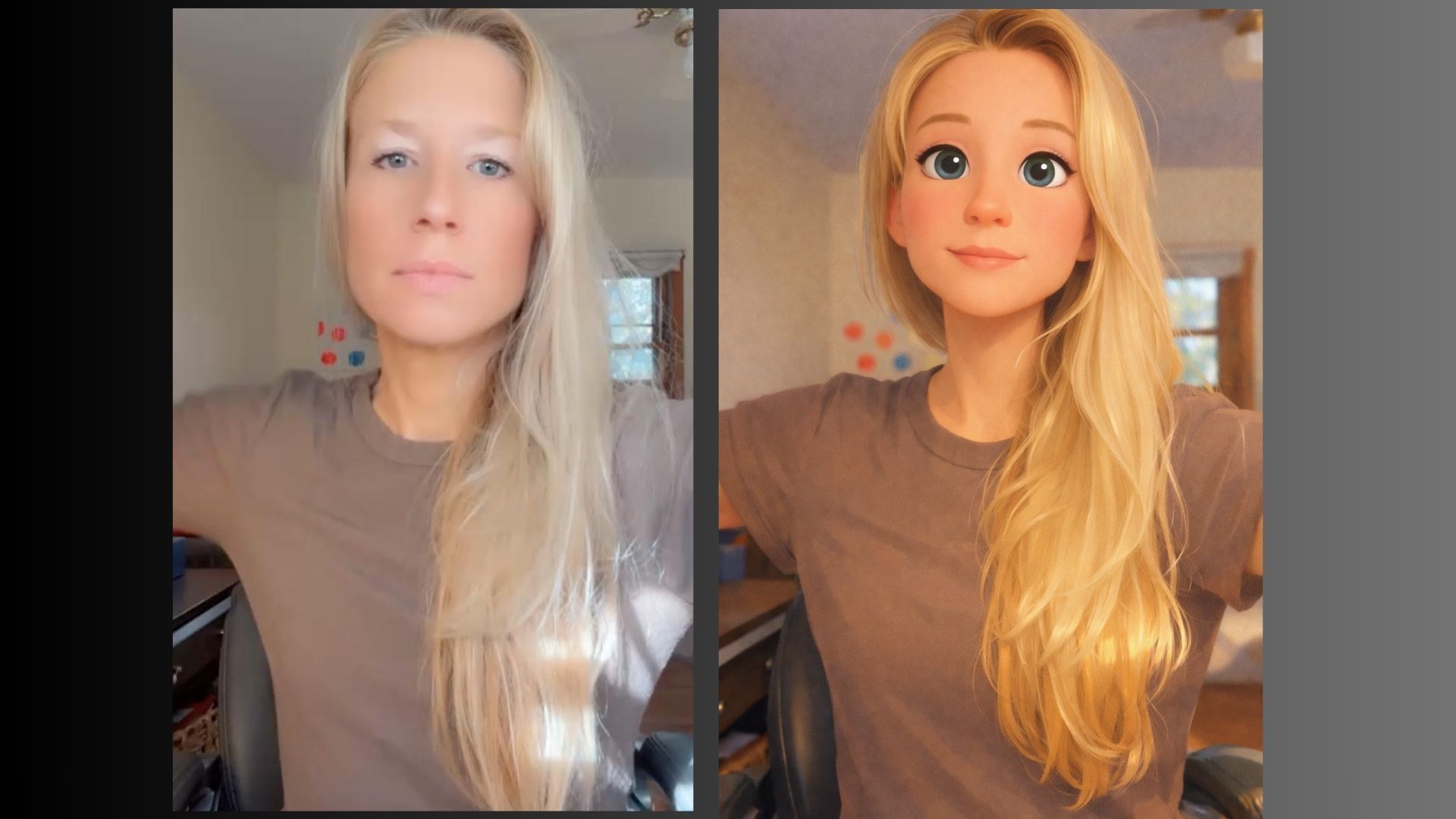
Prompt: Reimagine this image as a Pixar-style animated scene — keep the composition the same but soften the colors and add playful detail.
Users should notice that style transfers feel more intentional now, without losing the structure or emotion of the original image.
The takeaway
ChatGPT image generation has been sub-par in comparison to major players like Gemini 3.0 and Grok 4.1, but this new update might change the game. Give these prompts a try or look to the sidebar for inspiration and see for yourself what is possible.
If you’ve been meaning to try AI image generation, there’s never been a better time to dive in.
More from Tom's Guide
- GPT‑5.2 is way smarter than I expected — these 9 prompts prove it
- I compared NotebookLM vs. Audio Overviews vs. Illuminate — here's how to use Google's best AI audio tools
- I tested ChatGPT-5.2 and Claude Opus 4.5 with real-life prompts — here’s the clear winner
Follow Tom's Guide on Google News and add us as a preferred source to get our up-to-date news, analysis, and reviews in your feeds.