
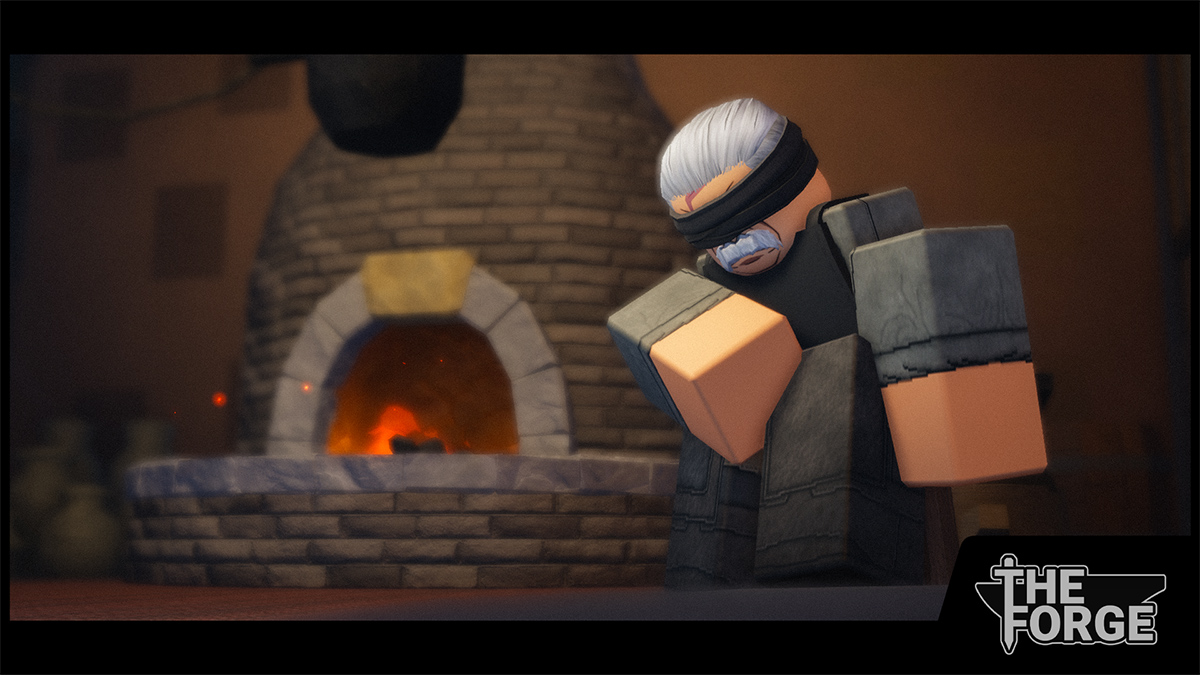
The Forge has multiple islands to explore, fight enemies, mine ores and craft unique gear. With all the different enemies, races, runes and gear combinations a Trello and a Wiki are badly needed. Luckily, below you can find the official The Forge Trello, Wiki and Discord.
The Forge Trello, Wiki and Discord Guide
Here are all the useful links you need to fully stay informed on The Forge:
- Official Forge Wiki
- The Forge Community Wiki (Made by our BloxInformer team)
- Official The Forge Discord Server
- The Forge Trello Board (Confirmed on Discord and coming soon, sneak below)
- The Forge Rune Tier List and Races Tier List (Live on Release)
- The Forge Game Page
- The Forge Roblox Community
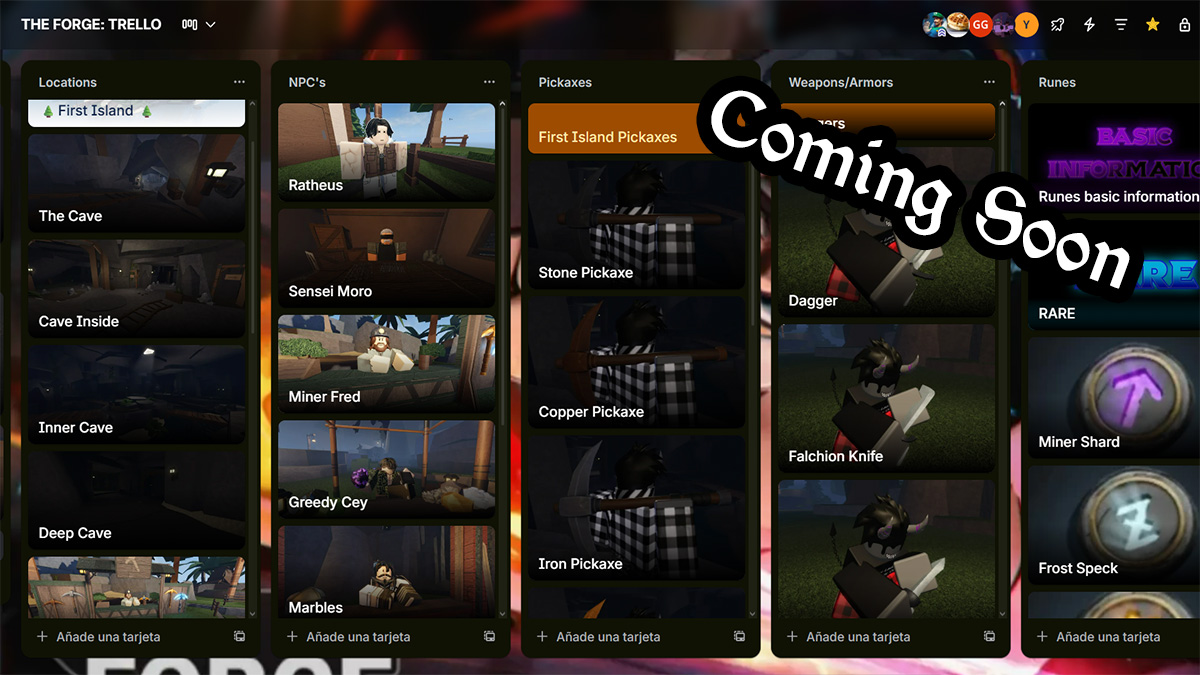
I would start with either our BloxInformer Wiki or the official one. Both will guide you through the essentials of the game like getting your race, mining and crafting. Then, you can check out more advanced stuff on there like:
- All Ores
- All Weapons
- All Armor
- All Races
- All Runes
- All Enemies
- All NPCs
- All Pickaxes
- All Items & Locations
Last but not least are the tier lists and the official Discord Server. Discord and the tier lists will give you a more in-depth overview of the most optimal build components. Specifically the Discord is a great place to ask specific questions since there's always a tester or experienced player who can help.
Also, the Announcement, Update Log and Sneak Peak channel will allow you to stay up to date on the game. They have a detailed list of all the latest additions, new content, buffs and nerfs. It pays to stay tuned in case you need to adjust your build.
That's it for my The Forge Trello, Wiki and Discord guide. Don't forget to check out our The Forge codes for a bunch of free goodies.
The post Official The Forge Trello, Wiki and Discord – Roblox appeared first on Destructoid.