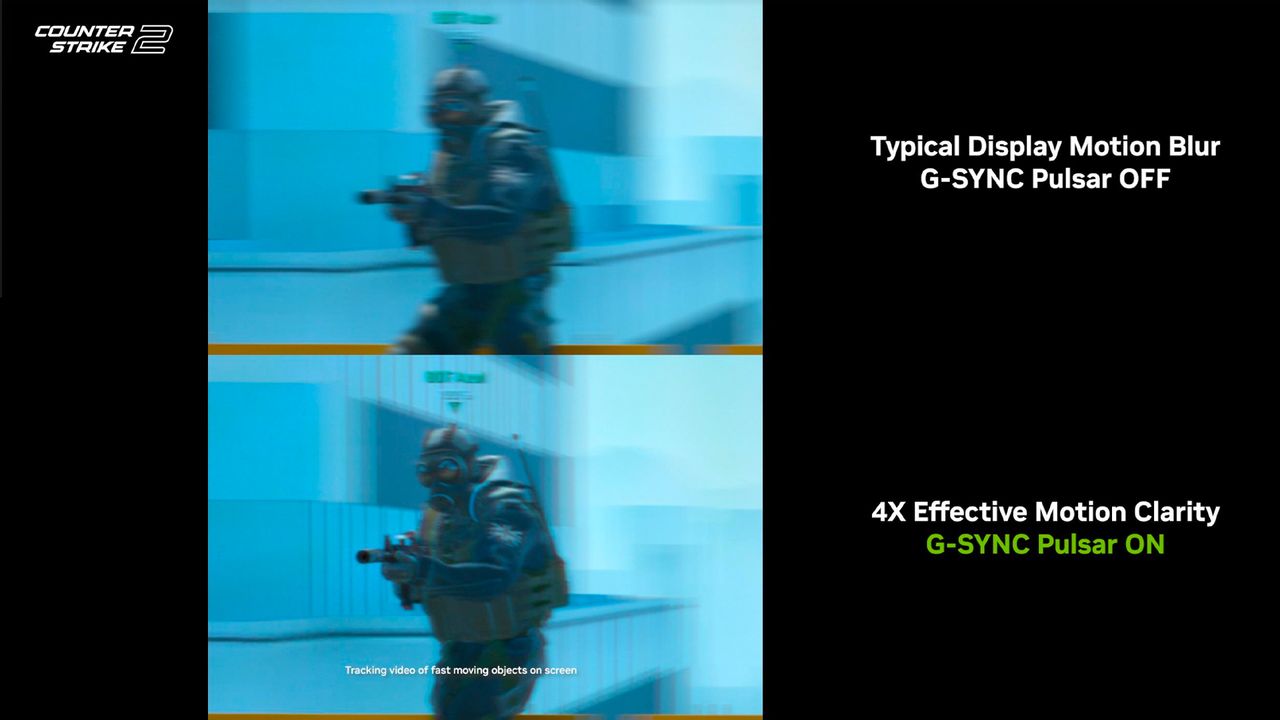
When it comes to competitive PC gaming, a buttery smooth monitor with extremely low motion blur is everything. I’ve seen all kinds of options, including a mightily impressive 600Hz display that made me a better Counter-Strike player, but Nvidia thinks this problem can be fixed with a new generation of its G-Sync technology named Pulsar.

Follow all of our CES 2026 coverage for the biggest gadget news straight from Las Vegas. And be sure to follow Tom's Guide on TikTok for the coolest videos from the show.
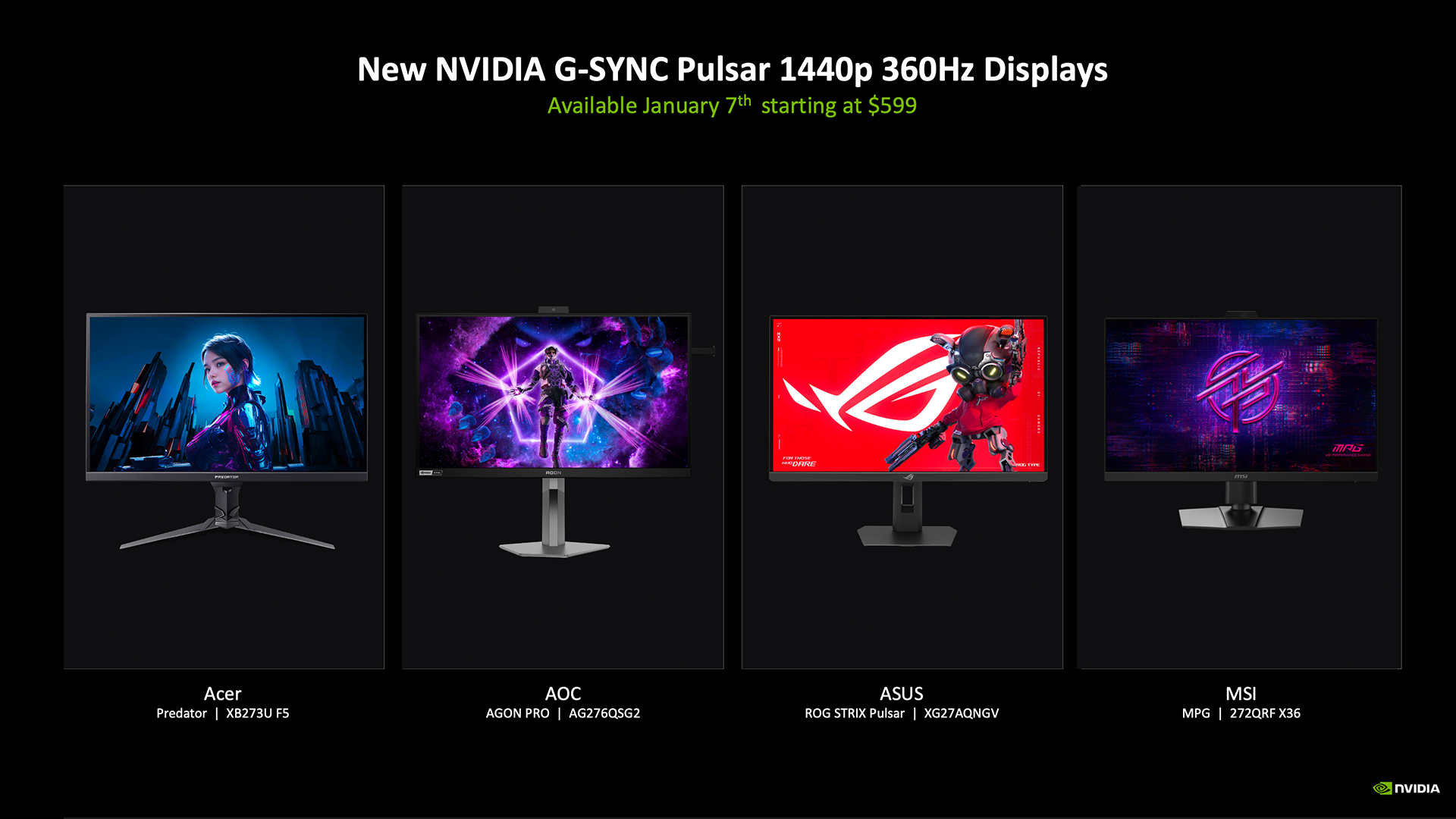
And how it works is actually quite brilliant — being able to take a 27-inch 360Hz display and, through a combination of different features, give your eyes a perceived 1,000Hz of motion. Allow me to explain what’s going on beneath the hood of these monitors, which are launching January 7, starting at $599.
Feeling the puls-ar
Pulsar pairs variable refresh rate with synchronized backlight strobing to dramatically improve perceived motion clarity. Put simply, by keeping the variable refresh rate of a monitor and the number of times per second those pixels light up in tight lockstep, you can use these to your advantage in providing a much sharper picture.
The answer to this question is usually to just juice up the refresh rate. Offering a 360Hz rate like these monitors from MSI, Asus, Acer and AOC will go some way to resolving this blurriness, but only by so much. And that’s where Pulsar comes in, offering a 4x improvement in picture motion clarity.
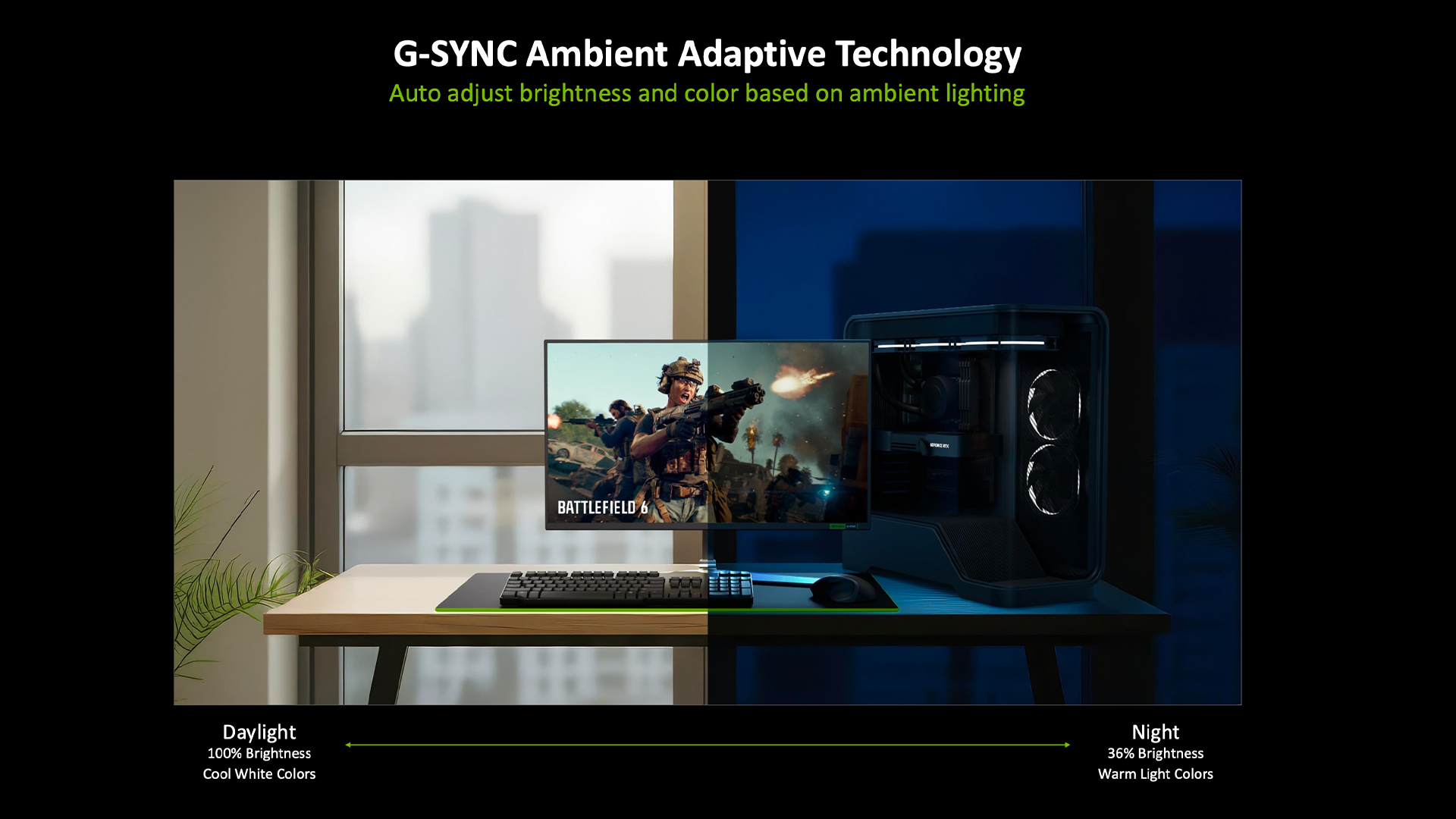
And what about those long gaming sessions that turn from day to night? That’s where Ambient Adaptive Technology comes in — auto-adjusting brightness and color based on ambient lighting. Think of this like Windows dark mode, but a little more intelligent.
Outlook
Now, it’s worth me saying that this isn’t designed to be the best buy for every single gamer out there. For better fidelity, there are 4K panels, and better OLED or QLED pixel constructions can give you more immersive color and contrast.
This tech is for the esports players, and to deliver the super-low blur you see here, that’s going to be significant for ensuring any serious competitor can spot a target much easier.
But the addition of Ambient Adaptive mode does give these monitors a nice nod to actually being screens you may use on a day-to-day — not just something to improve your K/D ratio.

Follow Tom's Guide on Google News and add us as a preferred source to get our up-to-date news, analysis, and reviews in your feeds.
More from Tom's Guide
- I went hands-on with the redesigned MSI Stealth 16 AI+ — it’s actually stealthy now, and gunning for the MacBook Pro
- Gaming on Snapdragon X Elite laptops just got a whole lot better — I tested the latest update and saw 40% faster gameplay
- Intel Panther Lake vs Snapdragon X2 Elite vs AMD Gorgon Point — one chip is already pulling ahead in 2026's CPU war