What you need to know
- Nothing’s Phone 3a lineup is finally getting the stable Android 16 + Nothing OS 4.0 update, bringing a major performance and stability jump.
- The update speeds up system animations, tightens background task management, and delivers smarter battery optimization.
- A new AI Usage Dashboard in Essential Space explicitly tracks LLM activity, showing you exactly when AI features are running.
Enjoy our content? Make sure to set Android Central as a preferred source in Google Search, and find out why you should so that you can stay up-to-date on the latest news, reviews, features, and more.
If you own a budget smartphone, you’re probably used to waiting. While flagship owners flaunt the latest software, the mid-range crowd often sits in the waiting room for months. Nothing broke that cycle with the Phone 2a Plus, and it continues it with its latest budget models.
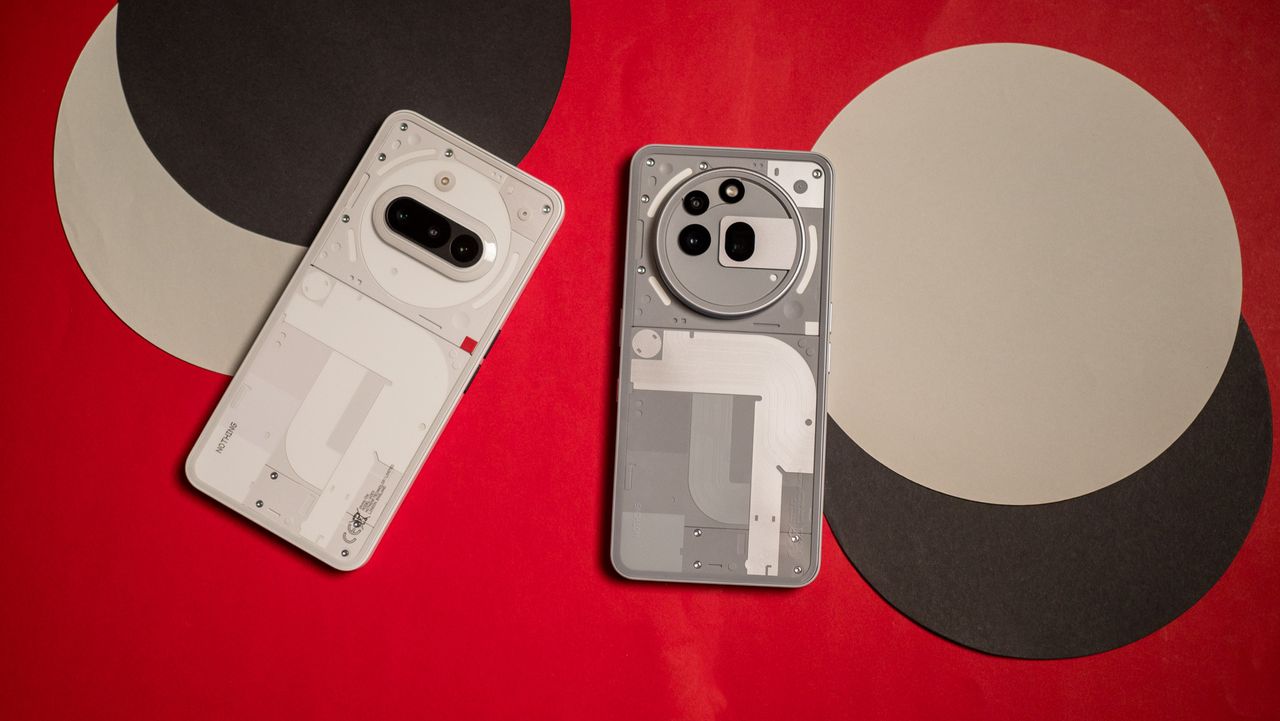
Just days after upgrading its flagship Phone 3, the company is pushing the stable Android 16-based Nothing OS 4.0 update to the Nothing Phone 3a and 3a Pro.
For those tracking the version numbers, this is build B4.0-251118-1551. It jumps these devices straight to Android 16, layering Nothing’s signature monochrome aesthetic on top of Google's latest OS improvements.
The first thing you’ll notice is the new look. There are redesigned app icons and two new lock-screen clock faces inspired by old dot-matrix displays. The standout feature, though, is the new Extra Dark Mode. If your phone has ever felt too bright at night, this mode makes the screen even darker and could help your OLED panel last a bit longer.
Customization is also improved. The Quick Settings panel now lets you add more 2x2 tiles, and the Weather, Pedometer, and Screen Time widgets are available in more sizes.
Privacy you can see
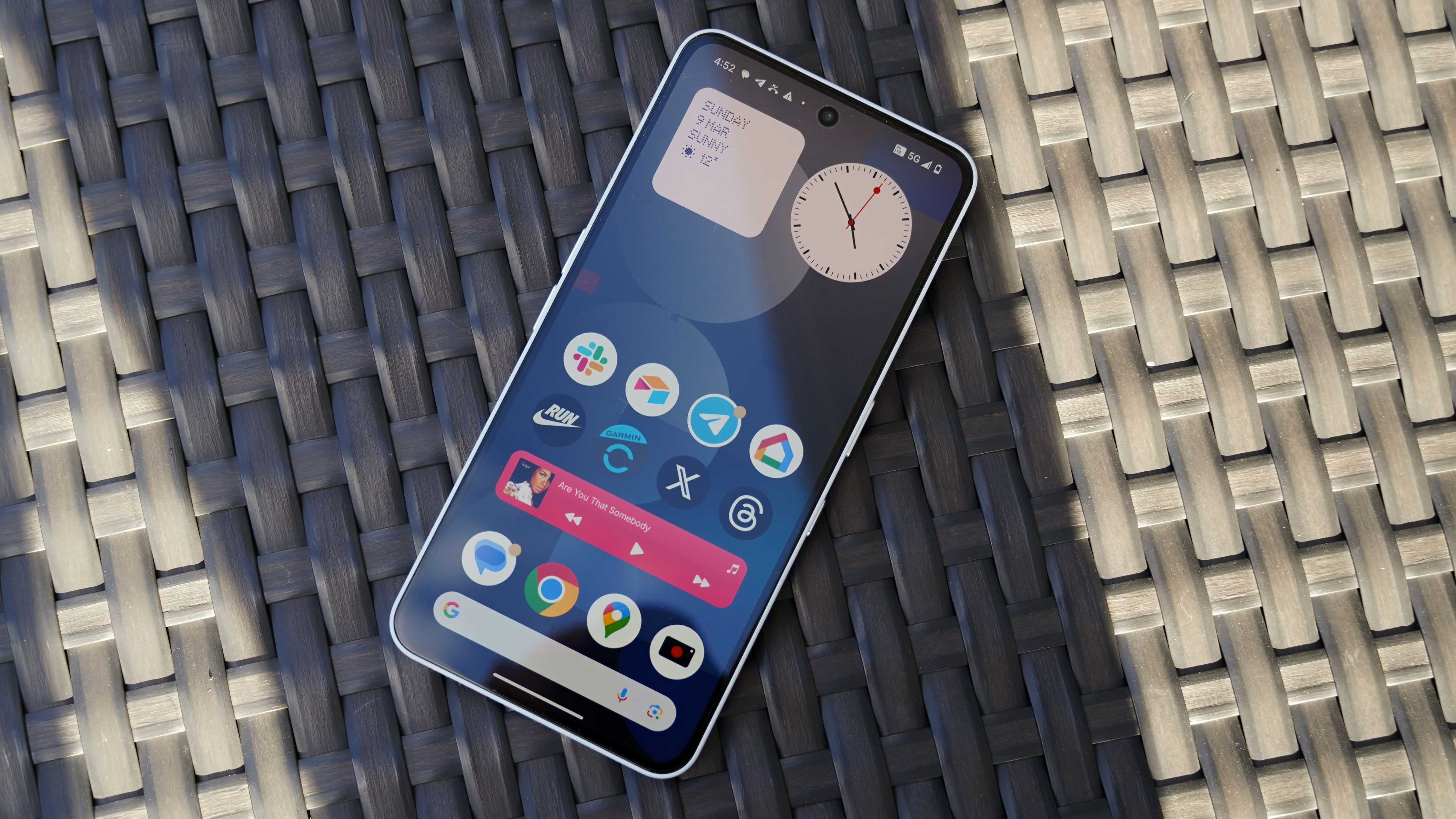
Nothing is focusing more on transparency with a new AI Usage Dashboard in Essential Space. Rather than making general claims about privacy, this tool clearly tracks large language model (LLM) activity. It shows you which AI features are running and when, offering a level of detail that most smartphones don’t provide.
The camera update combines technical improvements with creative features. It launches faster and has a new interface, but the highlight is the new "Stretch" filter. Made with fashion photographer Jordan Hemingway, this preset gives your photos a unique, cinematic look.
For video, Motion Photos now let you record longer clips with audio. The new "Flip to Record" feature also lets you take photos without stopping your video.
Multitasking is easier now. The updated pop-up view can handle two floating icons at once, so you can drag and drop or switch between tasks more smoothly. You can also hide apps right from the app drawer or home screen.
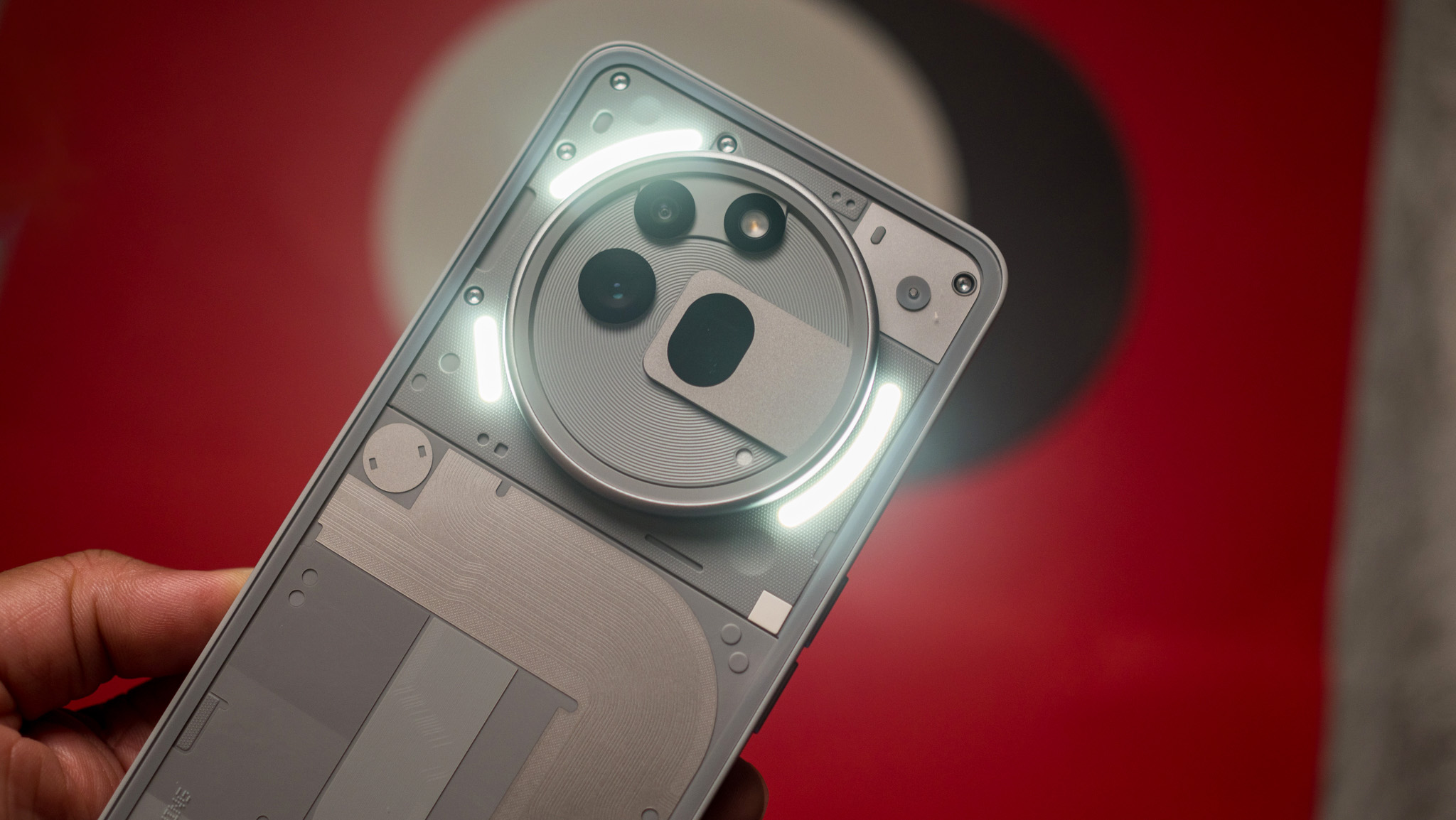
The Glyph Interface is also improving. It now works with Android 16’s Live Update notifications, so third-party apps like Uber or food delivery can show progress bars on the back of your phone.