Google Chrome has dominated the browser market since 2012 when it surpassed Internet Explorer (remember that?) with millions of users across the globe. However, that popularity also means Chrome comes with some limitations when it comes to protecting your privacy, according to a new study
As reported by Neowin, iGaming company Digitain looked at the risks various browsers expose users to in 2025. Chrome isn’t the worst, but its nearly 72% market share means that more people are at risk than those who use smaller and less popular browsers.
You might want to avoid ChatGPT's browser (for now)
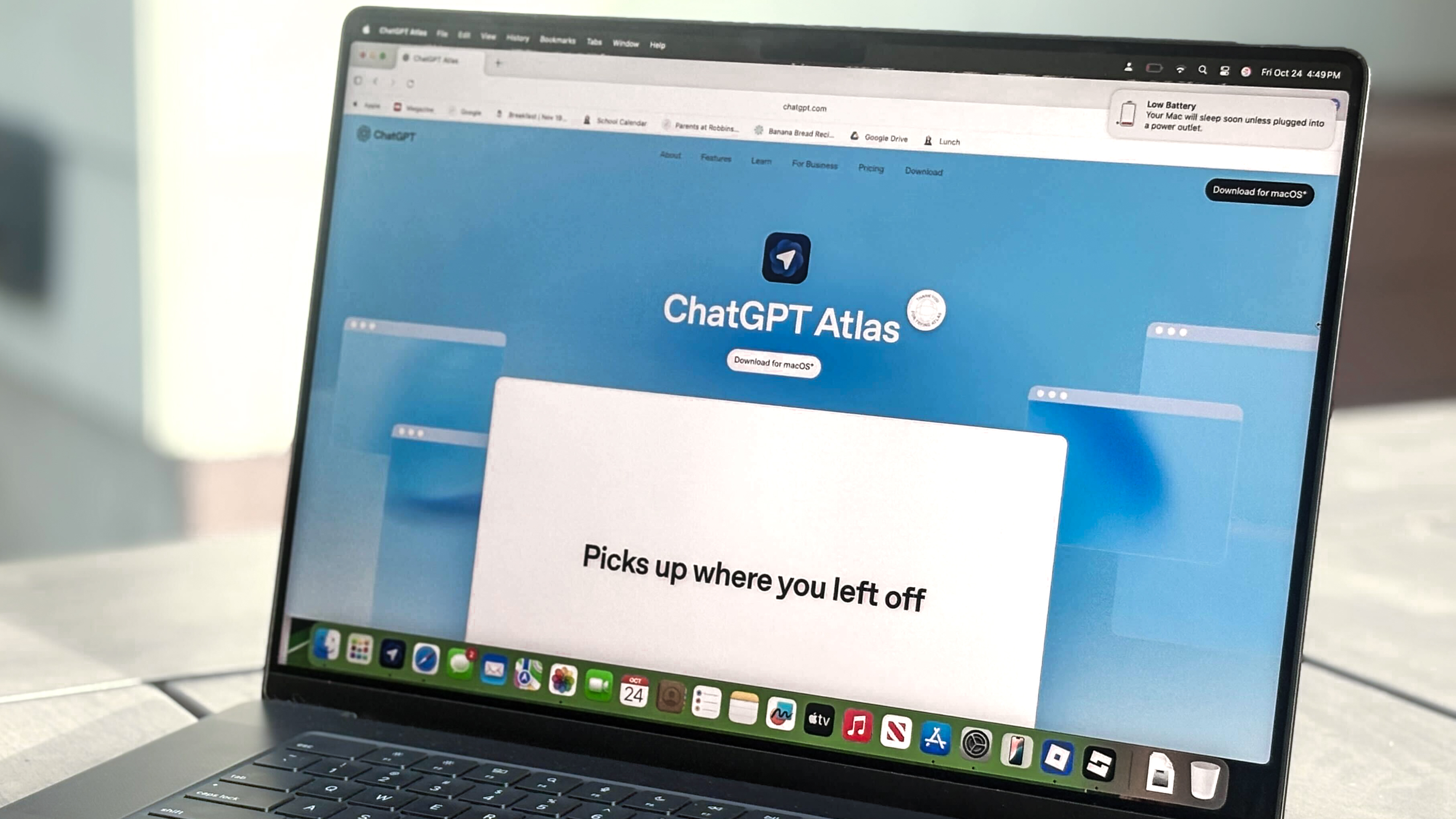
Atlas ended with an overall risk score of 99 out of 100.
Digitain claims that ChatGPT Atlas, the browser from OpenAI, is the worst for your security. Atlas just launched in October, but the team at Digitain felt this browser is apparently designed without security in mind at all.
ChatGPT Atlas failed all state partitioning tests, meaning that the browser does not block websites from tracking what you do across sessions. It ranked low on all three measured metrics (connection and navigation security, privacy and anti-fingerprinting, and tracker and data blocking). Atlas ended with an overall risk score of 99 out of 100.
Chrome was the second-worst browser by comparison, at 76 out of 100. Compared to ChatGPT Atlas though, Google's browser seems like a locked safe
Here’s the list of the 10 worst browsers when it comes to user privacy, along with risk scores (the lower the score, the better the browser):
- ChatGPT Atlas - 99
- Google Chrome -76
- Vivaldi - 75
- Microsoft Edge - 63
- Opera - 58
- Ungoogled - 55
- Mozilla Firefox - 50
- Apple Safari - 49
- DuckDuckGo - 44
- Tor - 40
Microsoft Edge scored better at 63, but Apple’s Safari browser, the second most popular browser in the world, smoked both at 49 out of 100.
“New AI-powered browsers like ChatGPT Atlas and Comet from Perplexity are getting a lot of attention right now, and millions of people are trying them out because of the AI hype,” Paruyr Harutyunyan, head of digital marketing at Digitain, supposedly said in a statement.
“AI works by collecting and learning from data, which means these tools might be gathering more of your personal information than you realize. Just because something uses AI doesn't automatically make it safe or private.”
Digitain noted that Brave and Mullvad Browser have a strong focus on user privacy. Brave has long been built and sold as a privacy-oriented browser, but Mullvad, as the name suggests, was built in partnership between Mullvad VPN and The Tor Project. It’s marketed as an open-source privacy-focused browser by one of the best private VPNs.
Protect your privacy
Chrome likely won't lose the top spot in terms of browser popularity anytime soon, but there are things you can do to ensure your data and privacy are protected. And that carries over no matter which browser you use to surf the web.
First, you’ll want to deny or restrict permissions for things that aren’t necessary like location, contacts, and phone access. Likewise, you can turn off personalization settings in the browser's desktop or mobile app. For example, in Chrome, you can turn off the browser's ability to sync with your Google account as well as disable add personalization and activity tracking.
For things you do allow, like storage access (to save downloads) and camera and microphone access for video calls, make sure to recheck your permissions monthly, especially if any new ones have been added.
To protect your privacy even further, you might also want to consider using one of the best VPNs when browsing the web. Doing so will keep your data encrypted while masking your IP address. Good VPNs won't log or share your data and verified no-logs policies can back up these claims. Some VPNs even offer tracker, ad and malware protection.
Additionally, you should consider using one of the best ad blockers, too. Google has cracked down on ad blockers recently, but there are still some options that work available. Using one means you block some tracker activity and reduce the number of annoying ads you see.
Finally, if you're are a Chrome user, you might want to consider switching browsers and start using something like Mullvad or Brave as, at least according to Digitain, they're safer for your privacy compared to the Google elephant in the room.

Follow Tom's Guide on Google News and add us as a preferred source to get our up-to-date news, analysis, and reviews in your feeds.