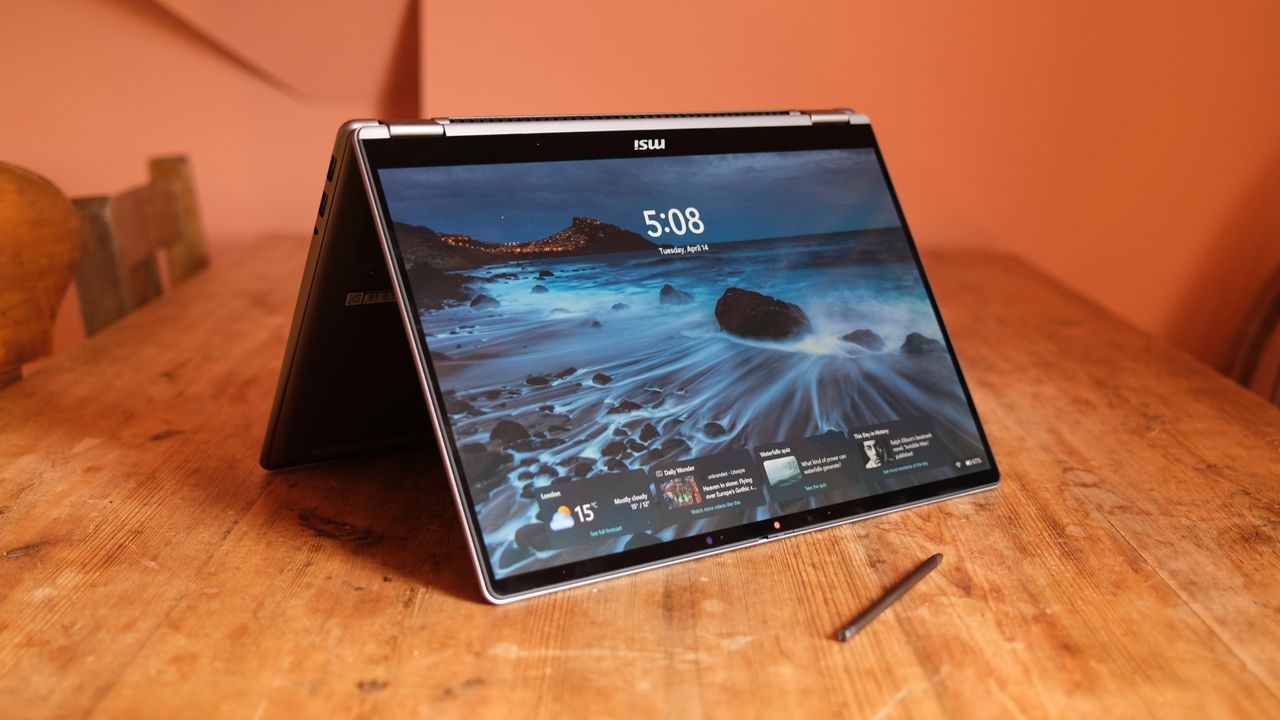
MSI is keen that its non-gaming laptops be taken a little more seriously this year. And it's picked a doozy of a time to emphasise its lifestyle and professional range. After all, with memory prices remaining really high, it feels like a tough time to sell any high-end tech.
Still, the arrival of Intel's new Series 3 chips (Panther Lake continues to impress) has at least provided an interesting platform on which to base a generation of laptops, and MSI has obliged with the Prestige 14 Flip AI+.
I've been testing MSI's great little two-in-one for a couple of weeks to check out whether it's one of the year's best laptops. It doesn't come too cheap, but makes up for that with some genuinely impressive adaptability.
Price and Availability
MSI isn't the only laptop-maker that seems to be having a little trouble with just getting its machines out there globally and moving on, although the UK picture is a little easier right now. Here, you can buy the tested version of the Prestige 14 Flip AI+ for £1,449 from a few retailers right now, without any stock issues.
In the US, the machine is meant to come in at a comparable $1,699.99, but it appears hard to find, so you might have to keep your ear to the ground or set up stock alerts to actually get it in your basket.
Design and Specs
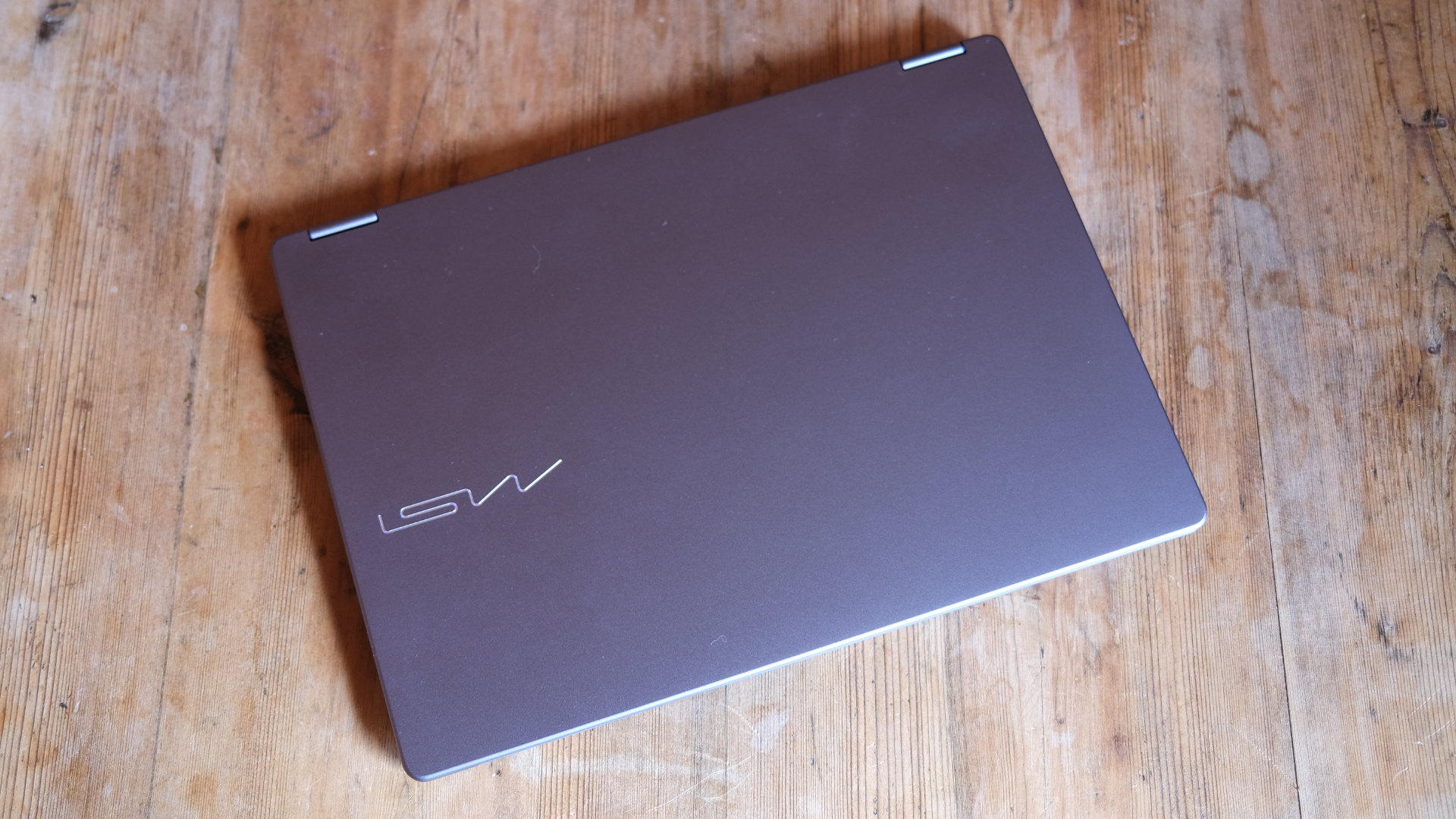
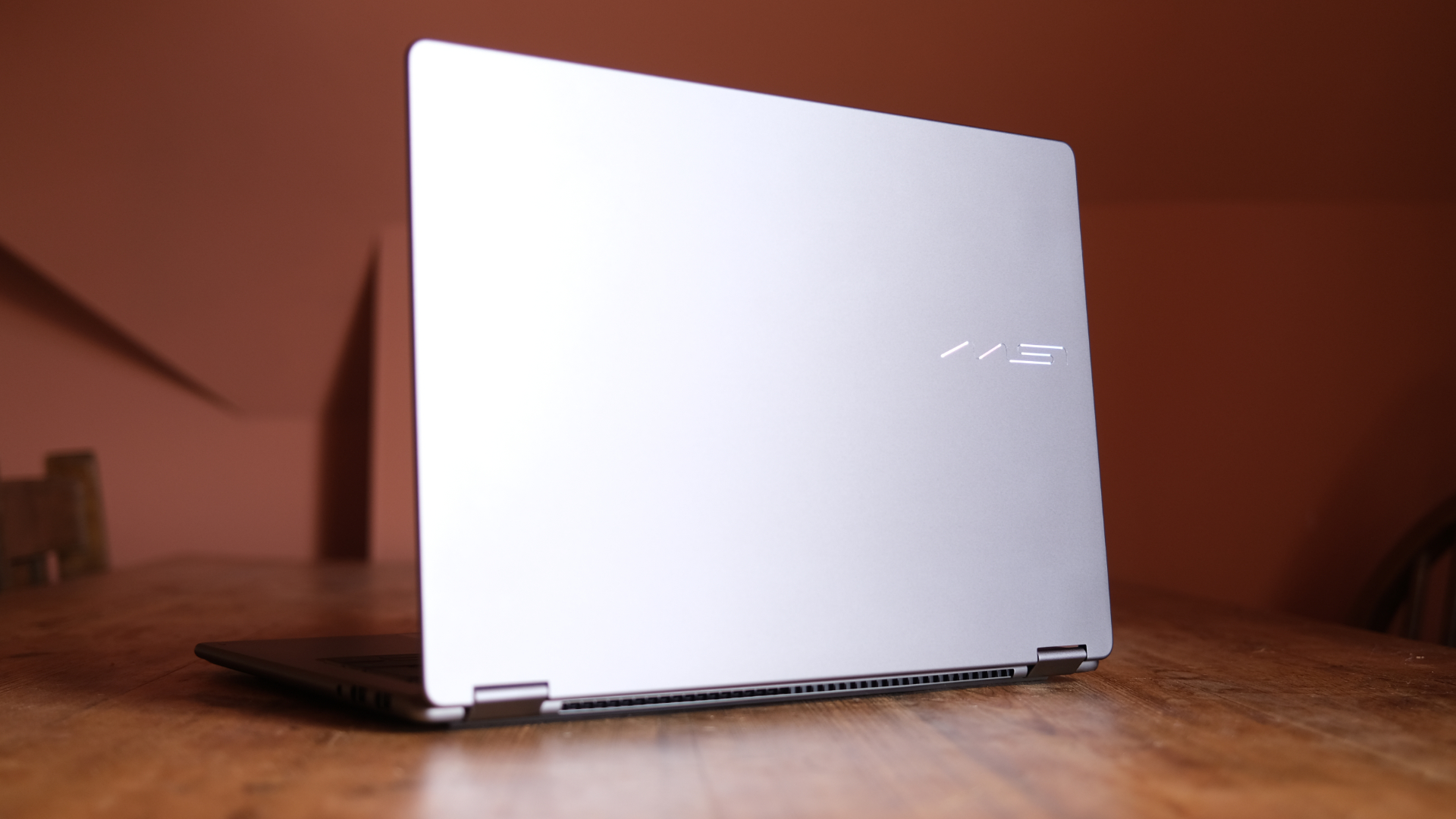
MSI is perhaps better known in the laptop world for its gaming machines, but it gave its lifestyle devices quite a revamp this year to make them significantly more mature and attractive, and that sees the Prestige 14 Flip AI+ arrive with a pretty simple but well-made design.
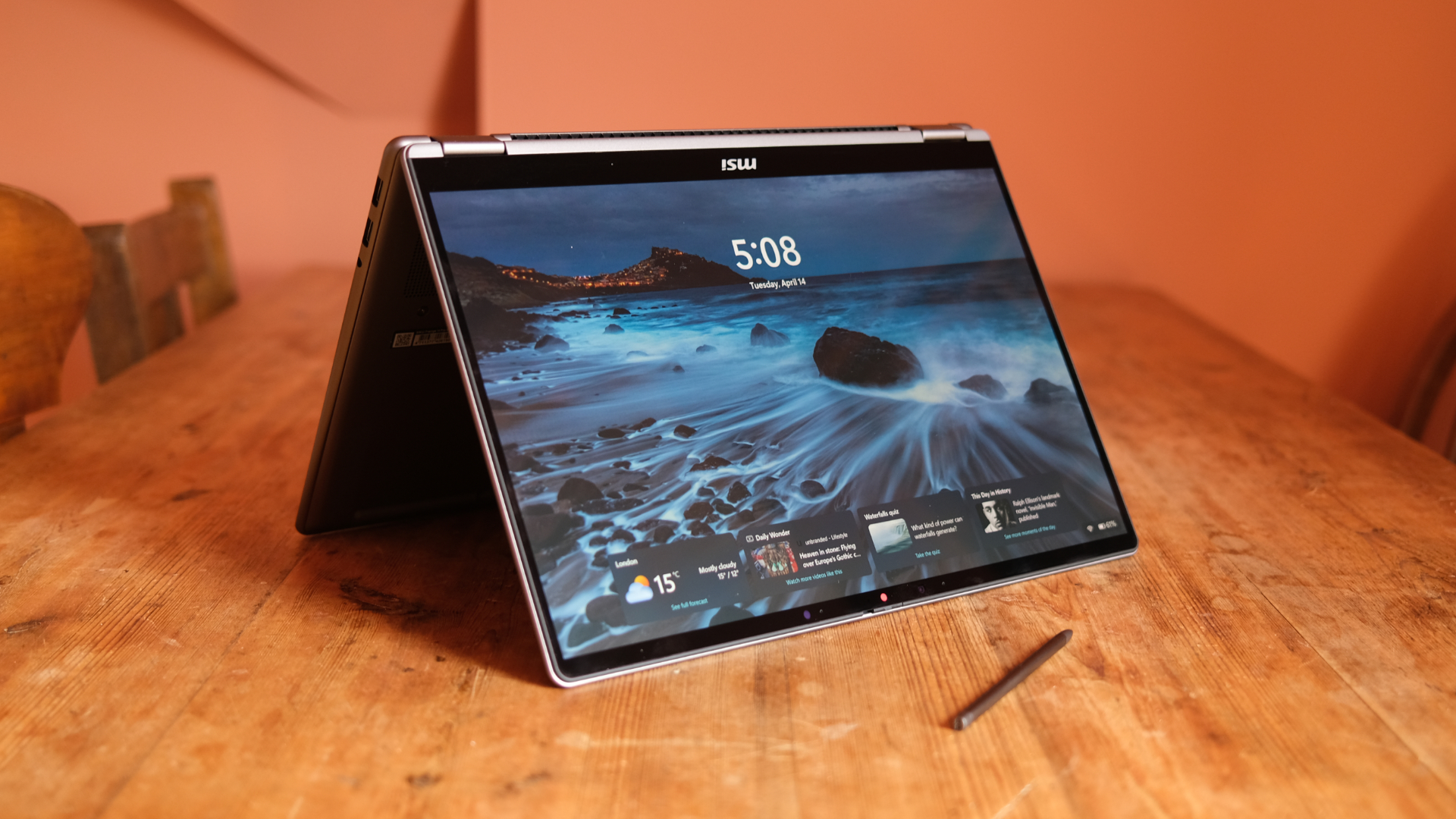
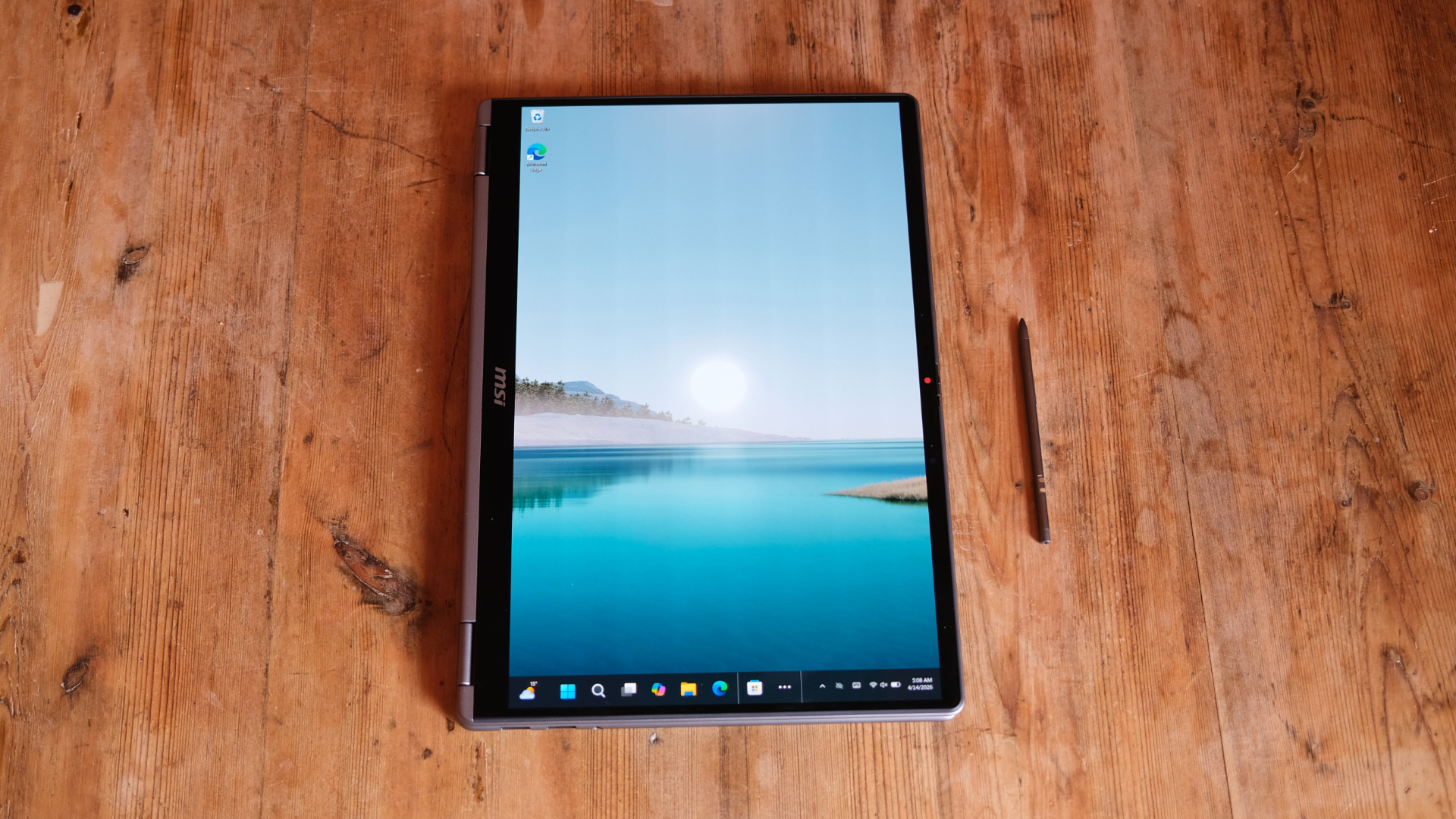
It's all-metal in its build, with rounded edges and quite a distinct two-part look, with the base and the lid deliberately not lining up with an invisible seam. The two are joined by a hinge that lets the screen flip all the way back around when needed, since this is a two-in-one.
On the outside of the case, there's a reflective MSI logo (that I don't really love visually – although it's not a dealbreaker at all).
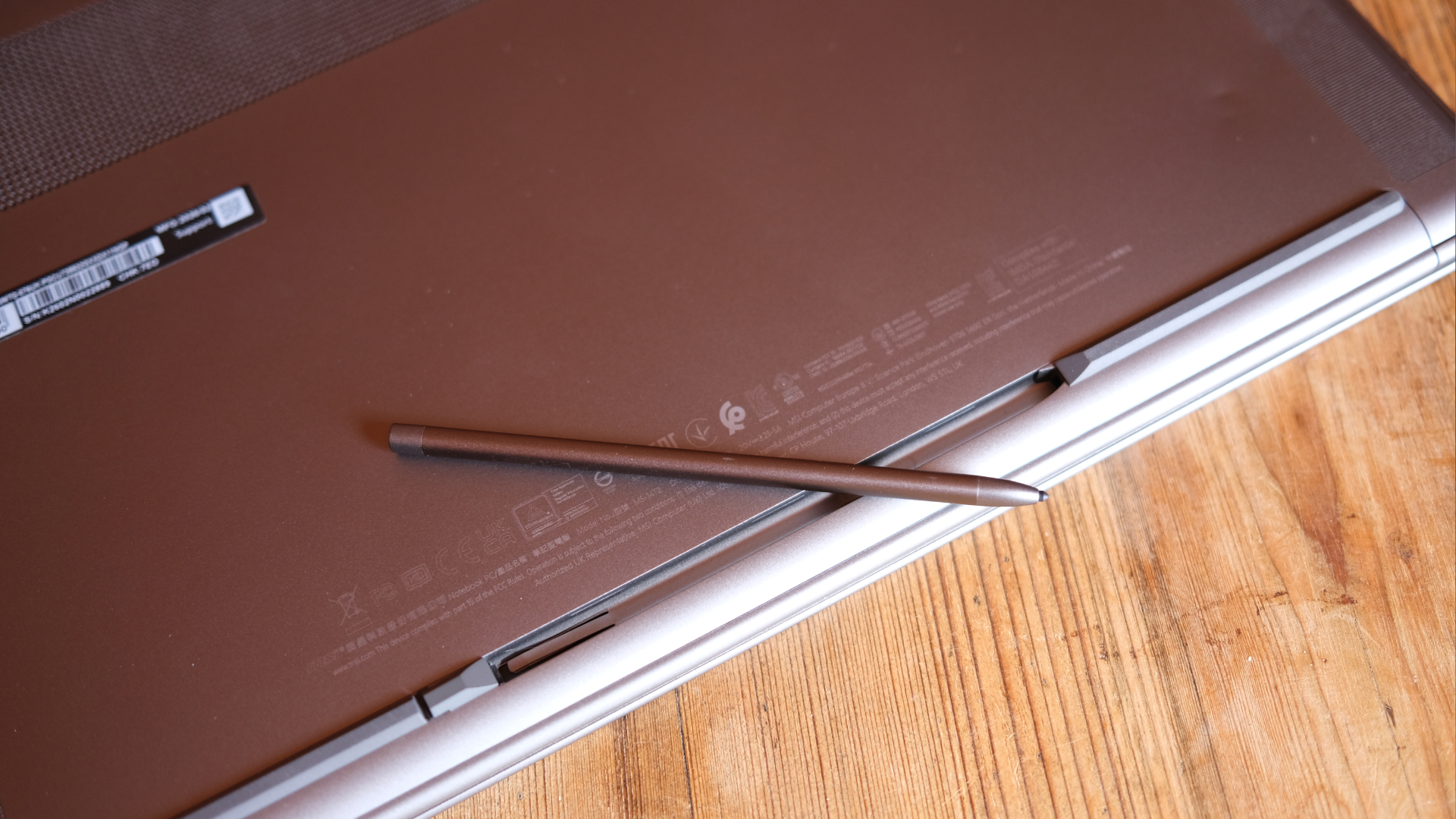
Flip the laptop upside down, and you'll have to look closely to find where the included stylus hides. It has a small docking space in between the front rubber feet of the laptop, and getting it back into this slot can be a little fiddly, with misbehaving magnets making it annoying to seat back in place. That said, it's invisible when you're not using it, which is great.
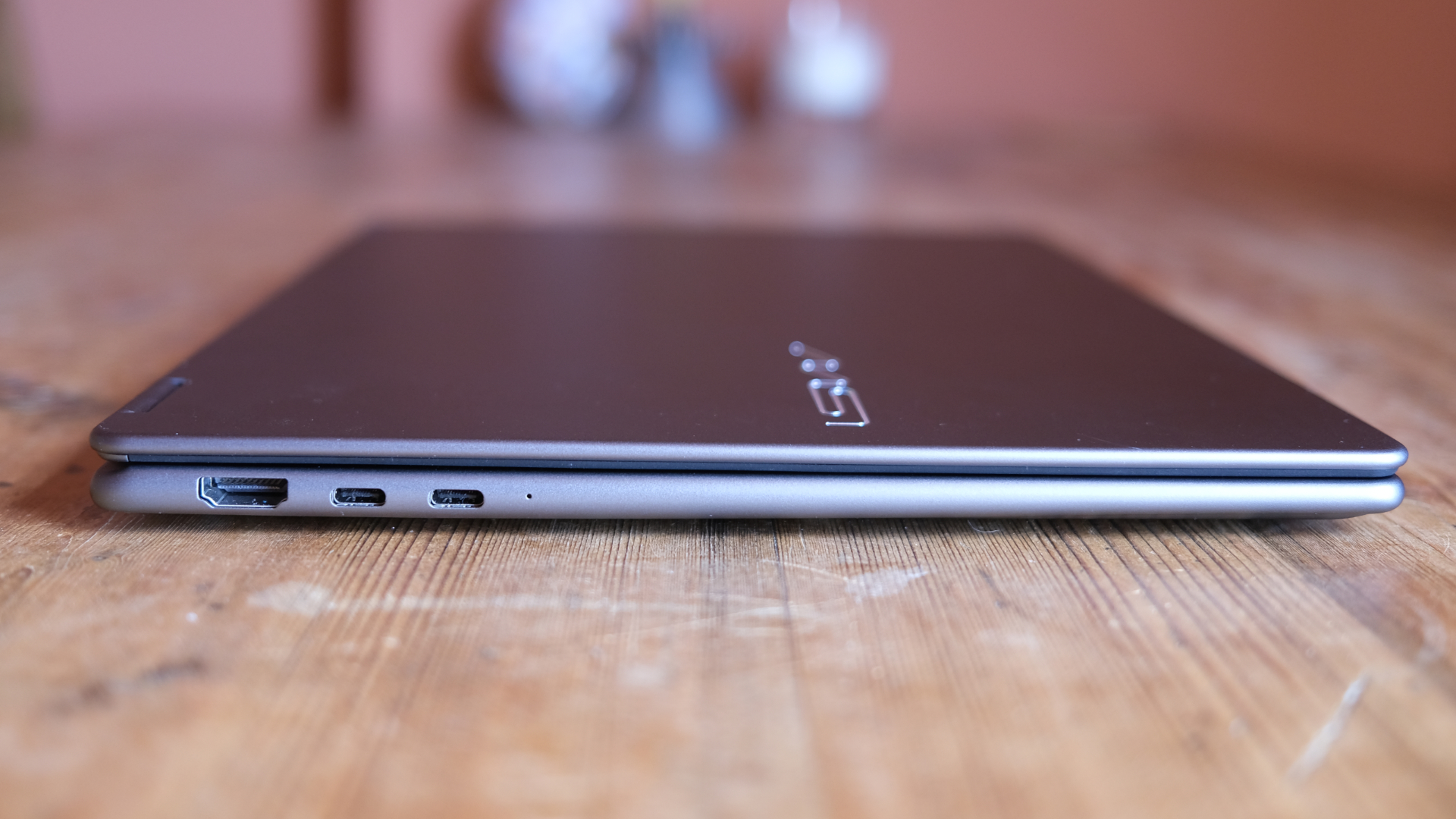
On the left edge of the laptop, you'll find a full HDMI port along with two USB-C ports (including power delivery), while the right edge holds two USB-A ports and a 3.5mm headphone jack. That's a typical array of connection options, although an SD card slot might have been a nice extra.
Opening up the laptop (which requires a little more force than you might expect, which is another tiny thing to improve), you're greeted by a keyboard and trackpad with some interesting details. I like how the keys are edged in a lighter grey colouring to make them pop a little, although their travel is nothing special, and the board feels merely "fine" under your fingers.
The trackpad has some new shortcut options for those who want to use them, customisable in MSI's onboard software, but again, the hardware isn't much more than decent. It's mechanical and only really clicks quite low down on the rectangle, so I found it took some getting used to compared to a MacBook Pro trackpad, for instance.
The display above all this is a 1920 x 1200 OLED panel that looks nice and sharp and, importantly, it's really vibrant. However, the fact that it only has a 60Hz refresh rate feels like a slight miss at this price. Still, it's gorgeous to look at, and I found no real issues with it for professional use.
Above it, there's a Full HD webcam with a mechanical privacy shutter, which I always like to see.
The final piece of the puzzle is the internal specs. You get 32GB of RAM here, which is very solid in the current climate, along with a 1TB SSD for storage, and the laptop is powered by a new-gen Intel Core Ultra 7 355 chip in the UK (in the US it'll be a more powerful X7 358H, but I haven't tested that version).
This isn't Intel's most powerful new chip, but it still has more than enough oomph to get through basically any productivity task without too much trouble. It also has surprising gaming chops, as I'll cover below, although it misses out on the Intel Arc B390 iGPU and instead has standard Arc graphics.
Performance
I've tested a few machines with Intel's latest Core Ultra Series 3 chips in them, but most of those have been in top-of-the-line offerings, so it's been quite fascinating to get to grips with the Core Ultra 7 355, which is a step-down but still a pretty great bit of silicon from what I've seen.
It's the centrepiece that makes the Prestige 14 Flip AI+ tick, and I've found that the laptop is more than capable enough for my professional workflow, going from a whole heap of web browsing and multi-tab work to some image processing. I don't work in video, but it seems to have enough power to be a solid editing machine, albeit not one to ruffle the top-end chips' feathers.
The Prestige 14 Flip AI+ does have a tendency to spin up its fans pretty wantonly the moment you put it under load (including even just downloading a big game through Steam, for example), which can make it a little loud, but it's nothing criminal. Plus, those downloads let me test out its gaming performance, which is super interesting.
My two benchmarking games at the moment are Doom: The Dark Ages and Cyberpunk 2077. Firing up the latest Doom, I was able to get a 30fps average in-game from the Low graphical preset without any upscaling, while turning on Intel's in-house XeSS system upped this to 45fps without any other tweaks. That was all at 1080p – so still hugely playable – with resolution drops as further options.
In Cyberpunk, things could get more choppy, but I was still able to get a result of 48fps playing at 1920x1200 on the Low preset with XeSS set to Auto. That, again, is extremely playable, and further tweaking could doubtless optimise it even further, which underlines the fact that this generation of Intel chips is quite a stunner for built-in gaming, even without the B390 iGPU that the top-end chips boast.
Would I buy this as a gaming machine? Absolutely not – but the fact that it can do this well with graphically challenging games is remarkable. This was also without any power supply, running on the battery, which is another impressive detail.
That battery is 81Wh in capacity, and I found that it could easily get through a light work day without a charge, although the above gaming testing drained it way quicker. In the right conditions, you can push past the 24-hour estimate that MSI quotes, which makes this a really great performer from an efficiency standpoint.
I'm not a power-user of touchscreens, but the included Nano Pen is a great extra to make the Prestige 14 Flip AI+ more useful in touch mode, letting you avoid finger smudges as a bonus. It works well, although I wasn't converted into a full-time two-in-one fan.
Verdict
The Prestige 14 Flip AI+ makes a pretty great case for itself as a laptop that can do it all, from touchscreen collaboration to professional workflows and light gaming. I found it extremely solid in all of those cases, although I can't quite say I fell in love with all of its hardware choices.
It's an extremely solid two-in-one with an excellent chip inside, although its current price makes it slightly hard to recommend it compared to something like the MacBook Air or, frankly, a Windows laptop hovering more around the four-figure mark. Still, this MSI is well-built and clearly would be a winner for a business user, making it feel like a really solid entry.
Also consider
If you're not wedded to the Windows ecosystem, then a MacBook Air with M5 feels like a no-brainer of an alternative, since it's cheaper and will feel just as powerful in your hands (and potentially even faster for some tasks like video). Even the older M4 MacBook Air would be a great shout.
If Windows is your thing, then my recent test of Asus' Zenbook A16 made it clear to me that the smaller Zenbook A14's newest version is almost certainly a total banger, and would be much more lightweight than MSI's laptop (though no cheaper). That said, its Snapdragon chip has a few gaming compatibility issues.
Note that none of the alternative options I've mentioned here have a touchscreen, so that's something to consider, too.