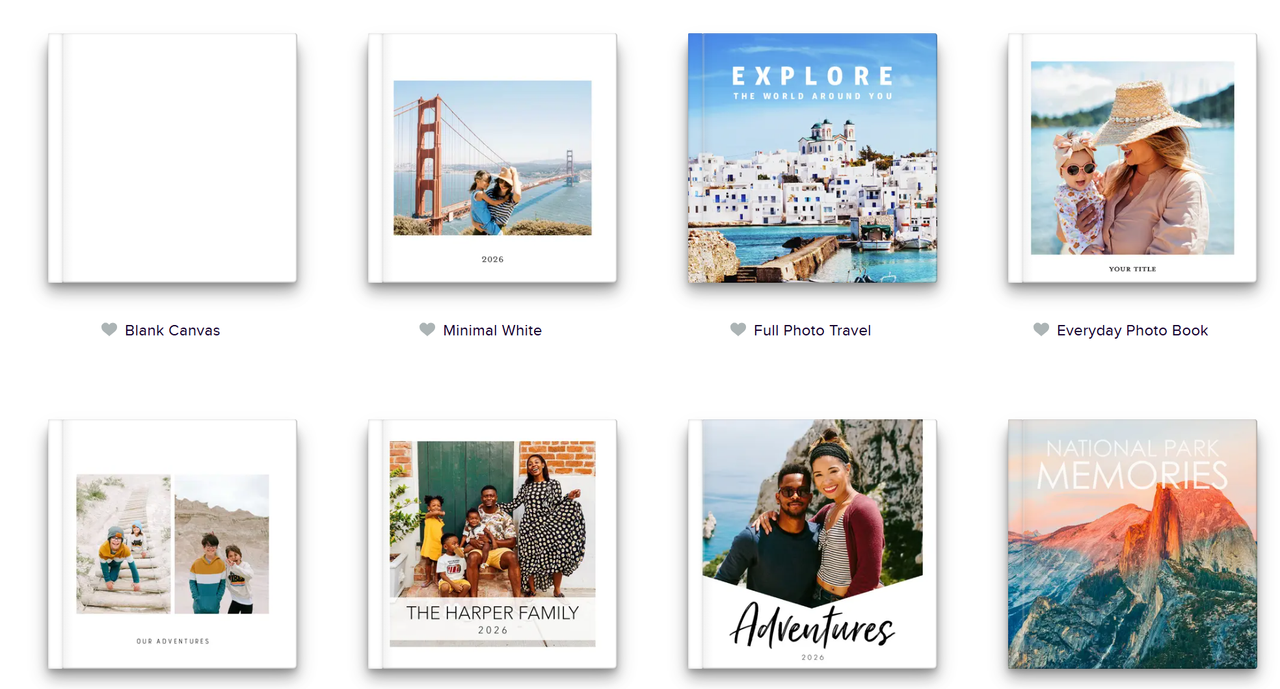
Mixbook is bringing AI to photo book creation with the launch of Story Mode, a new feature for its iOS app designed to automatically organize photos and generate personalized narratives.
The company, which allows users to create custom photo books, calendars, cards and other keepsakes, says the feature can help streamline what is often one of the most time-consuming parts of the process: sorting and arranging photos into a cohesive story.
Here's everything you need to know about Story Mode and how it works.
Tell your story with prompts
Using Story Mode is fairly straightforward. After activating the feature, Mixbook asks a simple question: "What book are you creating today?"
Users can choose from suggested themes such as "My last trip," "A heartfelt gift," "A big milestone" or "Family moments," or they can describe their own idea. For my test, I selected Family moments.
From there, Story Mode acts more like a conversation partner than a design tool. It asked follow-up questions about who would be featured in the book and what memories I wanted to highlight. I told it I wanted to create an album focused on my parents, including special family moments, their life together and meaningful experiences from their careers.
Once it had enough context, the app prompted me to upload at least 20 photos that matched the story I wanted to tell.
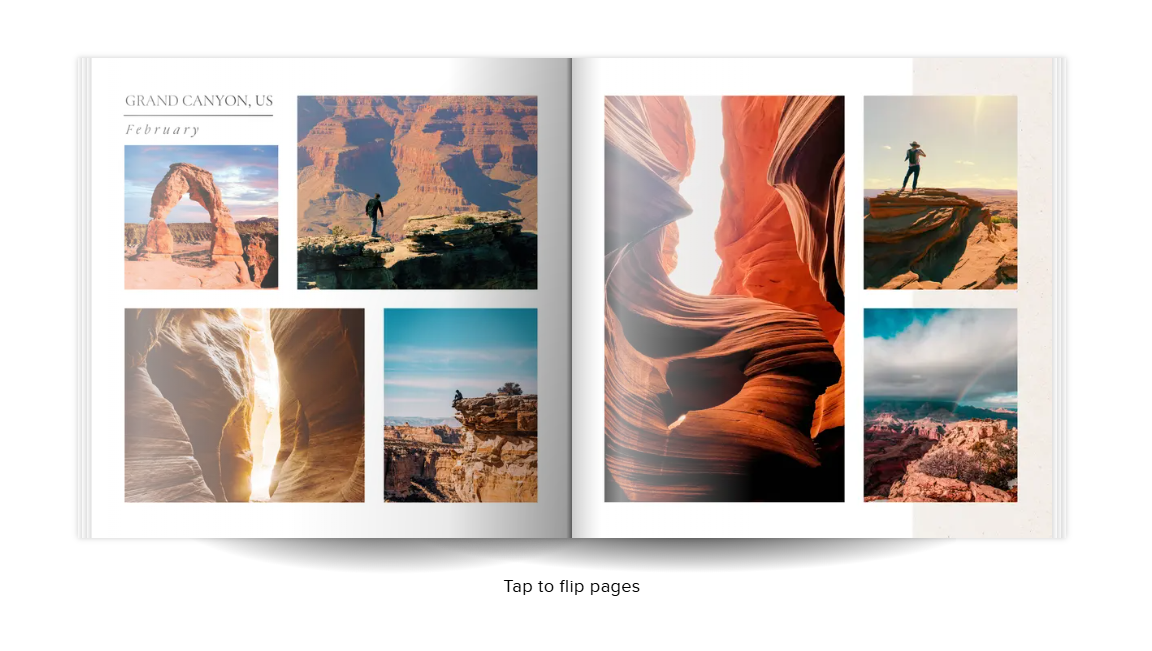
After the images were uploaded, Story Mode automatically assembled a photo book complete with layouts, captions and design elements. It also generated short, sentimental phrases throughout the book, helping transform a collection of photos into something that felt more like a narrative than a simple album.
If you'd like to try Story Mode for yourself, here are a few prompt ideas to help get started:
- Create a warm and nostalgic family photo book that tells the story of our last year together. Include themes of growth, milestones, laughter, holidays, and everyday moments. Write captions in a heartfelt, conversational tone.
- Design a travel photo book that feels like a magazine feature. Highlight the destinations, food, culture, landscapes, and memorable experiences. Use engaging storytelling and fun travel-journal-style captions.
- Create a photo book documenting our baby's first year. Organize the story month by month, highlighting milestones, personality traits, family moments, and special celebrations. Use a loving and emotional tone for captions.
- Create an elegant wedding album that captures the journey from engagement to ceremony and reception. Focus on emotions, relationships, details, and unforgettable moments. Write captions that feel timeless and romantic.
- Create a romantic photo book celebrating our relationship journey. Highlight major milestones, adventures, challenges we've overcome, and favorite memories together. End with a look toward the future.
- Create an inspiring graduation photo book that showcases academic achievements, friendships, extracurricular activities, and personal growth. Write motivational captions that celebrate this milestone.
- Create a playful photo book that tells the story of our pet's life and personality. Include humorous captions that describe its favorite habits, adventures, and memorable moments.
Bottom line
With Mixbook’s iOS app throwing in an AI assistant to help you with your photo book making, that task has morphed into a more seamless activity. Prompting Story Mode to turn your warmest visual memories into a themed photo album that’ll serve as heartwarming reminders around your home. Once this feature gets added to Mixbook’s official site, it’ll prove to be even more of a worthwhile AI tool for users young and old.
More from Tom’s Guide
- Claude Fable 5 is here — and it's based on a model Anthropic once deemed too risky for the public
- Siri AI may actively encourage users to take a break from it — something ChatGPT, Gemini and Claude told me they don't do
- I built a free app to beat kids' summer boredom — parents, you can thank me later