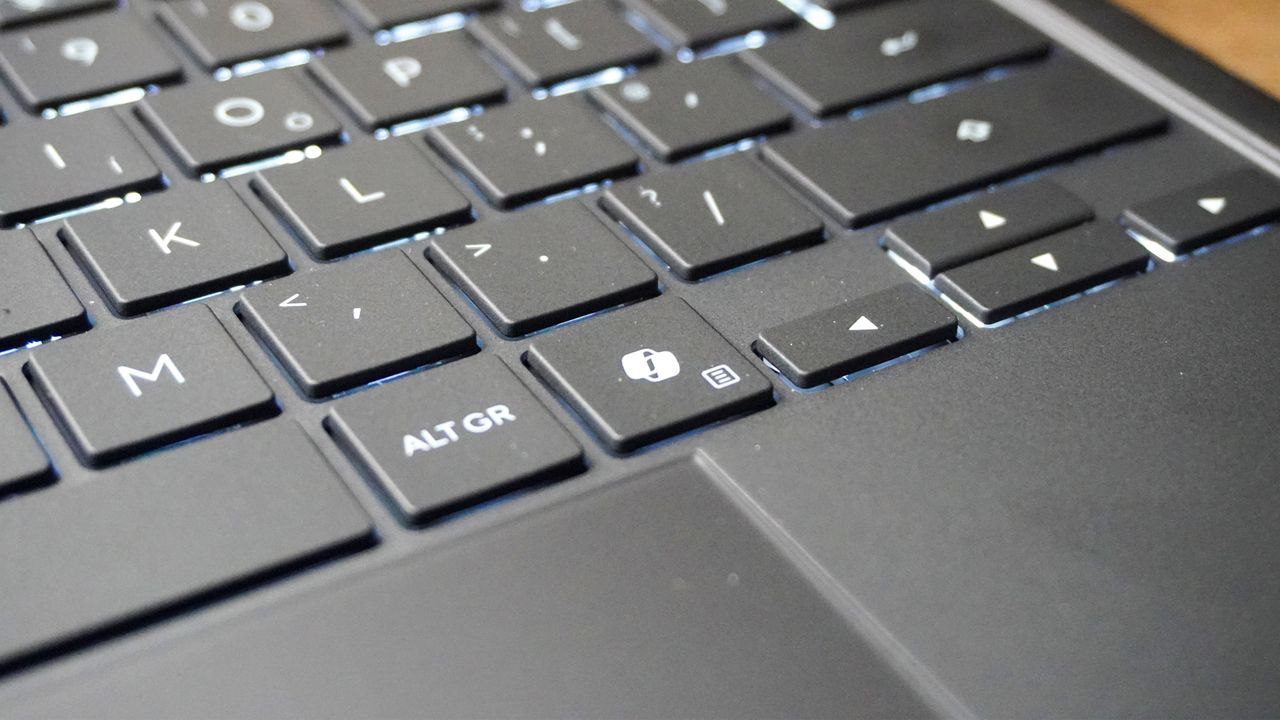
Microsoft made the biggest change to Windows keyboards in 30 years by adding a dedicated Copilot key to its Copilot+ PCs when they started rolling out a couple of years ago.
Unfortunately, what looked like a means of leveraging Windows' massive adoption into an AI leadership position seems to have backfired. All it takes is a scroll through Reddit to see how much people dislike the button, and my colleague Tony Polanco called it the worst thing about Copilot+ PCs last year.
Now, Microsoft appears to be relenting by officially announcing it will let users remap the Copilot button back to the Right Ctrl or Context menu options it replaced.
In a recently published support document, Microsoft stated: "Customers who rely on the Right Ctrl key or Context menu key for keyboard shortcuts or assistive technologies (such as screen readers) experienced some challenges to their workflows when using these devices."
"A Windows 11 update will ship later this year that will add a setting option to let you remap the Copilot key to act as the Context menu key or Right Ctrl key. When available, you can find this setting in: Settings > Bluetooth & devices > Keyboard"
A Windows 11 update will ship later this year that will add a setting option to let you remap the Copilot key
Microsoft
While I've never needed the Right Ctrl or Context menu for my own typical workflow, I've lost count of the number of times I've accidentally triggered Copilot by hitting that key. And while I use a number of different AI assistants over the course of a week, Copilot is very rarely among them.
I've lost count of the number of times I've accidentally triggered Copilot by hitting that key.
Some PC manufacturers do let users remap the Copilot key with their own on-device software and we have our own Tom's Guide tutorial on how to remap the Copilot key on Windows 11. However, both of those solutions will require additional steps and won't be as simple as a native solution within the OS that applies universally to all Windows 11 laptops with a Copilot key.
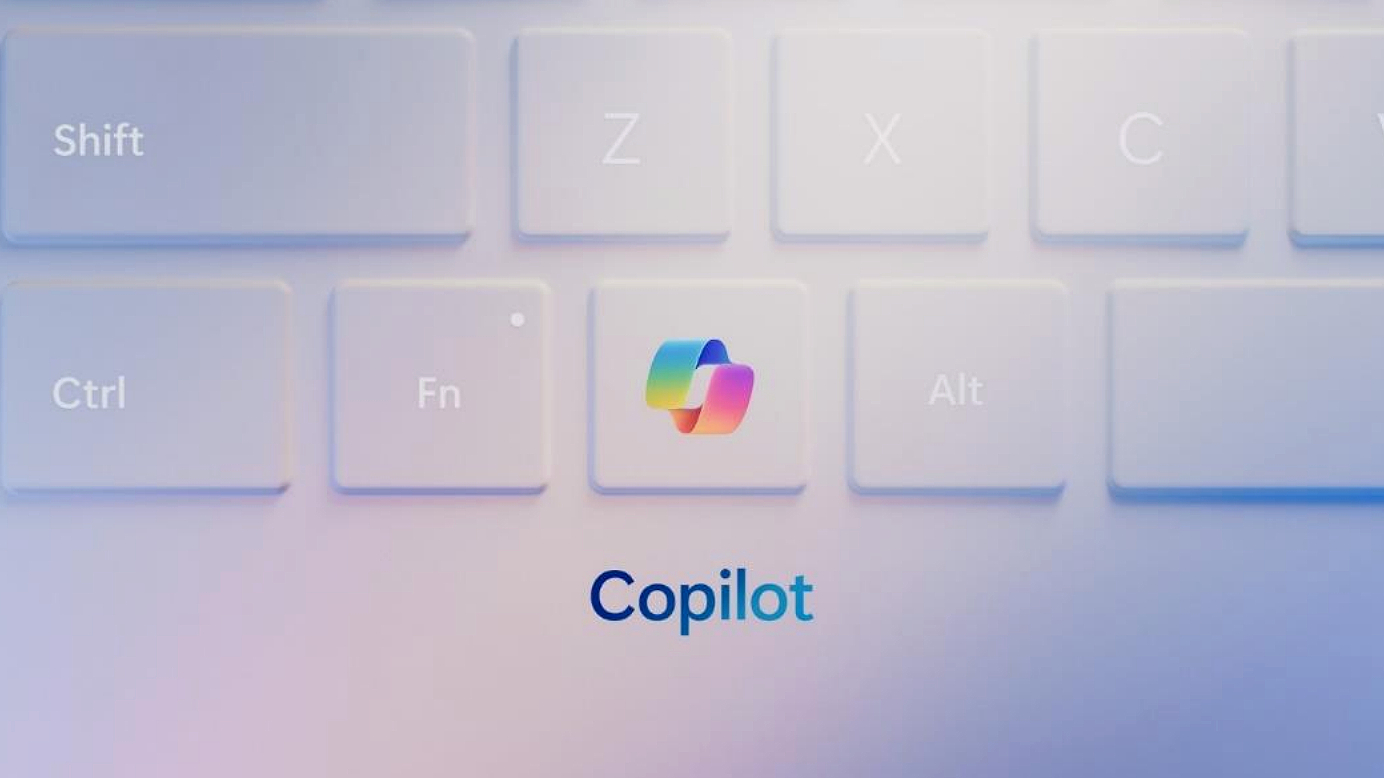
Microsoft hasn't specified exactly when we may see this update, only noting it will be in a "future Windows 11 update." Microsoft typically drops major updates for Windows in October and, occasionally, in September. So in all likelihood, it could still be another five months before we see this change rolled out.
In the meantime, here are 7 genius Copilot prompts that make Windows 11 instantly more useful.