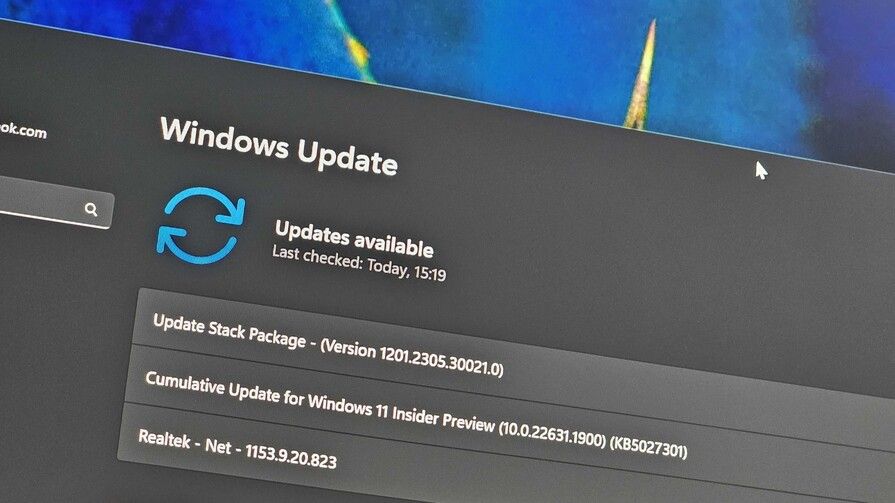
Microsoft looks to be adding a new way of ensuring all your installed apps are up to date via the Windows Settings app on Windows 11. In the latest preview build, a new "app updates" page has appeared in the 'Apps' section of the Settings app, which lets you check for updates for apps that have chosen to support being updated via Windows Update.
You may be wondering what the point of this is, considering the Microsoft Store app is the go-to place for all your app downloads and updates. Well, in some cases, the Microsoft Store app isn't accessible, whether that be due to policies set by an admin, or if you've chosen to uninstall the Microsoft Store app entirely.
Obviously, Microsoft thinks app updates are important, especially when it comes to the apps that are included in the OS. So, this new app updates page in Settings will let users check for and install updates for apps that have added support for being updated using the Windows Update service instead of the Microsoft Store.
"Updates across the Windows ecosystem can feel like a fragmented experience for IT admins managing applications that have their own update orchestrators (e.g., line of business) and commercial management tools that handle their own download, install, restart, and notifications today," Microsoft said earlier this year. "To solve this, we're building a vision for a unified, intelligent update orchestration platform capable of supporting any update (apps, drivers, etc.) to be orchestrated alongside Windows updates."
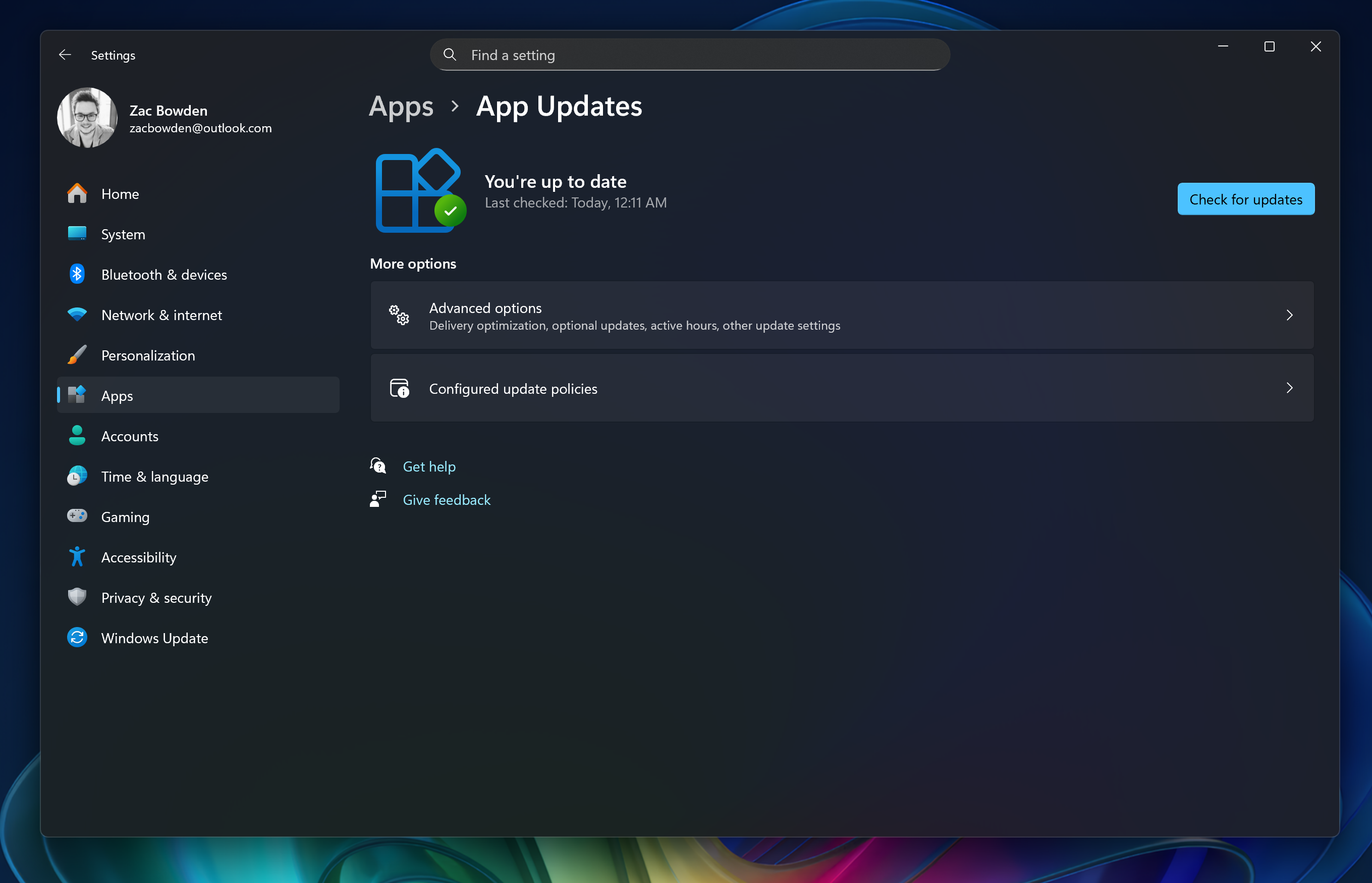
It doesn't seem like the new app updates page in Windows Settings is entirely functional just yet. Hitting the check for updates button doesn't do anything in our testing, though the page does report that it has previously checked for updates automatically.
I've always been annoyed that there wasn't one place in Windows that handles both OS updates and app updates, and while this isn't an answer to that specific complaint, it does get close, depending on the kind of apps that will support it. While both areas are still separated, at least they're both present in the same Settings app now.
Of course, the ability to check for app updates in Windows Settings won't impact the Microsoft Store's ability to download and update apps. Most if your apps will continue to be serviced using the Microsoft Store, with the Windows Settings app update page likely being reserved for more business orientated programs.
More Black Friday 2025 - quick links
- All our TOP recommened Black Friday deals: Just the best
- mini PC deals: up to 47% off tiny PCs
- GPU deals: early price drops on NVIDIA RTX before they go up
- Microsoft Surface deals: save up to $500 on premium PCs
- Xbox accessories: best deals on gadgets for your Xbox Series X|S and PC
- Gaming laptop deals: the best laptops for the best price
-
Xbox controllers: our top picks for best controller deals
Even more Black Friday deals: - Samsung monitors: the best Samsung display deals we've found
- Retro gaming: handhelds, arcade machines, old school consoles, and more
- Gamer merch: Blizzard’s Warcraft, Overwatch, and Diablo IV collectibles
- Game keys: 10 PC game codes are even cheaper at Loaded (formerly CDKeys)

Follow Windows Central on Google News to keep our latest news, insights, and features at the top of your feeds!