I've been using the DJI Mic 2 since it came out and it has never let me down. I mainly use it with my Lumix S5II and Osmo Pocket 3, but lately I've found myself shooting more frequently with my phone.
You can, of course, use the Mic 2 (and newer models) with your phone, but the solutions aren't exactly ideal. There are two ways to do so: you can either connect directly to the phone over Bluetooth or you can use the on-camera receiver connected to your phone's USB port.
Connecting via Bluetooth is convenient, but the quality is awful. Devices like the Pocket 3 and DJI Osmo Action 6 can connect directly without a receiver and maintain quality, but with a phone the difference is stark.
Using the on-camera receiver with a phone works well, but the form factor is far from ideal. It's designed with mirrorless cameras in mind, so it has a cold-shoe mount and it's relatively bulky.
It comes with a clip-in USB-C adapter, which means it can directly connect to your phone, but it sticks out in a weird way – and I'm always worried that it's going to get knocked out.
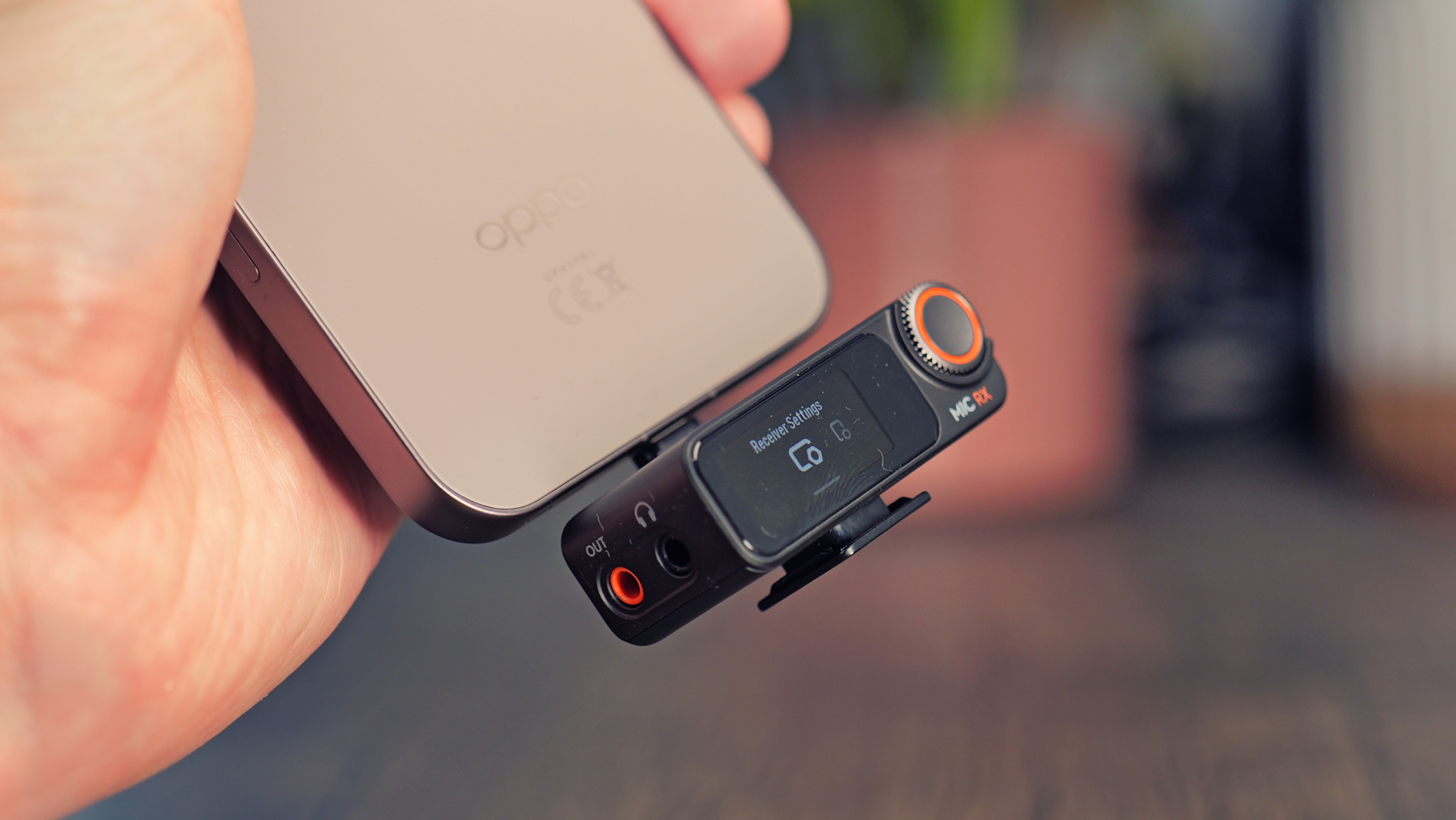
There are other annoyances, too. I can't charge my phone with the receiver attached, for instance, as it doesn't pass power through. Conversely, I have to remember to charge the receiver itself and have been caught out by that more than once.
For these reasons, when shooting with a phone, I almost always record internally on the DJI Mic 2 and sync the clips in post. That is, until I picked up the Mobile Receiver.
What is it and what does it do?
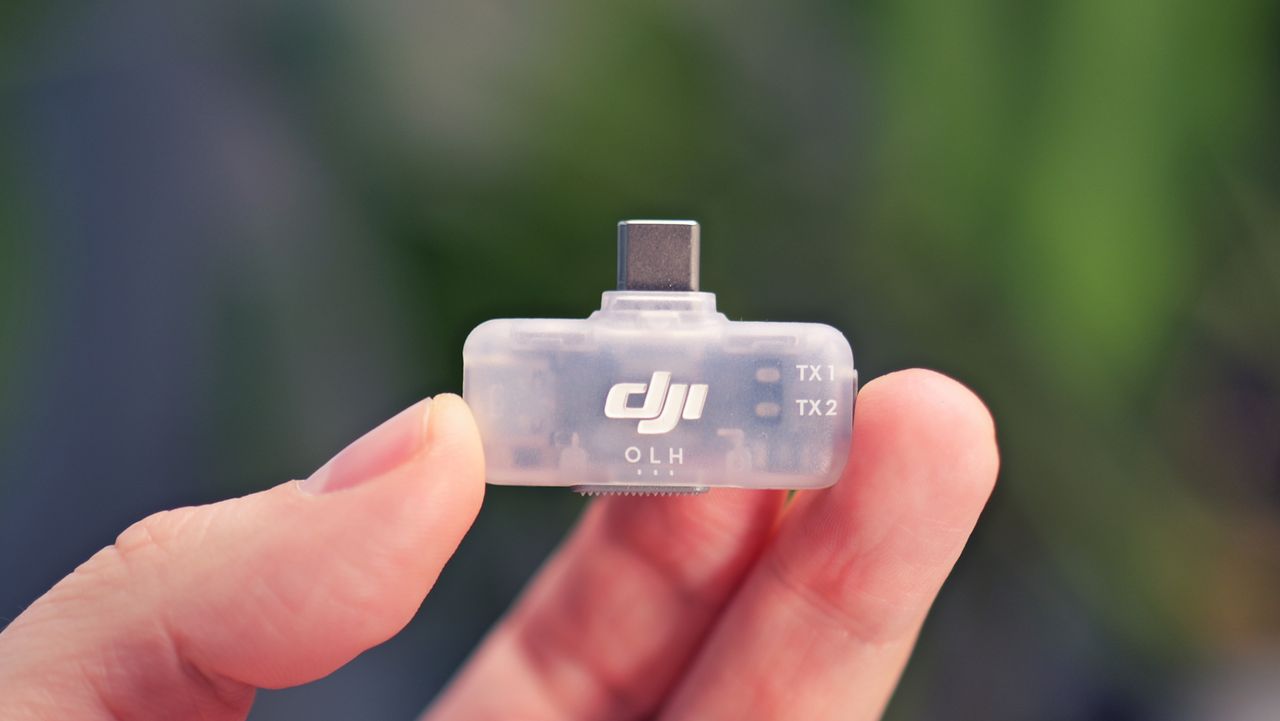
The DJI Mic Series Mobile Receiver is a tiny version of the on-camera receiver that's designed specifically to work well with phones. It's only 9mm thick (about the same as most phones), it weighs next to nothing and it only sticks out from the base of the phone by just over a centimeter.
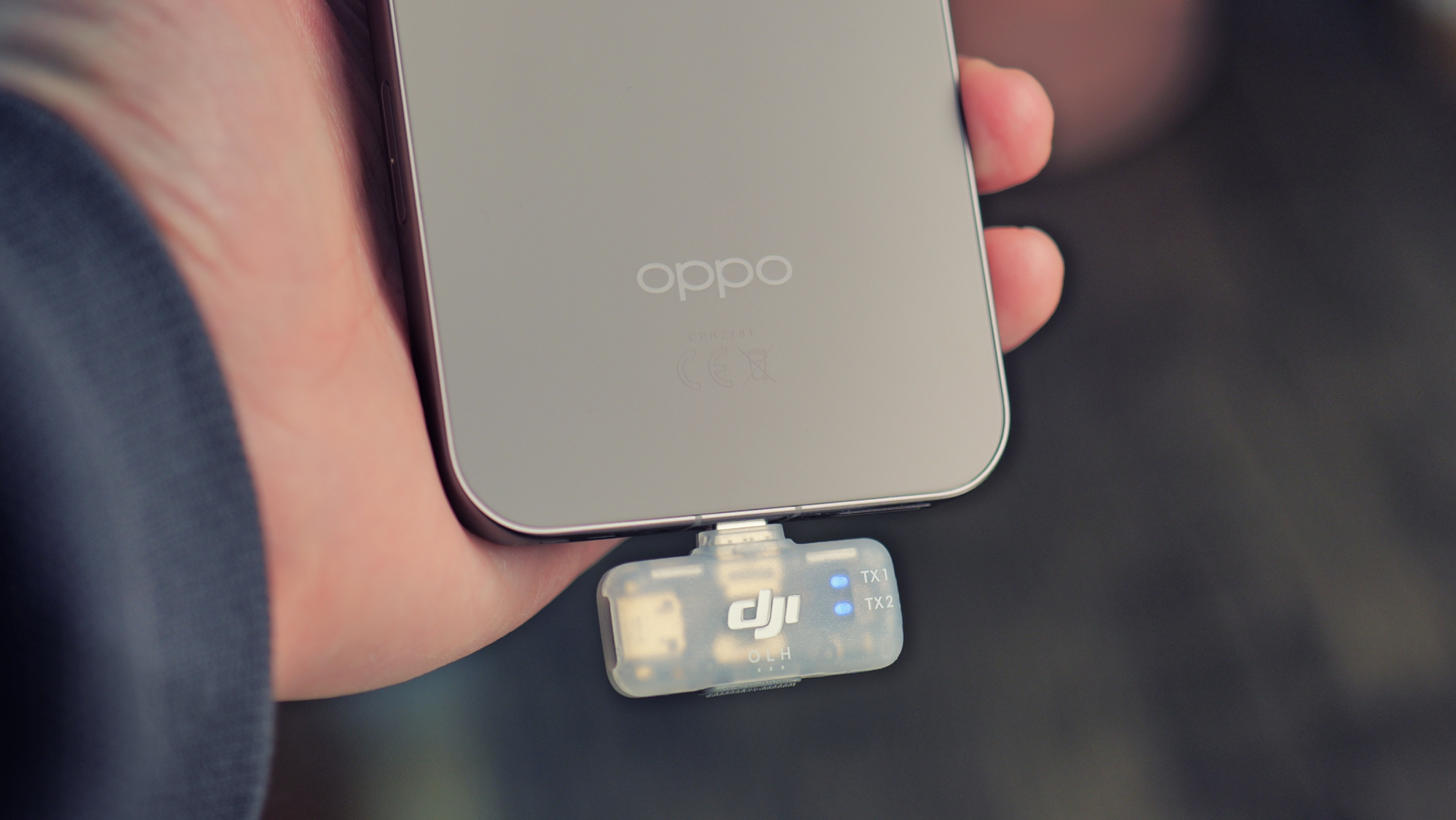
Already that's a massive advantage over the traditional receiver, but it gets better. The Mobile Receiver is powered by the phone, so you never need to worry about charging it – and it supports pass-through USB-C charging, so you can keep your phone topped up during long shoots.
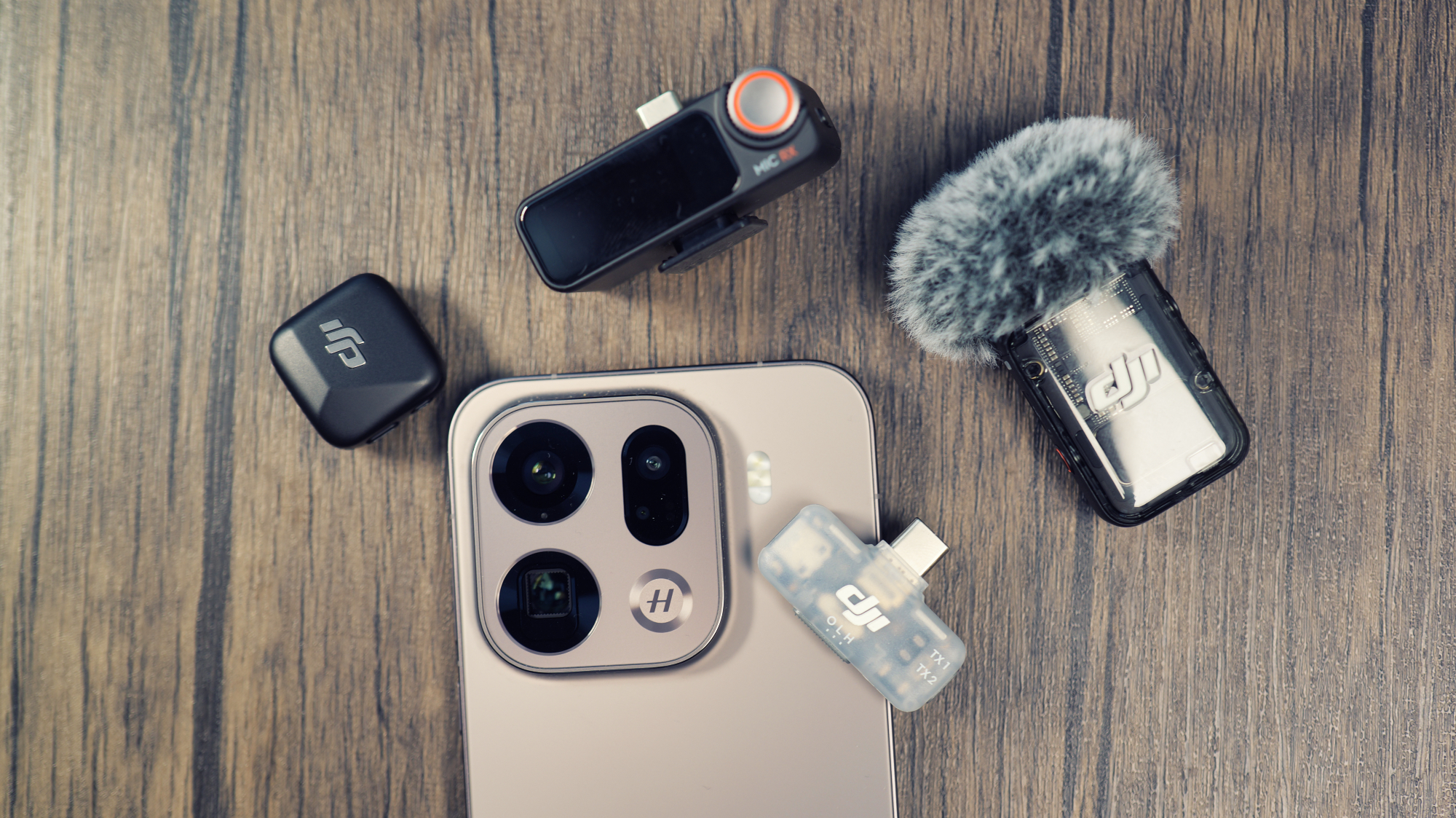
The icing on the cake is that it supports the DJI Mic 2, Mic Mini and Mic 3, and you can pair any two at once. I own both the Mic Mini and Mic 2, and I've never been able to use them at the same time because they use different receivers – but the Mobile Receiver changes that.
For clarity, DJI devices like the Action 6 and Pocket 3 can work with both at once, but not the on-camera receiver, so that only applies to mirrorless cameras and phones.
I was pleased to learn that the Mobile Receiver also works well with action cameras. I still use the DJI Action 2 quite regularly, which came out before the DJI Mic series, and can't pair with Mics as newer DJI cameras can. When I hooked up the Mobile Receiver to my aging mini camera, it just worked.
How do you change the settings?
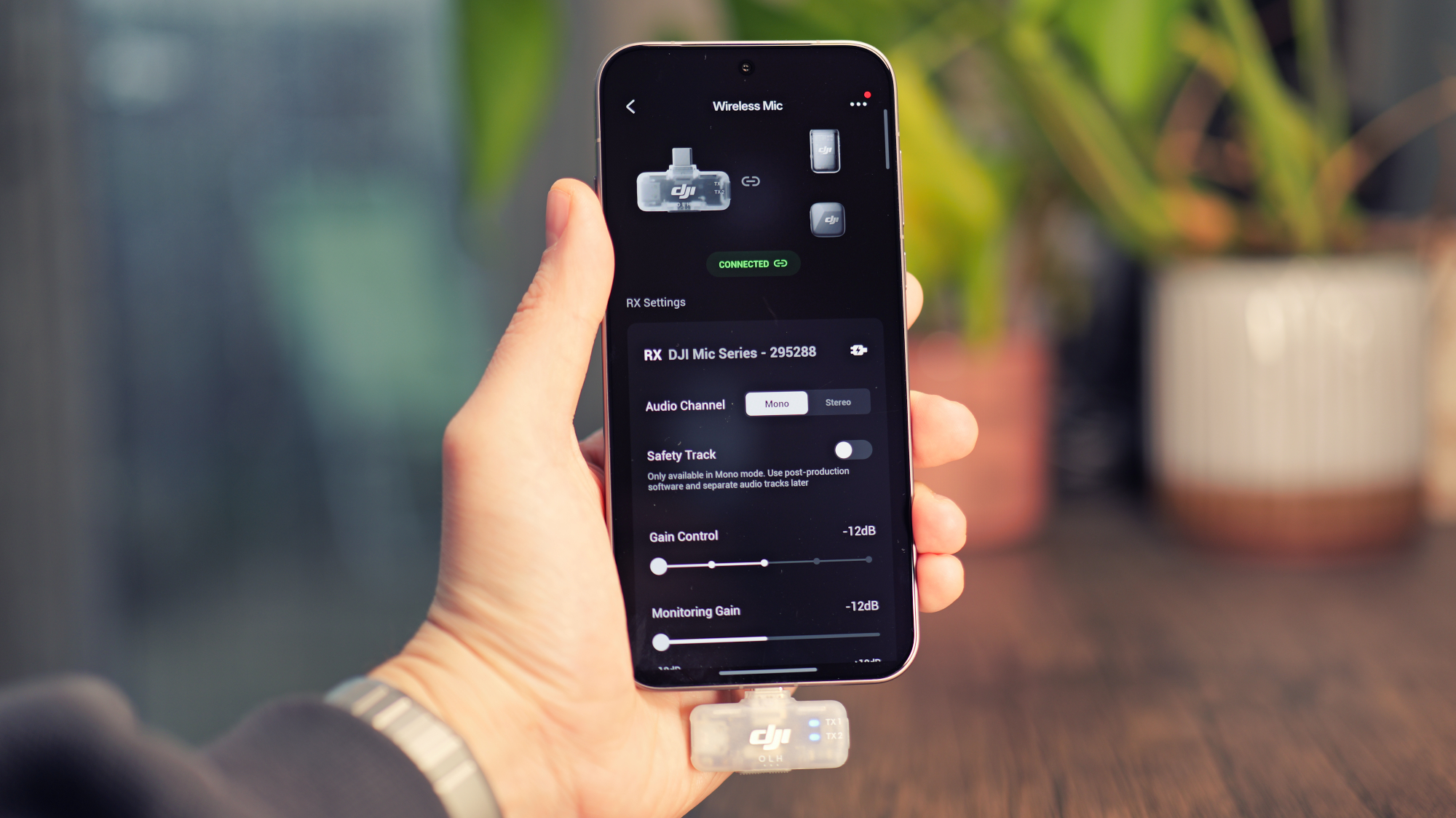
Now, you might have noticed that the Mobile Receiver lacks the touchscreen of the full-sized receiver. So, how do you change your settings? Thankfully, it's pretty easy.
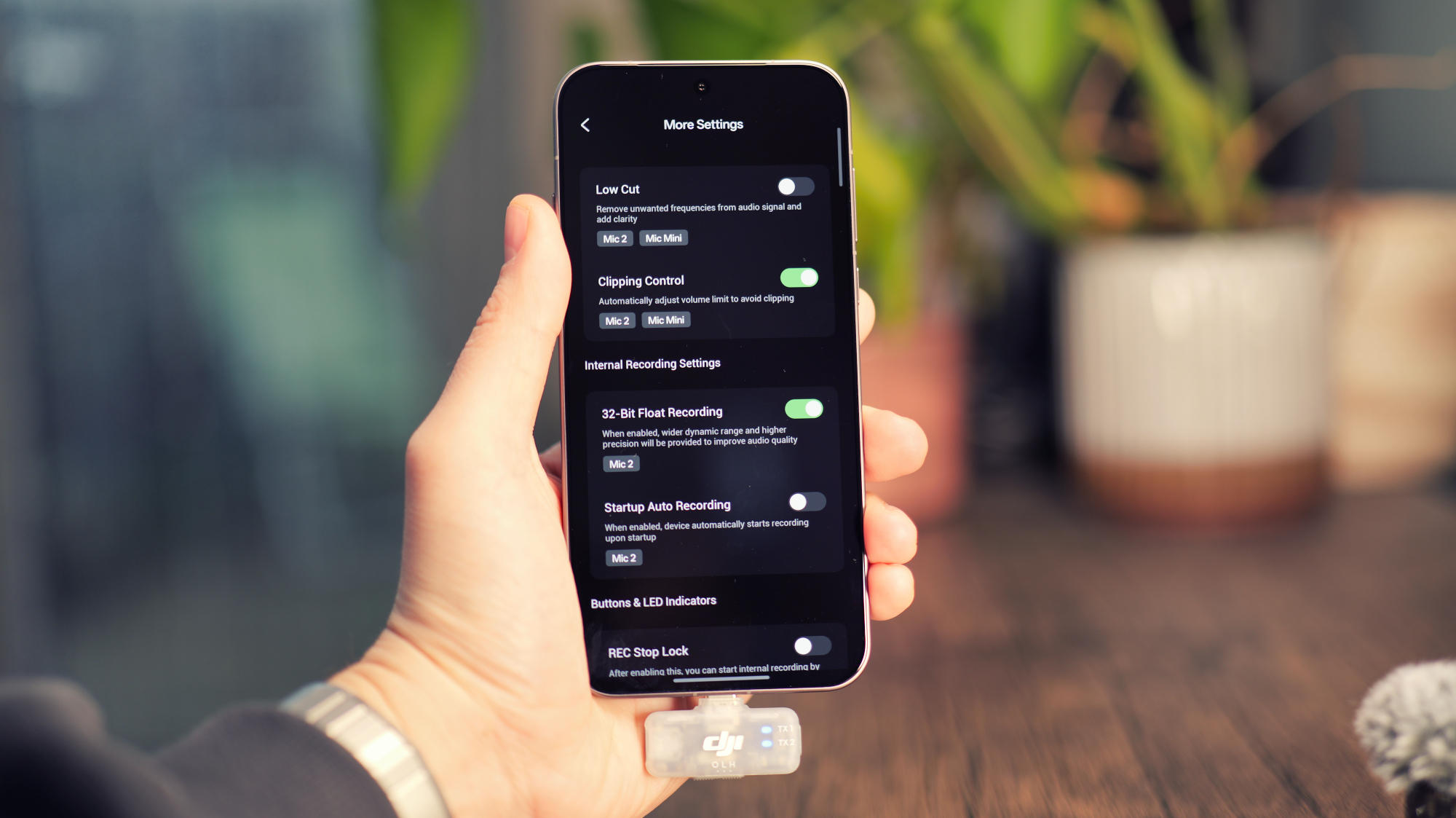
The Mobile Receiver has a physical switch to change from noise-cancelling off to low or high, but otherwise settings are adjusted using the DJI Osmo app. You access the receiver in the exact same way that you'd connect to a DJI camera, and then you'll be able to tweak all the settings.
As far as I can tell, you can adjust all the same things in the app as you would with the touchscreen interface. The options range from simple gain adjustment to whether or not the LED indicator turns on, and plenty more besides.
Who should buy one?
If you have a DJI Mic 2, 3 or Mini (it doesn't work with the original DJI Mic), and if you ever shoot video on a phone or a non-DJI action camera, I think the Mobile Receiver is an essential purchase.
For just $15 / £14, this little gadget makes your wireless microphone so much more versatile and convenient. If there's even an inkling that you might find it useful, just grab it. I don't think you'll regret it.
As someone who finds himself shooting more and more content for platforms like TikTok and YouTube Shorts, a phone is the obvious tool for the job – and this adapter makes my life measurably easier. I'm not exaggerating when I say I've spent hundreds on camera accessories that aren't half as useful as this one.
You might also like...
Check out more of the best iPhone microphones or the best wireless microphones