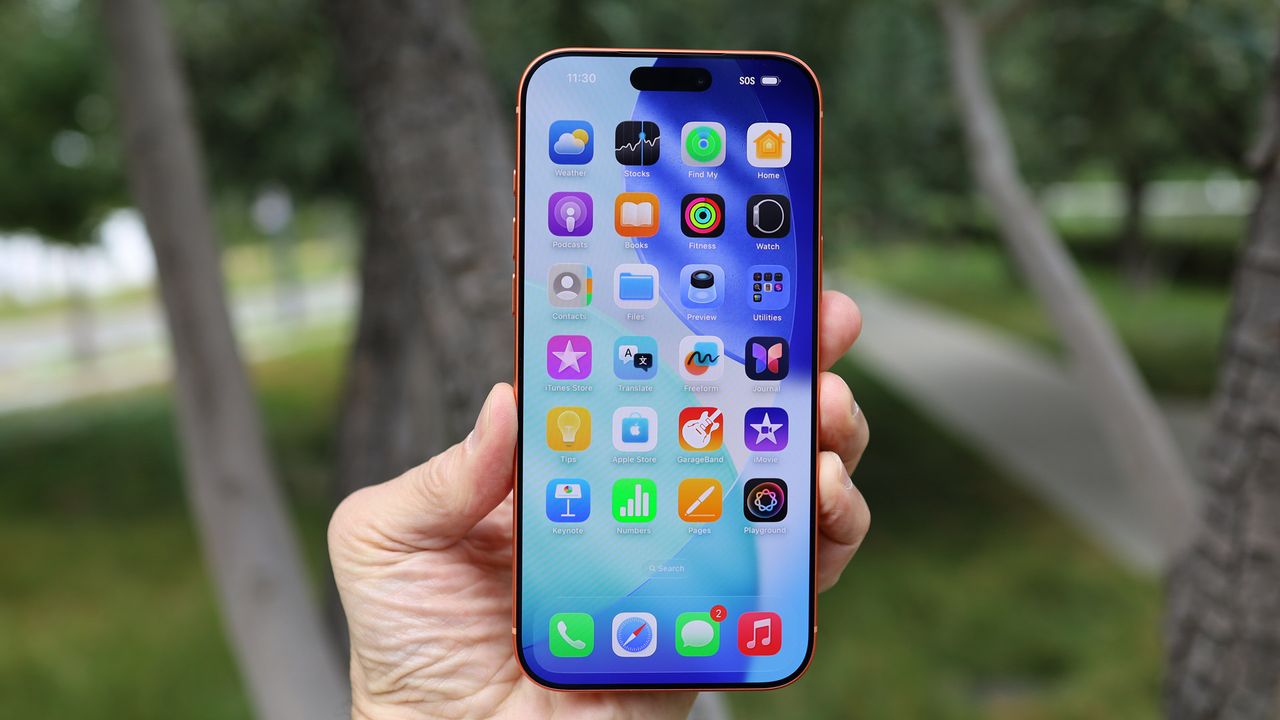
The year is 2026, and I still cannot fathom why moving iPhone apps and organizing my Home Screen is one of the most frustrating things in my technology life.
Now, I have a somewhat obsessive approach to app layouts and management in that I like to try and keep a logical flow to them — Google productivity apps are in one row but, due to the same color scheme, they'll be joined by Google Photos, which also sits under the native iOS Photos app. Basically, I do a form of visual sudoku with my apps so that they all fit a logic in my head; everyone has their quirks.
But while this process is trivially easy on Android, it’s a nightmare with iOS. Despite the ‘just works’ nature of iPhones and the often-touted simplicity of iOS, I’m baffled as to why Apple still won’t let users simply tap and hold an app and put it wherever they want.
There’s still the absurdity that moving one app affects all the others on a given page of the Home Screen — if it’s a particularly packed one, iOS will shunt apps onto another page. Often, this results in me losing track of an app or folder — something I just noticed as I write this article.
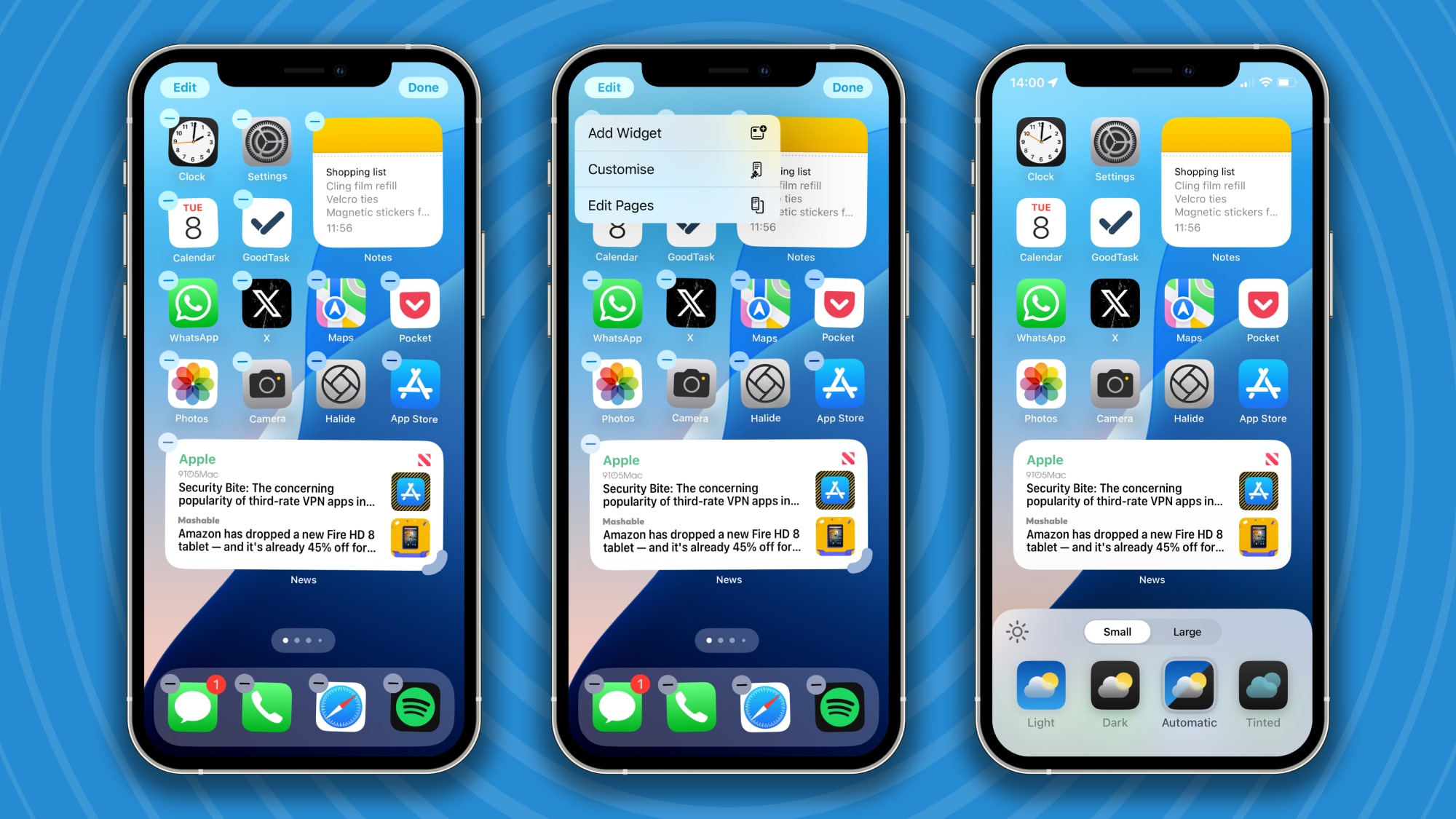
Now, this is nothing new; iOS has been like this for years. And while I’ve felt white-hot fury at the idiotic nature of app management in iOS, by the time I’m done tweaking, I’ve either decided to blame (my) user error, or have simmered down.
But I feel that with iOS 26 and Liquid Glass, it feels more finicky than ever. Maybe it’s the design or the way the apps respond, but when I accidentally deleted an entire page from my Home Screen (the result of a too-fast reaction after a phantom pocket press) and decided to recreate the dead page and do some app-layout spring cleaning, I nearly lost my mind.
Not only is there the male-bovine-excrement situation of apps I’m not interacting with flying around the screen as I try to move a particular one, but there seemed to be an utter refusal of one folder to accept an app I was trying to give it.
Said folder sat in the top right-hand corner of a Home Screen page on my iPhone 17, and each time I tried to move an app to it, the folder refused to ingest it and leaped to the row below. I tried moving fast, I tried moving slowly, I tried something in between, but it simply wouldn’t work.
Eventually, I moved the folder into the middle of the row it was sitting in, which messed up the layout of my other apps/folders, and only then could I deposit the app I wanted into the targeted folder. I then had to check that all the folders and apps had moved back into their original places; inevitably, one app had been kicked into another screen but wasn’t asked back by whatever absurd protocol is governing all this on iOS.
This weapons-grade tomfoolery from a company that arguably revolutionized user interfaces just makes no sense to me. Maybe Jony Ive tore his own hair out at the sight of such UI unfriendliness being injected into his immaculately designed hardware.
I've previously moaned about Apple Intelligence not being up to scratch, but in general, I rather like iOS; its design is fine, it’s easy to use, and, while not great for power users, there’s not a lot of menus to dig through or settings to tweak to get your iPhone to (mostly) do what you want it to.
But this utterly backwards approach to app management and layout customization feels like UI blasphemy, and often has me close to throwing my iPhone to the floor and going back over to Android. I’ve not yet got angry enough to make that swap, but each time I have to wrestle with the layout of my iPhone apps, I’m one step closer to grabbing the Google Pixel 10 Pro on my desk and turning my back on iOS.
Seriously, Apple, please change this; the joke isn’t funny anymore.
Let me know what you think, and if you have workarounds for this, in the comments below.