2/11/26 9:53 p.m. ET: Updated to remove mention of a feature that was featured in the beta but ultimately isn't in the final build.
Apple has officially released iOS 26.3 to eligible iPhone owners. Apple beta-tested the latest update for a while, and now it's ready to go. The biggest feature coming is one that will benefit people looking to switch from iPhone to Android, as it makes data transfer easier.
Google and Apple have agreed to make switching between platforms less painful, which benefits consumers. Any time we see big companies work together to improve outcomes for the average phone owner, we're happy.
iOS 26.3 new features
As mentioned, the big new thing in this iOS version is the option to transfer your data to Android. Under the Settings app, you'll see an option titled Transfer to Android.
Once opened, you'll place your old iPhone next to your new Android phone, and it'll transfer apps, photos, messages, and the phone number. Rather than jumping through hoops and using third-party apps, this new method streamlines everything.

It's worth noting that health data, Bluetooth devices and other protected items won't transfer over, but it's still a big step in the right direction.
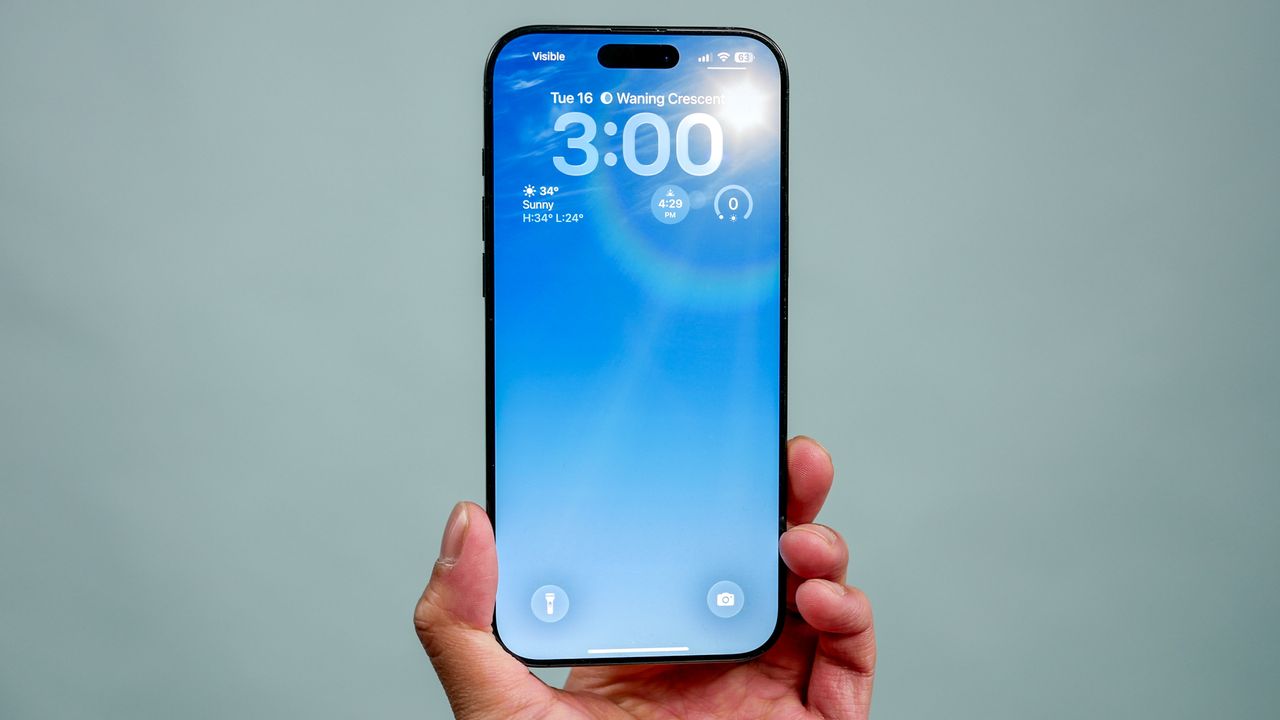
Another minor change is that Weather wallpapers have their own dedicated section with three preset options.
Here are some other small changes discovered in the final update:
- Support for encrypted RCS messages
- Enhanced location privacy for newer Apple devices
- Pairing non-Apple accessories faster and easier (EU only)
Where's the new Siri?
If you're waiting for iPhone to get its new Siri-powered brain, you'll have to wait until iOS 26.4, as this update doesn't feature the new AI-powered assistant. We don't have a release date for that version, but we've heard it could arrive in a few weeks.
How to get iOS 26.3
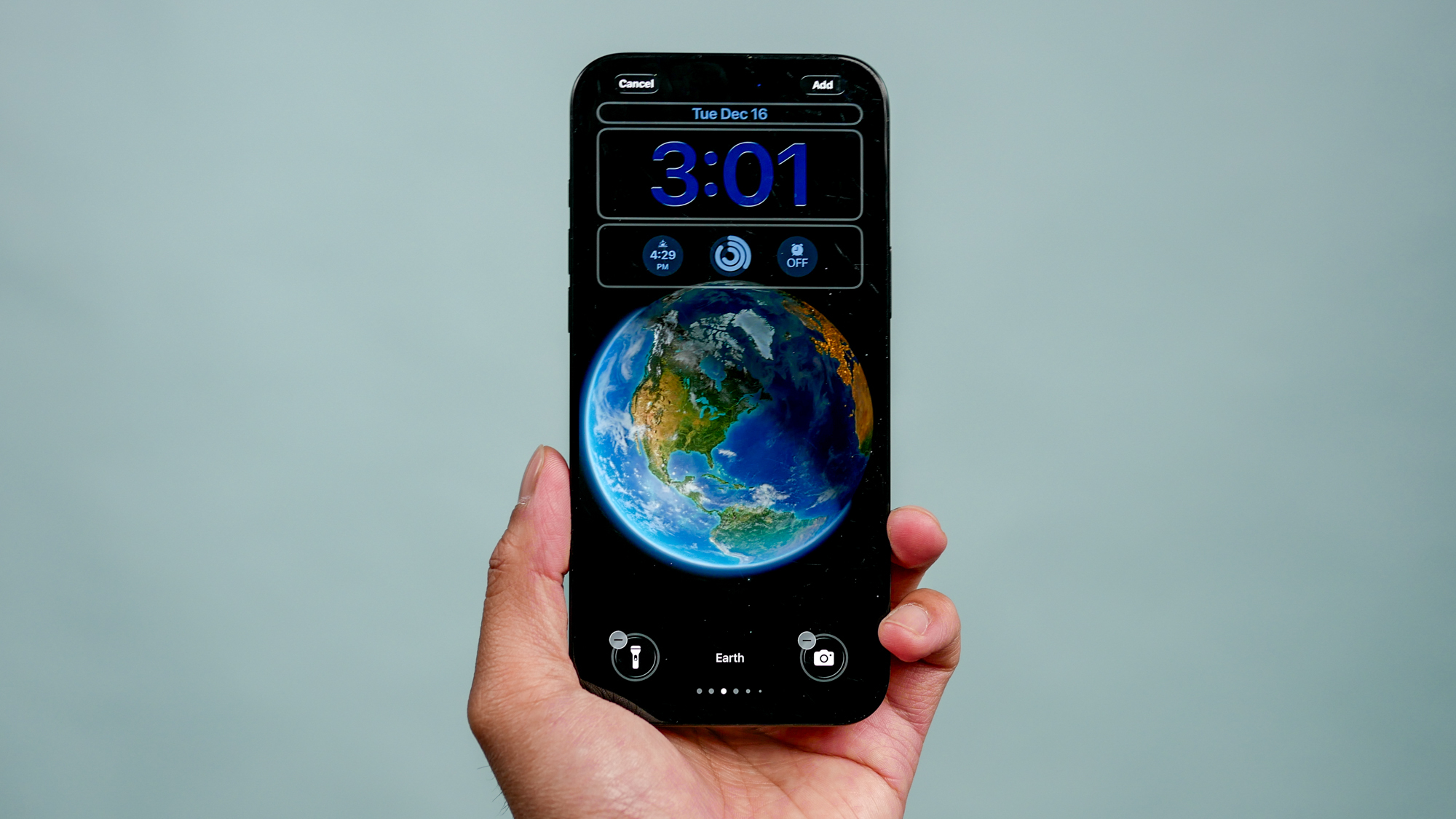
If you want to update to iOS 26.3, you need to launch the Settings app on your iPhone, then tap General and finally tap Software Update.
From there, you can install the update. Of course, if you have Automatic Updates on, you don't need to do anything — just wait for the update to happen overnight. While not the most game-changing update for those sticking with their iPhone, it's always worth updating to get the latest security patches and other small features.

Follow Tom's Guide on Google News and add us as a preferred source to get our up-to-date news, analysis, and reviews in your feeds.