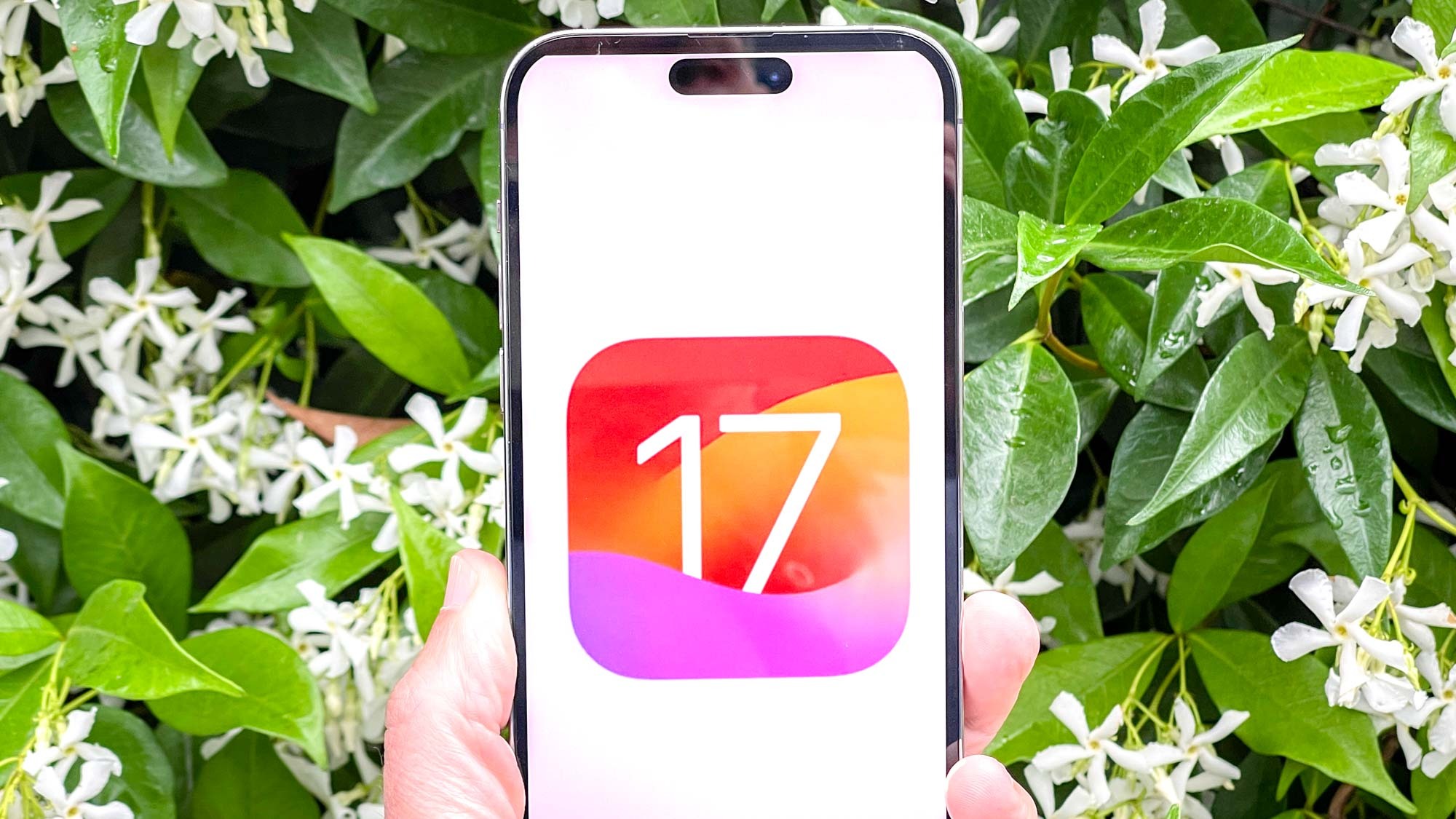
The iOS 17 public beta is finally here, and that means everyone can get a taste of what the next iPhone operating system has to offer — ahead of a stable release later this year. That includes checking out a bunch of new features Apple has added to iOS, including some that have been available on Android for some time.
iOS 17’s public beta (also known as beta 3) comes with an improved “full-page” screenshot feature, which allows users to take screenshots beyond what’s on the current page — and save them to your photo gallery. That last bit is crucial because full-page screenshots were possible in iOS 16. Though your only option was to save it as a PDF.
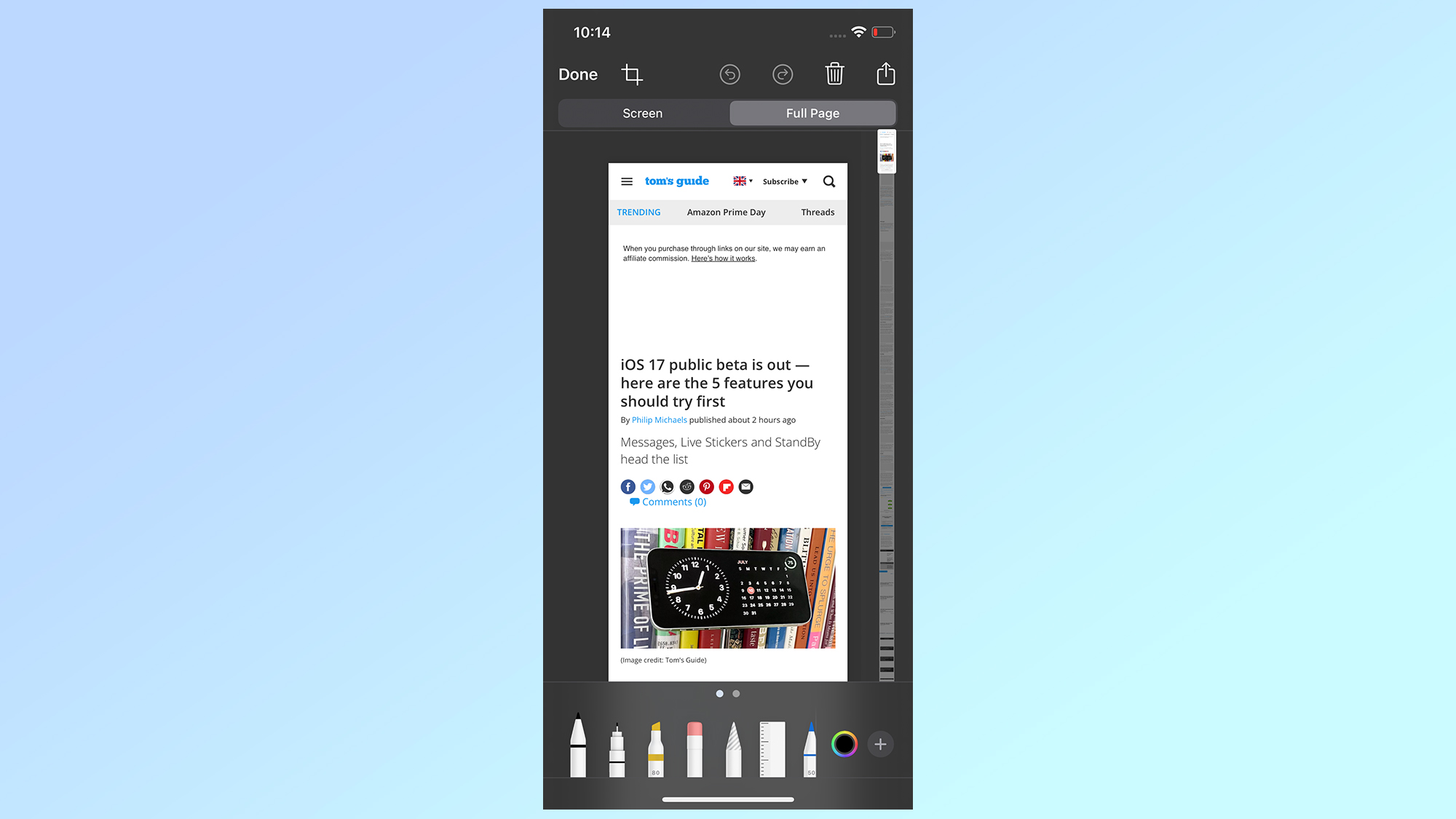
To do this all you need to do is take a screenshot as you normally would, and tap the Full Page option at the top of the screen. iOS 17 will then make a copy of the entire page you’re looking at for you to edit, and crop down to size. Then tap Done and Save to Photos. The whole screenshot will be in your Photo gallery as one big image, rather than several regular-sized ones.
Siri goes bilingual
Siri will also be getting bilingual language support, starting with a bunch of Indic languages. The idea being that users can continue communicating with Apple’s virtual assistant in a variety of tongues as casually as they might do in everyday conversation. Supported languages include English, Telegu, Hindi, Punjabi, Kannada and Marathi.
Android has, of course, been doing similar things for a few years now. Multilingual Google Assistant support first launched back in 2018, starting with English, French and German. Meanwhile scrolling screenshots launched to everyone with Android 12, but certain phones (like Samsung and OnePlus) had already been offering their own version.
So Apple is a little behind on this, but we can all be happy these features made it to iOS. Bilingual language support is especially important, since it means talking to your phone can be as natural as you would talk to friends or relatives — though we hope Apple does add even more languages in the near future.
Just be aware that this is still the iOS 17 beta, and there is a chance these features may not make it to the stable version. That does happen occasionally, for a variety of reasons — particularly if they don’t perform as expected.
But the beta is available to the public now, so check out our guide on how to install the iOS 17 beta to try out all the best features the software has to offer.