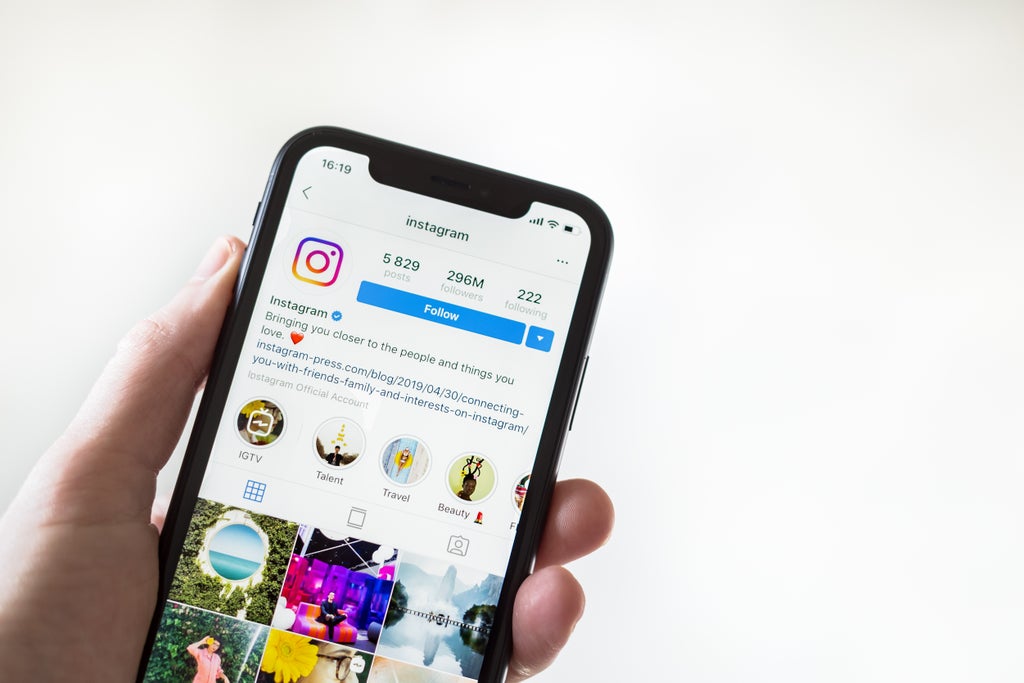
Instagram users can identify the private users who ignored their follow requests rather than denied or approved by navigating to a somewhat-hidden feature on the app.
When private followers receive a follow request, they are presented with two options, to either accept or deny the request.
If they do nothing, however, the request stays unfulfilled, which means that the Instagram user who requested to follow won’t be able to see their profile, but will instead see “Requested” indefinitely where there is otherwise a “Follow” button.
For Instagram users who send multiple follow requests, there is a way to see which users have ignored these requests, according to The New York Post, which notes that the folder listing these pending users “takes a bit of digging to find”.
According to the outlet, finding the ignored requests requires users to navigate to their Profile, and then to the Menu button, shown as a three-line icon in the upper right corner, where they should then click on Settings.
Once in Settings, the Instagram user has to click on Security, and then Access Data, before scrolling down to the Connections section.
Upon clicking on the “current follow requests” section, users will be able to see all of the accounts that they have attempted to follow, with The Post noting that unsending the pending requests requires users to visit each individual profile listed.
Alternatively, if a user has denied a follow request, the “Requested” button typically turns back into a “Follow” button for users visiting their profile.
The discovery of the feature, which can only be accessed on mobile and not desktop, comes after many Instagram users, including T-Pain, recently shared their dismay upon learning that message requests on the app from users you don’t follow are filtered into a separate messages folder.
The message requests typically only appear when you are in the Direct Messages section of the app, with users notified that they have requests in the upper right corner.
The folder allows users to accept or deny each of these messages, with Instagram noting that “messages from people you follow on Instagram will appear in your Chats list”.