I hate to say it, but I’ve started to forget how to write. While there’s always been something so satisfying about putting pen to paper, it’s an art form I’ve lost over the years thanks to my switch to laptops and tablets. But digital notebooks are finally bringing the joys of writing back again.
They offer the intimacy of paper and pen, but with an endless supply of pages and no biro to think about. They even turn your handwriting into printed text that you can easily share. For years, reMarkable has led the charge in the digital notebook space, and it’s recently launched the reMarkable paper pure.
Launched in early May, the latest model joins the smaller paper pro move and larger paper pro to complete the remarkable line-up. Featuring an e-ink display, it lets you annotate documents, jot down notes and review presentations on the go. I’ve been putting the latest digital notebook to the test for weeks, and I think I’ve fallen in love with writing again.
Read more: ReMarkable 2 vs Kindle scribe
reMarkable paper pure
Design
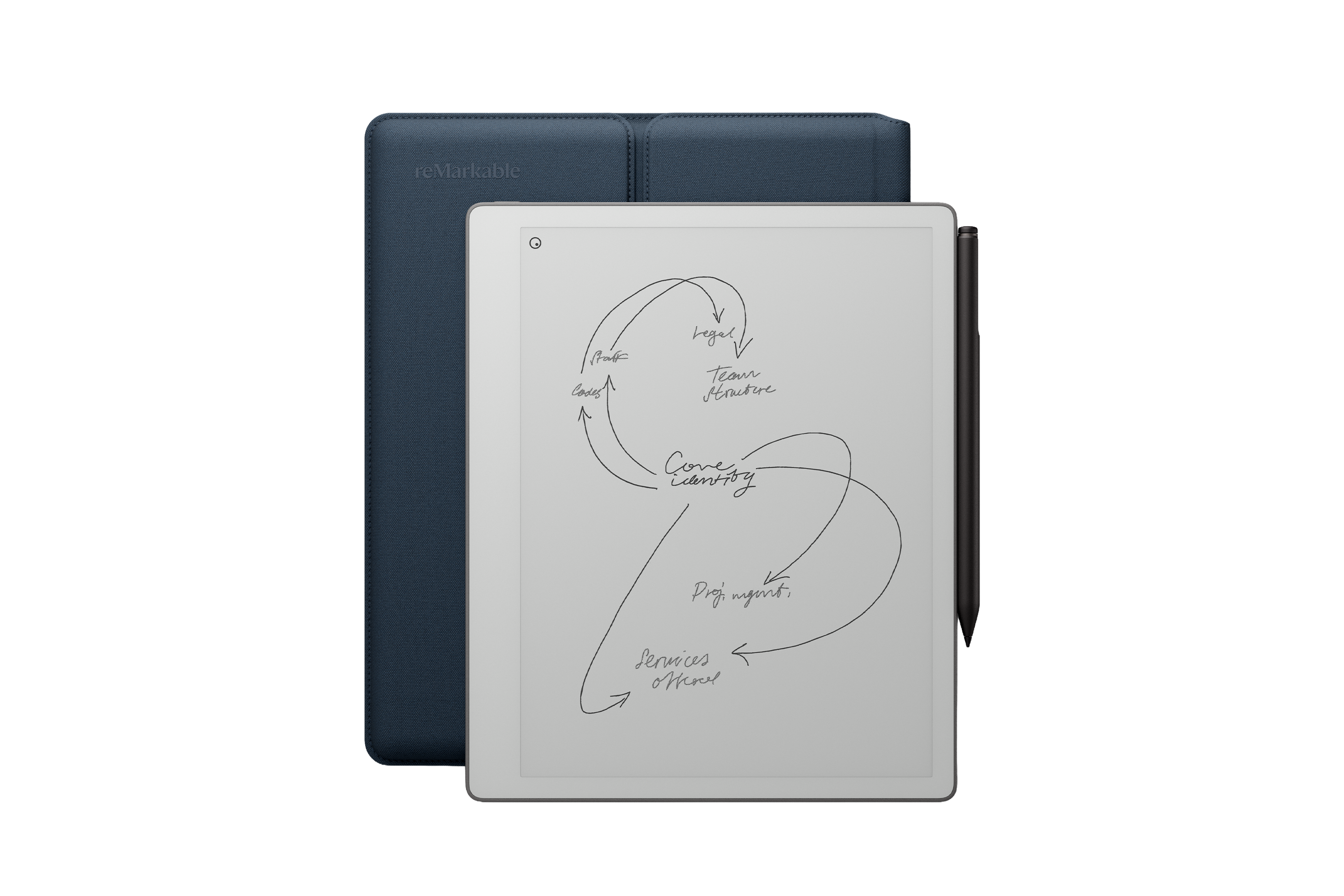
The new reMarkable paper pure replaces the reMarkable 2, the previous black-and-white notebook from the company. Compared to the reMarkable 2, the new model is faster, so gestures are recognised more quickly and latency when writing is reduced. That’s important to give the impression that it’s as natural as using a regular pen which, after all, has no lag between touching the paper and the ink appearing.
The battery lasts a third longer than the reMarkable 2 as well. It has a noticeably different look, with the metallic bar on the left-hand edge replaced by a white frame that matches the display, giving the impression of being more inviting and immersive.
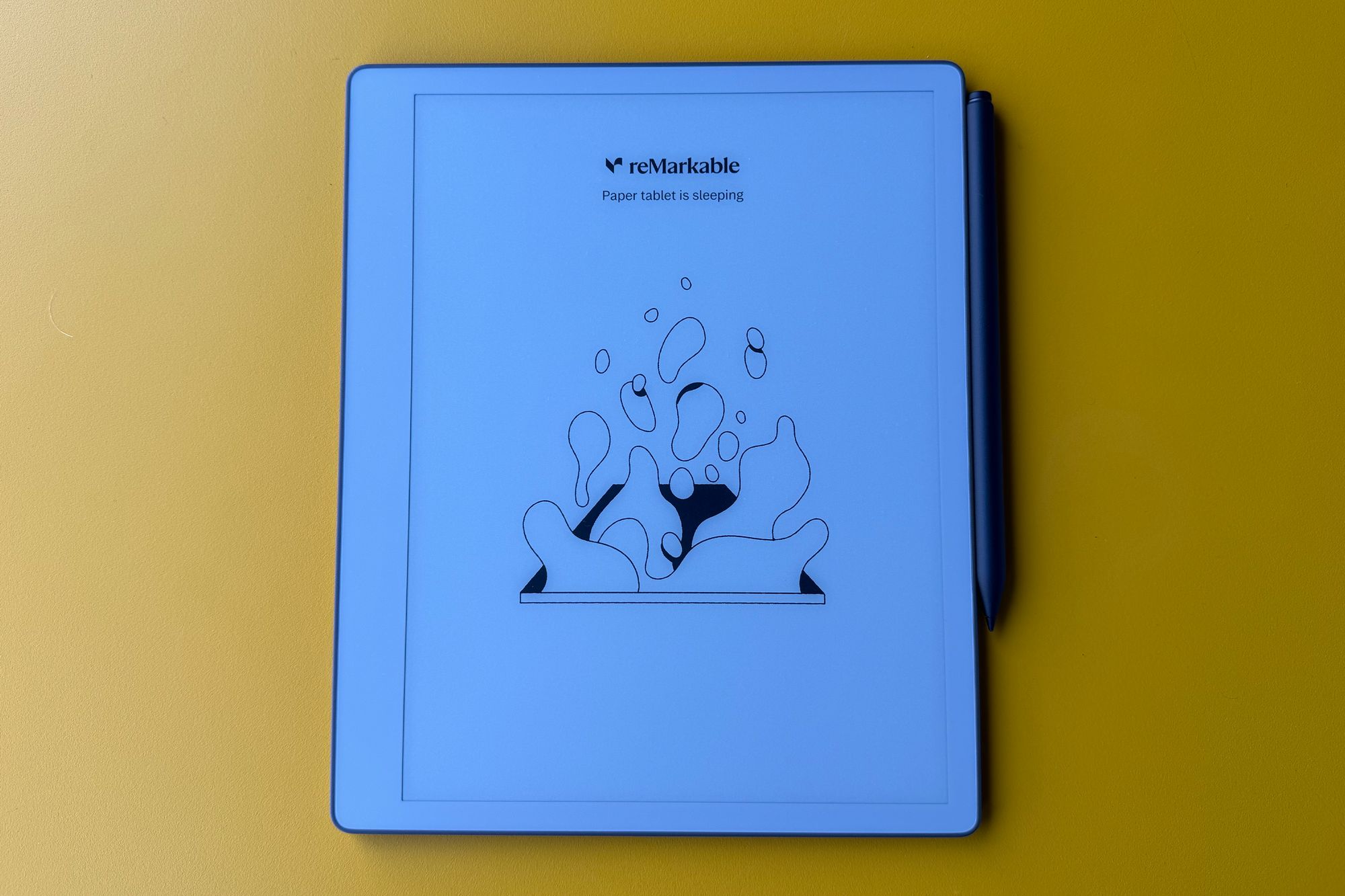
The actual display is the same size, 10.3in, but reMarkable says it’s the crispest and whitest display yet from the company. Though the screen remains the same size, the new model is more compact, just 228mm tall instead of the reMarkable 2’s 246mm height, thanks to a much narrower bezel at the bottom. The front of the notebook is flush to the display throughout.
It’s thicker than its predecessor, perhaps to enable the 3,820mAh battery instead of the last model’s 3,000mAh cell. It still feels thin in the hand. And the weight has dropped, too, a full 43g lighter than the predecessor. The internal storage has increased from 8GB to 32GB.
One other change worth noting is the price. And it’s a good change: where the reMarkable 2 cost £389 with the basic Marker pen supplied, the new model costs £359. This makes it the most affordable notebook in the reMarkable range.
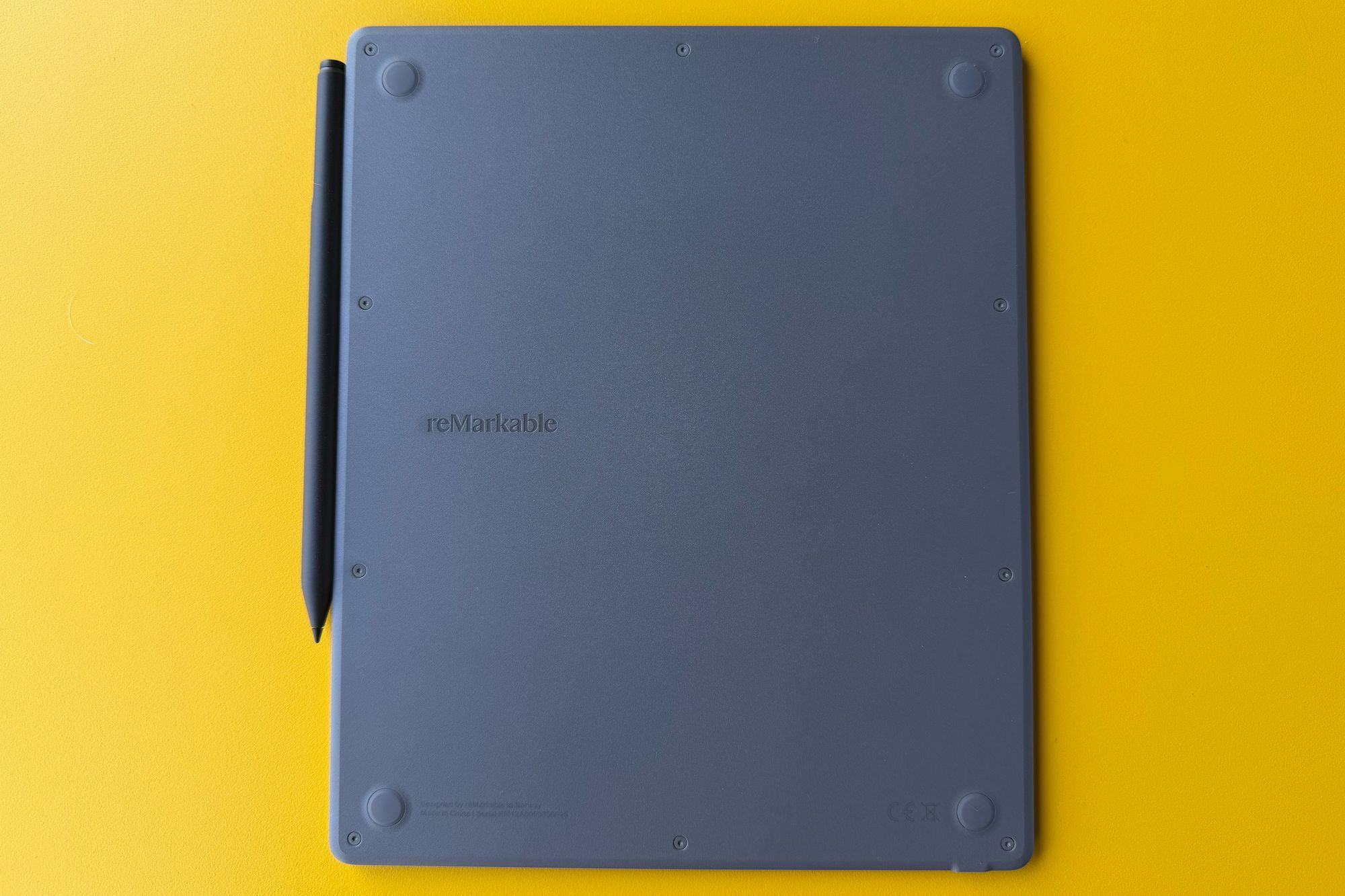
Since writing on the display is central to the device, the pencil is crucial. The reMarkable paper pure comes with the marker included, or you can upgrade to the marker plus (£40 extra) which has a different finish and a built-in eraser. Each snaps to the right edge of the paper pure magnetically, where it charges.
User experience
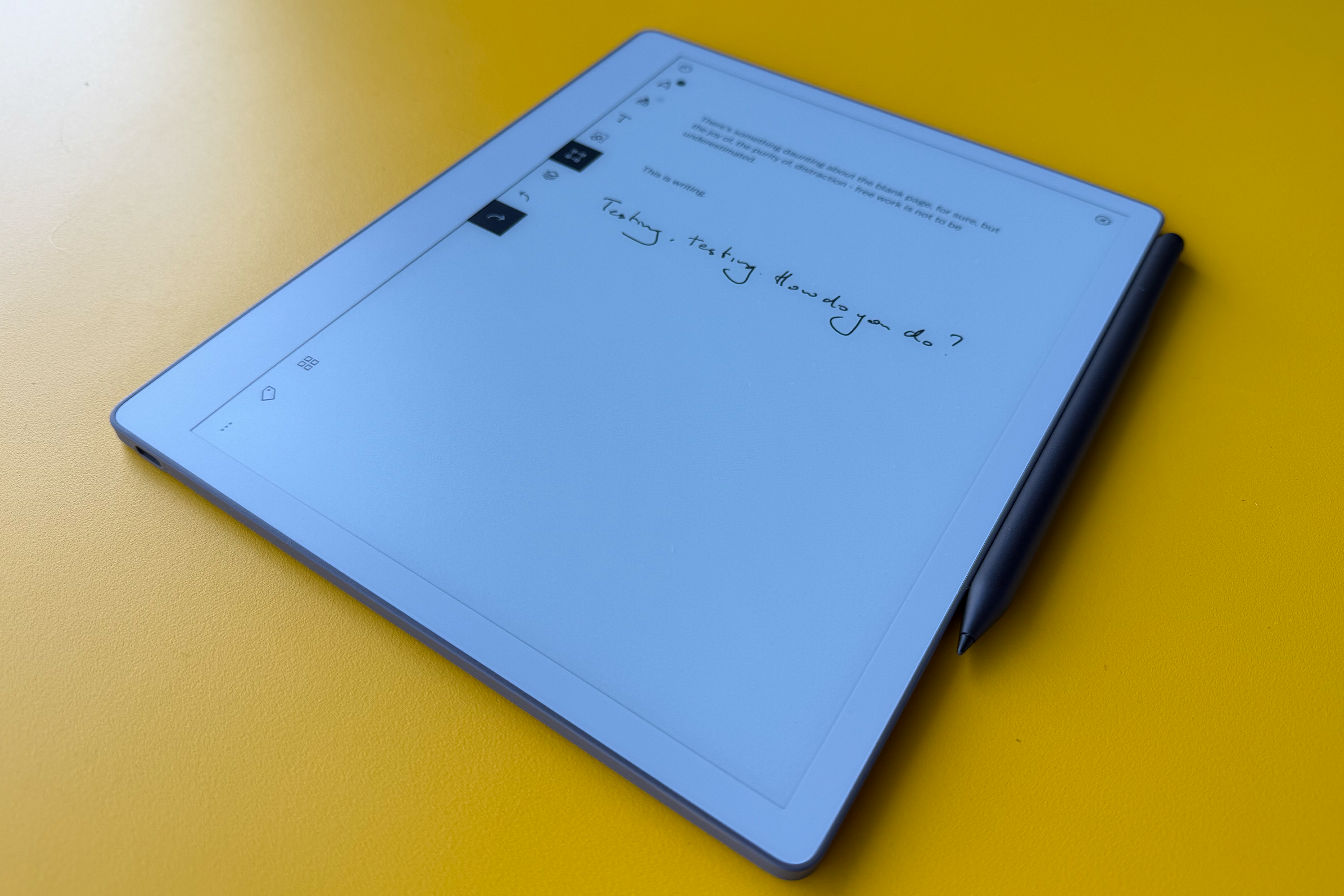
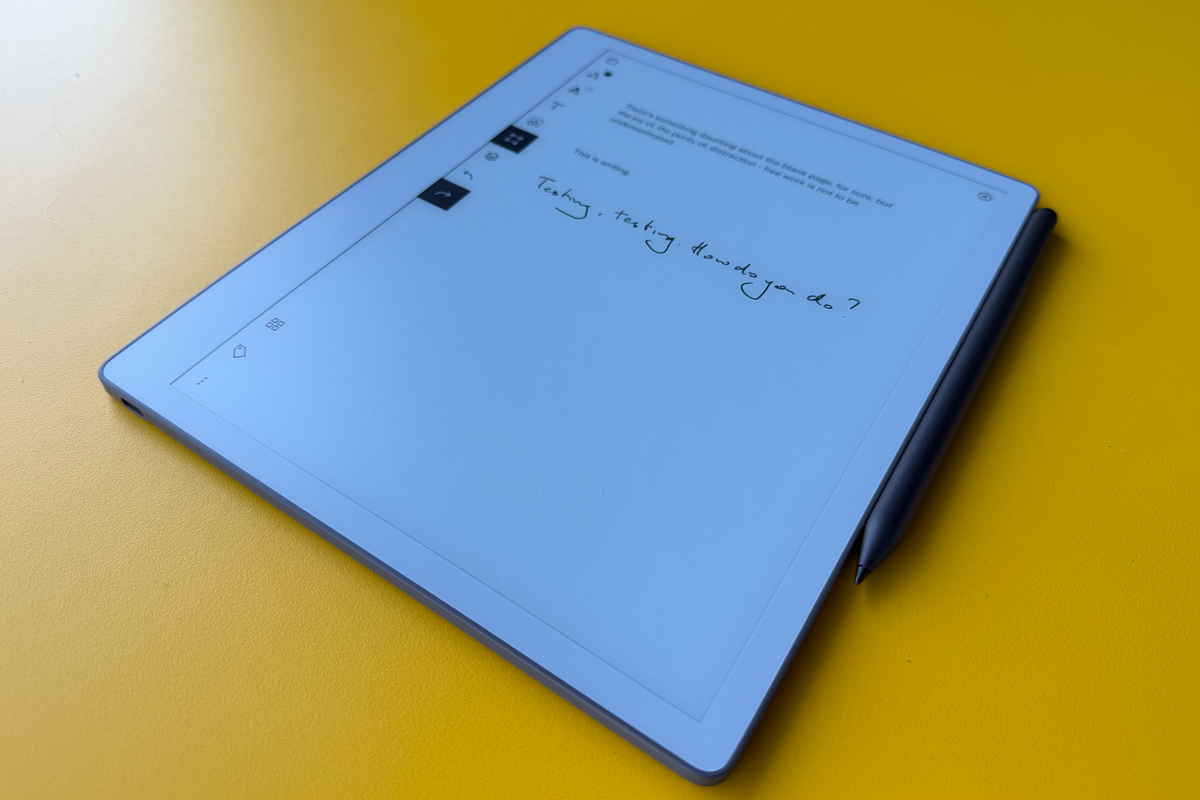
Using the marker is where you begin to see how different the paper pure is from a tablet. Where even the best stylus slides along the shiny glass of a tablet, here there’s a resistance that feels close to the reality of writing on paper. Of course, the screen doesn’t have the give of a paper pad, but the rough, matte finish of the display creates a resistance which means writing feels natural and controlled.
Mind you, it may remind you that your handwriting is especially spidery if you, like many of us, don’t write much by hand these days. Well, here’s a chance to improve.
And however bad your scrawl, the paper pure is good at turning it into printed text. If it makes a mistake, you can correct typos using an onscreen keyboard. When you convert from writing to text, it puts the words on a new page so your original handwriting remains untouched, unless you lasso your scribble with the selection tool, in which case it replaces it.
Unlike the other reMarkable notebooks, this one doesn’t have a front light, meaning that, like with real paper, you need light in the room to use it. On the other hand, because it uses E-ink, there’s no light shining in your eyes as there is with a regular tablet, which makes for a more restful experience.
There’s no doubt the interface is original, designed to be as distraction-free as possible, but it does mean there’s a learning curve, though it’s worth persevering with. Once you’ve got to grips with how to create notebooks, select writing to convert to text, correct inaccurate conversions and share documents, it all becomes second nature.
Features
The stylus can be used to switch from ballpoint to pencil, paintbrush to highlighter and more. Each flows differently, matching the effect you want to create, or your mood.
The display offers highlighter colours, though these only show up as grey on this device, obviously. You can mirror your display online, for others to see. The colour of the highlighter shows up there or on the other reMarkable models, which have colour displays.
Online you can also drop PDF and other files into your account and the file shows up instantly on the paper pure.
Collaboration has become an increasingly important part of the reMarkable experience, and as well as uploading notebooks you can link a calendar or share a document to others.
While features like Convert to Text are available free to all users, some advanced elements require a subscription, which costs £39 a year or £3.99 a month. These include handwriting search, extra templates and unlimited cloud storage.
Battery life
Since E-ink displays only consume energy when they refresh, the battery life of devices like this is measured in days rather than hours. It definitely lives up to reMarkable’s claim of almost three weeks between charges.
Key specifications
- Display: 10.3-inch third-generation Canvas display, black-and-white
- Reading light: No
- Storage: 32GB
- Size: 228.1 x 187.1 x 6mm
- Weight: 360g
- Battery: 3,820mAh
- File formats: PDF, ePUB
Why we love it
- Great build quality and design
- Simplicity of purpose
- Range of features
Take note
- No reading light
- Other reMarkable models have colour screens
Should you buy the reMarkable paper pure?
Using the reMarkable paper pure is a happy experience. The level of focus is way more than I can achieve from a tablet, and the elegant efficiency of stylus on electronic paper is satisfying. At first, there’s something daunting about the blank page, for sure, but the joy of distraction-free work is not to be underestimated.
Note-taking is simple and effective, with few corrections needed when converted into text – though making these changes can take a little patience. The effect of writing on the display may not be a perfect imitation of pen on paper, but it’s highly persuasive and enjoyable.
The light, thin build is appealing and the 10.3in display is attractive, inviting and just the right size. I miss the reading light from the paper pro, but it’s not a deal-breaker, and this device is significantly more affordable.
Some gadgets are marketed on the basis of their versatility. The strength of the paper pure is the simplicity of its purpose, and how adeptly that’s achieved.
Read more: The best ereaders, tested by a tech critic