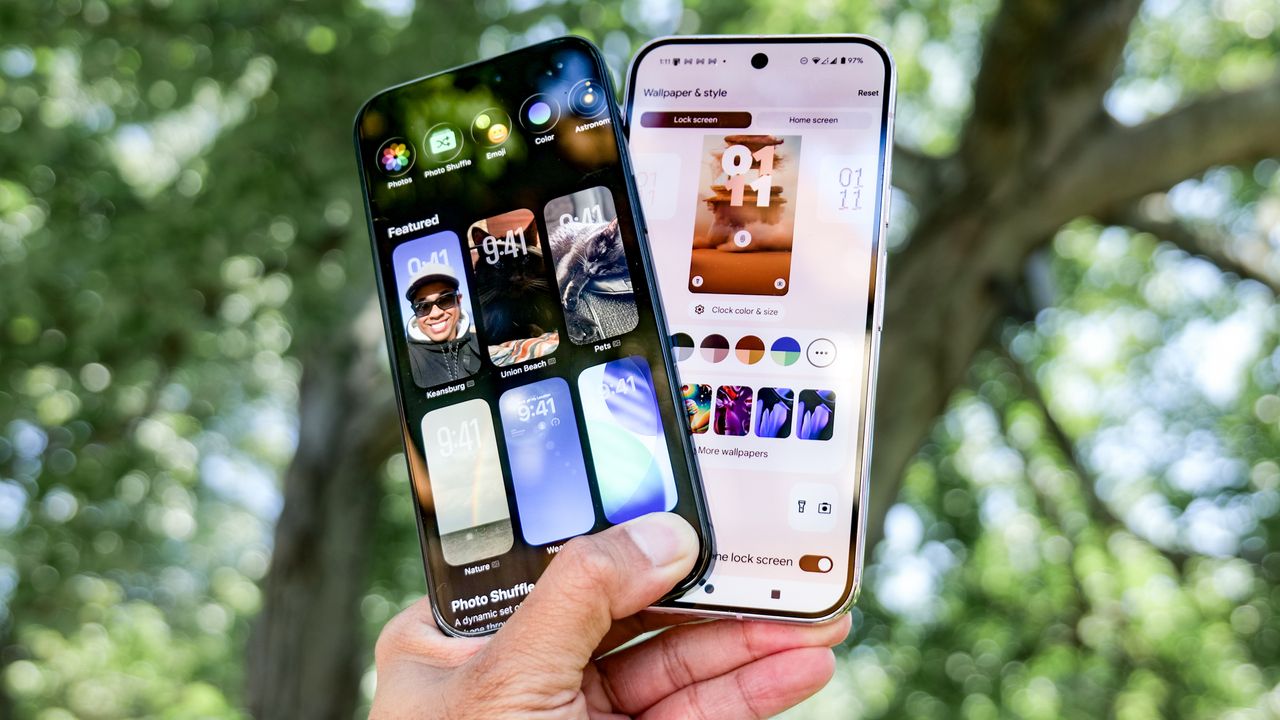
I’ve been using iOS 26 ever since the first developers beta software was released at the end of July. Since then, I've come to test out many of its new features, like Call Screen and Live Translation. However, the one absolutely iOS 26 that continues to impress me the most is its new lock screen.
For as long as I’ve been reviewing the best phones, Android phones have always delivered the best lock screen options. That all changed when I finally started to use iOS 26 and began to uncover its remarkable depth.
I’m not just referring to the way it looks either, just because Apple takes all the extra steps to add even more utility than ever before. Here's all the reasons why I think iOS 26 has the best lock screen around.
Create and customize multiple lock screens
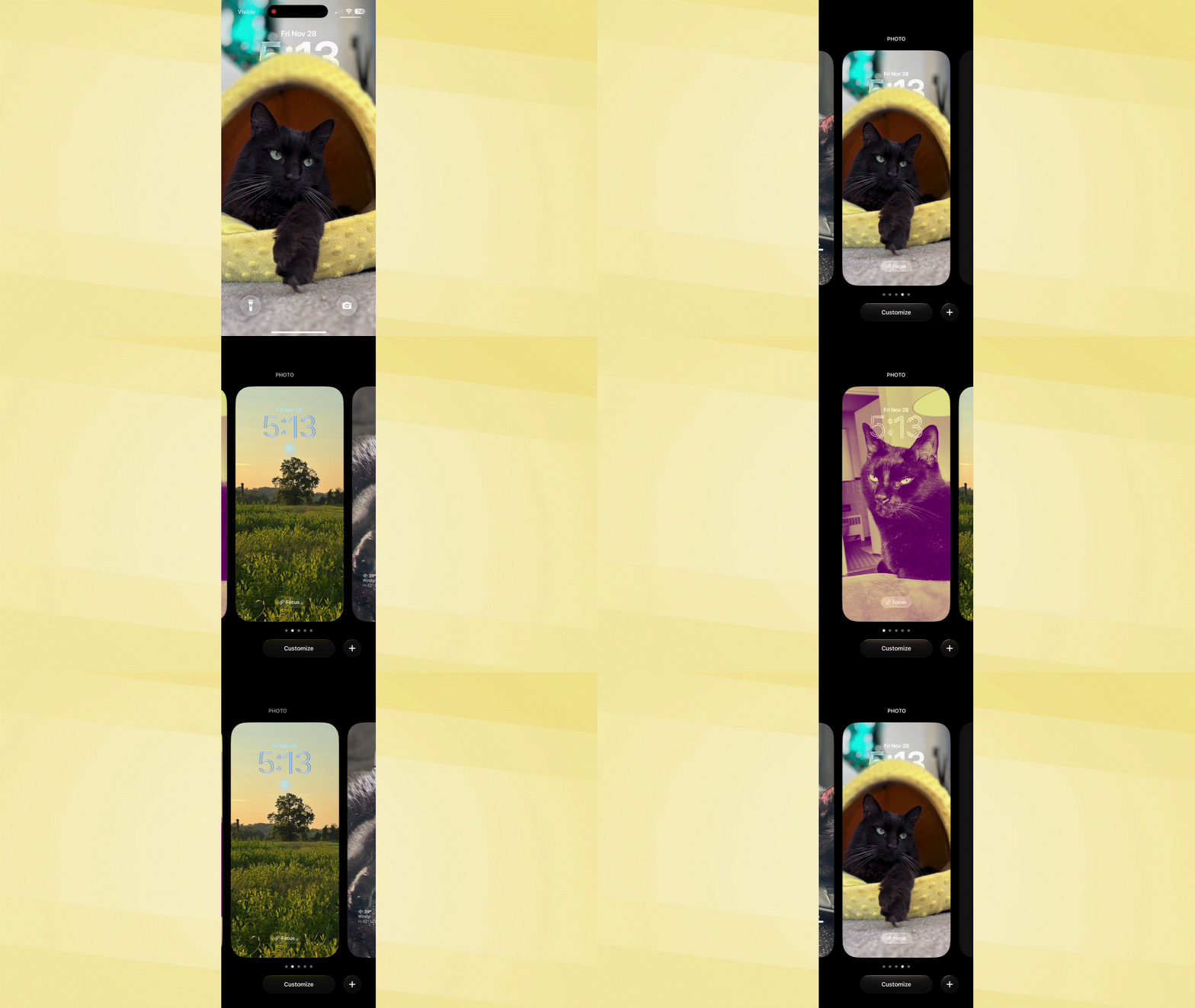
What makes the iOS 26 lock screen way more intimate than its Android counterparts is that I’m not locked into just settling with one kind of lock screen. Instead, iOS 26 lets me create and customize many — which I can switch between at any time.
Rather than setting up one lock screen interface and then scrapping it for something entirely different at another time, iOS 26 lets me add several at a time. At the moment, I currently have four lock screens, but I imagine I can continue to add way more to my carousel of options. This ability to customize, then pick and choose, is a welcome change that can better suit my personality for different occasions.
Plenty of shortcut options
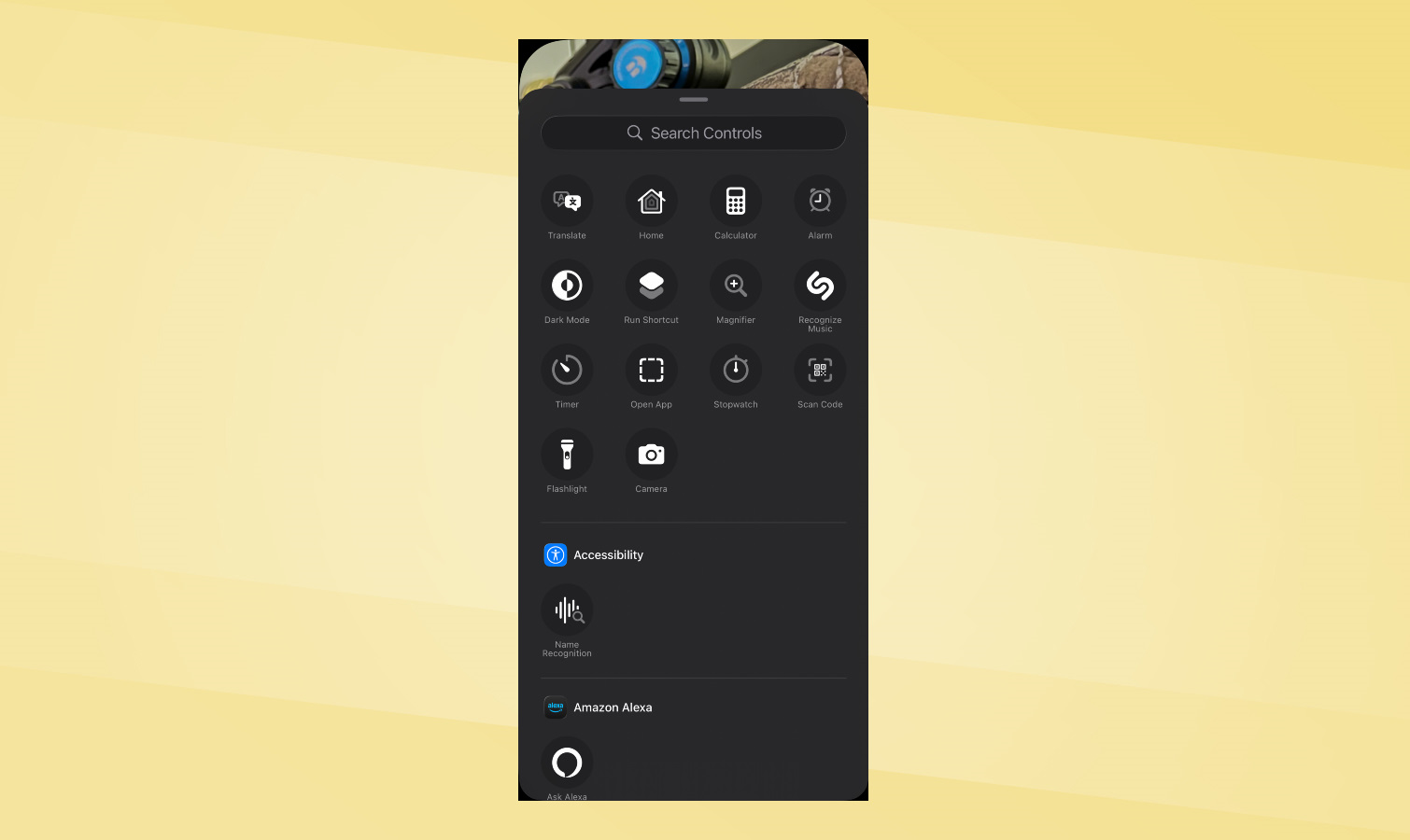
Sometimes you need quick access to something on your phone, which is exactly why I love being able to customize the lock screen shortcut buttons. They’re the two on the bottom left and right corners in the lock screen, which by default are set to the flashlight and camera.
I love being able to customize them to just about anything I can think of. From setting one to launching Google’s AI Mode to ask questions, to enabling an accessibility feature like Apple Watch Mirroring, the ability to choose what they do is incredibly useful.
Spatial scene and depth effect
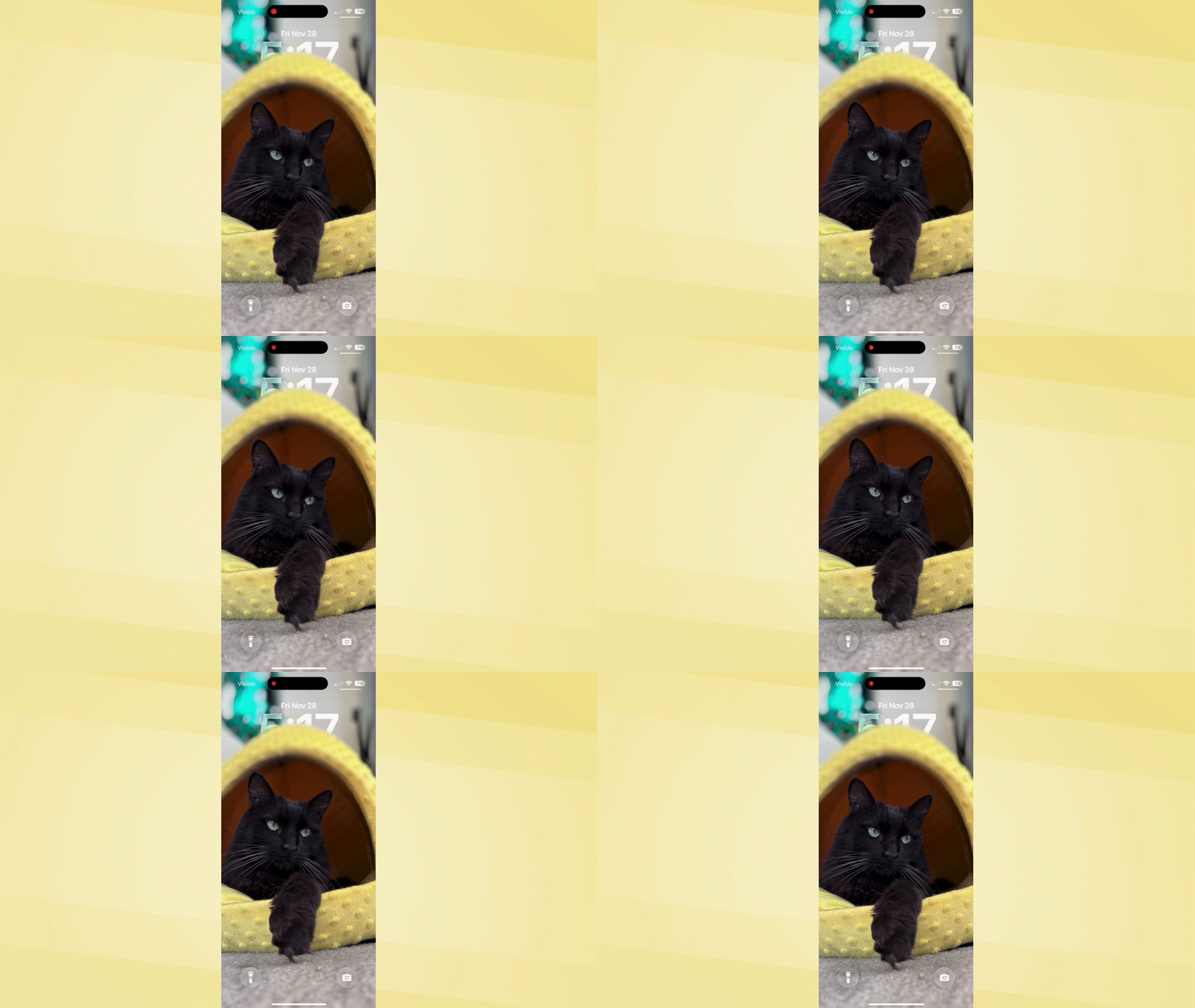
It’s funny what a little bit of motion can do to change up the look of a lock screen. That’s because in iOS 26, it does a phenomenal job of analyzing static photos I’ve taken with my iPhone’s camera and then applying a spatial scene and depth effect to give it that 3D-like look. The really sweet touch is how the clock overlays over my wallpaper, oftentimes appearing behind or in front of it.
Expressive styles
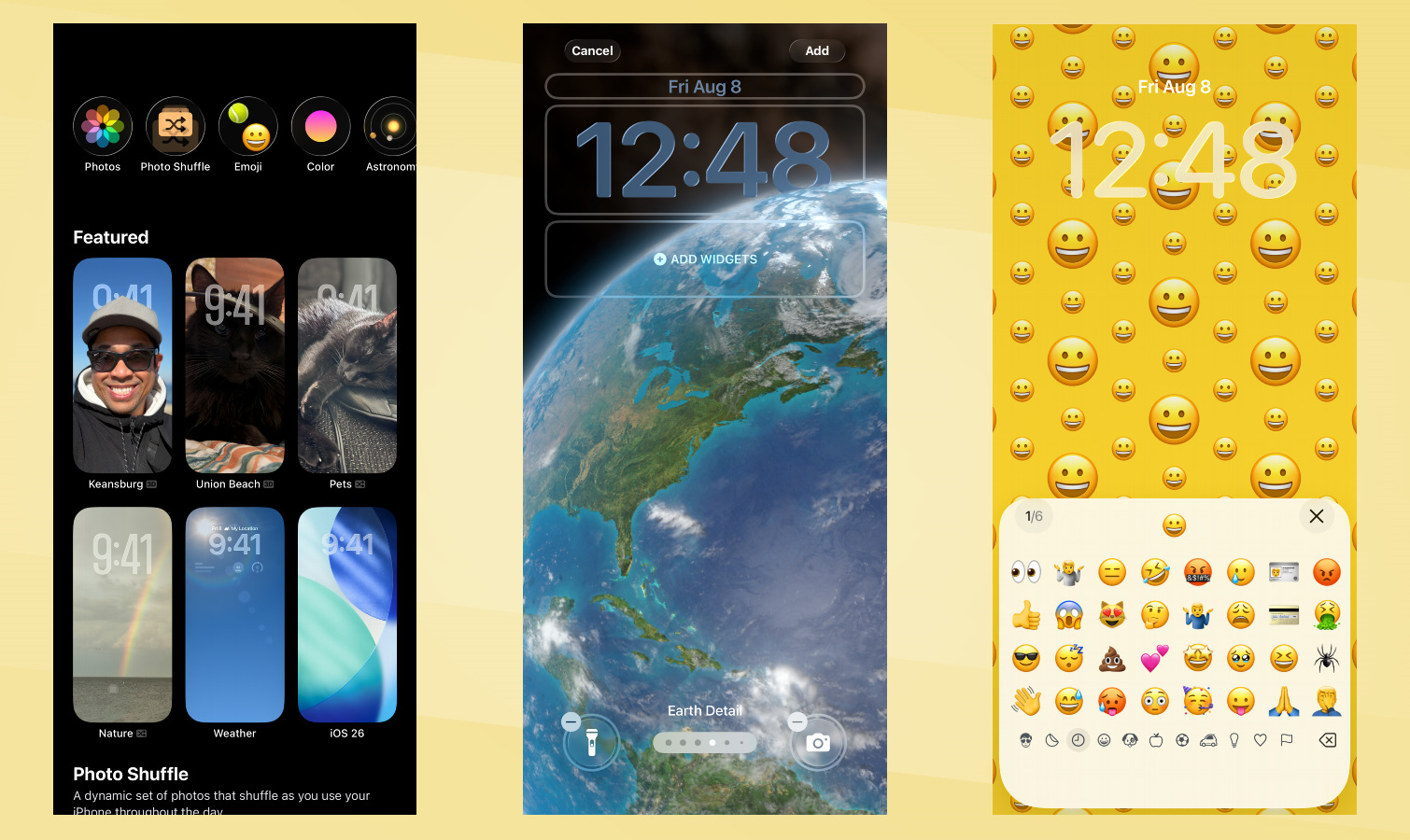
I personally love the Photo Shuffle lock screen option because it automatically uses “featured photos” from my library. That way, I don’t always have the same wall paper for my lock screen. Beyond this, though, I really enjoy the other expressive styles that iOS 26 has to offer over Android phones. For example, there’s an option for an emoji filled wallpaper and even others that satisfy the astrophotographer in me with its astronomy and weather wallpapers.
Glanceable widgets
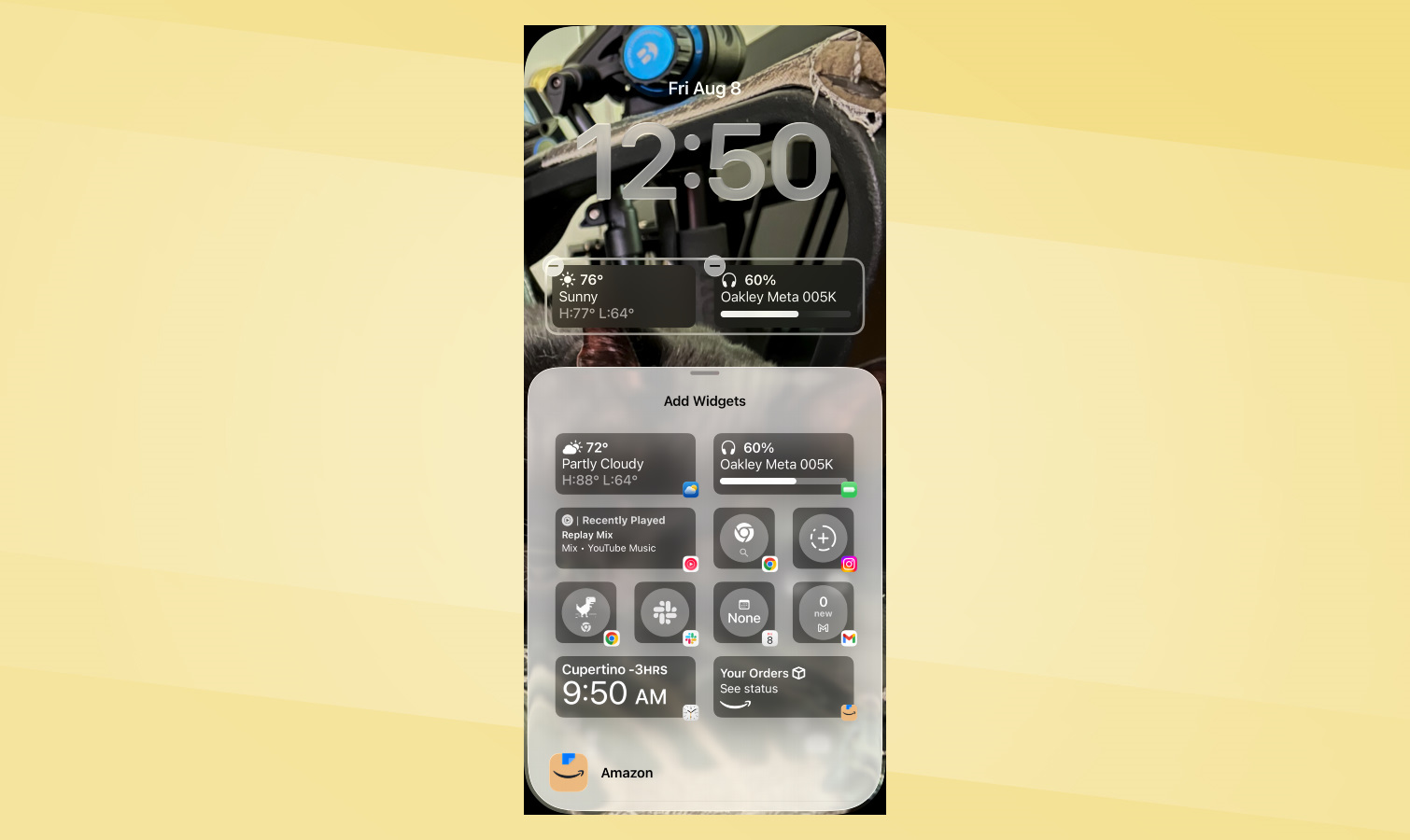
For a long time, Apple was reluctant to copy a staple Android feature. I’m referring to widgets, which Apple now fully embraces with iOS 26. With the lock screen, I can add just a couple of widgets that are enough to give me insightful details — like the widget for my AirPods that show me its charge level. Alternatively, there’s the Google Maps widget that shows me a preview of traffic conditions with my commute.

Follow Tom's Guide on Google News and add us as a preferred source to get our up-to-date news, analysis, and reviews in your feeds.