I've been testing ChatGPT-5.5 a lot recently. I've tested it against Claude Opus 4.7 and just recently put it head-to-head against Gemini 3.1 Pro. And while it's smart and fast, it's almost too fast, which makes it less smart at times.
Don't get me wrong, most of the time, speed is what you want. The fast summary, the fast response and fast draft of an email all make sense. But every now and then, I've noticed the speed becomes a problem. The response is too generic, too polished and just skims the surface of what I'm looking for.
That's why I created the "owl" prompt to help ChatGPT slow down. I've used it for a few months, but have found it even more effective recently thanks to OpenAI's recent updates. It's a prompt with a noticeable difference.
The 'owl' prompt is the key to smarter, more analytical answers
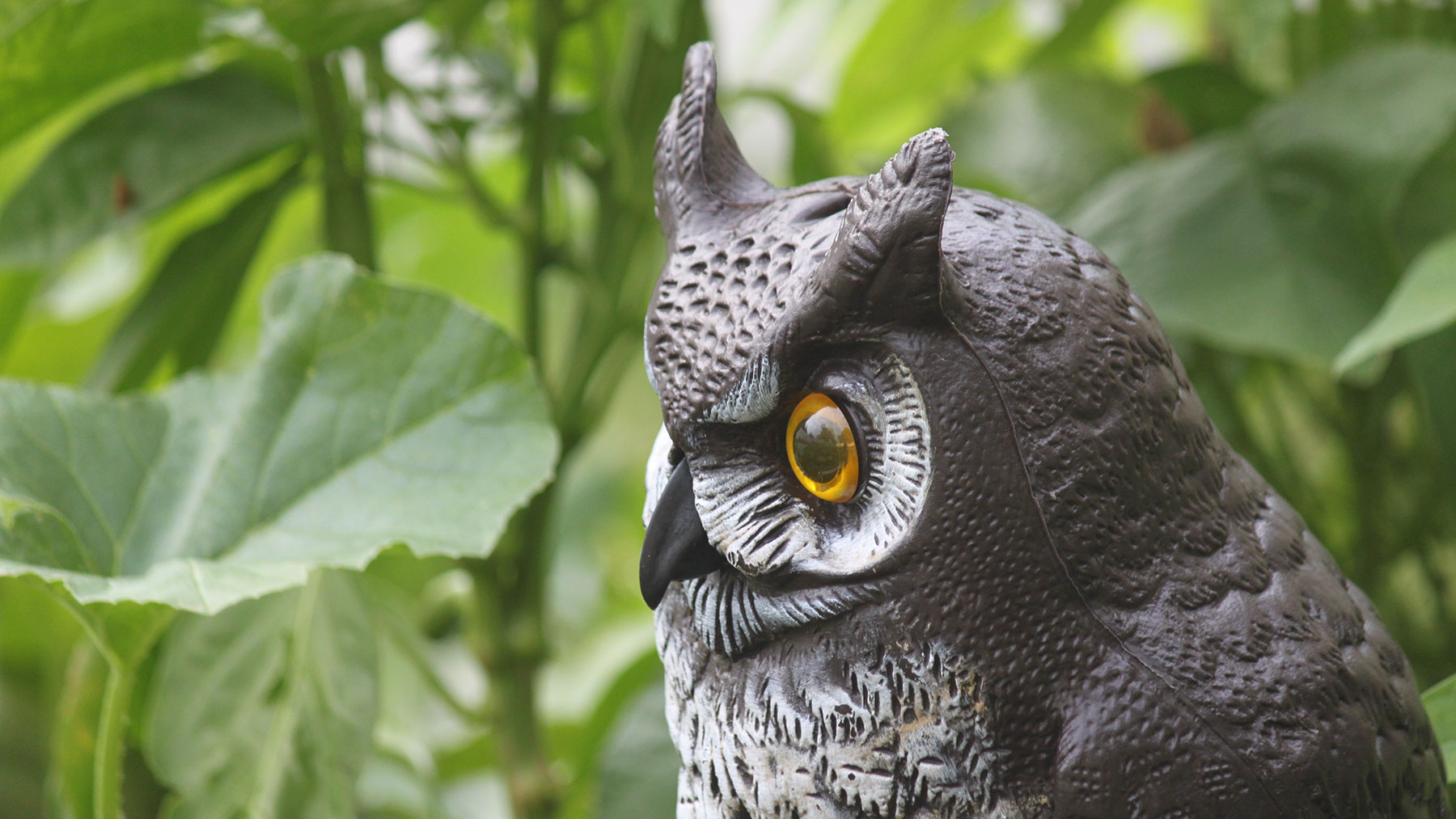
Here’s the exact prompt I used: “Think like an owl — slow, observant and analytical. Examine this problem from multiple perspectives and identify the hidden factors most people overlook.”
This prompt focuses on the characteristics of the owl to make a simple shift in how the AI approaches the task. The reason why this works better than most prompts is because it gives the AI clear directions based on what's associated with an owl.
For instance, an owl has qualities of patience, quiet observance and wisdom. I didn't have to tell that to the AI, but by asking it to "think like an owl," I'm essentially instructing it to change how it responds. Now, instead of jumping straight to an answer, the model starts to do the following:
- Break the problem down more carefully
- Look at multiple angles instead of just one
- Surface risks and tradeoffs
- Call out things that aren’t immediately obvious
Rather than going for speed, the 'owl' prompt forces AI to be right

AI is often optimized for speed and helpfulness. It’s designed to give you something quickly that sounds good. But “sounds good” isn’t always the same as thinking deeply. Plus, there's a lot of "people pleasing" that tends to come out of ChatGPT when it's just trying to get an answer out fast.
I've noticed that whenever I use this prompt, ChatGPT hallucinates less and isn't trying to please me as much. (As a side note, ChatGPT-5.5 seems to be less of a people pleaser in general, thanks to the updated model.)
Trying it with a real-life scenario
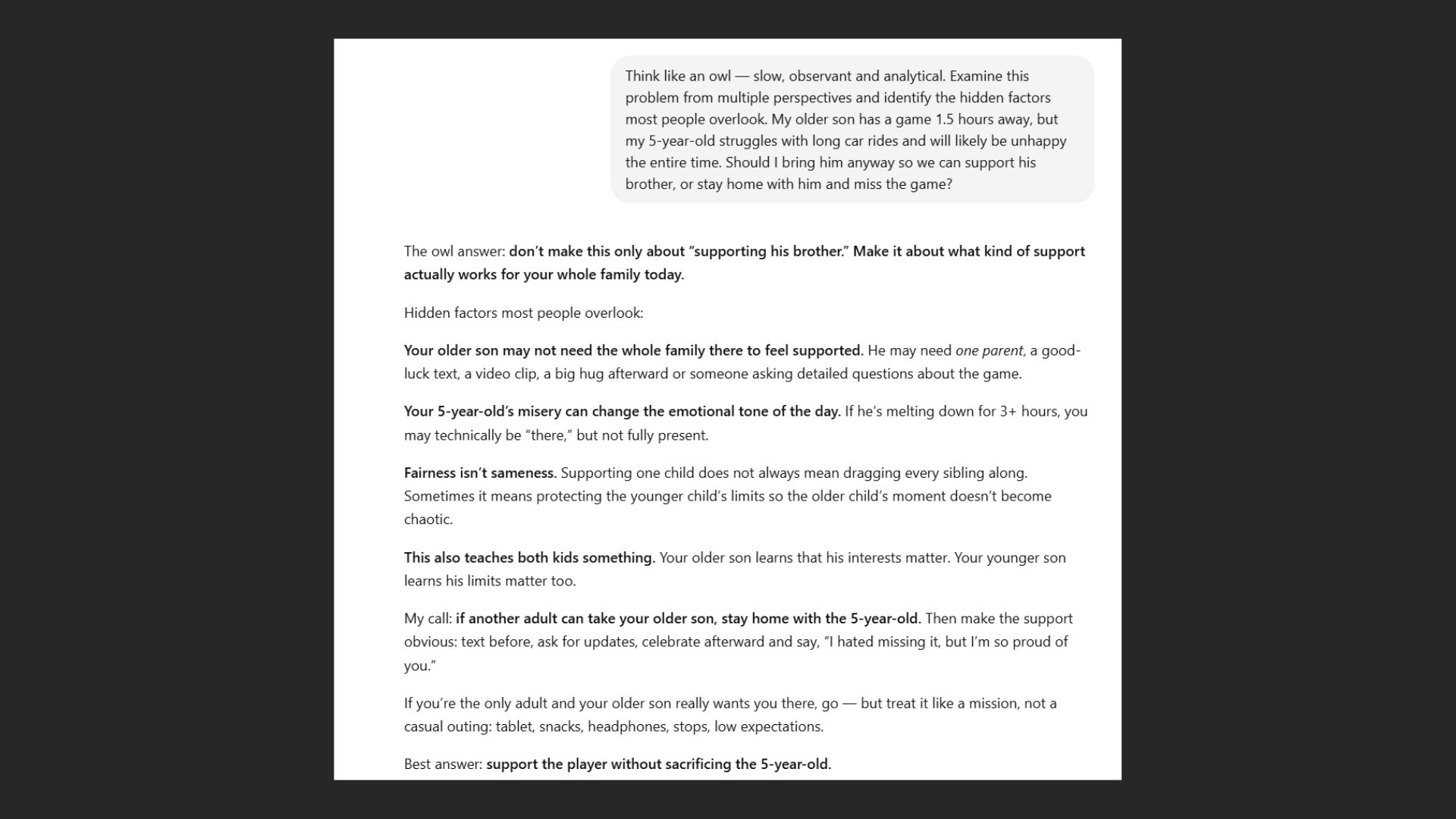
I gave ChatGPT a common problem that I have on the weekends. My son is on a travel soccer team and sometimes his games are far away. My five-year-old isn't good with car trips and often gets bored at the games.
Here's the prompt without the "owl" prompt: "My older son has a game 1.5 hours away, but my 5-year-old struggles with long car rides and will likely be unhappy the entire time. Should I bring him anyway so we can support his brother, or stay home with him and miss the game?"
For this, ChatGPT came back with a few scenarios, but ultimately told me: Supporting one child sometimes means not putting another in a situation they can’t handle yet.
So, I prompted it again with the "owl" prompt. The response was wildly different:
The tone changed immediately and it walked me through solutions. It offered the obvious solution and the hidden downside of that solution. Then, a less obvious alternative and a second-order effect I hadn't considered.
In other words, the "owl" prompt results in the AI not just answering the question but examining the question.
Where this prompt helps most

I’ve found the “owl prompt” works best when I'm trying to make a decision with tradeoffs or I want to avoid blind spots. I also use it when the right answer isn't obvious. It's times like that when I need depth, not necessarily speed.
I recommend trying it for parenting dilemmas like mine or big picture planning. Slowing down ChatGPT also works for help with career decisions or making financial choices. Of course, you wouldn't want to rely on just AI for your biggest problems and decisions. It should just be used as starter or guide to help you see new perspectives.
The takeaway
When a quick answer isn't good enough, the "owl" prompt is a good solution to help slow AI down. Rather than trying to get better results from ChatGPT by adding more detail or stacking complex instructions, just change the mindset.
By telling ChatGPT to “think like an owl,” you’re not giving it more information. You’re giving it a different approach. Give it a try (especially with ChatGPT-5.5) and let me know how it works for you. Share your thoughts in the comments.