
Every so often, ChatGPT does something frustrating. In an effort to answer your request, even when it gets stuck, it will throw out information that's either incorrect or has been sourced badly.
Unless you spend the time going through every single fact, figure, and opinion the chatbot gives you, it can be hard to know when this is happening. With that in mind, I’ve started trying something new.
When I need ChatGPT to be on its A game, usually for a research project, or for information that needs scientific backing, I try a different type of prompt.
Quite simply, it involves asking ChatGPT to provide its citations for what it is telling you up front. Here’s how to do it.
How the citation first prompt works
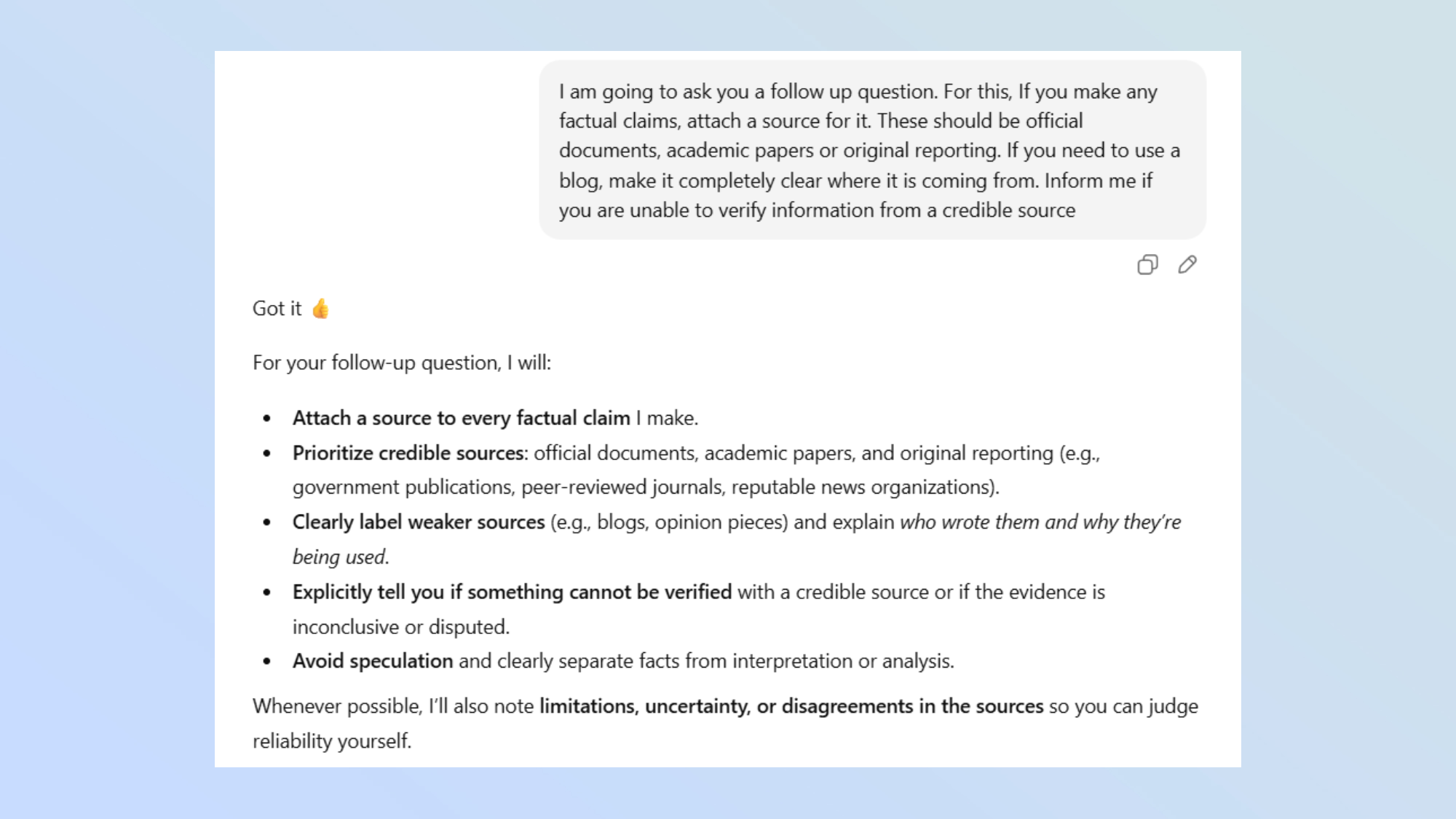
The concept here is easy. Before you ask the query that you have for ChatGPT, you open with this prompt:
“I am going to ask you a follow up question. For this, If you make any factual claims, attach a source for it. These should be official documents, academic papers or original reporting. If you need to use a blog, make it completely clear where it is coming from. Inform me if you are unable to verify information from a credible source”.
When you then follow up with your actual question, ChatGPT will go the extra mile to offer verifiable information, providing sources, quotes and links to the information for you to click through to.
Using this prompt does two things. It allows you to fact-check the model, seeing where it is getting its statistics from, as well as forcing it to only use sources that would be deemed trustworthy for the information.
You can also customize the prompt to your liking, adding extra requests or asking ChatGPT to only use information from certain sources. This can be especially helpful if you’re working on a research paper and need all of the information to come from academic sources.
Examples in practice
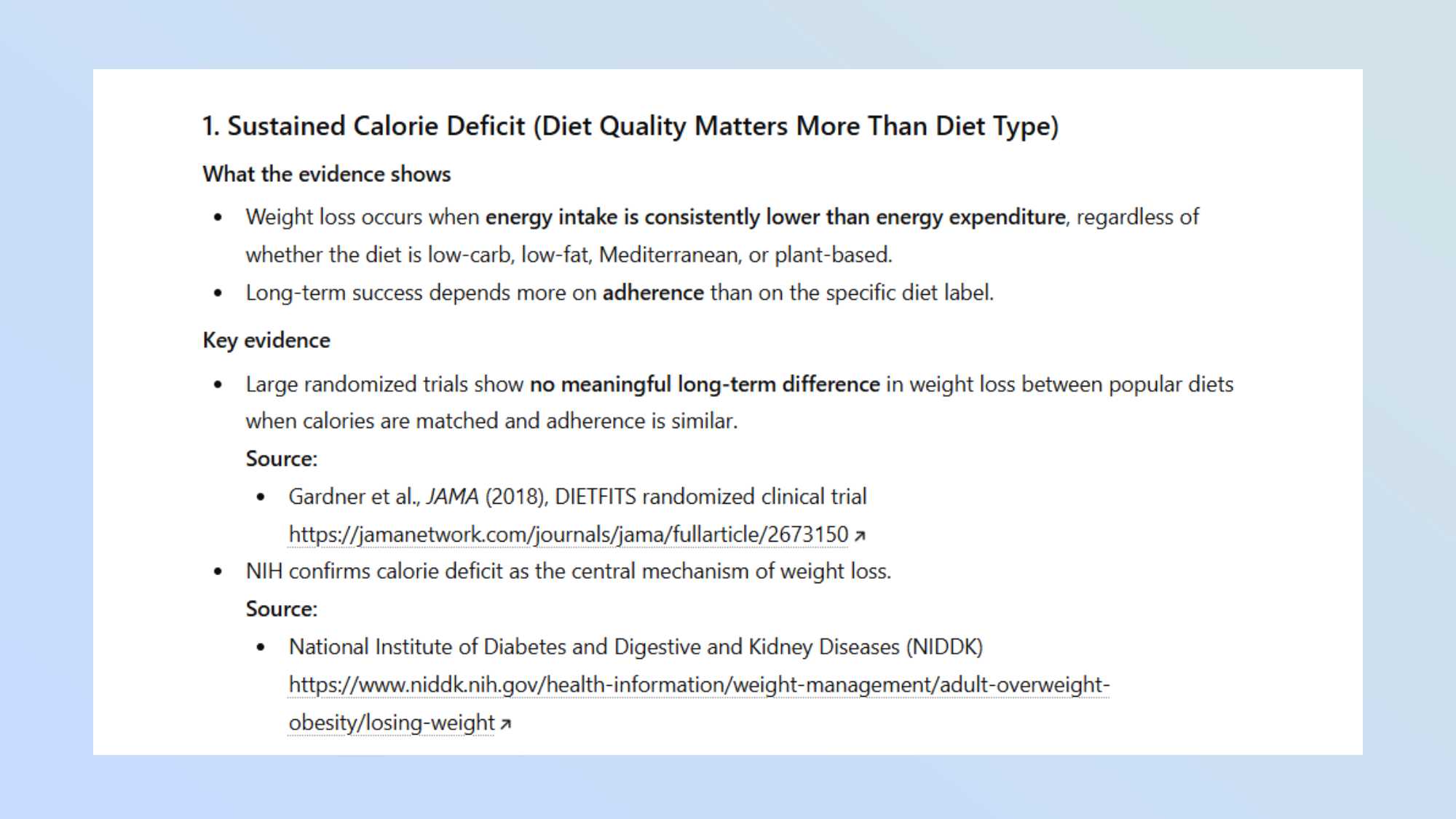
After giving ChatGPT the starting prompt, I followed up by asking it “What is the most effective method for weight loss?”. Instead of offering up information from blogs or popular opinion, ChatGPT provided summarized information from clinical trials, research papers and government documents.
It also provided a link to click through to for each of the sources that it referenced. While I could click through, I could also ask ChatGPT to explain any of the sources mentioned to me for ease.
I tried the same process on another task, asking ChatGPT to explain how black holes work. Once again, ChatGPT provided a full explanation on the subject, including links and sources for every point of information.
Try it out for yourself the next time you need to ask ChatGPT something factual and let me know how you get on. If you've got other practical prompts for getting more out of ChatGPT, I'd love to hear about them. Drop me a note in the comments below.

Follow Tom's Guide on Google News and add us as a preferred source to get our up-to-date news, analysis, and reviews in your feeds.