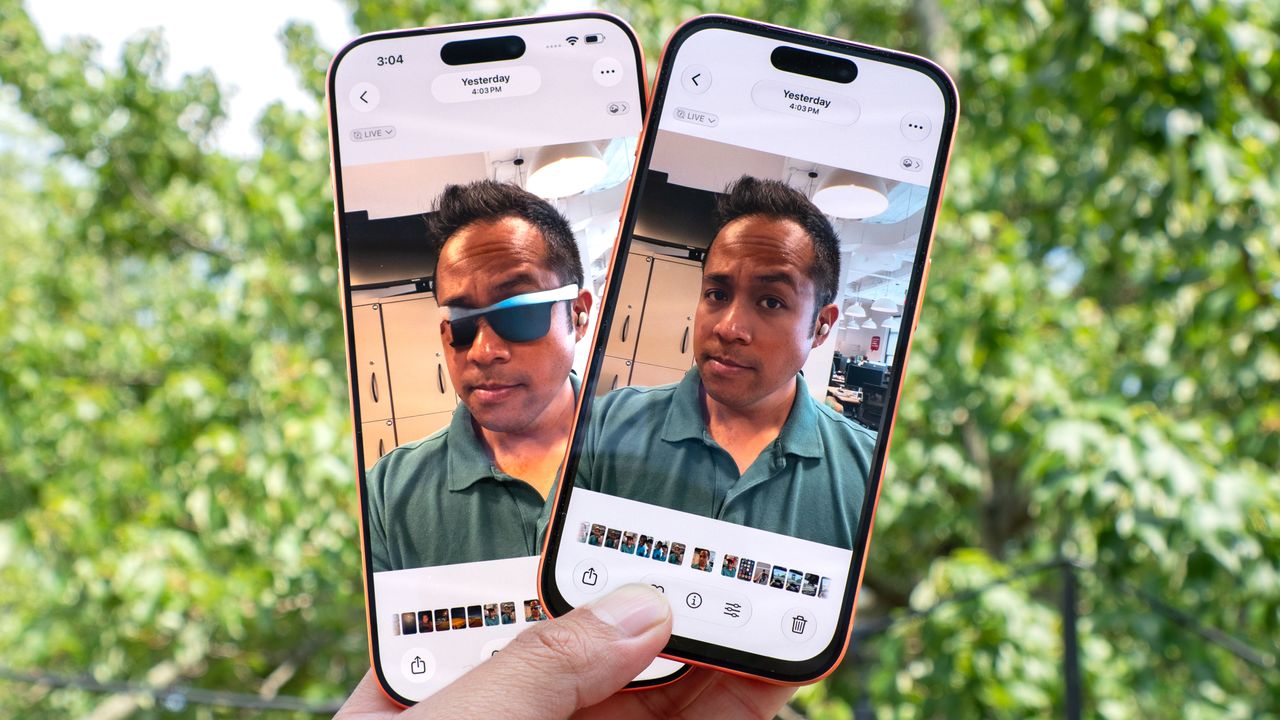
I can’t believe it’s been nearly two years since Apple released its Clean Up tool as part of iOS 18.1. Apple users like myself have been waiting for something like Google’s Magic Eraser, and while Apple's version certainly has the ability to erase unwanted subjects from the frame, it’s still a far cry from the performance I see from Samsung’s and Google’s versions.
With iOS 27, though, this Apple Intelligence feature gets a substantial boost that makes it much more reliable. Apple says that “users can remove distractions with better quality and more realistic infill, even when the scene is complex.”
@tomsguide ♬ Spy action theme song style(230946) - Strange Dog
After taking the same set of photos and running them through the Clean Up tool in the iOS 27 developers beta and iOS 26, I'm convinced by Apple's remark about the improvements that come with its latest version of Clean Up. Here's why.
Travel mug in my hand
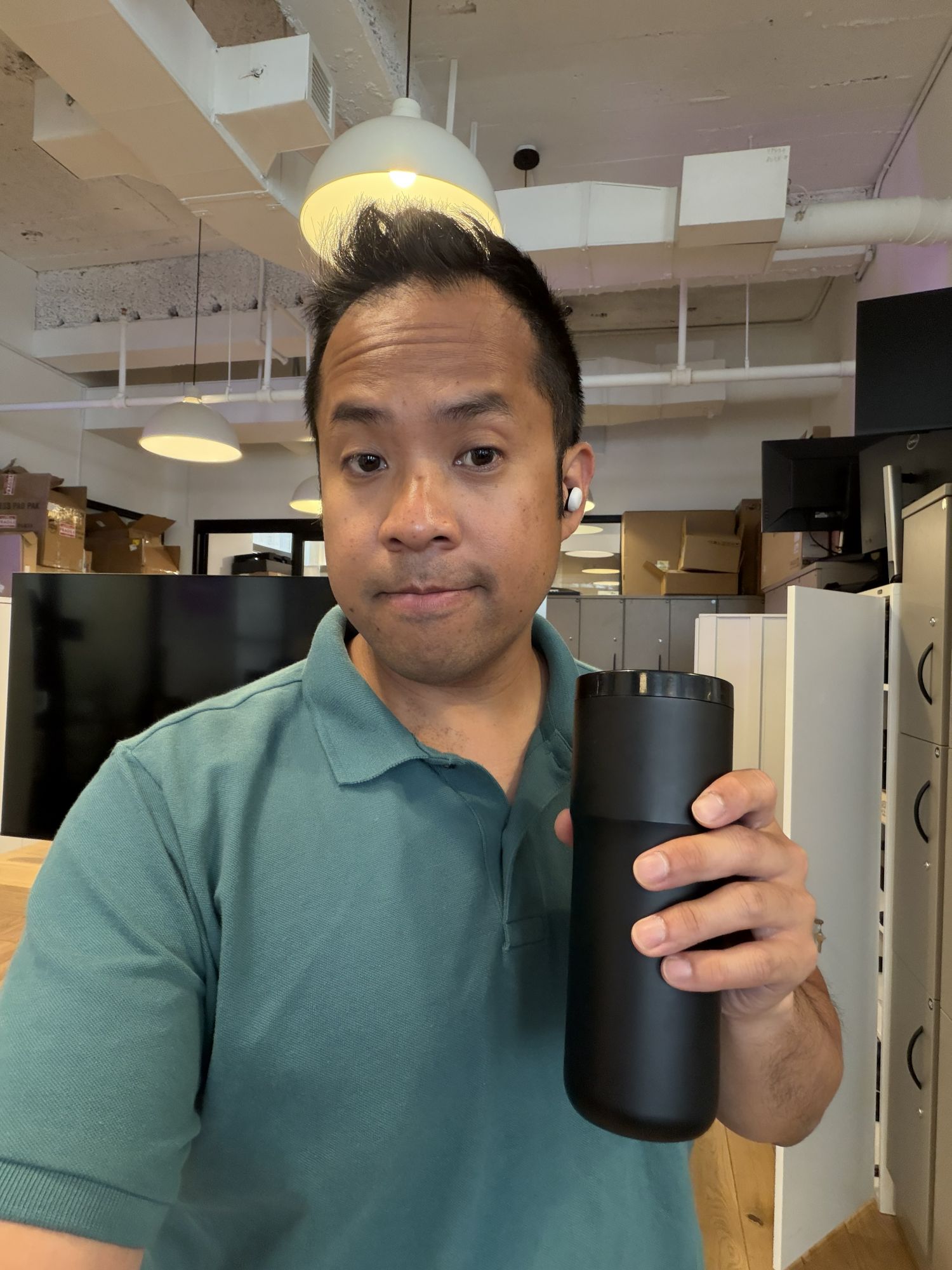
For this first test, I decided to go after something easy to remove — my Ember Travel Mug in my hand. Both versions of Clean Up manage to detect the edges of the mug after I made the selections as I glided my finger over it, but the iOS 27 version of Clean Up proves how it’s far more intelligent.
Sure, it takes significantly longer to produce the final image, but the result is realistic and something I could actually share. It’s pretty undeniable how iOS 27’s Clean Up tool processes the image with the help of Apple Intelligence and knows exactly how to fill it in. Meanwhile, the iOS 26 Clean Up tool completely distorts my hand.
Ray-Ban Meta smart glasses
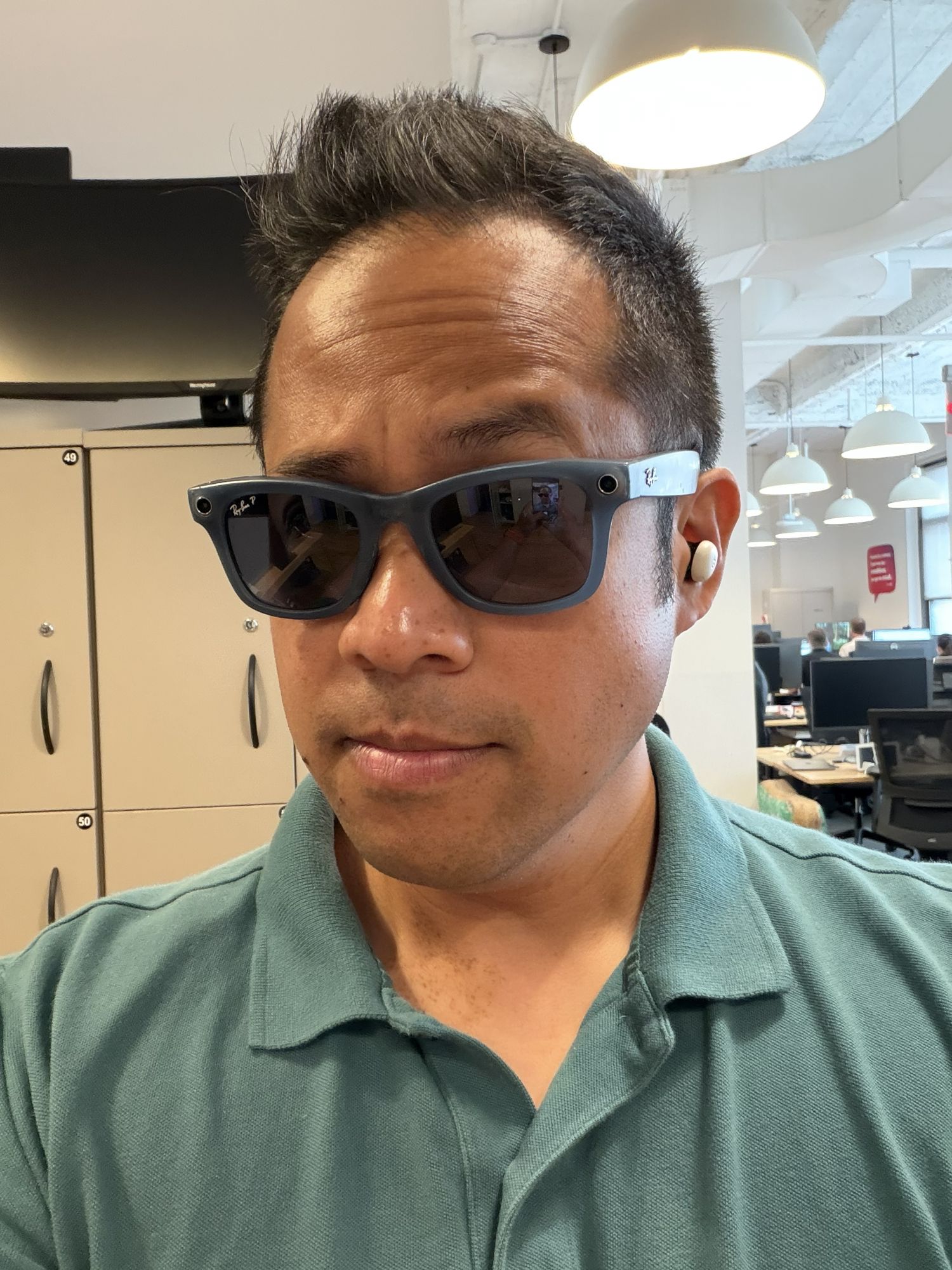
Stepping it up a notch, trying to remove my Ray-Ban Meta smart glasses from my face is much more challenging than removing something from my hand. With the iOS 27 Clean Up tool, it once again took over 30 seconds to produce the final photo — but the delay highlights the superior processing of this updated tool.
That’s because it really does look like I took off my glasses for the shot. In the original image, I can see a little bit of my right eye through the lens, but the left one is blocked by the glare. However, Apple Intelligence does an amazing job here at generating my eyes — even though they look a little baggy. As for the iOS 26 Clean Up tool? Well, the result is practically useless.
Coca-Cola cap

Finally, there’s the red Coca-Cola cap on top of my head. Now this one’s interesting because in my experience using AI editing tools to remove objects from my head — like the time I tried erasing the EcoFlow Power Hat — they really have a hard time with it. Case in point: the iOS 26 version, which does nothing to the cap other than distorting it. I imagine that if I tried a handful more times, it would’ve eventually removed the cap — but it probably would have taken the top of my head with it.
In contrast, the iOS 27 Clean Up tool does something hilarious that I attribute to Apple Intelligence overanalyzing the lines on my face and concluding that I’m a decade older than I am. The buzz cut does give me an idea of what I could look like down the road as my hairline thins and recedes, but at least the top of my head is intact.
Bottom line
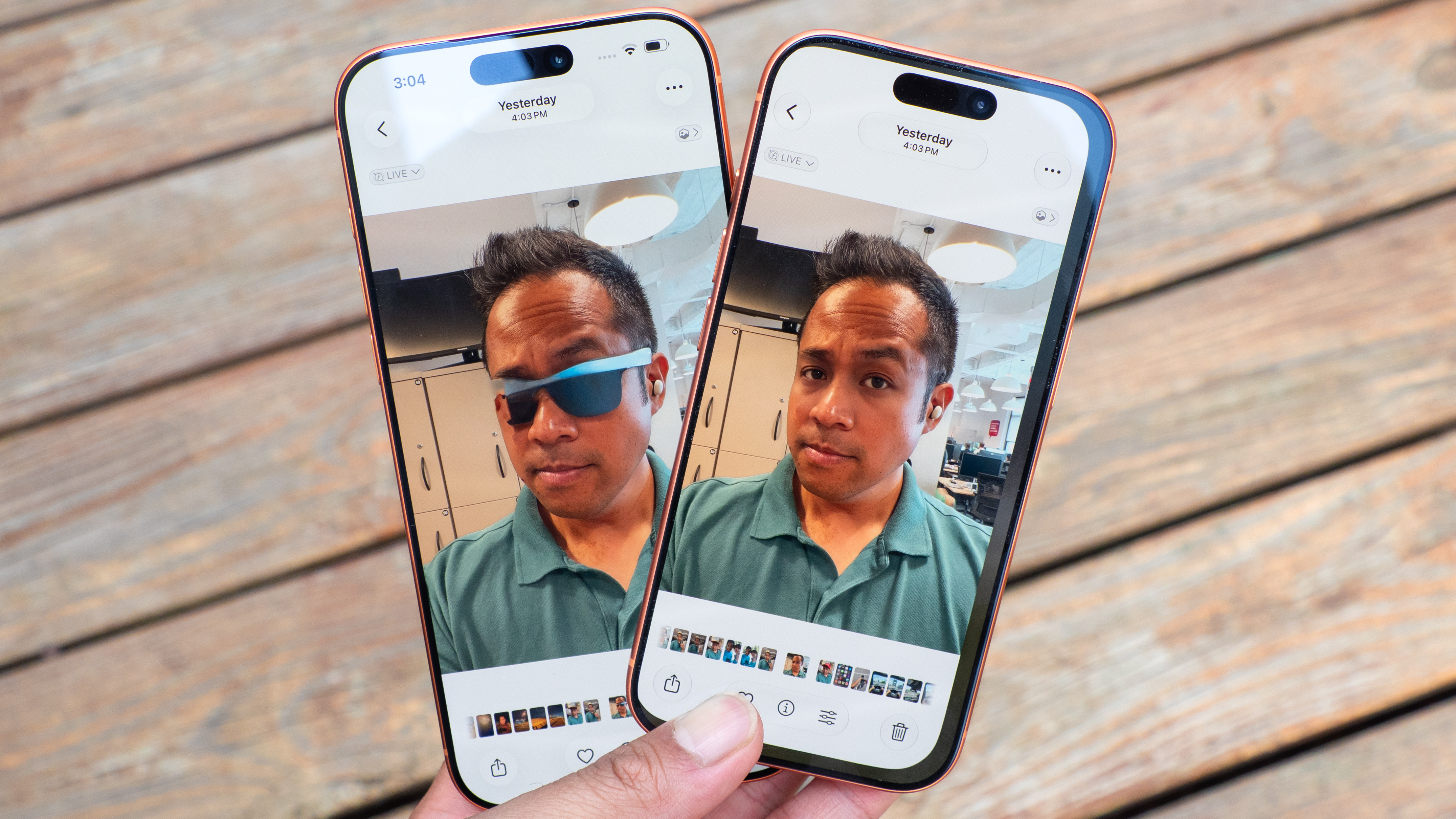
There’s no denying that the iOS 27 Clean Up tool is much more reliable. Despite taking some time to produce the shot, I think Apple Intelligence is taking the right approach by analyzing the scene and filling in the voids accordingly.
Hopefully, Apple can further refine the processing, ideally making it much faster. After all, I’ve tested Samsung’s Photo Assist tool, and it’s way speedier.
More from Tom's Guide
- Your iPhone alarm and ringtone don’t have to share a volume slider anymore — here’s how to split them in iOS 27
- Some AI features aren't available on older iPhones, but are you actually missing that much?
- You don’t have to wait for Apple’s Siri AI rollout — use this trick to unlock it on iOS 27 right now