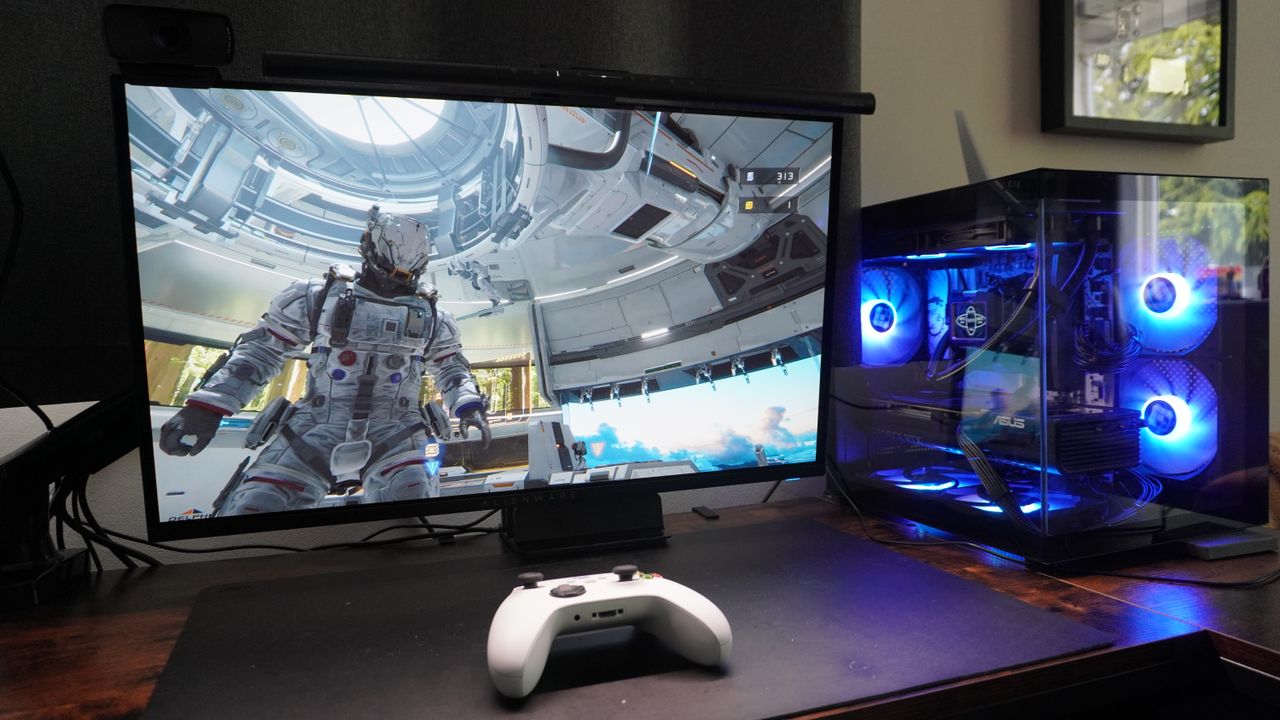
As you may have seen, we rather love Pragmata right now, and I can give all you PC gamers out there the lowdown on how well it’ll run on your rigs. Spoiler alert: just like Resident Evil Requiem, path tracing adds a night and day difference.
So I threw it at my pricey RTX 5080 and mid-range RTX 5060 Ti rigs to see how far I can stretch those fidelity settings with DLSS 4, and how well it performs with this incredibly demanding graphical tech running.
What settings should you use?
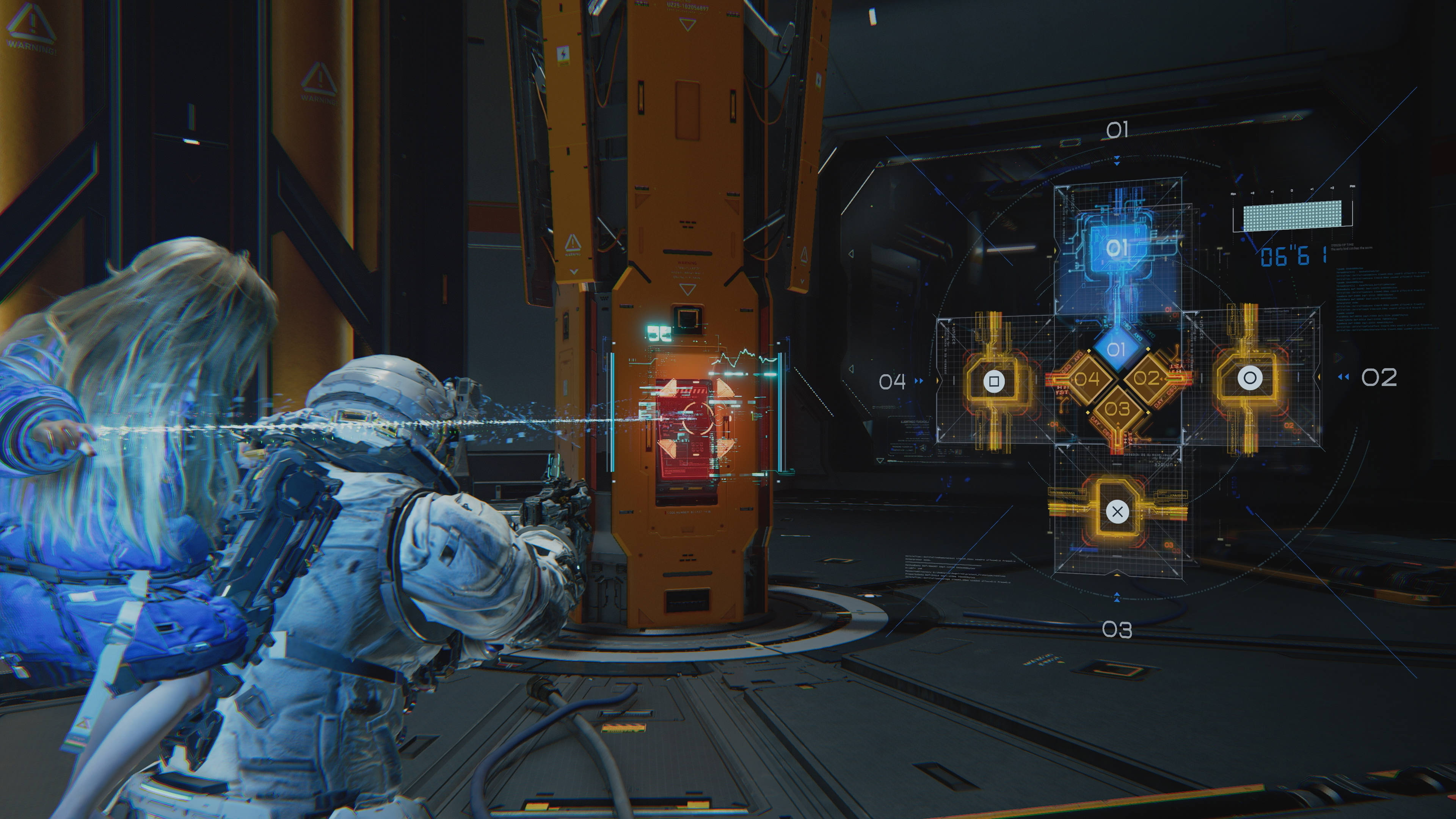
As I always say, Nvidia’s DLSS is a helluva tool for extracting more gameplay value out of your GPU — provided you use it the right way. Because sure, a game can look smooth, but if you’re adding all the AI trickery on top of a game that is running at 20 FPS, it will not feel smooth to play.
That’s why you’ll need to go into the settings to tinker the base rate a little before overlaying DLSS features. Just as a general reminder:
- If your game is a slower-paced single-player title, aim for 40 FPS
- Need quick reflexes? Aim for 60 FPS
- For competitive multiplayer, either don’t use it or aim for 120 FPS
From mine and Tony’s time playing Pragmata, you can safely put it in that 40 FPS target category. There is combat that requires you to dodge attacks and shoot, but with plenty of time to telegraph enemy moves, the really fun puzzle elements and button-based quick-time events, you’ll still get a game that feels good to play at this level.
By the numbers
So allow me to introduce you to the machines that will be taking this on (quite proud of my rebuilds):
- Remember that PC I built for myself at Scan computers? I’ve done a transplant into the gorgeous Micro ATX case you see in the top image — doing some space saving while preserving power. It packs an AMD Ryzen 7 9800X3D, RTX 5080 and 32GB of DDR5 RAM. You can watch the whole big build here.
- The second is a modified RDY Element 9 Pro R07 — sporting an Intel Core Ultra 7 270K Plus, RTX 5060 Ti (16GB) and 32GB of DDR5 RAM.
Same rules apply as my Requiem testing, so I’m stress testing at resolutions fair to each card (4K for the 5080 and 1440p for the 5060 Ti) at maxed out path tracing settings. Of course, as I said above, you can tweak some graphical settings to squeeze even more frames out of the base rate.
And as you can see, the multipliers really start to pile on the additional frames nicely here — making the game look silky smooth.
Latency checker
So there’s big frame rates happening up above, but that’s half the story. As I said up above, the game’s got to feel smooth too, and in this stress test (just like what happened with Requiem), this is where it becomes clear that DLSS 4.5 performance is your go-to option if you wanna go all-out in the settings.
DLSS always comes with a small penalty to that base frame rate, as the GPU’s attention is turned to the AI background work. And while these are mostly playable, Quality or Balanced upscaling does lead to some noticeable latency. Performance is your sweet spot.
Path traced sci-fi fun
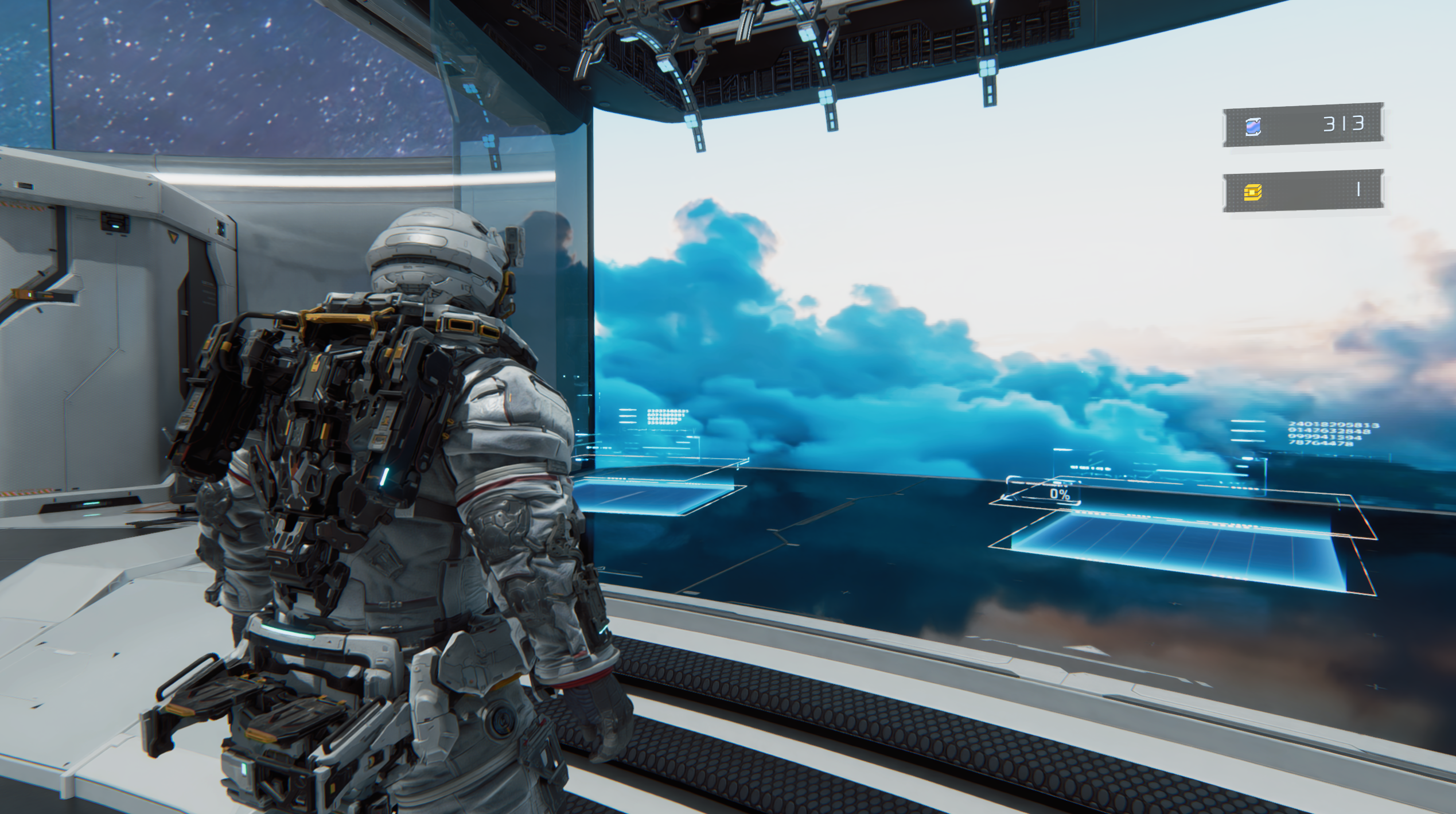
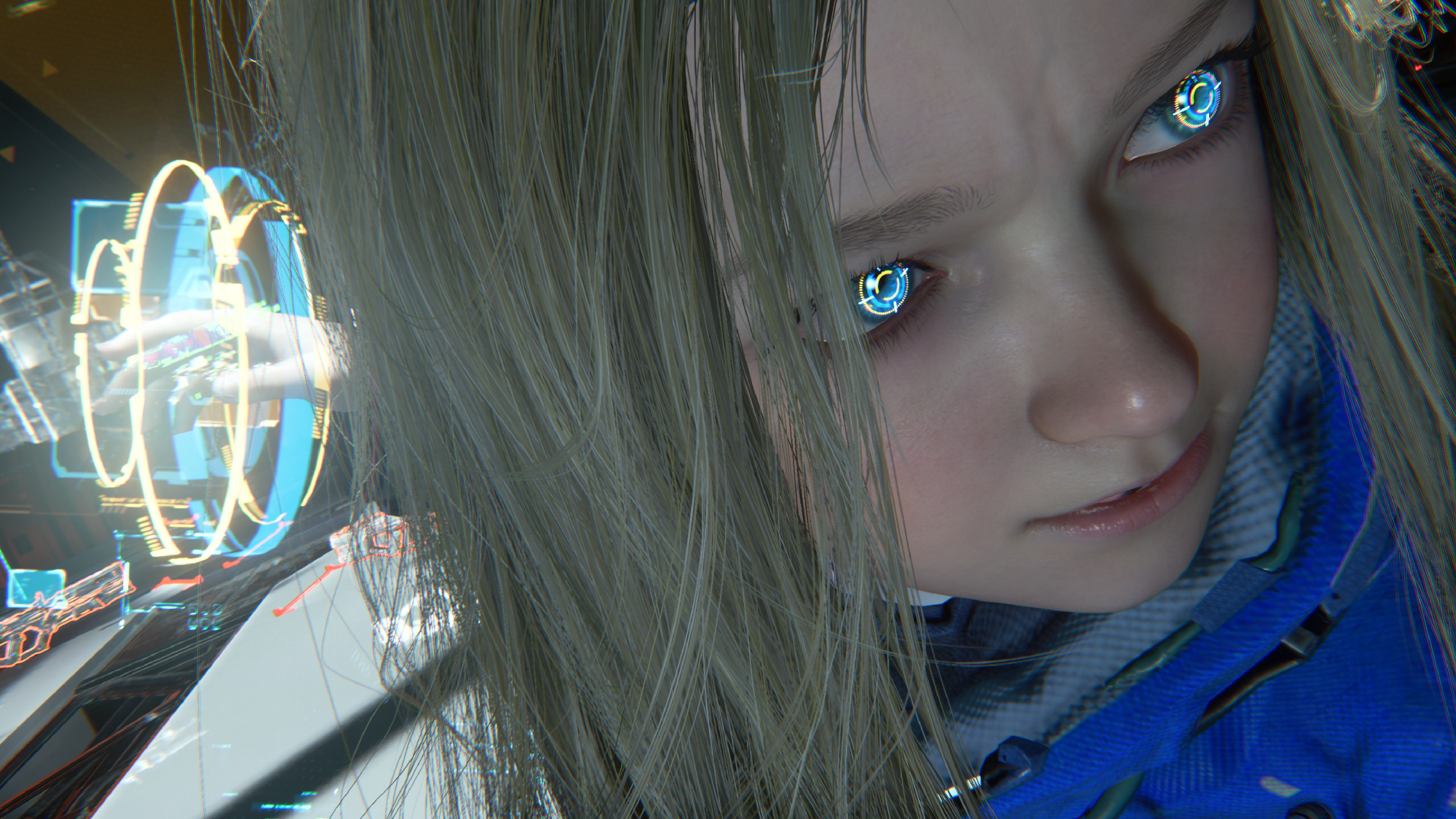
If you follow my advice from up above, you’ll have a great experience with what has become one of my personal surprise favorite games of 2026. Path tracing really does make a material difference to the visual fidelity here and draws you into the immersion of this fascinating sci-fi world.
I demoed this game a few months ago and immediately fell in love with the hybrid shooter/puzzler gameplay, but I did feel a little nervous about how far this could go before it becomes tiresome. Turns out the answer is it never gets old! New layers of complication are added over time and discoverable elements keep things fresh. Oh, and the boss battles are epic.
More from Tom's Guide
- PC sales are up, but don’t be fooled — IDC report warns RAMageddon is just getting started
- I tested DLSS 4.5 Dynamic Multi Frame Generation: It’s not just AI trickery, it’s Nvidia’s cheat code for 4K 240Hz and a true console killer
- I really wanted to love the Asus TUF Gaming A14 (2026), but it’s an expensive heartbreaker