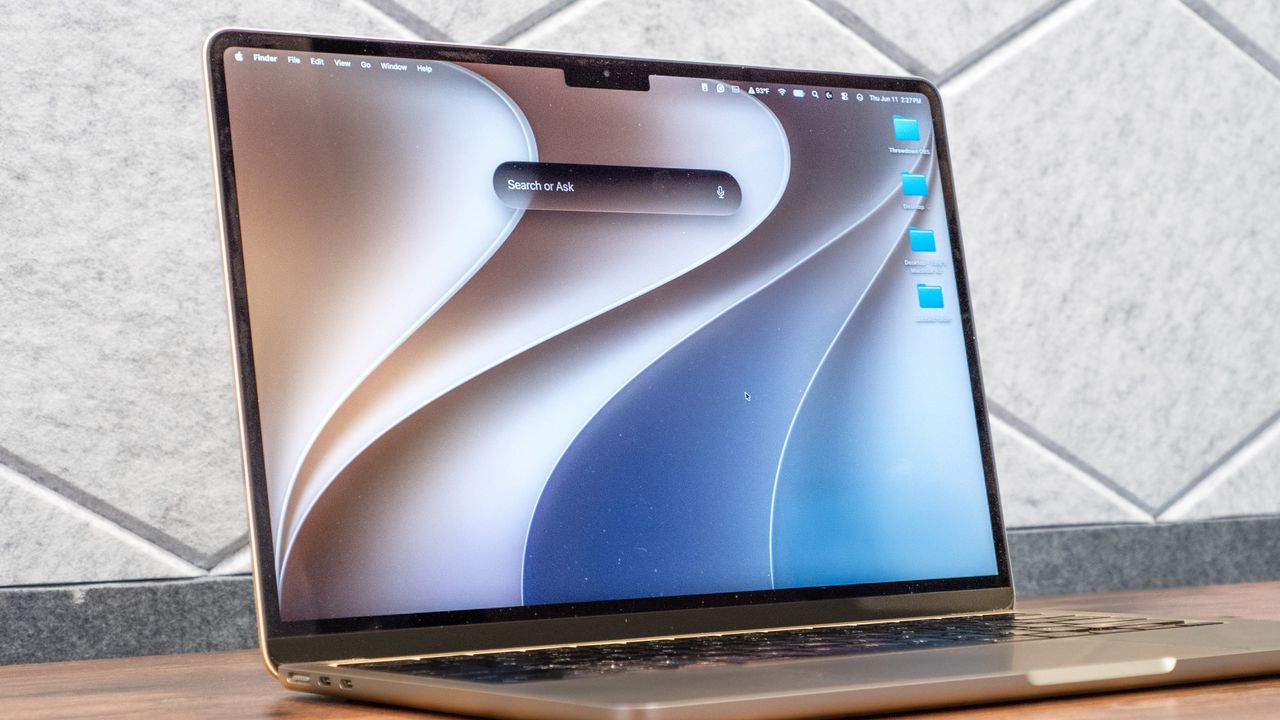
Apple has lagged behind its competitors in the AI space, but the company is set to change that with its Apple Intelligence-powered Siri AI. Instead of just handling one-off voice commands, the digital assistant now functions like a true chatbot, in the vein of ChatGPT or Claude. Even if Apple is late to the AI party, the new Siri AI could prove useful for anyone deeply embedded in the company’s ecosystem.
Thanks to the macOS Golden Gate developer beta, I’ve had a chance to test out Siri AI on a MacBook Air. While still a work in progress, I can already see what Apple aims to do. Though it mostly functions like other AI assistants you’re used to, it has some agentic features that are truly impressive.
With the understanding that this is a beta build and not fully indicative of the final Siri AI you’ll see this fall, here are my hands-on impressions.
What is Siri AI?
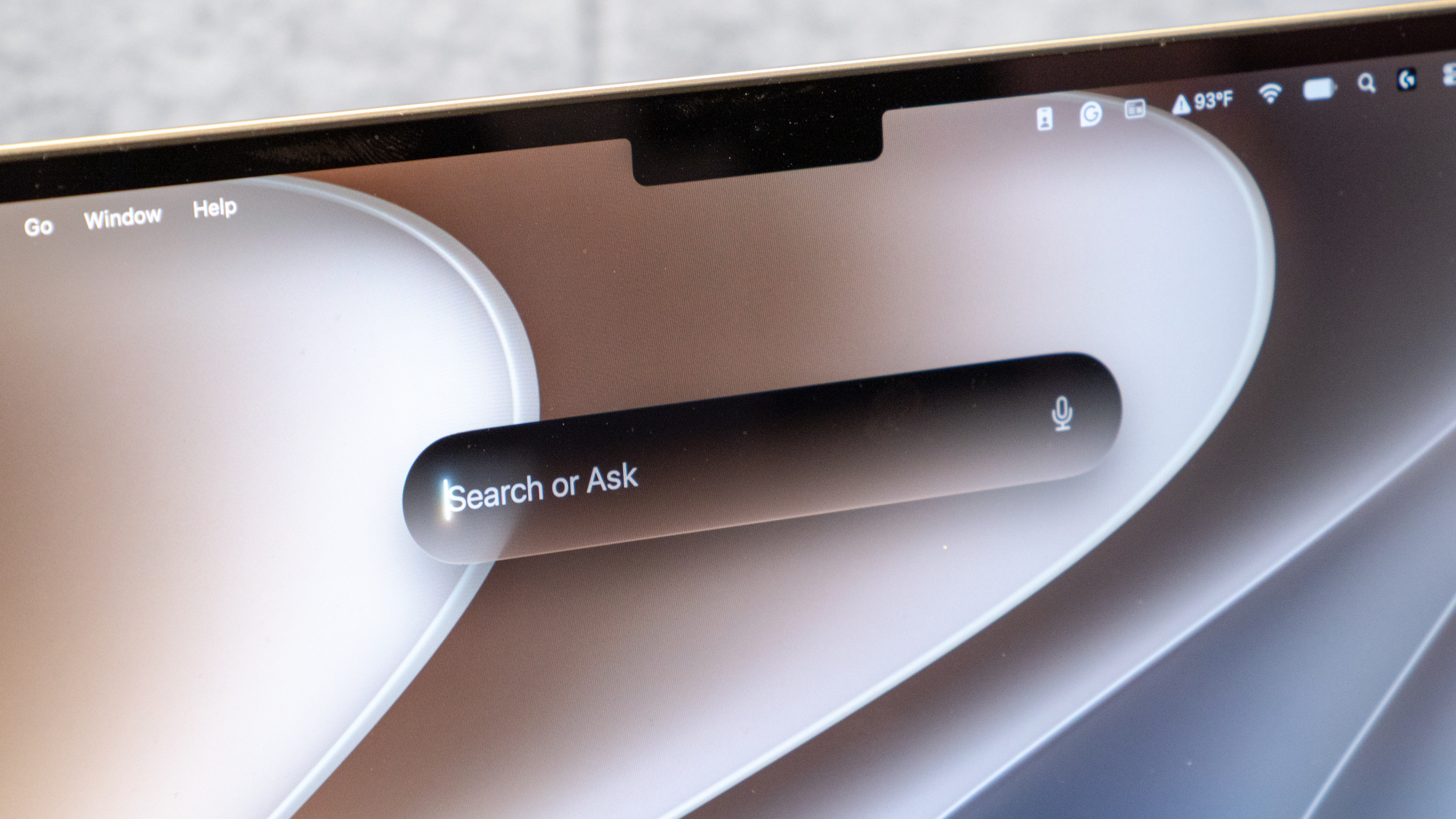
Siri AI is designed to be more conversational and more aware of what's happening across your devices. It can understand context, perform more complex actions, and help you get things done without constantly switching between apps.
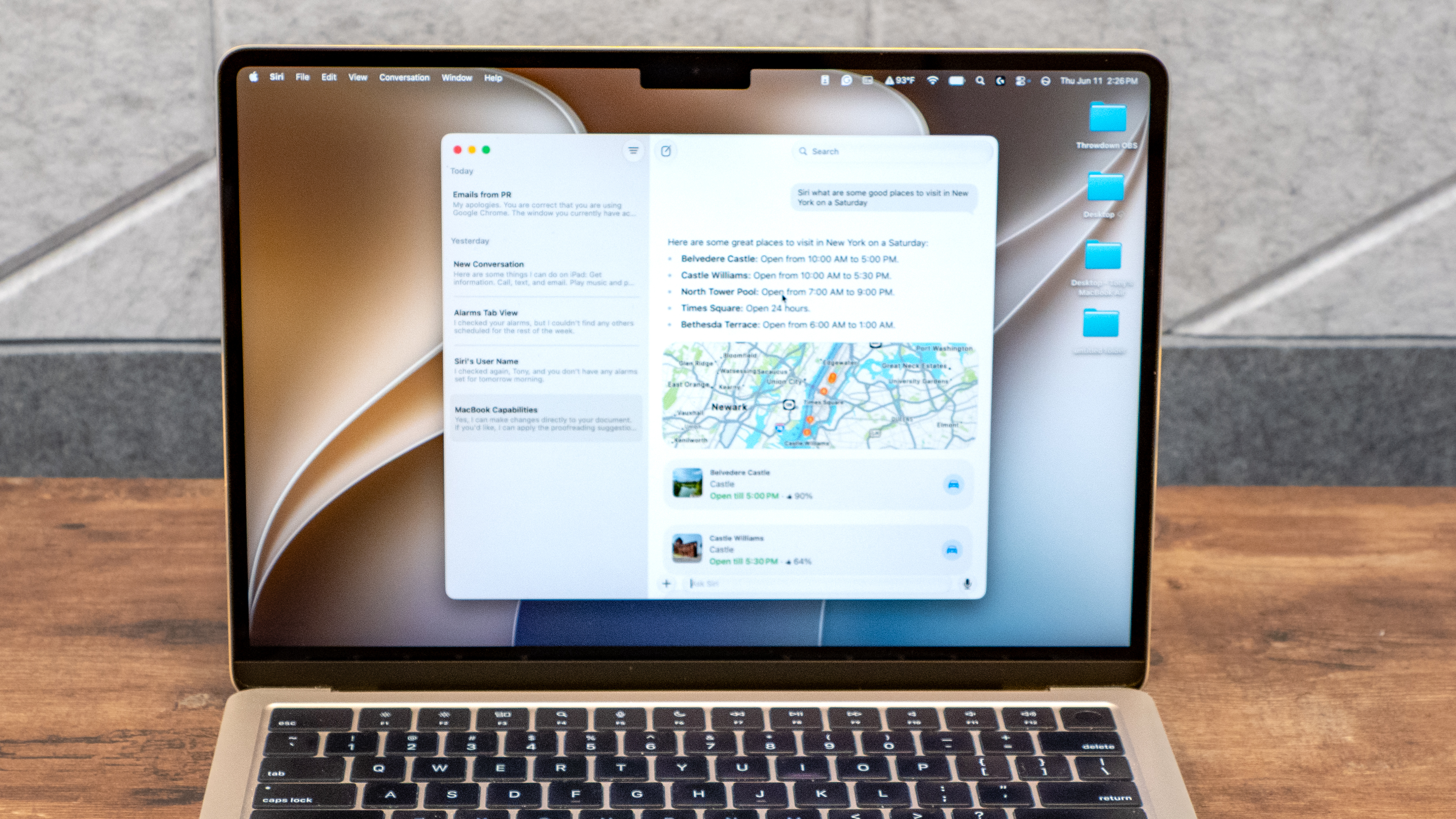
If you’re used to ChatGPT and similar chatbots, you’ll feel right at home texting or voice chatting with Siri AI. Beyond holding a conversation, Siri AI can set reminders, play music or help with everyday tasks.
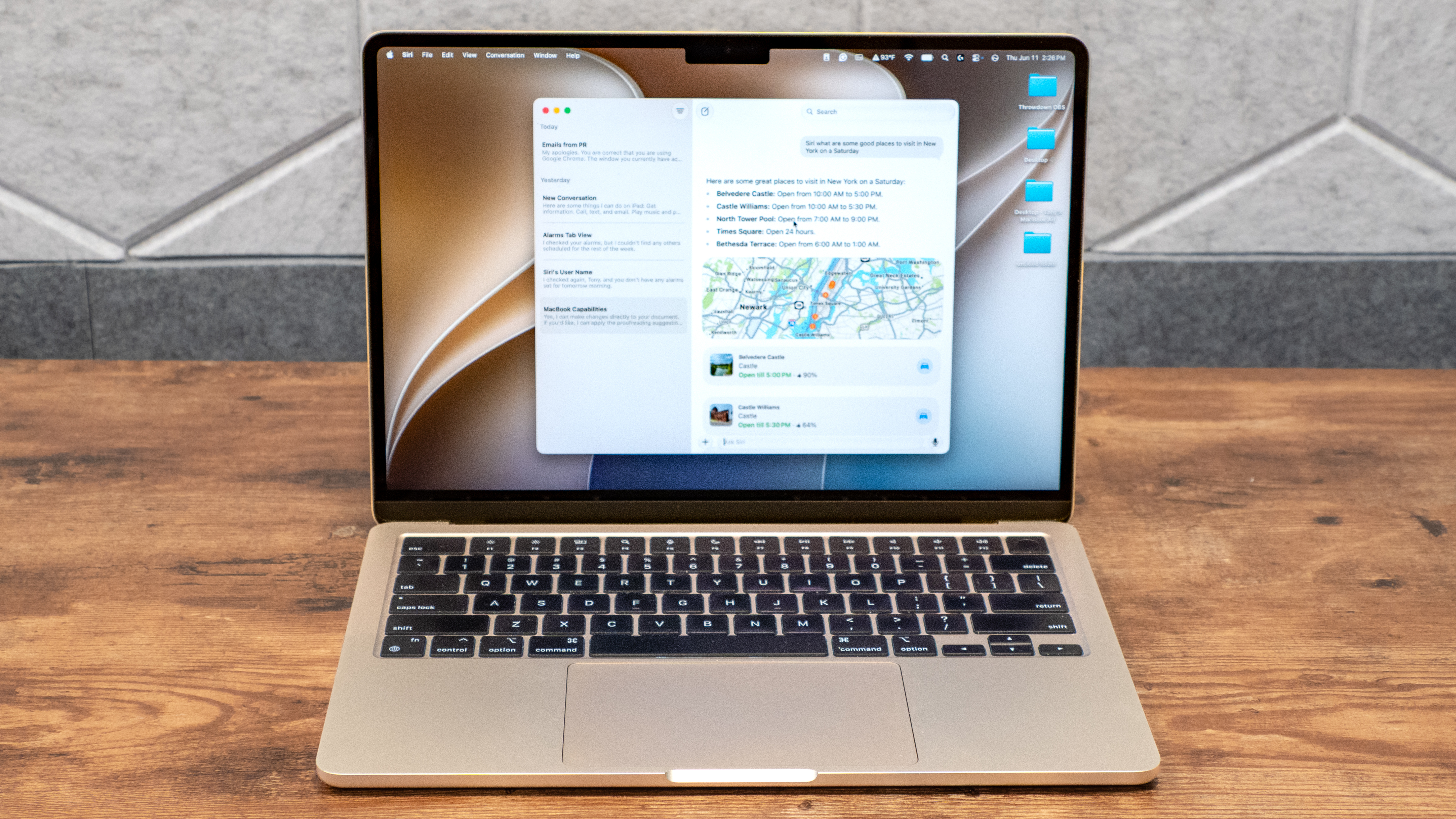
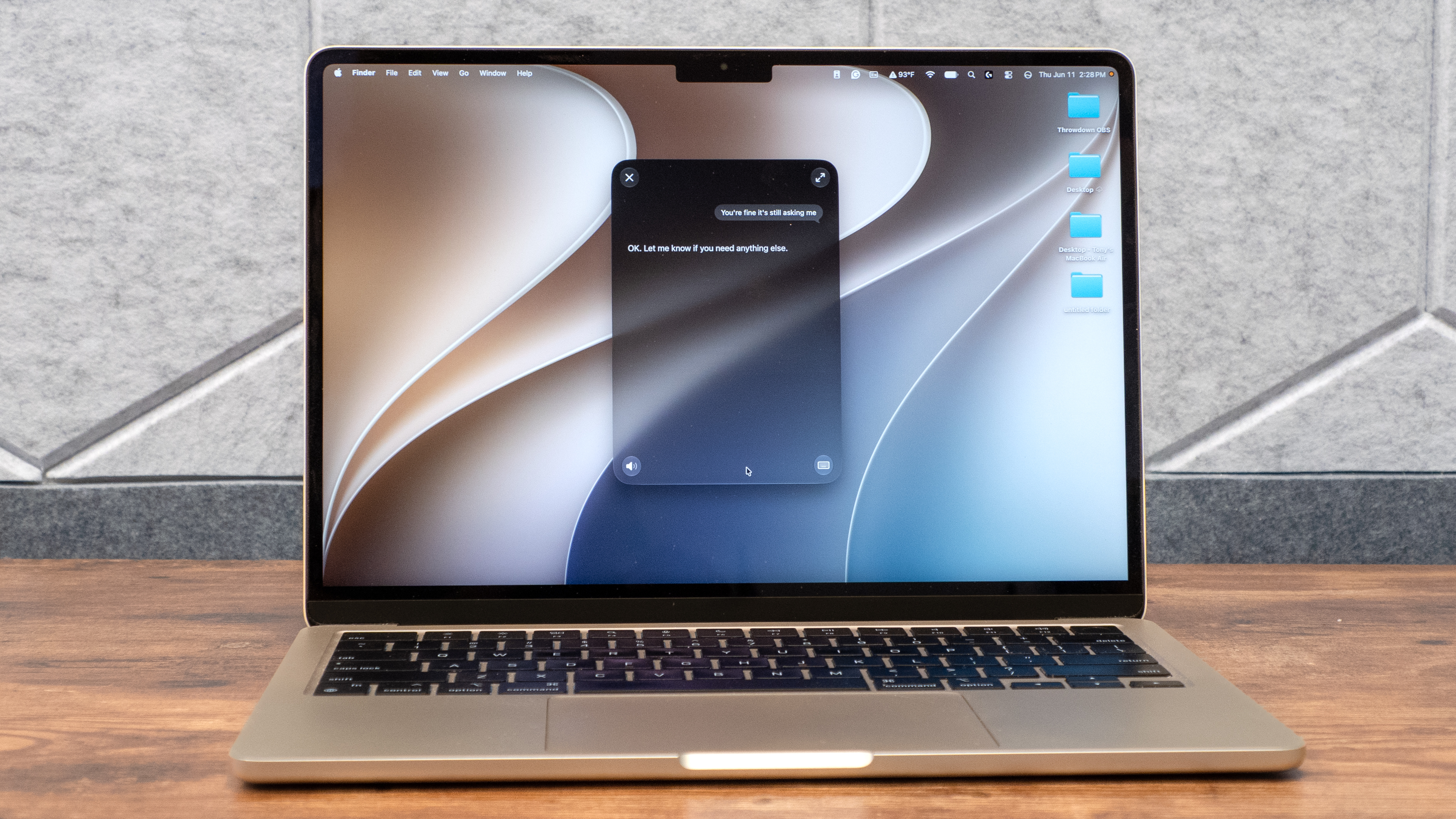
There's now a dedicated Siri app that lets you review previous conversations, continue chats, and interact via text and voice. This chat window also resembles those of other AI apps. I appreciate that Siri is now an app I can easily launch whenever I need it, especially if I want to follow up on a previous conversation.
Siri AI in action
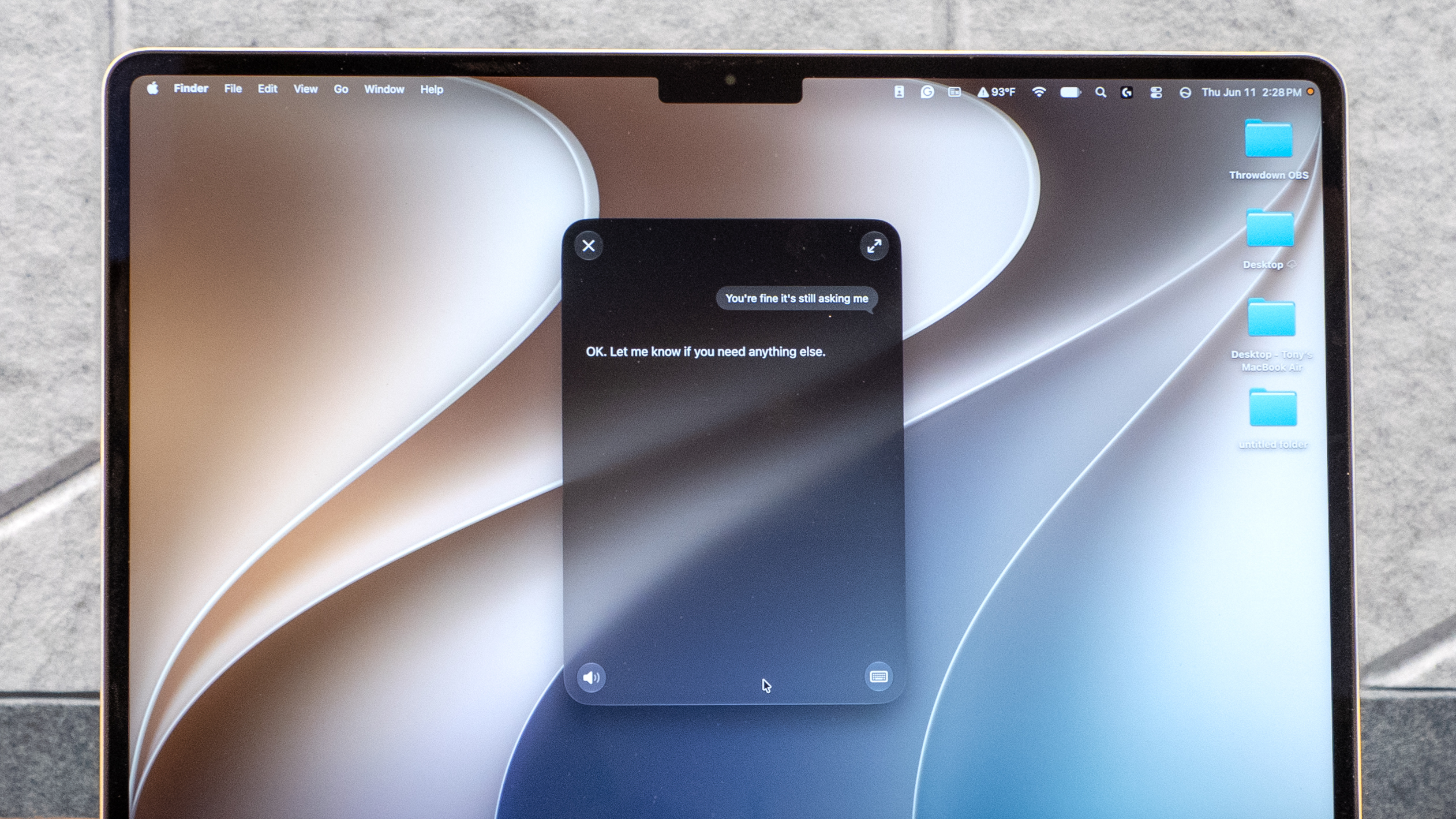
To see what the new Siri could do, I performed an assortment of tasks.
The first thing I did was ask it to send an iMessage to one of my group chats. I typed what I wanted it to send, and after it showed me a preview of the message for approval or editing, I had it send the message. I also tried to message a friend on Discord. While Siri opened the Discord app, it said it couldn’t send a message. We’d need more third-party integration for this to work.
Next, I asked Siri to add a reminder that I’m off on June 19th, which it did. I also asked it to find an email from one of my PR contacts. It wasn’t able to do that, but it did find when said contact sent me an iMessage.
I asked Siri AI what was on my screen, and it accurately said I was looking at Tom’s Guide and even listed some of the articles on the home page. However, it could not open articles for me. I asked it to read an article out loud, but despite saying it would, it remained silent. Again, this is a beta, so I won’t give it too much flak for failing to complete the task.
For all you wannabe vibe coders, you can now generate new shortcuts by going into the Shortcut app and creating one via text or voice. I created a shortcut to launch YouTube in Safari if it was 6 pm on a weekday, which is usually when I come home from work and open my MacBook. I won't keep this shortcut since I prefer using Google Chrome, but I like that I was able to create it by just typing what I wanted.
One interesting thing is that Siri has been merged with Spotlight, which you can bring up by pressing Command + Space. While you can certainly search for apps as you normally would in the pop-up window, you can also ask questions, such as the location of a restaurant, and it’ll respond by opening the correct app. In this instance, it opened the Maps app to the location I requested.
Limitations
Siri AI generally works as intended, but it’s certainly not perfect.
Because I’ve only used it for a couple days so far, the answers it provides aren’t as personalized as those I get from Gemini or Grok, which I’ve used for months. Siri AI is supposed to understand you based on all the chats you’ve had with it, so this should resolve itself over time.
As I’ve said before, Siri AI can’t yet manage third-party applications as well as Apple’s own. If Siri AI can eventually play nicer with the assortment of Google apps I use daily, it could be a game-changer.
This last one might actually be a selling point for some, but Siri AI gives extremely short, blunt responses compared to chattier chatbots. This could change with more use, or perhaps if I directly ask Siri AI to be more talkative. That said, I do appreciate that Siri isn’t trying to rope me into an endless conversation like Gemini frequently does.
Outlook
Though Siri AI isn’t yet finalized, it’s already miles ahead of the old Siri. I’m sure Apple will continue to refine it between now and when it officially launches for the new operating systems this fall.
Would I use Siri AI regularly? Probably not, given how I don’t generally find chatbots all that useful for my daily life. Yes, it’s cool that Siri AI can send messages or check emails for me, but these are also tasks I can just do myself and skip the middle bot, as it were. And like with other AI assistants, I don’t entirely trust its answers, so it’s not something I want to depend on for anything major.
Though Siri AI (or chatbots) aren’t really for me, I applaud Apple’s efforts with the updates. For those who already use AI assistants and are in the Apple ecosystem, I can see it being very beneficial once the company has ironed out all the kinks.