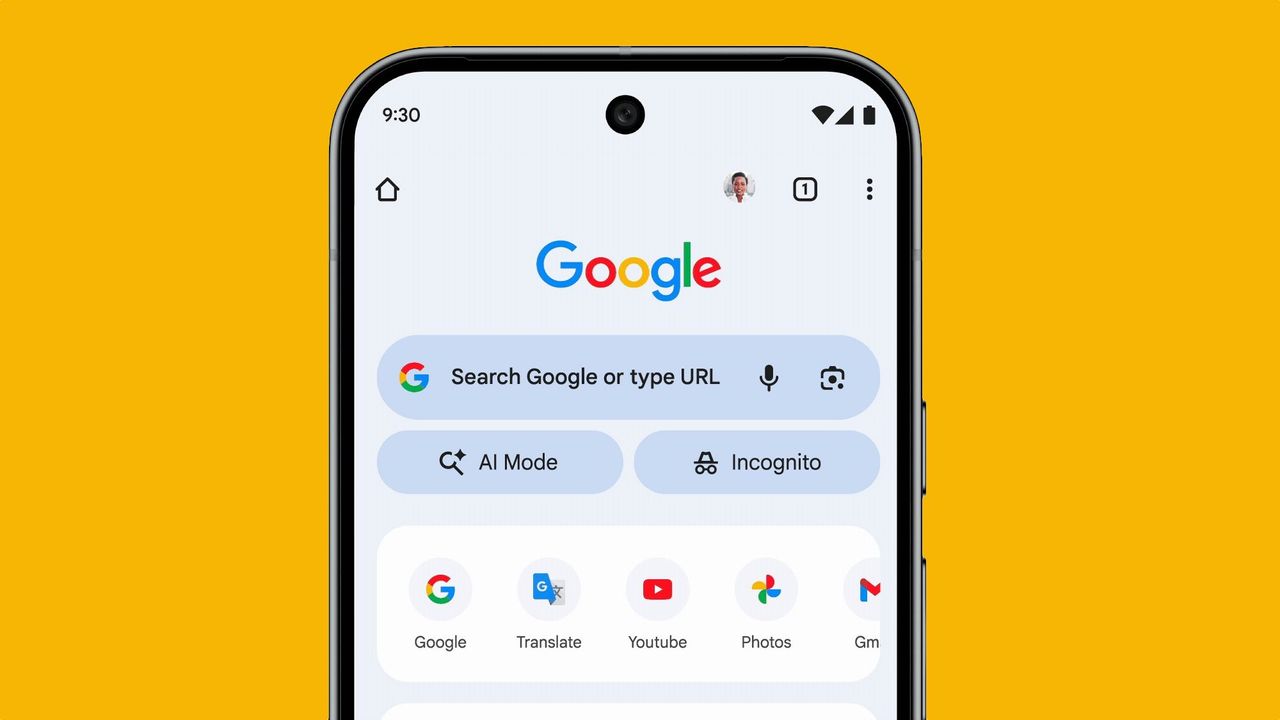
Google’s AI Mode started rolling out at the start of this year, looking to bring the company’s AI power to search. However, despite now being around for well over six months, I have spent very little time using it.
I use AI every day; it is part of my job after all, but for some reason, Google’s AI Mode keeps slipping through. The company has begun putting in the effort to make it more visible, including links and buttons all across the search engine, but I still found myself forgetting about it.
For me, AI Mode suffers from a bit of an identity crisis. It’s not Google, but it's also not a chatbot, falling awkwardly in the middle. Because of this, I’d always find myself reaching for either Google search or the Gemini tool. But recently, I made the effort to properly spend time using the tool, and now I have a different opinion on it, especially since the recent rollout of Gemini 3.
What actually is AI Mode?
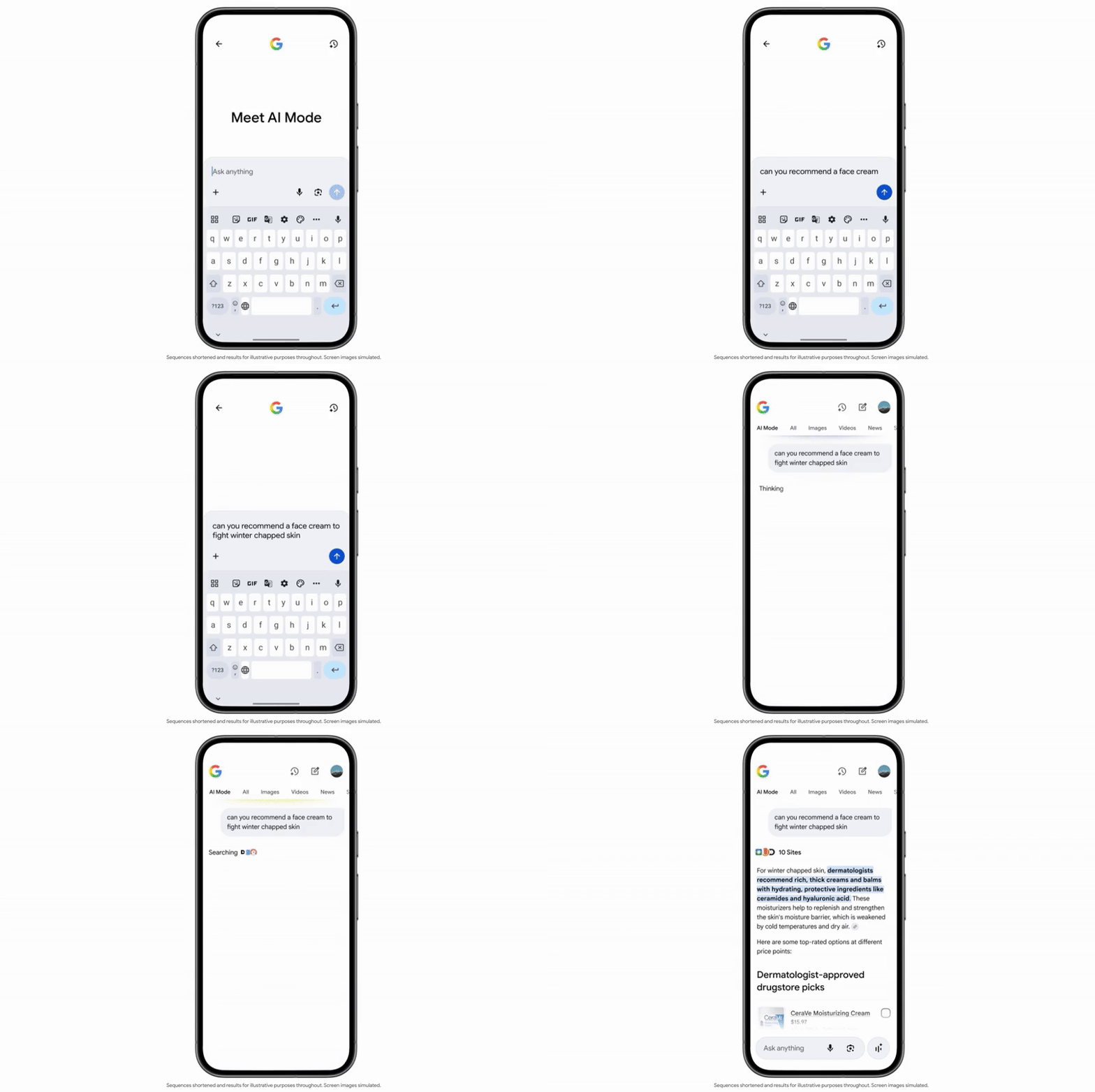
Google’s AI Mode is built directly into the search engine. In essence, it is an AI-powered search function, blending Google with a chatbot.
This means that when you use Google’s AI Mode instead of the search function directly, it compiles an answer based on existing pages from Google. It’s similar to the way Perplexity works, or just about any AI chatbot for that matter.
Where AI Mode has an advantage is that by being built directly into Google, it has access to Google Maps, Google Shopping and all the other tech giant's products. Through this, AI Mode can show map routes and restaurant recommendations, offer up products to buy and more.
It also benefits from being a lot quicker, giving rapid snapshots of what Google has to say.
Why is it worth using?

AI Mode hasn’t replaced either Google or AI chatbots for me, but instead opened up a third useful tool.
It is especially beneficial in certain situations. For example, I wanted to buy some new plants for my backyard, so I asked AI Mode what the best plants are for the area that I live in. Once it had supplied some suggestions, I asked it to show the best plant shops near me and give directions.
Through this process, Google quickly provided a detailed research list of plants for my yard, followed by plant shops (with their Google ratings and phone numbers) and then finished up by showing all of them on an integrated Google Map.
AI Mode is also helpful for shopping. Ask it for gift ideas for someone based on a list of interests and it will provide links to the best prices on products, along with explanations on why they would make good gifts for that person.
The situation where AI Mode feels the most useful is when it comes to multi-step Googling
However, the situation where AI Mode feels the most useful is when it comes to multi-step Googling. If you’re looking into a subject, AI Mode can work more like a back-and-forth conversation with Google, instead of requiring you to make multiple Google searches and click through lots of links.
When researching a new bike to buy, I went through it with AI Mode, discussing the best type of bike for my situation. This included follow up questions, extra information and then narrowing things down with prices and specs.
The speed of this mode is especially beneficial here, able to respond within seconds each time to your requests. It allows for rapid research and provides links to its sources and further reading at every stage.
When to use AI Mode, Gemini or Google

All three modes have their uses, and I now found myself using all three differently. Really, for each of these it will come down to exactly what you’re after.
Google’s core search experience is still incredibly useful. It is the way to go if you want to directly access content or know exactly what you’re after. It is also a better tool for quick-fire questions, such as finding out the latest film from a certain director, or if you’re looking for a very specific product or item that you already know the name of.
In other words, Google search is for those situations where you know what you’re after already and just need to get there.
AI Mode
I found that AI Mode functions best for those situations where you are looking for buying advice, or trying to find something in real life. Restaurant recommendations, tips on buying a new product, or the best route to your destination for the weekend.
It is an extension of Google, offering all of its benefits and services, but with extra AI built in to make your life much easier.
Compared to both the Google search engine and Gemini, this makes it a bit more niche, but it has its place.
It can also be useful for pure research, asking quick-fire questions to figure something out. How to pull off a particular cooking technique, fix a bike tire or learn how to solve a Rubik's Cube.
Gemini
Gemini is going to be the best option for more complicated queries. If you’re asking for deep research, trying to understand complex requests, generating content, or pretty much do anything that a smarter AI model is needed for, this will be the option to go for.
Gemini can give opinions on issues, or edit your work, or act as a personal assistant. Overall, Gemini is going to be the option that works in the largest number of situations.

Follow Tom's Guide on Google News and add us as a preferred source to get our up-to-date news, analysis, and reviews in your feeds.