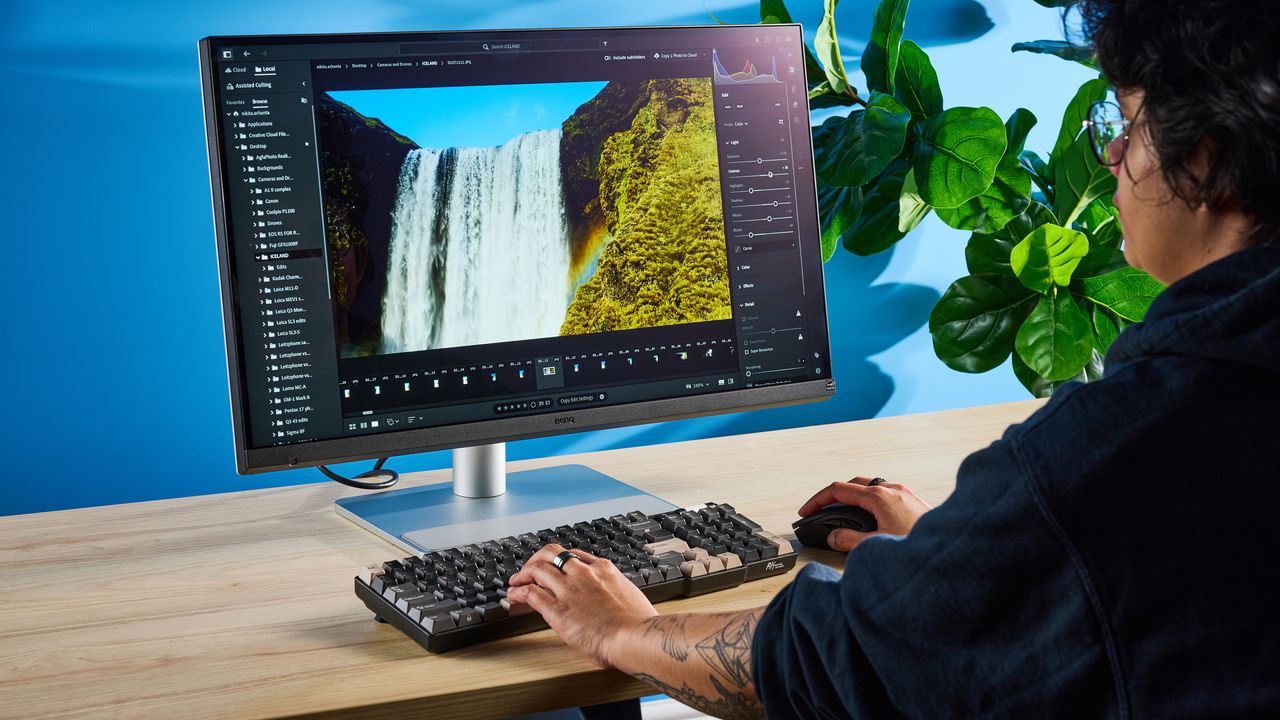
The Apple Studio Display is expensive. That shouldn't come as a surprise to anyone familiar with the Silicon Valley giant's products. It's expensive, and some might argue it's worth the premium — and I won't lie, I've always been a little envious of those who own it. Have you seen how good it looks, how great it performs?
But as someone who reviews great tech day in and day out, I've finally found an Apple Studio Display alternative that's expensive but nowhere near as pricey as the first-party monitor. I've spent the last week testing the BenQ MA270S, and boy, I shed a tear when I boxed up our review unit to ship it back.
Unlike most of the other monitors I've tested, the MA270S is a MacBook-first monitor, and it's designed for owners of Apple's powerful laptops. Its design, interface, selection of ports, and companion app are all very Apple-esque. It packs a bright and vivid 5K Nano-texture glass panel that's a joy to look at. As a MacBook user, this is the monitor of my dreams, and here's why it's worth buying if you can't get the Apple Studio Display.
Nano Gloss for the win
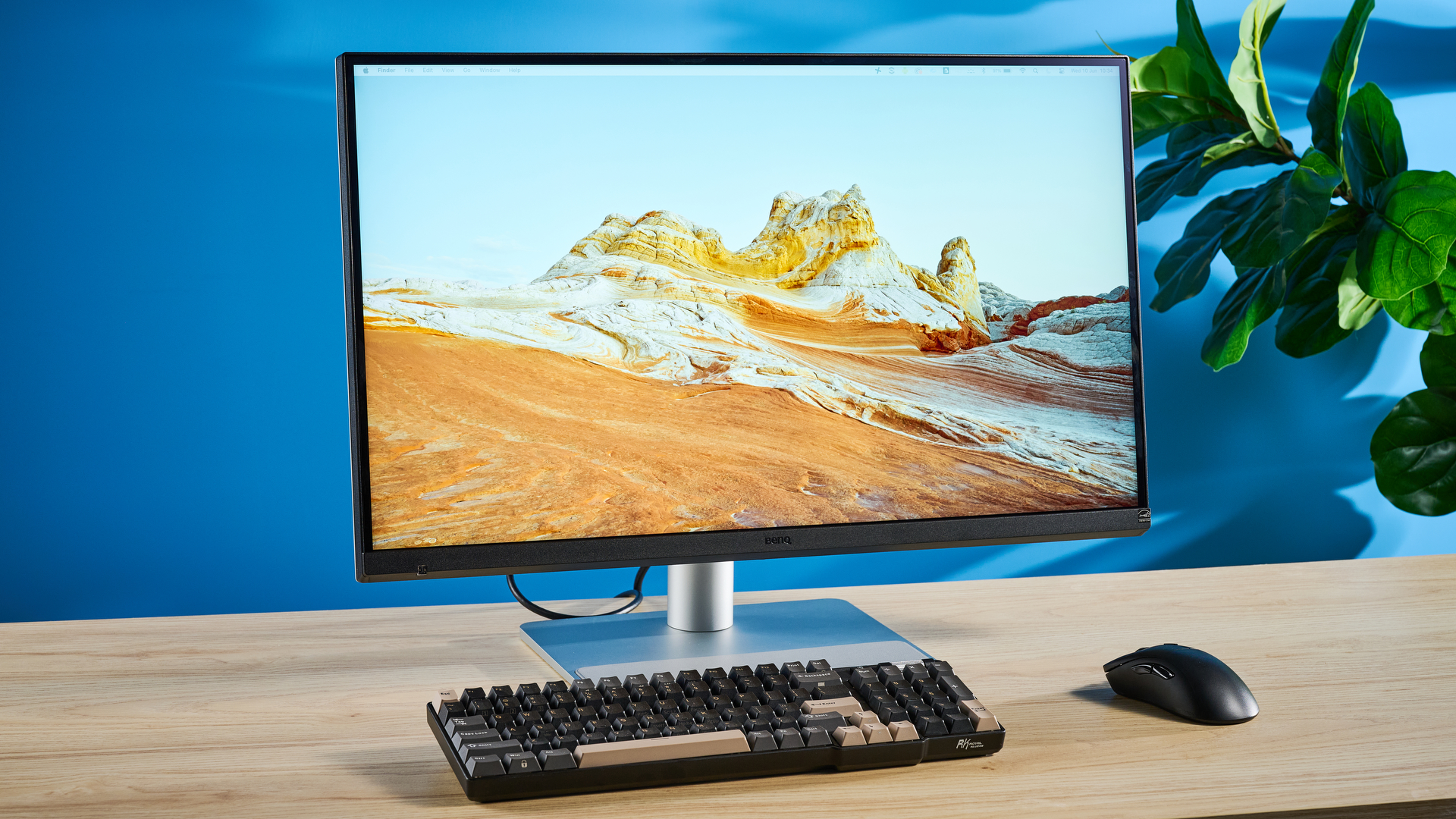
I've used and reviewed my fair share of the best monitors, and one of the reasons why the BenQ MA270S is the perfect display for MacBook users is that it features a Nano-texture glass display — or Nano Gloss. It's the same glass you'll find on the Apple Studio Display and the Apple Studio Display XDR. This panel delivers true blacks and refined highlights, and it's one of the reasons why the colors appear Mac-like.
The MA270S' Nano Gloss panel is designed to diffuse the light source softly, making it more comfortable to look at. The surface diffuses the light so it looks like it has a velvety finish. What's great about the MA270S is that its panel features flicker-free technology, and it has received the industry's stamp of approval. Eye Comfort 3.0 certification from TÜV Rheinland and EyeSafe 2.0 mean that the monitor is designed to reduce visual fatigue and protect eye health.
As someone who spends up to eight hours a day, five days a week, staring at a screen, using a monitor that doesn't hurt my eyes or make them feel achy is a necessity for me. Now that I've used a Nano Gloss screen, I don't know how I'm going to go back to my work-sanctioned monitor.
Mac-like, true-to-life colors
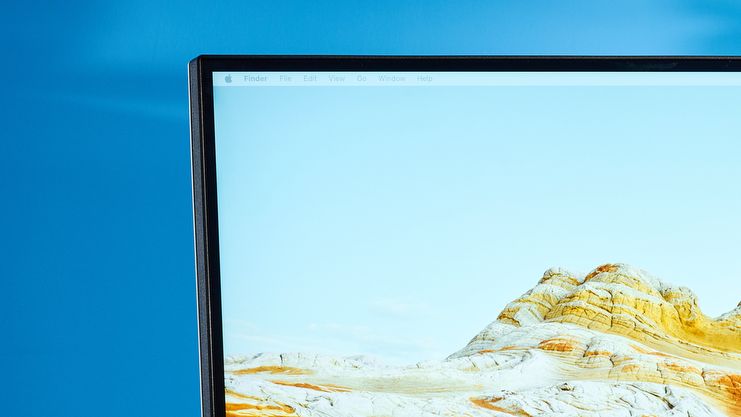
Alongside the Nano-texture glass that protects your eyes during prolonged use, the BenQ MA270S boasts Mac-like colors, as the monitor has been fine-tuned for this. This makes it a class apart from all of the other screens I've tested. BenQ says that its Nano Gloss panel goes toe-to-toe with the Apple Studio Display.
According to BenQ, in side-by-side tests, "color tone and saturation were remarkably close," and it "maintained contrast and color that stayed consistent with Mac colors, ensuring accuracy whether working flexibly or sharing the screen." When I plugged my MacBook into the MA270S, I immediately noticed the colors looked just like on my work-sanctioned MacBook Air M2, so I was looking forward to seeing how the monitor performed in my lab tests.
And lo and behold, the MA270S performed formidably. I measured the color coverage and accuracy, and imagine my surprise when the MA270S upstaged the Apple Studio Display and the very expensive Apple Studio Display XDR. Have a look at the table below. As you can see, in my lab tests, the MA270S covered 158.7% of the sRGB color space and 112.4% of the wider DCI P3 gamut, blowing both Apple displays out of the water.
sRGB |
DCI P3 |
Delta-E |
|
BenQ MA270S |
158.7% |
112.4% |
0.09 |
114.1% |
80.8% |
0.2 |
|
106.7% |
75.6% |
0.2 |
As for color accuracy? Also better than both Apple displays, as the MA270S achieved a Delta-E score of 0.09. This goes to show that the color relayed on the monitor is extremely close to the output from the source. The closer the Delta-E score to zero, the better, and the MA270S's 0.09 score is quite a bit better than the Apple Studio Display's and the Apple Studio Display XDR's (0.2 each).
Throw 10-bit color into the mix, and you've got a beast for productivity and creative work. The colors I saw on the MA270S appeared bright, vivid, and nothing short of stunning, and I felt fully immersed in whatever activity I was doing — whether that was going about my daily task or watching 4K wildlife compilations on YouTube.
I even edited some photos to share on my Instagram account, and knowing that the colors I was seeing on the monitor were as accurate as they could be gave me a lot of confidence in post-production.
Ports for days
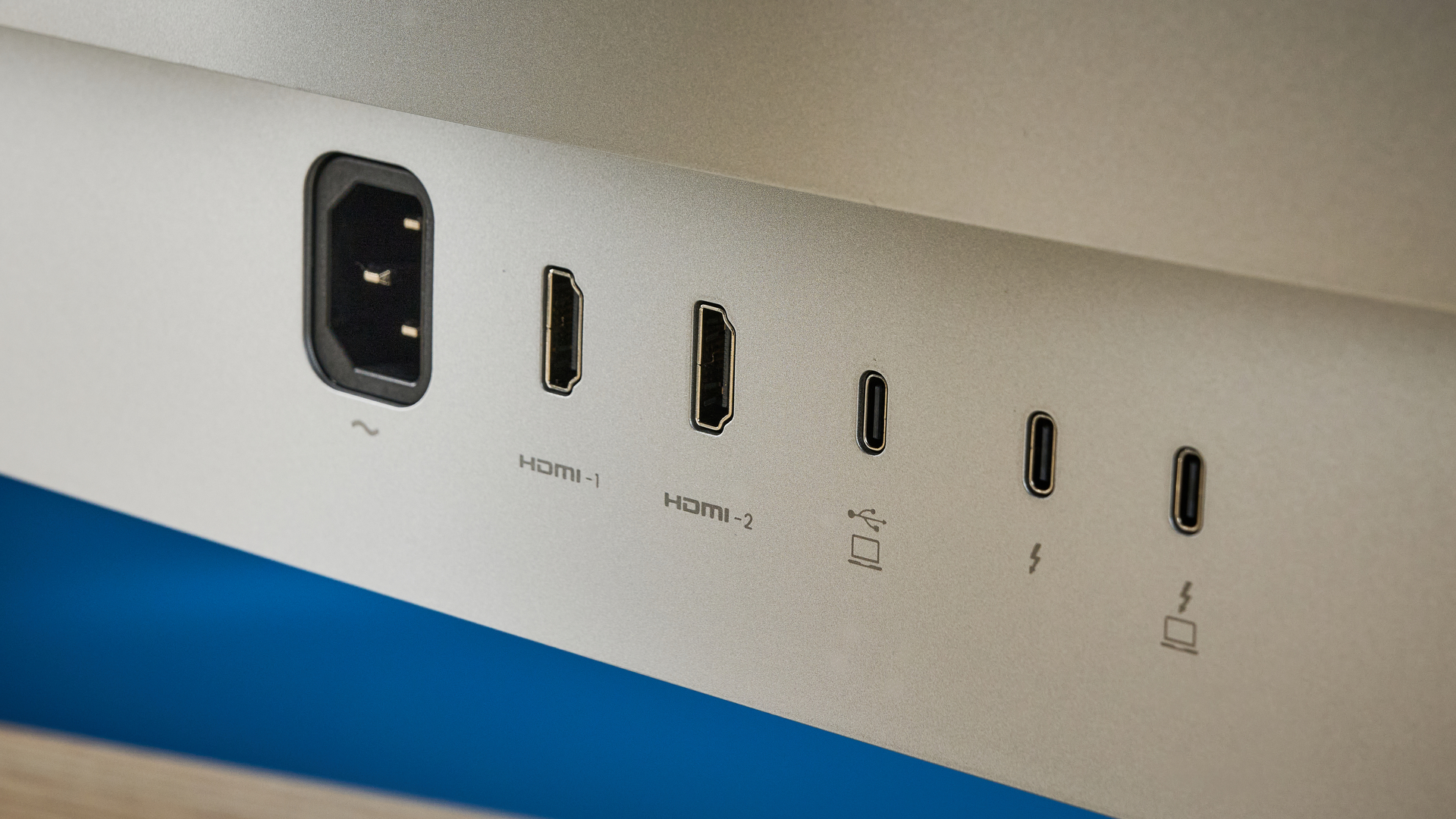
For power users and those who have many, many devices they like hooking up to their monitors, the BenQ MA270S sports a wide array of ports. Ready to find out what they are? Let me take a deep breath in. Okay. Here we go:
- A power port (obviously)
- Two HDMI 2.1 ports
- One Thunderbolt 4 port with 96W power delivery
- A second Thunderbolt 4 port with 15W power delivery
- And another Thunderbolt 4 port for daisy-chaining
- Two USB-A 3.2 Gen 2 downstream ports with 10Gbps transfer speeds and 7.5W power delivery
- One USB-C 3.2 Gen 2 downstream port also with 10Gbps transfer speeds and 15W power delivery
- And a USB-C DisplayPort Alt Mode port with 35W power delivery
Phew! Give me a second to catch my breath. Okay, I'm back now. Having that many ports at your disposal means you don't need to worry about hooking up any additional USB hubs or docks. Cable management is a breeze, too, as BenQ happily includes a cable holder that can be clipped around the monitor's stand.
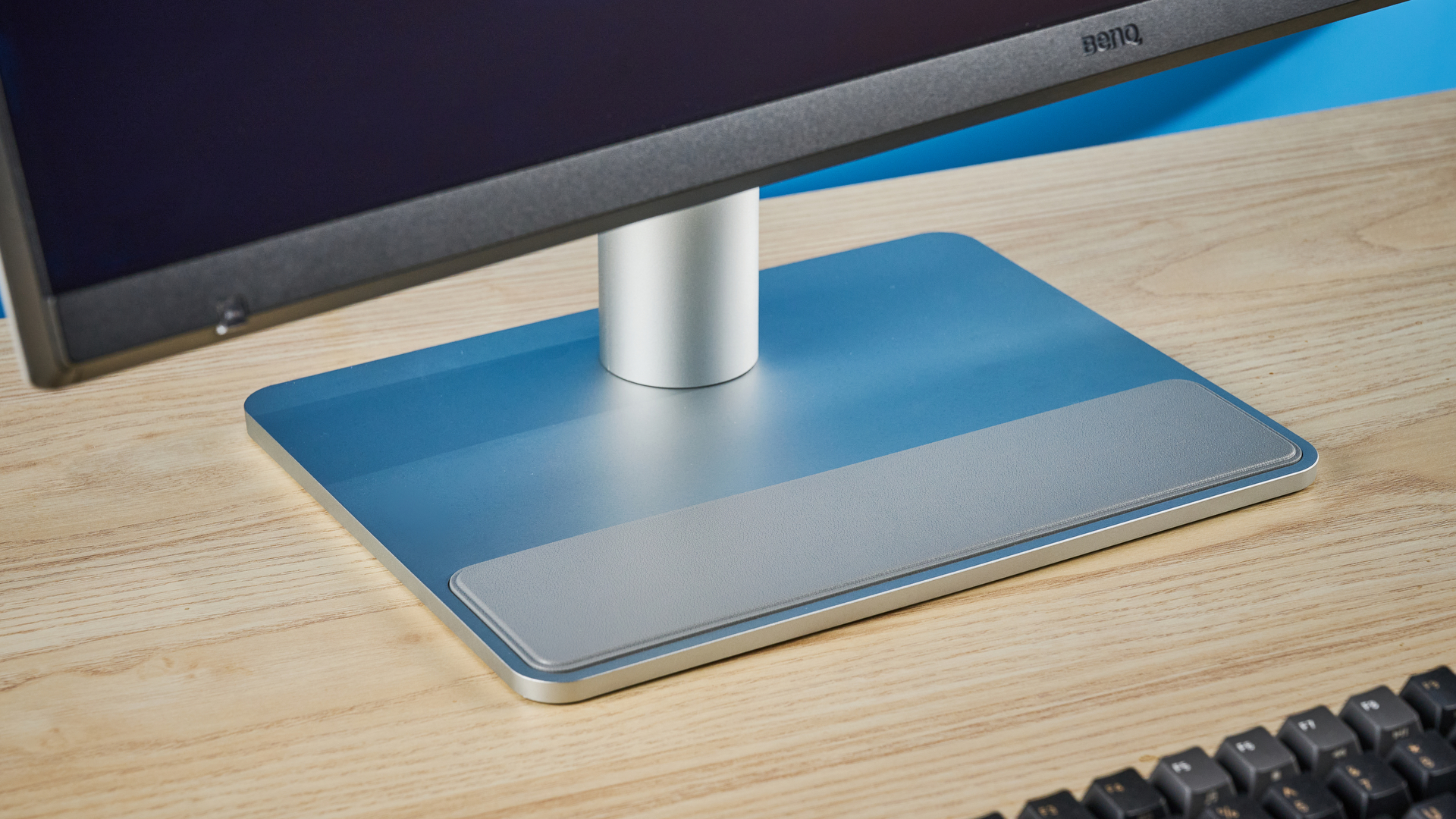
For MacBook users, I really can't think of a better monitor. Well, there's the Apple Studio Display, yes, but not everyone has $1,600 just lying around. If you're happy to fork over $999 at B&H Photo / £884 at Amazon U.K., the MA270S is a no-brainer. It's stunning to look at and use; it features more ports than you might have use for, and its color coverage and accuracy easily outdo Apple's first-party displays.
What do you think? Would you buy the MA270S? Or is there another MacBook-first monitor you use? Let me know in the comments below! And check out my full BenQ MA270S review for all the details.