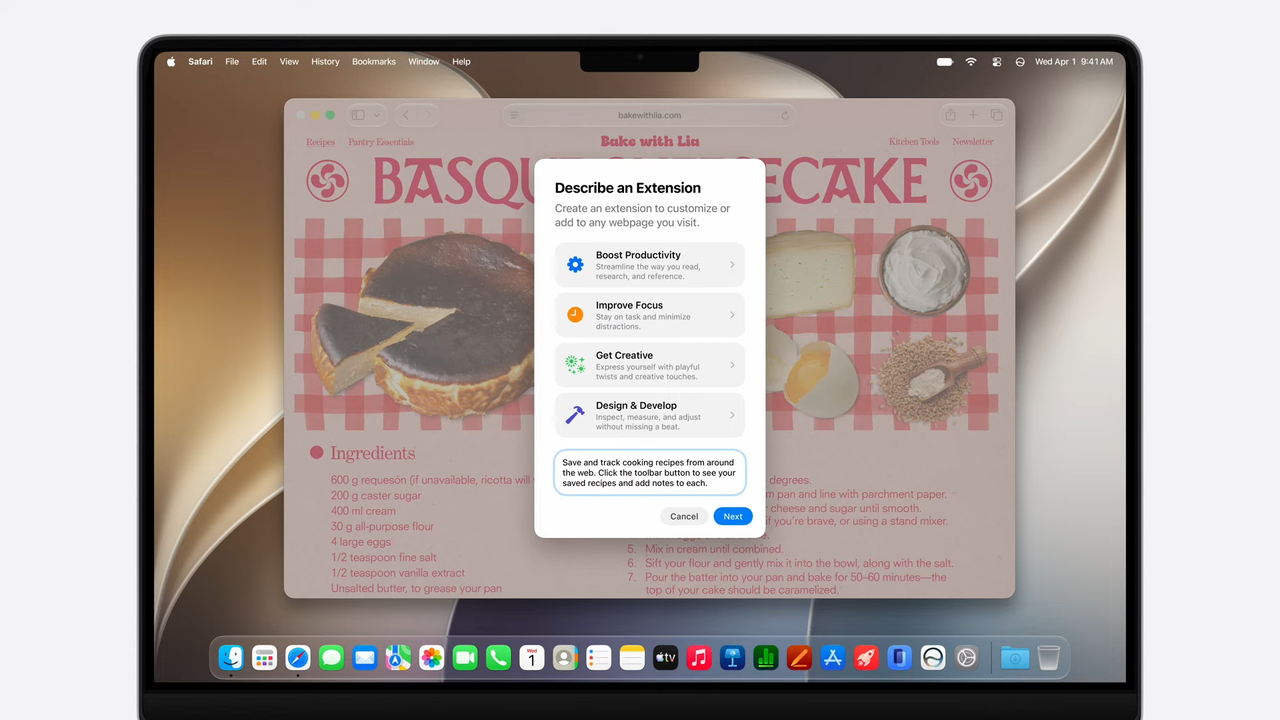
The macOS 27 or macOS Golden Gate developer beta is now live, and I’ve begun testing out some of the available features that this upcoming (and unfinished) operating system has to offer.
We don’t get a substantial update as we did with last year’s macOS 26. Instead, this year’s update is mostly focused on Siri AI and Apple Intelligence. While I’ve yet to try the former, the latter offers nifty tricks for Mac users to try out.
Keeping in mind that this is a developer beta and features are subject to change, here are my early thoughts on macOS Golden Gate and some features that stand out.
Spatial Reframing
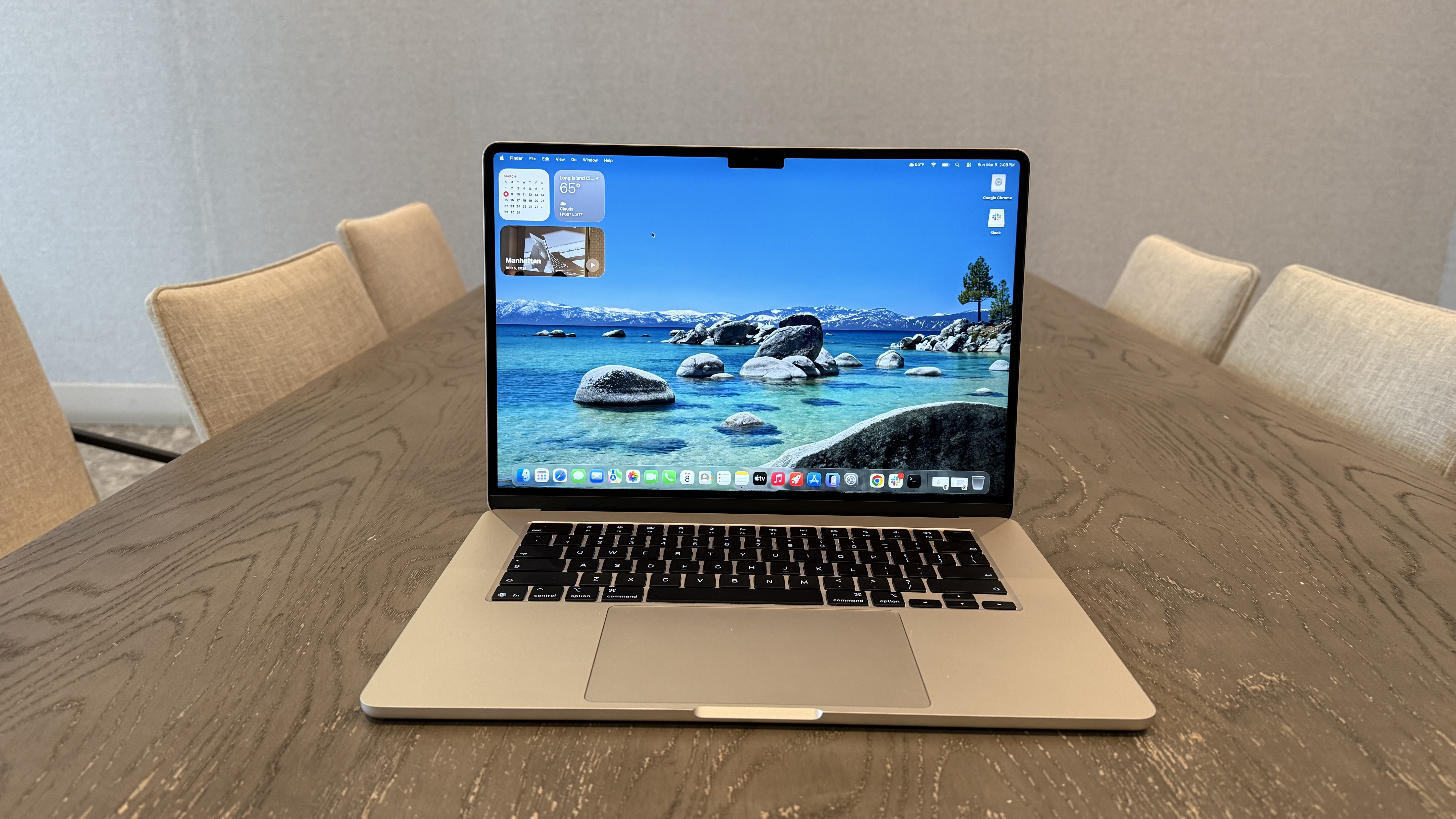
The new Reframe tool stole the show at WWDC, and it’s a lot of fun to use. The feature is self-explanatory: you can take existing photos and adjust the perspective to your liking. Basically, if you’re not happy with a photo’s angle, you can change that.
After selecting Reframe in the new Tools option in Photos’ editing mode, the AI scans your photo. When that’s done, you can pull your finger across the touchpad to change the perspective. There are also sliders on the side if you prefer more precise control over the angle, orientation, or size. Once you’re happy with the result, the AI shifts things around to fill in any blanks.
While you can argue that you’re not seeing the real image after you’ve effectively doctored it, the result isn’t radically different from the original. If you don’t worry about getting a perfect picture the first time around, Reframe can definitely remove that stress since you can always come back to your photo later.
Liquid Glass slider
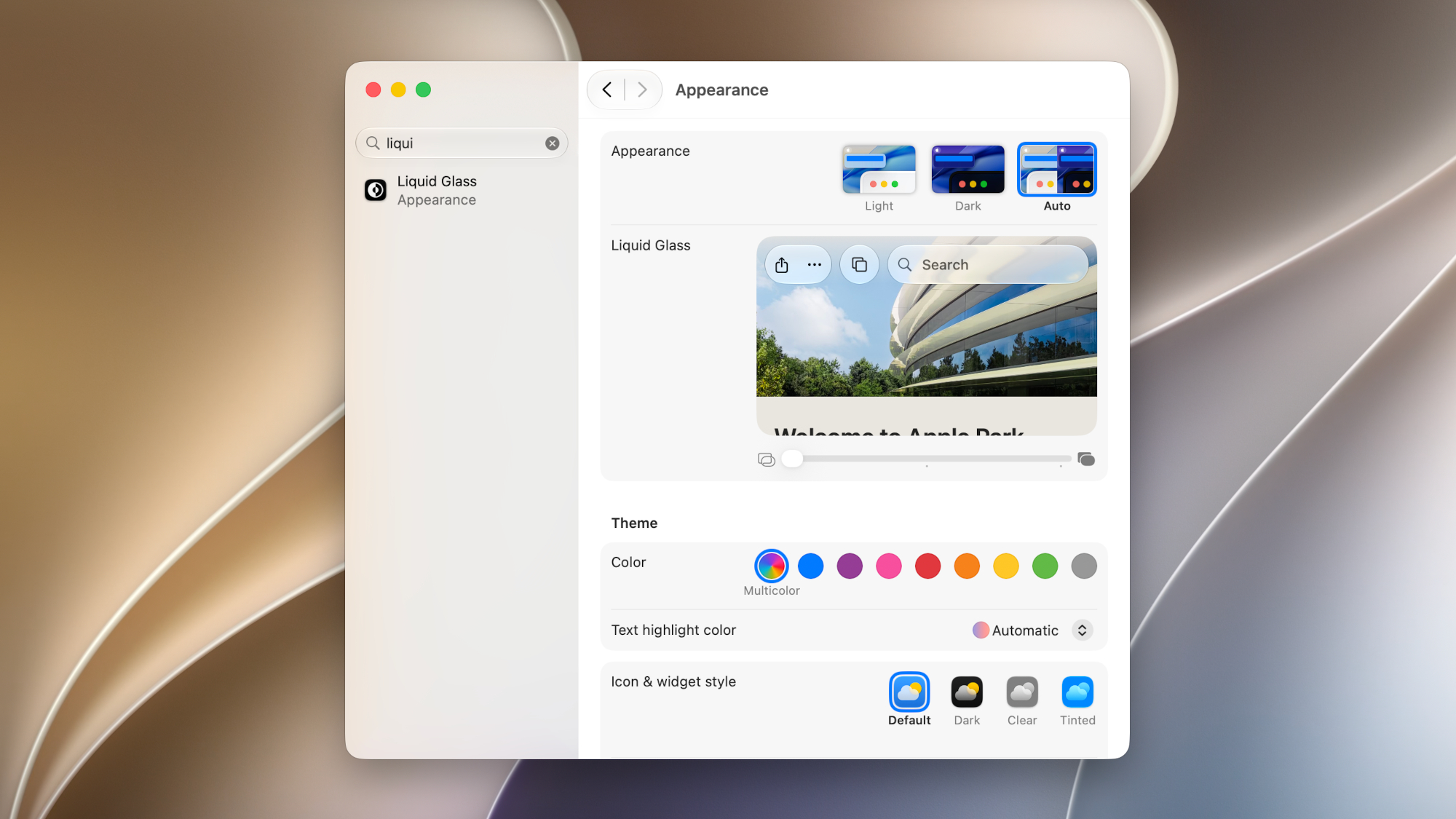
I didn’t mind the Liquid Glass UI as much as others, but it has certainly been a controversial element introduced to iPhones, iPads, and Macs with their respective updates last year. Now, Apple has updated Liquid Glass so you can tailor it to your liking.
For example, there’s a new preference slider that lets you dial in the exact intensity of the Liquid Glass effect. You can go from highly transparent to more opaque. More complex background visuals are more diffuse, increasing text readability. The edges of icons are more pronounced, so they stand out from the background, and all app windows now have a uniform corner radius.
As before, I don’t mind Liquid Glass, but the relatively subtle updates do help windows, icons, and text pop out more.
Siri AI on Mac
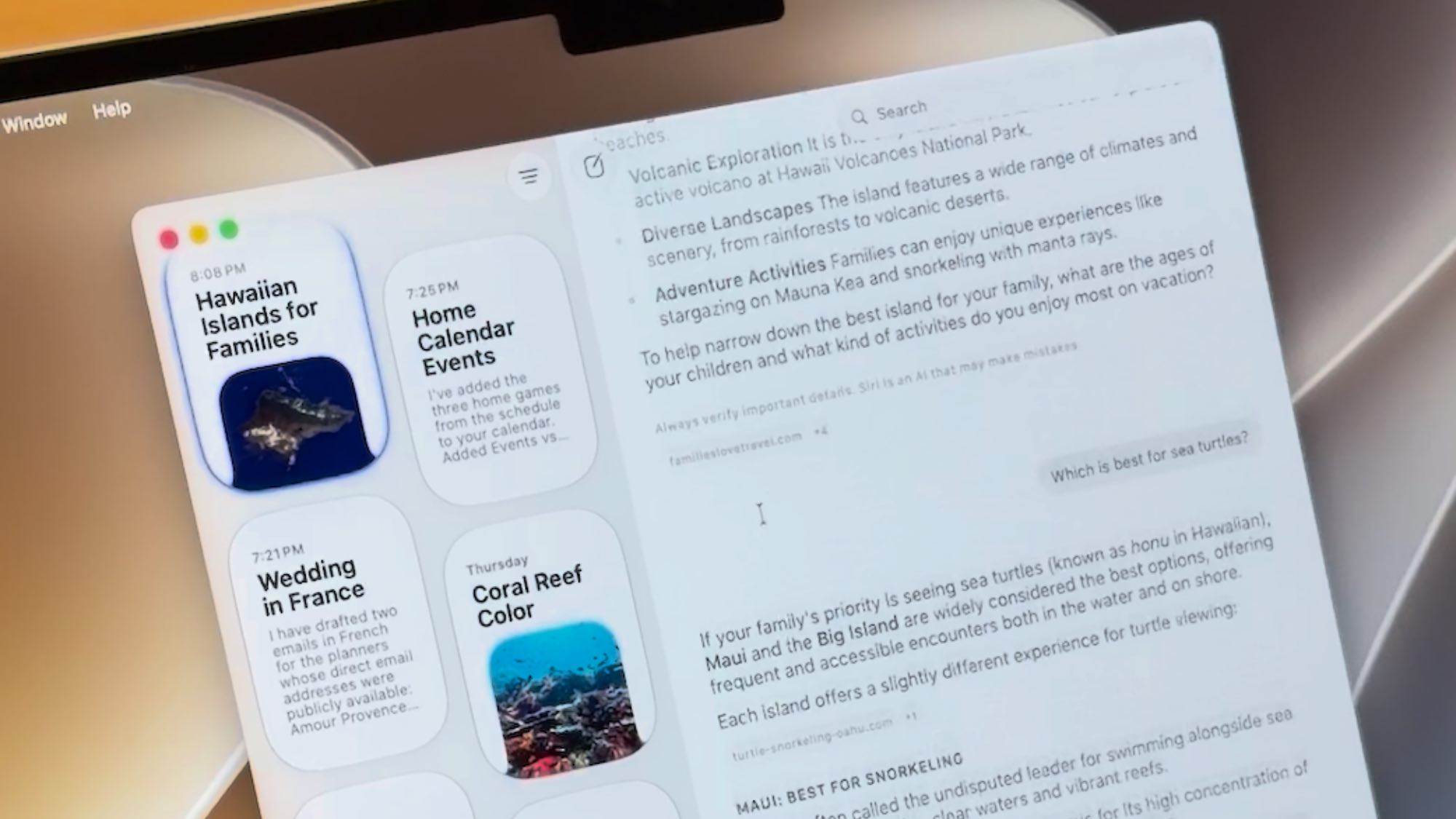
This feature isn’t available in the developer beta yet for me, but Siri AI on macOS 27 should be a pretty big deal. This is especially true if you’re used to using chatbots like ChatGPT or Google Gemini, as Siri AI now functions like them.
As Mark Spoonauer said when he saw the new Siri AI in action on a Mac, you can access it by simply pulling up Spotlight. When you begin typing, Spotlight knows which questions should go to Siri rather than launching apps. Siri will bring up answers in a new window, where you can continue the conversation if you need more in-depth information.
It can even go beyond simple conversations. For example, if you’re looking at a schedule, an “add to calendar” button will appear, letting you do just that. With AI agents being all the rage these days, it makes sense for Siri to function more like one.
If what Apple showed us is anything to go by, Siri AI could be used for more than just asking questions. Of course, I’d have to go hands-on to see whether Siri AI works with other apps outside the Apple ecosystem, since Mark noted it doesn’t work with Gmail at the moment.
Outlook
We should get a better sense of what macOS Golden Gate and the other Apple operating systems can truly do once Siri AI begins rolling out to those who signed up for it.
Beyond that, I like the refinements being made to Liquid Glass, and Spatial Reframing should be a game-changer for folks who love taking photos. These aren't monumental changes, but I like them for what they provide right now.
Again, keep in mind that I’m testing a developer beta of macOS 27, and things are likely to change between now and the full release this fall. I’m going to keep using it and will update you all on any new features it introduces. Stay tuned!
More from Tom's Guide
- Apple's WWDC is the perfect time to lock down your iPhone – and ExpressVPN is down to $2.49 a month to help you do it
- Kuo: Apple is scrapping Vision headsets in favor of 2 smart glasses — but there's bad news for the release dates
- I just installed the iOS 27 beta — and Reframe is unlike any other AI feature I’ve come across