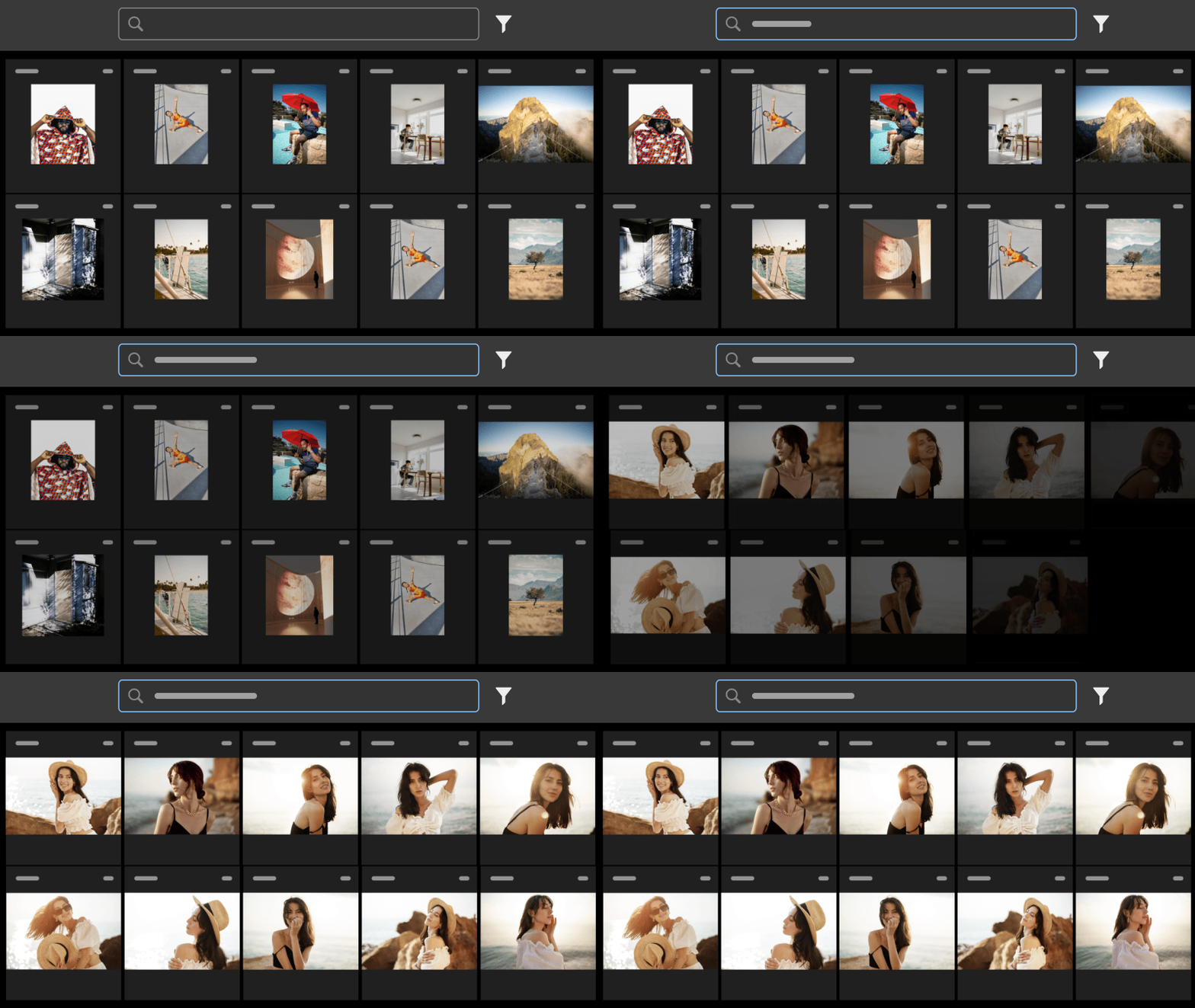
Like many photographers, I have mixed feelings about artificial intelligence – but Adobe Lightroom is getting one of my all-time favorite uses of AI in photography: the ability to search photos.
In a surprise end-of-April update that arrives just a few days after announcements for tools like new film presets, Adobe has finally brought the natural language search tool outside of Lightroom Web and into Lightroom CC (although sadly, the feature isn’t listed for Lightroom Classic yet).
The update allows photographers to search through their photos using natural language, and thanks to AI, the tool works even without taking the time to manually go through and add keywords about what each photo is about.
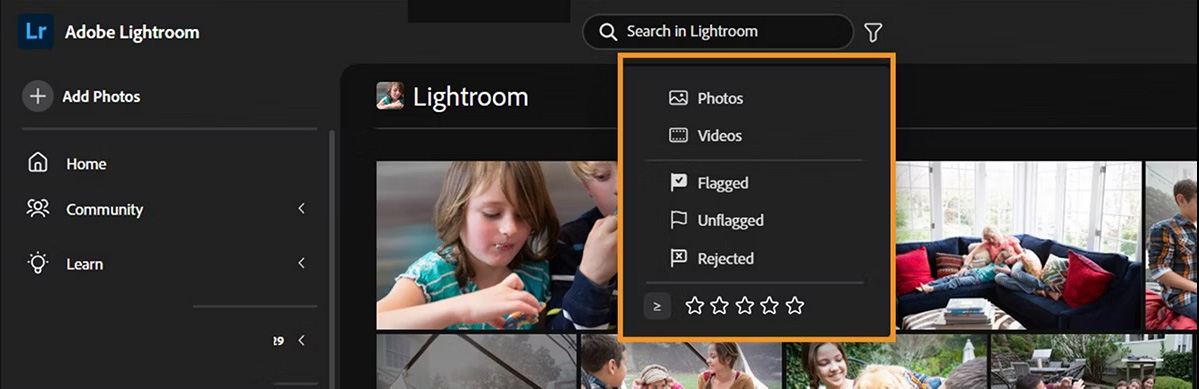
In an example, Adobe said users could search for what’s in a photo like “a man wearing a yellow jacket.”
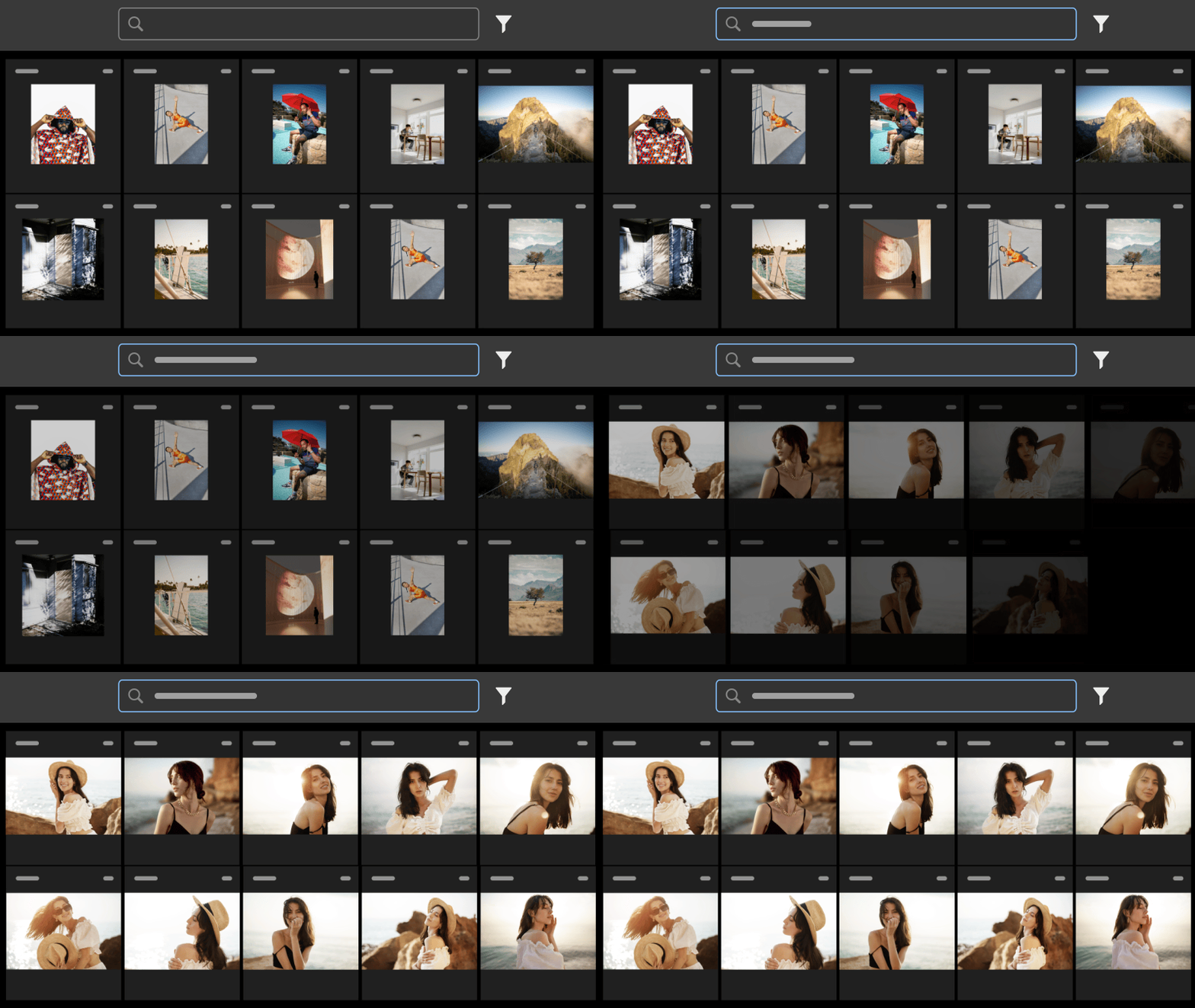
Lightroom's search tool also works for cameras, lenses, people, and even photos shot with a certain exposure setting. These “facet searches,” as Adobe calls them, work by using the facet name with a colon, such as “camera:” followed by the search term.
I was making a Reel the other day, lamenting that I had to go through old footage to find what I needed, when I remembered one of my favorite all-time updates to Apple’s Photos app: the ability to search for what’s inside photos and videos. Now, Adobe is finally bringing that capability to Lightroom, which is where all my photos that I didn’t take with my iPhone live at the moment.
While the tool is AI-based, it’s not generative AI and uses Firefly, which was built on licensed images.
Inside Photoshop, the previously teased Rotate Object tool is now making its way to the photo editor outside of beta. The tool uses generative AI to make a 2D object rotate like 3D around a canvas.

Photoshop also gained a Layer Cleanup button that removes empty layers. Integration with Firefly Boards is also now supported in the latest version of Photoshop.
The new features are rolling out to Lightroom and Photoshop beginning today, April 28.
You may also like
Take a look at the best photo editing software or the best Lightroom alternatives.