
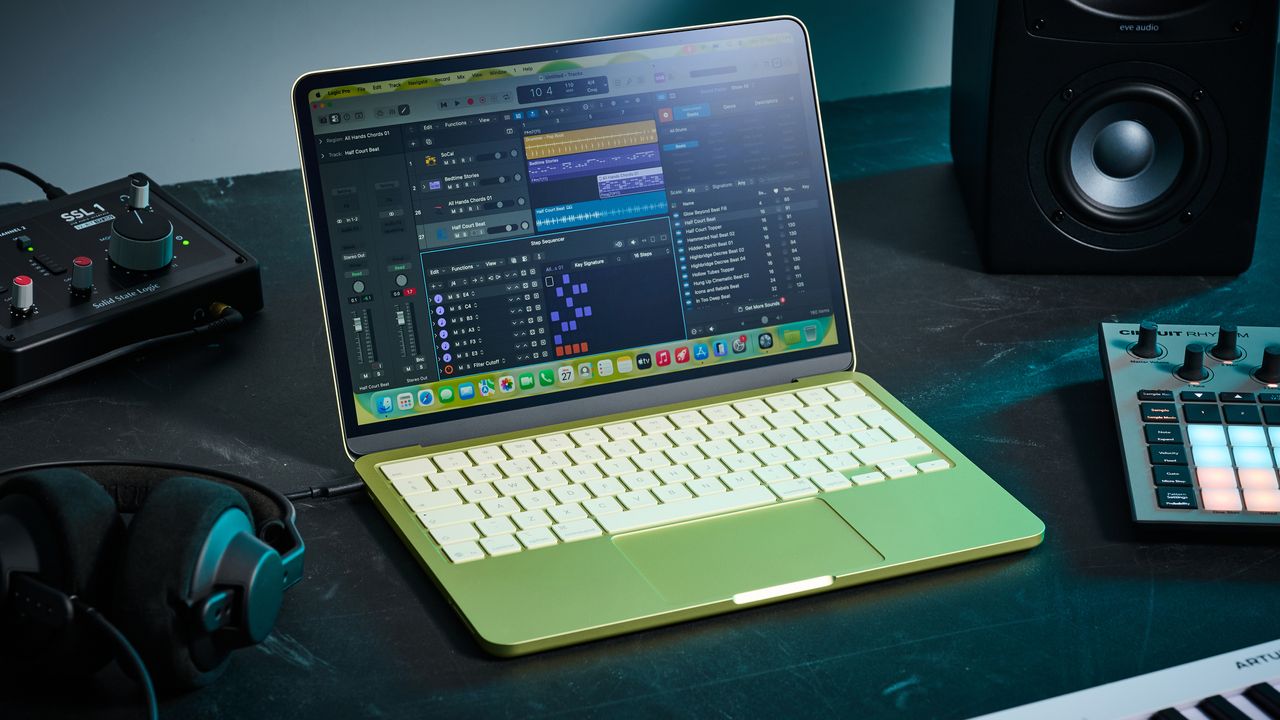
What is it?
There’s an issue with the latest line of Apple silicon processors in that they’ve gotten too powerful for their own good. The huge leap in processing power we've seen over the past few years means that a MacBook Air is now just as powerful as the MacBook Pros of yesteryear. Ever-increasing costs, driven by AI and geopolitics, mean the MacBook Air may no longer be the budget-friendly machine it once was for the cash-strapped modern musician. With that in mind, the low price of the Apple MacBook Neo makes total sense. But is it actually any good as a laptop for music production?
Priced at just $/£599 (or $/£499 for students), it’s significantly cheaper than any other MacBook the company offers. It doesn’t feature an ‘M’ chip, instead opting for the A18 Pro processor, which is similar to what you’d find in the iPhone 16 Plus. It’s got 8GB of Unified Memory, and isn’t configurable for larger sizes to help keep the costs down. You can, however, configure the SSD with options for 256 GB or 512 GB, adding an extra $/£100 to the price.

The display is a 13-inch liquid retina, with an impressive 500 nits of brightness. The keyboard isn’t backlit like you get on the other MacBooks, but on the face of it, the design looks largely similar. The multi-touch trackpad features here, too, with Touch ID for quick and easy signing in and out. It’s also got a 1080p web camera to ensure you’re looking your best in meetings and video calls.
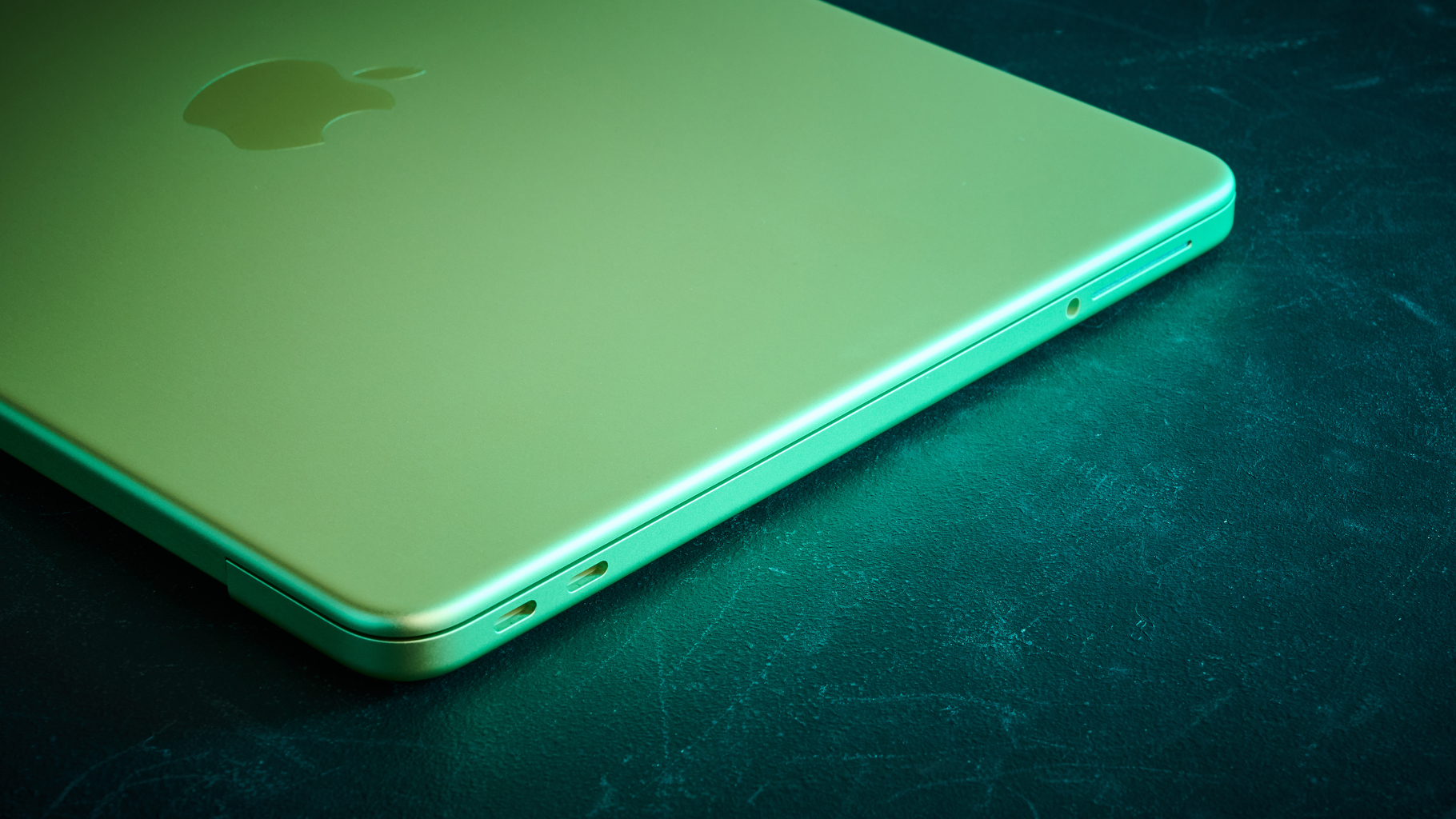
Dual, side-firing speakers provide the onboard sound, and it also has dual microphones to ensure your voice is captured clearly. Connectivity is limited, with just two USB-C ports, one of which can only handle USB 2.0. It also has a 1/8-inch headphone jack, but most users will need to factor in the additional purchase of a USB hub, particularly if it proves powerful enough for music creation tasks.
Performance
My review model is in Citrus, which is certainly distinctive when I pull it out of the box. It feels very much like an Apple product, though, with the smooth aluminium body and rounded edges of their more expensive models. The logo on the back is more subtle than you get on other designs, with a shade slightly darker than the rest of the body, but still lightly debossed as you’d find on a MacBook Pro or Air.
Opening it up, the keyboard is also colour themed, looking like a sort of mint-green nestled in amongst the Citrus background. After installing some programs and downloading some project files to test with, I feel that while the keys and touchpad are not exactly the same as those on the MacBook Airs I’ve tested and my own MacBook Pro, it’s really not far off.
It’s the typical comfortable experience with short travel keys that feel smooth and precise, and the layout is exactly the same, so if you’re coming from another Apple machine you’ll be able to dive in straight away. The trackpad also offers a similarly precise experience, although on the Neo you only get a single press, not the double press 'Force Touch' offered on the more expensive models.
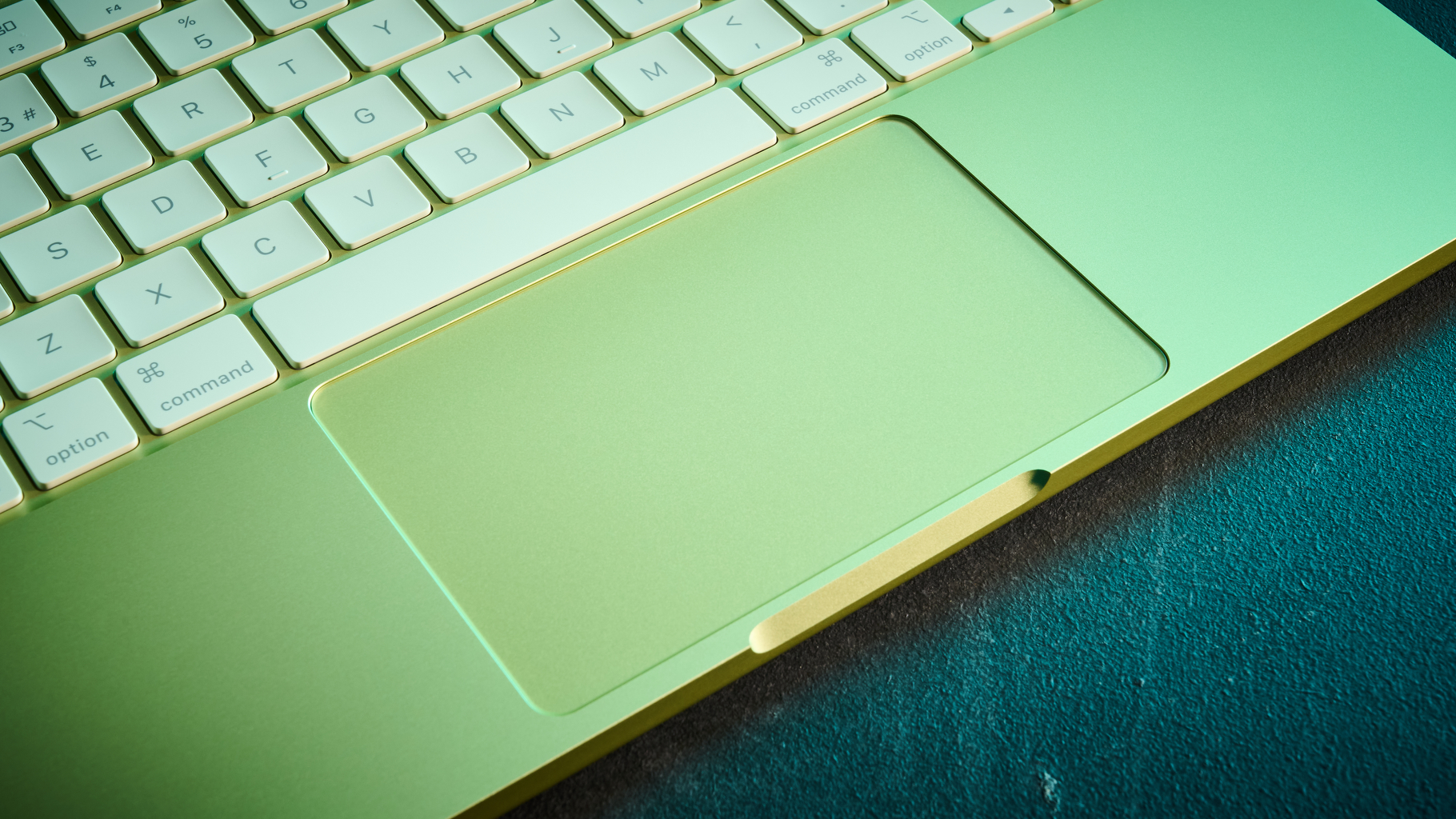
It’s plenty responsive though, and as I load up a Logic Pro project I’ve been working on, I find I can quickly and accurately get around the session without having to adapt coming from my own MacBook Pro. It’s a pretty seamless experience moving from one to the other, although I’m sure users will miss the light-up keys when working in low light.
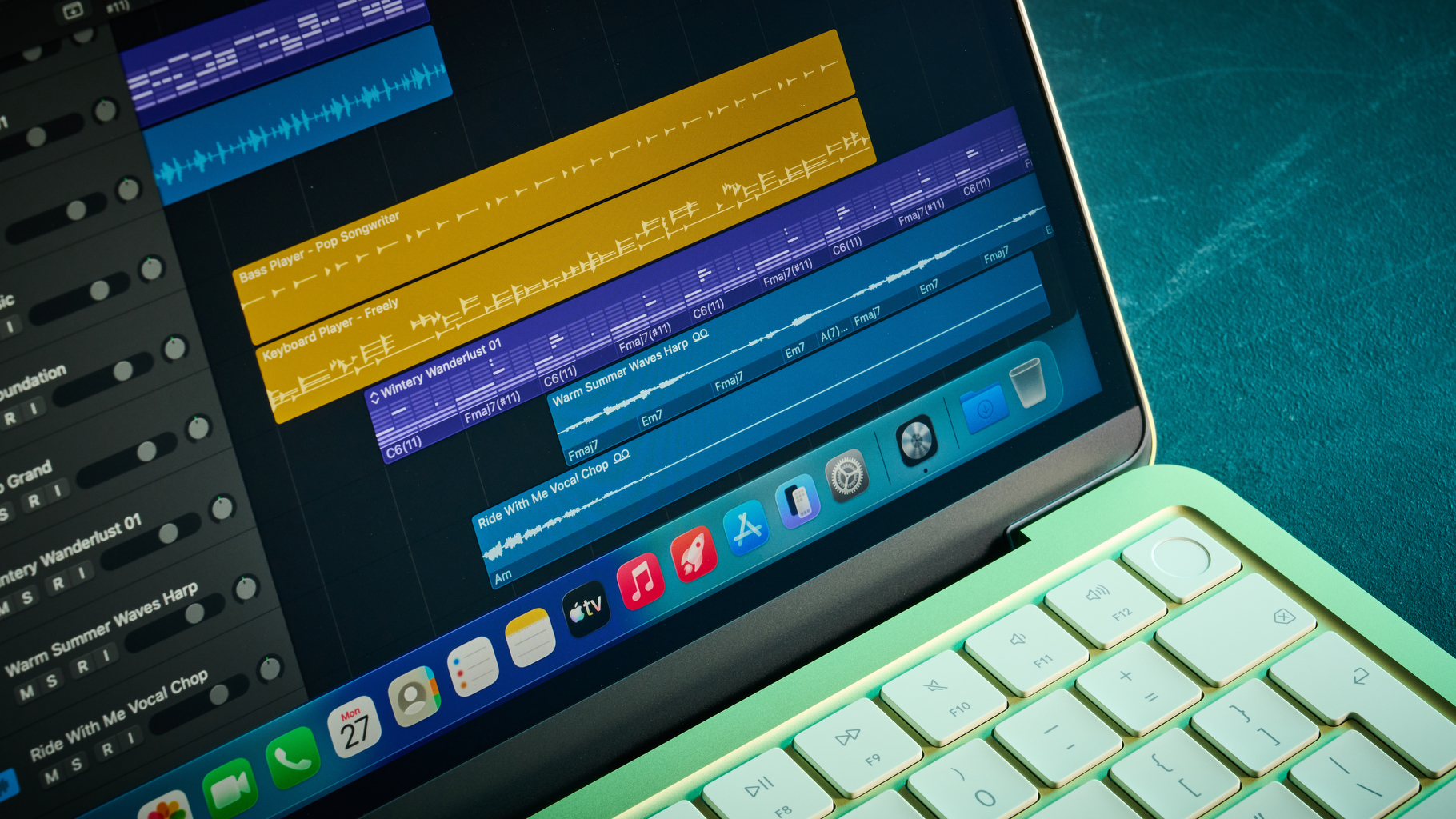
Getting stuck into my project, it’s around 90 tracks of recorded audio, including busses and aux sends, which is a reasonable amount for a modern rock production. Starting with my drums and working through the project while keeping an eye on the CPU monitor in Logic Pro, I can see it gradually starting to fill as I make my way through the mix, adding copious amounts of EQ, compression, and multi-band compression.
I started on about half battery, and after a couple of hours of tweaking, it had run down so completely that it switched itself off while I went to get a cup of tea. It’s a far cry from what I’m used to with my MacBook Pro, but then this is a machine that’s really designed for students or business owners sipping vanilla lattes in coffee shops.
With the charger plugged in and my mixing done, I’m at around 70 plugins and ready to commence some stress testing. Setting the sample rate to 32 and using the Core Audio device on the Neo, I play through the track with no issues. The CPU meter spikes between halfway and three-quarters full, but it gets through the entire song, which is around 5 minutes, without any issues. Duplicating the entire project and trying again, I hit my first snag.
As soon as it gets to the middle 8, which features lots of additional tracks for atmospherics, I get the dreaded system overload. It’s over 180 tracks and around 140 plugins, which is not too shabby at all considering this laptop is designed for light use. Removing tracks one by one, I get to 171 tracks before any errors occur during a full playthrough. It’s a remarkable performance for a budget laptop.
There are some caveats to this though, the first of which is that Logic is extremely well integrated into MacOS, so it will enjoy superior performance to other DAWs. I highly doubt I'd get the same performance with my usual Pro Tools. The second is that I only used stock plugins for my testing, and that more advanced programs will consume more CPU power, so your real-world performance may well differ from mine. AI tools, virtual instruments like synths and drum kits, are a lot more power-intensive, so those working exclusively in the box will probably find they hit a lower track count.
That said, if you’re a beginner or student, I think this is a great laptop to cut your teeth on. Adding an audio interface will give a slight performance improvement, perhaps even more so if it features DSP, and for simple demos and recordings, I see no reason you couldn’t use the MacBook Neo as a production machine. It’s not going to satisfy power users, but then it isn’t really designed for that, is it?
Verdict
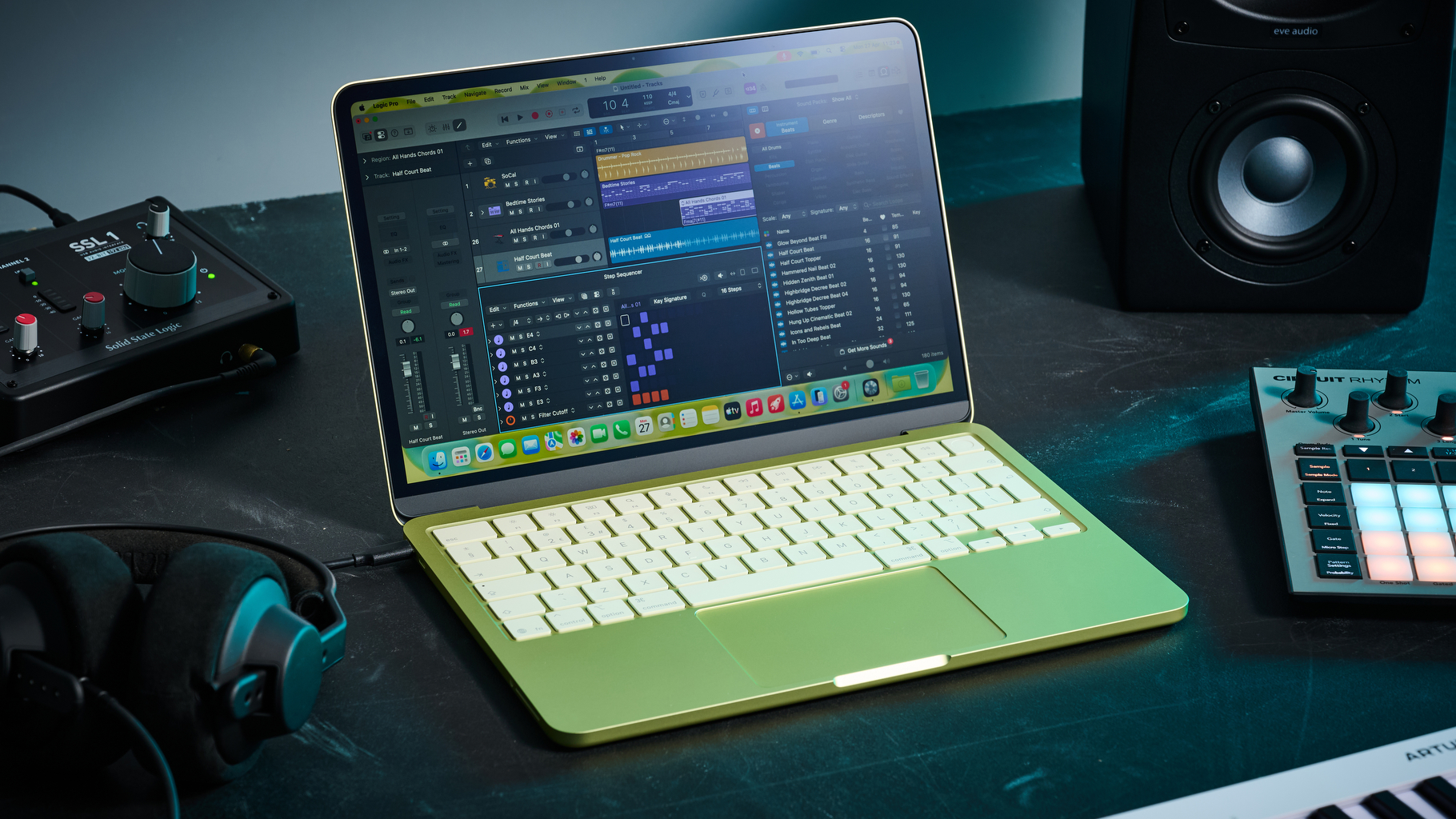
I had high hopes for the MacBook Neo when it was first announced, and I’m very happy to say it does not disappoint. It’s really great value for money considering the amount of processing power you get, and for simpler recording tasks, it performs admirably. It’s lightweight, looks great, and has many of the features of the more advanced and costly MacBook Air, making it well worth considering if you want an Apple machine on a budget.
Of course, it won’t satisfy professional producers or those who need insane track counts and huge plugin numbers. It doesn’t have Thunderbolt, which limits connectivity with more advanced hardware, and some users will definitely feel limited with just two USB 3.2 and 2.0 connections.
MusicRadar verdict: For beginners and students on a budget, the MacBook Neo can absolutely do a job as a budget laptop for music production. It’s not going to set the world of the professional musician on fire, but for those taking their first steps into the world of music creation, there’s no reason this can’t be your first laptop to start building up from.
Hands-on videos
Alternatives
Specs
Launch price |
$599 | £599 | €699 |
Key features: |
Operating system: macOS Processor: Apple A18 Pro chip 6‑core CPU with 2 performance cores and 4 efficiency cores 5‑core GPU Hardware-accelerated ray tracing 16-core Neural Engine 60GB/s memory bandwidth Memory: 8GB unified memory Display: Liquid Retina display 13.0-inch (diagonal) LED-backlit display with IPS technology;2 2408-by-1506 native resolution at 219 pixels per inch 500 nits brightness Support for 1 billion colors sRGB color Storage: 512GB SSD (as reviewed) - 256GB options available) I/O: One USB 3 (USB-C) port with support for: Charging DisplayPort USB 3 (up to 10Gb/s) One USB 2 (USB-C) port with support for: Charging USB 2 (up to 480Mb/s) 3.5 mm headphone jack Power: Built-in 36.5‑watt‑hour lithium‑ion battery 20W USB-C Power Adapter USB-C Charge Cable (1.5 m) |
Dimensions: |
1.27 x 29.75 x 20.64cm (0.5 x 11.71 x 8.12”) |
Weight: |
1.23 kg (2.7 lbs) |
Contact |