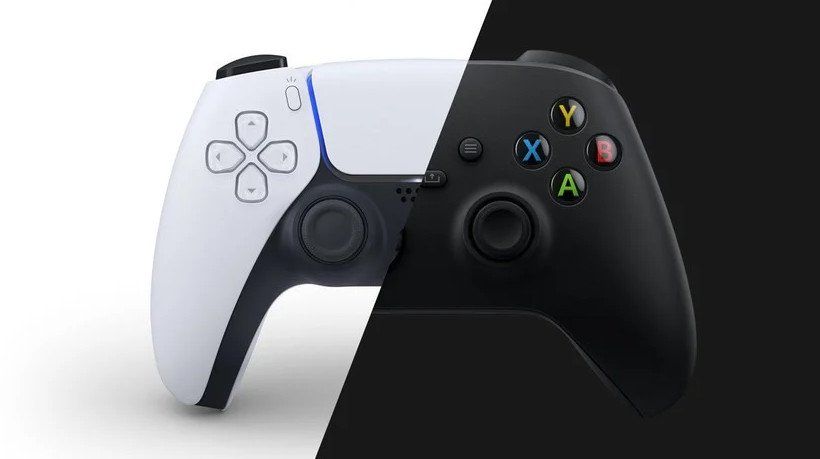
I have good news for all you PC gamers out there who want to use a DualSense controller wirelessly with your gaming PC and still get a full set of features.
A nifty GitHub project created by awalol called DS5Dongle is blowing up, and all you need to make it work is a $7 Raspberry Pi Pico 2W and a bit of initiative.
I came across this project in the r/pcmasterrace subreddit, where a user (evidently not the same person who created the project) showed off full DualSense functionality while playing Days Gone on PC.
PSA: Since Sony won't make a PC dongle for the DualSense, you can build your own for less than $20 using a Raspberry Pi Pico 2W. Wireless Adaptive Triggers and Haptic Feedback finally work natively. from r/pcmasterrace
Xbox controllers are the first choice of gamepad for many PC gamers, myself included, owing largely to their native plug-and-play nature and XInput API support for seamless compatibility across most PC games.
However, that doesn't mean that there aren't plenty of PlayStation 5 owners who want to get their DualSense controller set up for a similar experience on PC.
👉 Best Xbox controllers in 2026: Razer, GameSir, and more — Who comes out on top?
Unfortunately, connecting a DualSense controller wirelessly with a Windows PC doesn't provide all the features available from Sony's hardware. A Bluetooth connection with Windows effectively disables features like adaptive triggers and haptic feedback on the DualSense, making it feel a lot worse than when it's used with a PS5.
DS5Dongle, an open-source and free project, changes all that.
Using the Raspberry Pi Pico 2W as a hardware bridge (it has built-in Bluetooth 5.2 capabilities), DS5Dongle makes your PC think that the DualSense controller is wired. That, of course, means the controller's adaptive triggers and haptics work just like you're playing on PS5.
The latest update to the DS5Dongle project has added 1000Hz polling, which is the same as when the DualSense is used with a PS5.
How to create your own DualSense wireless bridge for your gaming PC
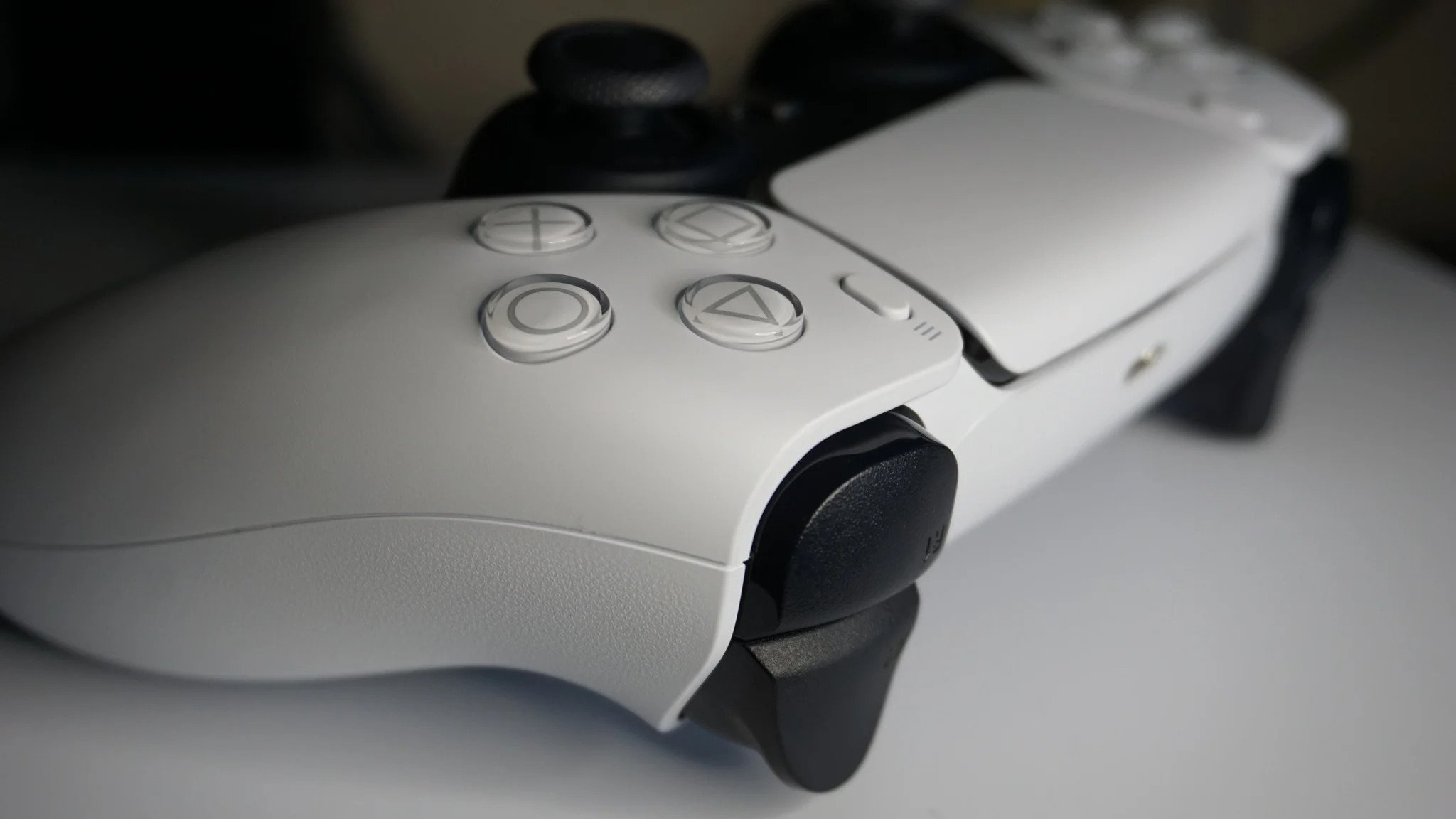
Once you have the Raspberry Pi Pico 2W at hand, the setup process with DS5Dongle is fairly easy. Here are instructions as laid out by the project's developer.
- Press and hold the BOOTSEL button on the Pico 2W.
- Plug the Pico 2W into your PC via USB.
- Download the DS5Dongle project.
- Drag and drop the .uf2 firmware file onto the Pico 2W.
From there, put your DualSense controller into pairing mode like usual and wait for the modded Pico 2W to detect it. Once it's connected, the controller should show up in your system just like any other wireless gamepad.
Considering you can currently pick up a Raspberry Pi Pico 2W for $7 at PiShop, I don't see why most PC gamers with a DualSense shouldn't at least give this method a shot.

Join us on Reddit at r/WindowsCentral to share your insights and discuss our latest news, reviews, and more.