Gas prices near me have been all over the place lately. More than just going up, they've been inconsistent.
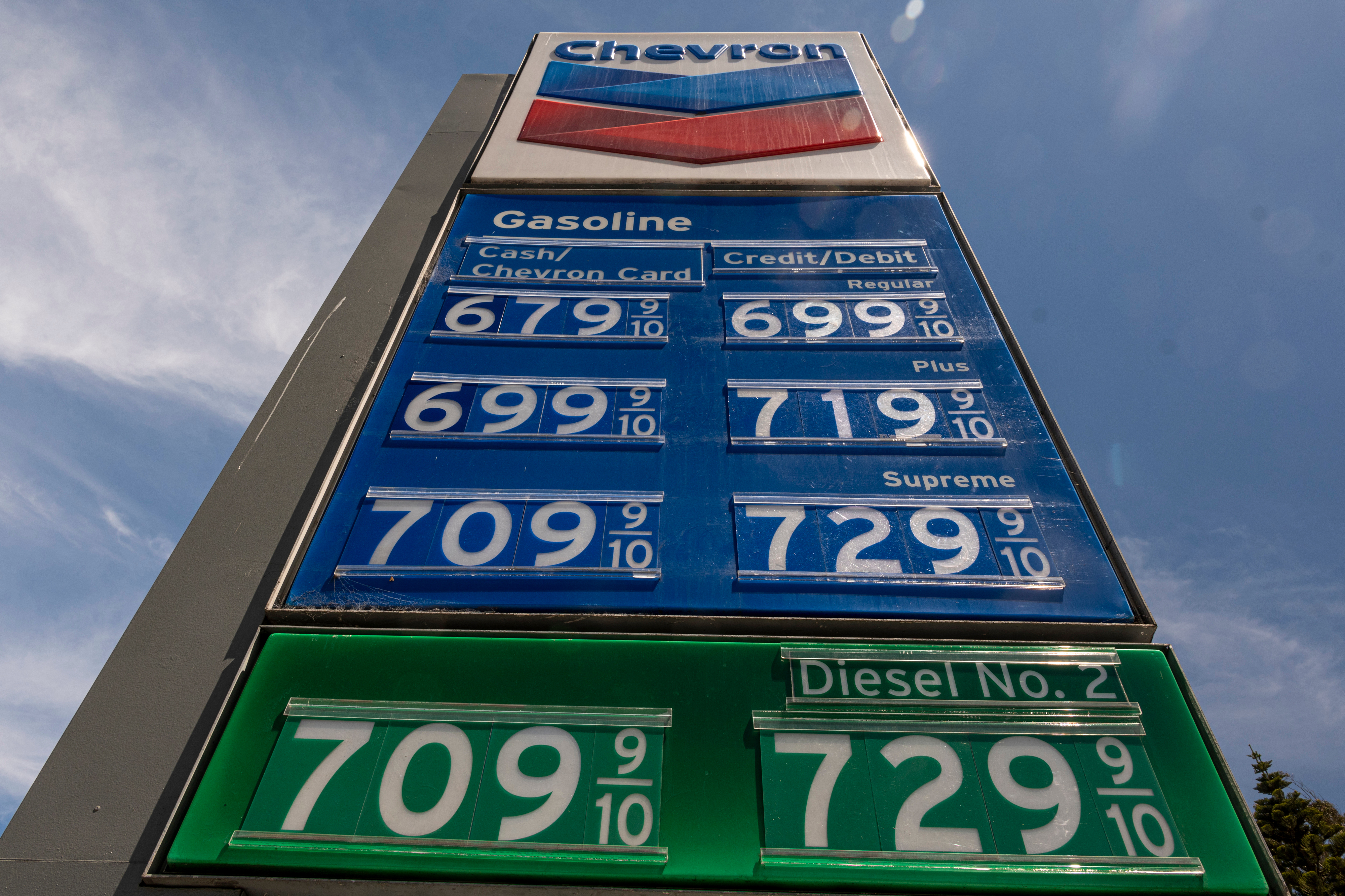
I’m not talking about a few cents here and there. I’ve seen differences of 30 to 40 cents per gallon within a few blocks. And after a while, it started to bother me. Not enough to obsess over, but enough to wonder:
How much money am I wasting driving extra miles to the closest gas station?
So instead of guessing — or defaulting to the gas station around the corner — I opened Google Maps and actually used it to find the cheapest gas nearby.
Google Maps has quietly gotten better at surfacing real-time info
Google Maps is even more useful now thanks to recent updates that have leaned into AI. Users get more natural, question-based searches and smarter recommendations — so instead of just showing places on a map, it’s starting to help you decide where to go.
That shift might sound small, but in practice, it changes how you use it. Instead of tapping the closest option, you can ask better questions — and actually get useful answers.
I started with the obvious search. The first thing I did was use "Ask Maps" and typed “gas near me” into Google Maps.
Right away, it pulled up a list of nearby stations — but what stood out was that many of them showed live price estimates for regular gas. I could instantly see which stations were cheaper and which were not.
And the difference was bigger than I expected. One station less than a mile away was nearly 25 cents cheaper than the one closest to me, another was a whopping 40 cents more.
Up until recently I just assumed that all the gas stations around me were roughly the same, but Google Maps made me realize what I've been missing.
Google Maps is now so much more than a mapping platform
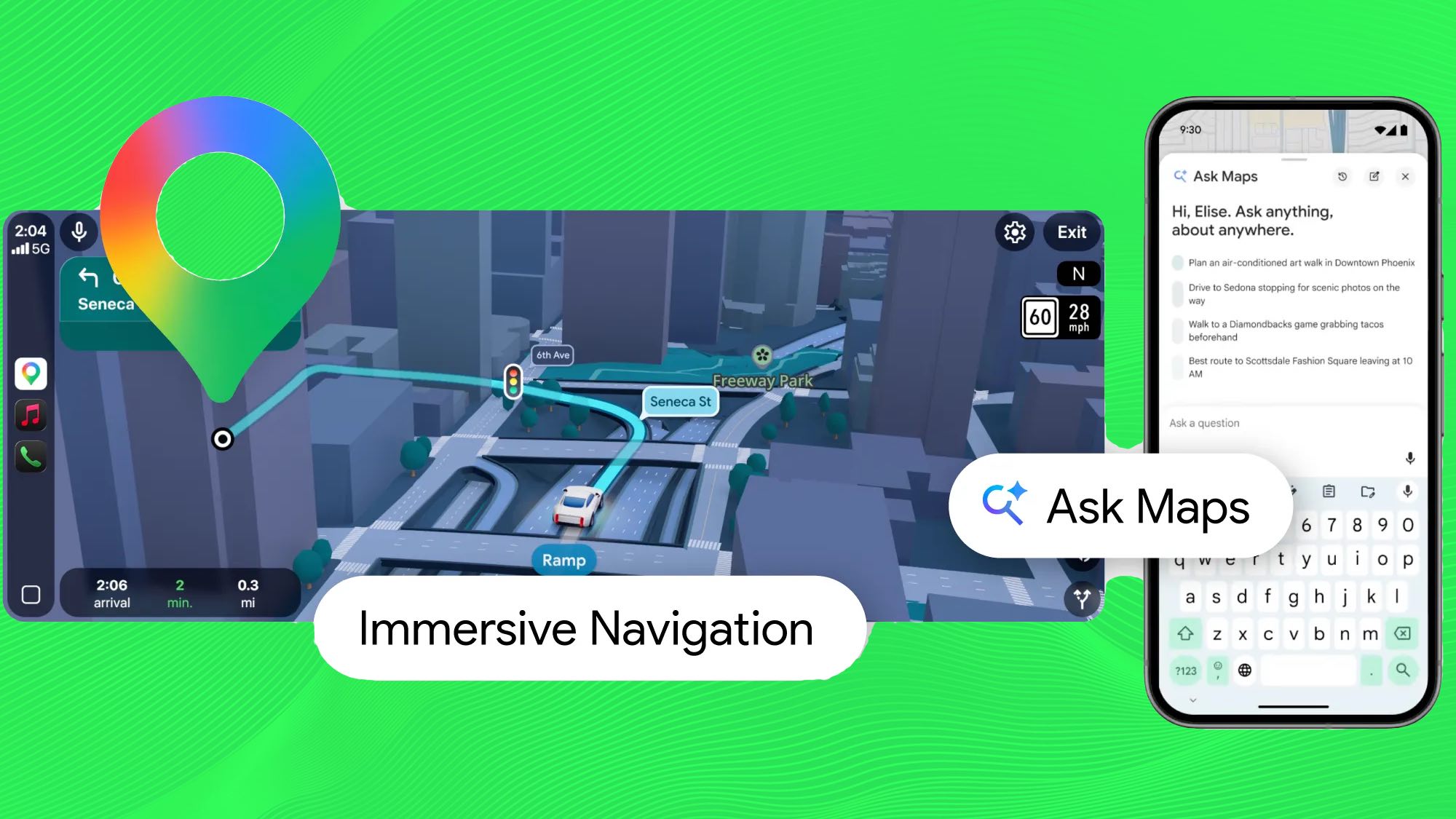
The "Ask Maps" feature now within Google Maps, makes it a lot more like Gemini. You can use now prompt Google Maps just as you would Gemini as a chatbot, or ChatGPT, for those more familiar with that.
INow, instead of just scanning pins on a map, I started using more natural searches:
“Where’s the cheapest gas near me?”
“Best gas stations on my route”
Google Maps didn’t just show locations, it highlighted options based on distance, price and convenience. This made a huge difference because in a lot of cases, the cheapest option wasn’t the closest — but it also wasn’t far enough away to ignore.
The feature that made the biggest difference
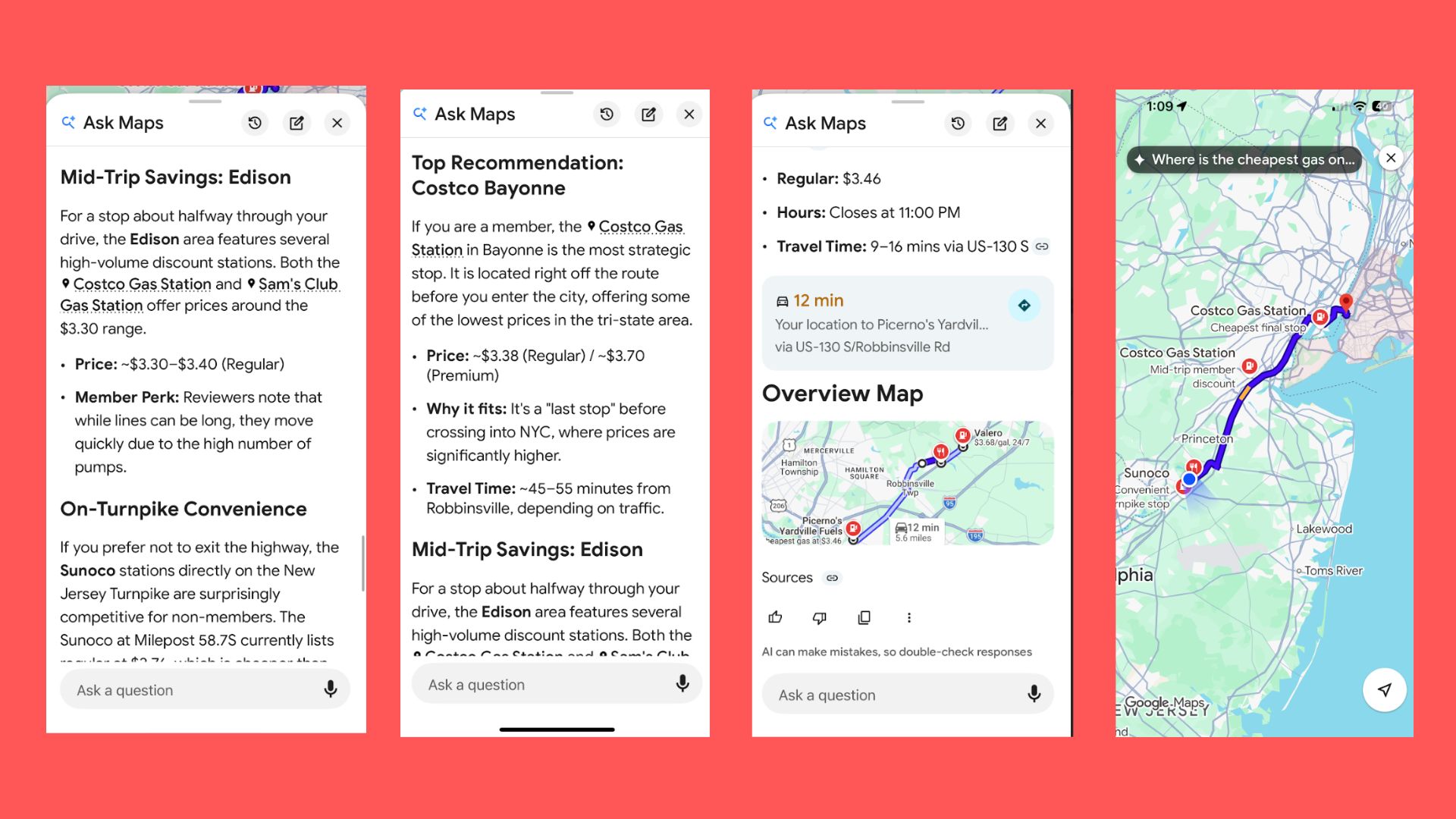
The biggest upgrade wasn’t finding cheap gas near me. Although that was huge and what I originally opened the app. But what made the biggest difference was finding cheap gas on my way.
Using the “search along route” feature while navigating, I could see gas stations that were slightly off my path — but still convenient enough to stop without going out of my way.
The reason that really changed everything for me was because instead of making a separate trip for cheaper gas, I could build it into where I was already going. The other day when I had to drive nearly an hour to meet my friend at the airport, I was able to use Google Maps to find the cheapest gas along the way.
And after trying this a few times since the update, I started noticing something — the most convenient gas stations were almost always the most expensive. Makes sense, but Google Maps put everything into perspective.
In fact, Google Maps shows popular times for many locations, and once I paid attention to it, I discovered that more traffic often meant higher prices (and longer waits). Meanwhile, stations that were slightly further away were consistently cheaper.
The bottom line
I have always preferred Google Maps over Waze, but the latest updates have made it significantly better. Now, I check Google Maps before heading out and compare nearby stations using “search along route.” Beyond the obvious convenience of a more useful app, it's actually saving me money, which is huge right now. Rather than driving around or asking friends where they go for gas, I get prices in real time.
Google Maps made it easier to make a better decision. And now, instead of defaulting to the same gas station out of habit, I take a few extra seconds to check — and that small shift is already starting to add up.