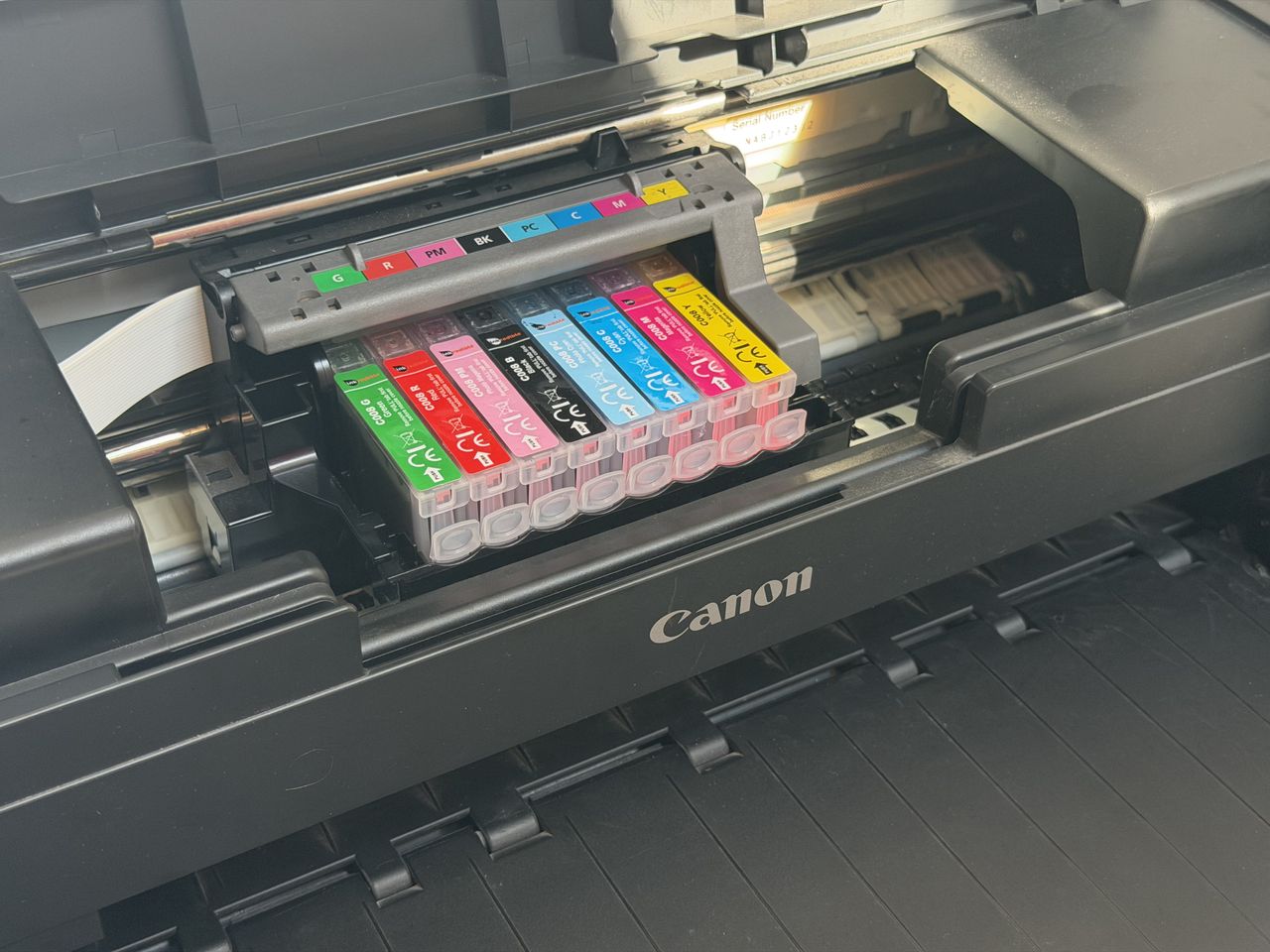
Like many photographers, I like to make prints to adorn the walls at home. And some years ago I invested in a poster-sized printer so that I could do so at will.
Specifically, I got a Canon Pixma Pro 9000 Mark II, which was the 2009 version of a printer that hasn’t significantly changed from its 2006 release.
When I tried to print something this weekend with no success for the first time, I wasn’t sure what to do.
There are obvious steps that everyone goes through, obviously. Checking that all the ink tanks are full is step one. They weren’t, of course. It had been a few months, and I suspect a degree of evaporation may have played its part.
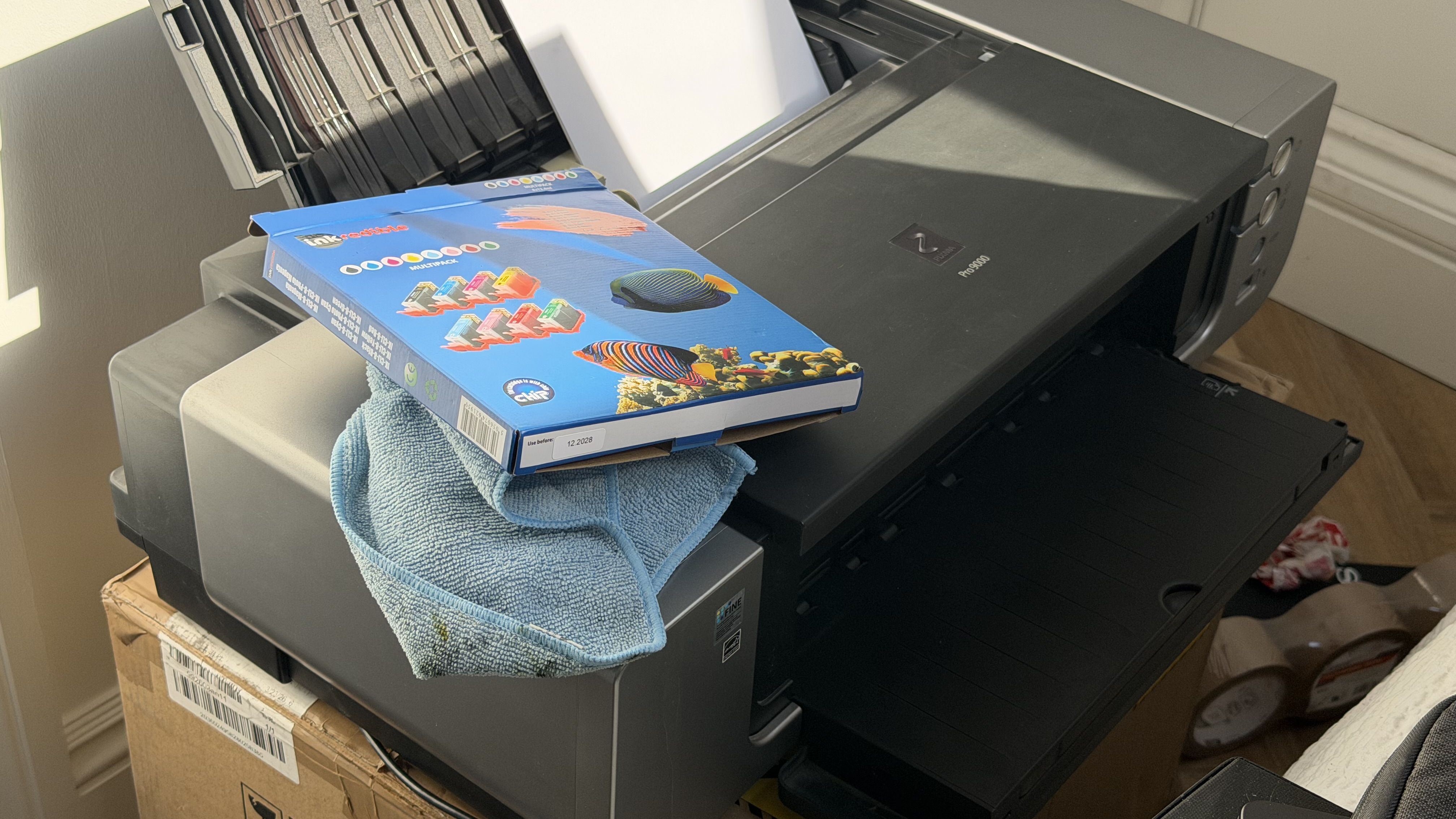
The current heatwave and the fact that I keep the printer upstairs won’t have helped matters. However, it was not a cheap printer – well over $500 – so I don’t mind forking out $30 for a set of replacements from a brand of compatible inks I have come to trust: Inkredible (unlike, sadly, some of the ‘compatible’ brands on Amazon).
Each of the ink tanks for this printer has a chip and the printer senses them. I’ve never had an issue with these, whereas some ‘compatible’ inks have proven not to be. Some will tell me I should continue using Canon’s own inks, but their price is somewhat off-putting by comparison.
Two days later, when the inks arrived, I swapped them out and reassuring lights indicated that the printer recognized them; however, it was still not inclined to print a page for me.
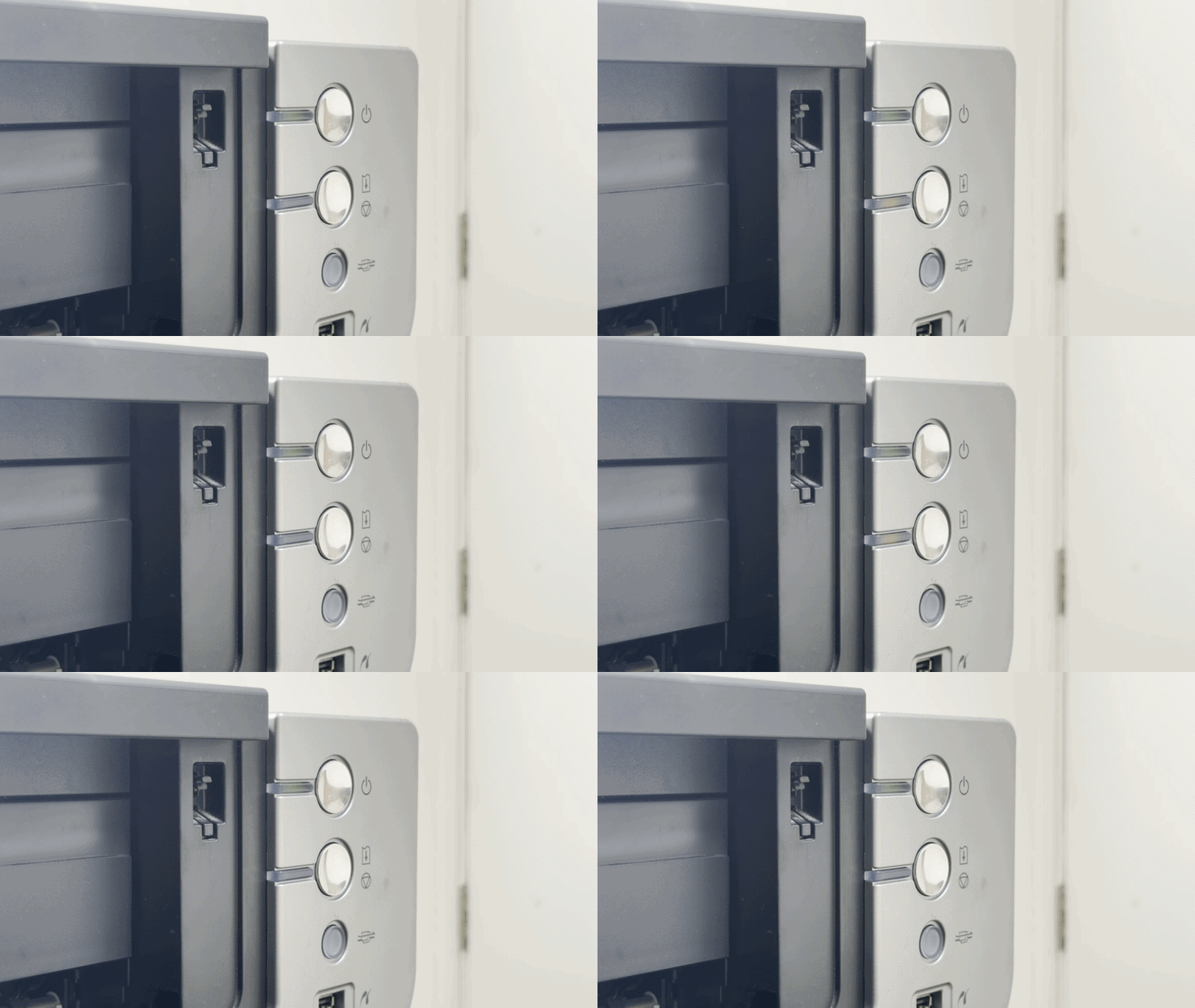
At this point, I had to resort to attempting to understand the printer’s problem via its only means of communication – an orange LED that flashes a number of times in sequence.
This felt positively archaic in an era where my portable battery pack has a small color display, but casting my mind back to 2006 (before the iPhone was announced) perhaps this wasn’t so unlikely.
I can connect to my computer, of course, and hope that the software understands the error, but that doesn’t actually solve it either. Plugging into my Mac did remind me of the printer’s age, though, with a dedicated USB-A cable forcing me to find an adapter for the USB-C ports on my computer.
My MacBook reported a print head error via the Print Center, and ChatGPT concurred when I described the flashing light. Unlike the computer, though, the AI chatbot wanted to help out – suggesting a load of things to try.
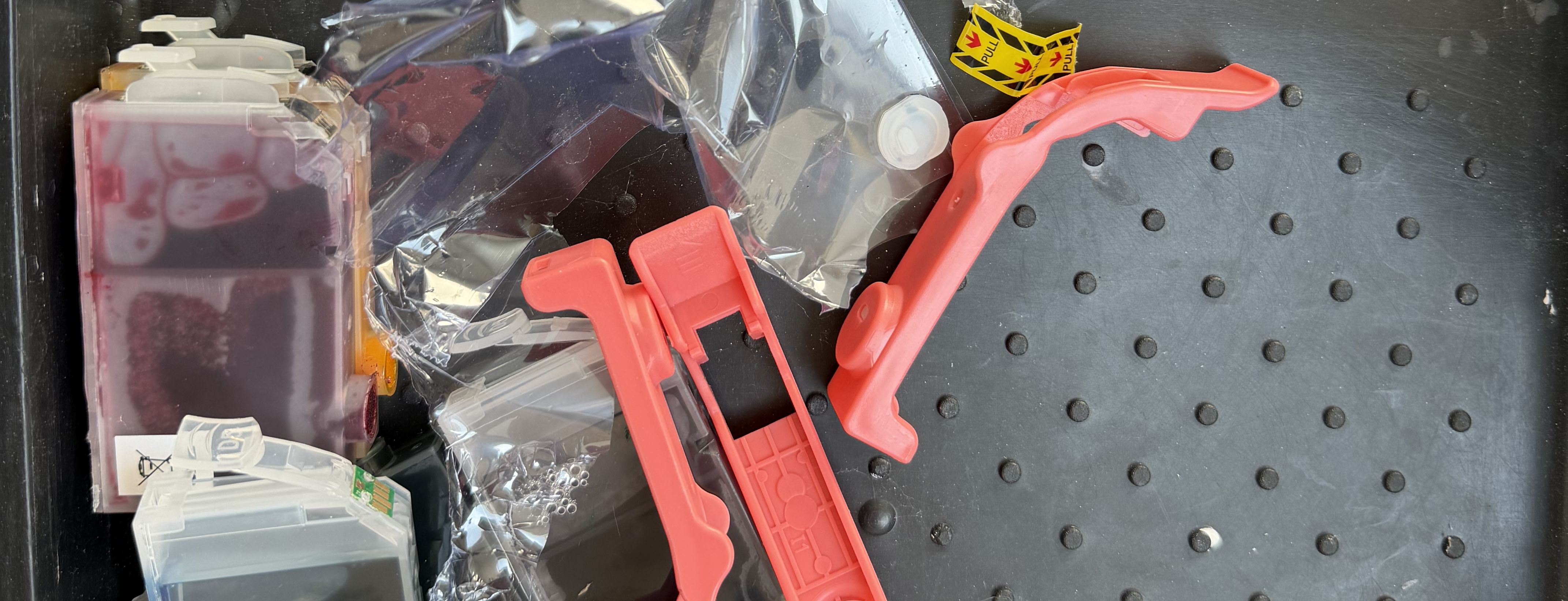
While every one of the eight ink colors is a small replaceable tank, the whole print head is attached beneath them and is also removable and replaceable.
The ever-sympathetic chatbot initially suggested a series of parts of the printer to clean – buttons, paper feeds and the like – all of which, it felt, could lead to the same issue.
Eventually, it decided that it was time to remove the print head – but before replacing it, suggested some ways to clean it. In other words, lint-free cloth and rubbing alcohol were additional investments that ChatGPT thought were worth consideration. Not to mention a lot of time.
Sadly, though, AI wasn’t totally on-side with my problem, wanting me to perform a nozzle check – which the printer was refusing to do because the print head wasn’t working.
After a lot of back-and-forth in a chat, though, it gave me odds (about 90%) of an electrical failure of the print head, which brings me to my next choice. Do I source a new one – there are compatible options out there, even if Canon ones are hard to come by – or is it time to call it quits?
I think the answer is starting to become apparent. I’ve already lost a good amount of money and time – and ended up with very inky fingers several times.
I was, I have to admit, impressed with the amount of knowledge that AI had to offer about the printer’s error messages given its age. But at this stage I start to measure the value of my time (no, really, it has some).
There is also a point at which being told “We’re getting there” or “That’s a good sign” by a cheery and positive AI is increasingly frustrating as a human. ChatGPT is a bot, after all, and doesn’t quite appreciate that getting eight different colors over your fingers every time you get all the tanks out to access the print head to try “one more thing” is a bit annoying.
And it takes a long, long time to clean printer ink off your fingers.
So the final question should perhaps be “What is the best large-format printer?” That is a question I’ll still trust to humans with experience, but I did appreciate AI lending a hand in making me feel that I won’t be slapping down the cash on a whim.