The latest version of Windows 11, 25H2, didn't change much from 24H2 in Microsoft's latest operating system (OS). However, it still holds the majority of market share while its predecessor, Windows 10, officially entered its "End of Life" era. Of course, I know that broad adoption doesn't necessarily correlate perfectly with satisfaction, so I recently asked our readers, "What bothers you the most about Windows 11?"
I amassed more comments than I expected. Without a doubt, I knew that Windows 11 had struggled to please every one of its loyal users, and some of its teething problems went beyond taste, but the responses helped me understand.
Hardware restrictions due to TPM 2.0 requirements, leading to e-waste concerns for incompatible PCs, were complaints I was used to hearing, but our community highlighted other issues that regularly made their experience worse. I certainly hadn't given enough thought to some of them, and that needs to change — starting with a fresh installation of Windows 11 and enabling everything.
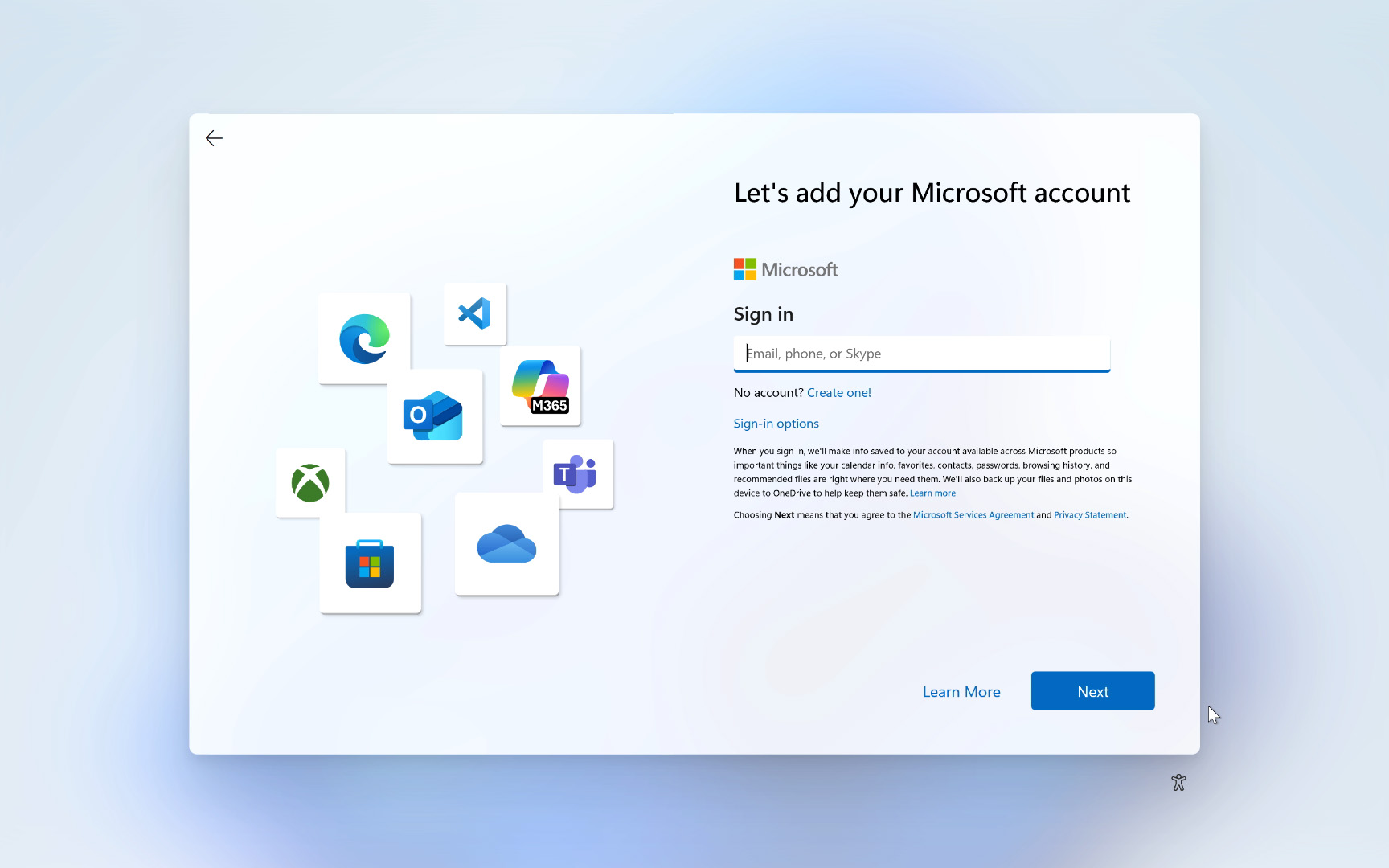
Yes, I enabled everything Microsoft recommends during setup for a standard out-of-box experience (OOBE) of Windows 11. To be honest, that actually means less work with fewer overall mouse clicks because it's more about leaving the little settings alone and keeping most toggles set to their defaults. However, it feels somewhat strange because I usually say "no" to anything related to location tracking and diagnostics — but not this time.
So, let's dig into what Microsoft recommends (and otherwise forces) in Windows 11, to see which complaints hold the most water and which can be remedied the fastest. At least, the first three clicks don't change much for any user; it's just about choosing a region and the appropriate keyboard layout. No big deal. However, the fourth screen is a familiar, personal pain point — the forceful, "Let's connect you to a network" screen that is getting harder to bypass.
Mandatory Internet connections
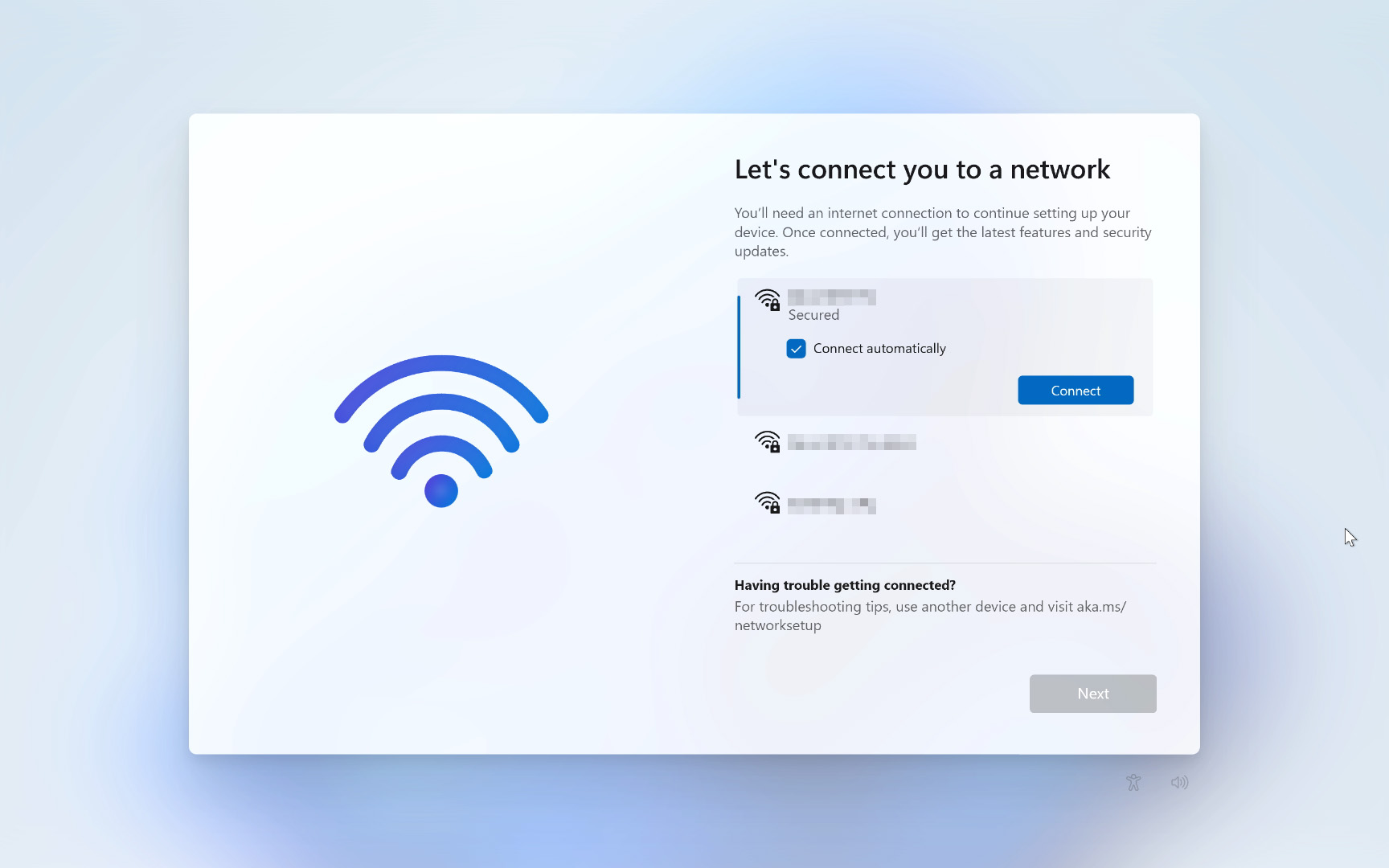
It's no secret that one of the most frequently searched topics is the latest method for setting up Windows 11 without a Microsoft account, particularly as Microsoft removed the most popular workarounds: "oobe\bypassnro" and "start ms-cxh:localonly". I often use the latter, but it's disappearing from the latest builds of Windows 11 (25H2), so I keep a bootable USB drive nearby with a Windows 11 24H2 ISO ready to go, and run Windows Update for 25H2 afterward.
Microsoft went out of their way to stop [local accounts] - twice. What does this suggest for the future? It suggests more hostility, more unwanted features, more ads, more telemetry, and less cooperation.
dohet, Windows Central community member
It didn't take long to find a relatively serious issue with Windows 11, and a mandatory Internet connection during setup is one of Microsoft's more frustrating, nonsensical demands. Without an available Wi-Fi network or an Ethernet cable connecting you to the same environment, you won't get far with a fresh Windows installation.
Windows 11 Pro has offered options to join a domain over the years, but that was never intended to let the average consumer bypass Microsoft's account requirement, and its efficacy can vary. As it stands, you'll need a functioning Internet connection to set up a fresh copy of Windows 11 Home from now on, and that's no good to any user who might be stuck without one — for a wealth of valid, if theoretical, reasons.
Can I install Windows 11 without a Microsoft account?
Installing a previous version of Windows 11, like 24H2, will still allow a popular workaround for the Microsoft account requirement. During setup, press Shift+F10 on your keyboard to open the Command prompt window, and type start ms-cxh:localonly, followed by the return key. You'll see a "Create a user for this PC" prompt appear instead, with an optional password field.
Privacy and diagnostic data collection
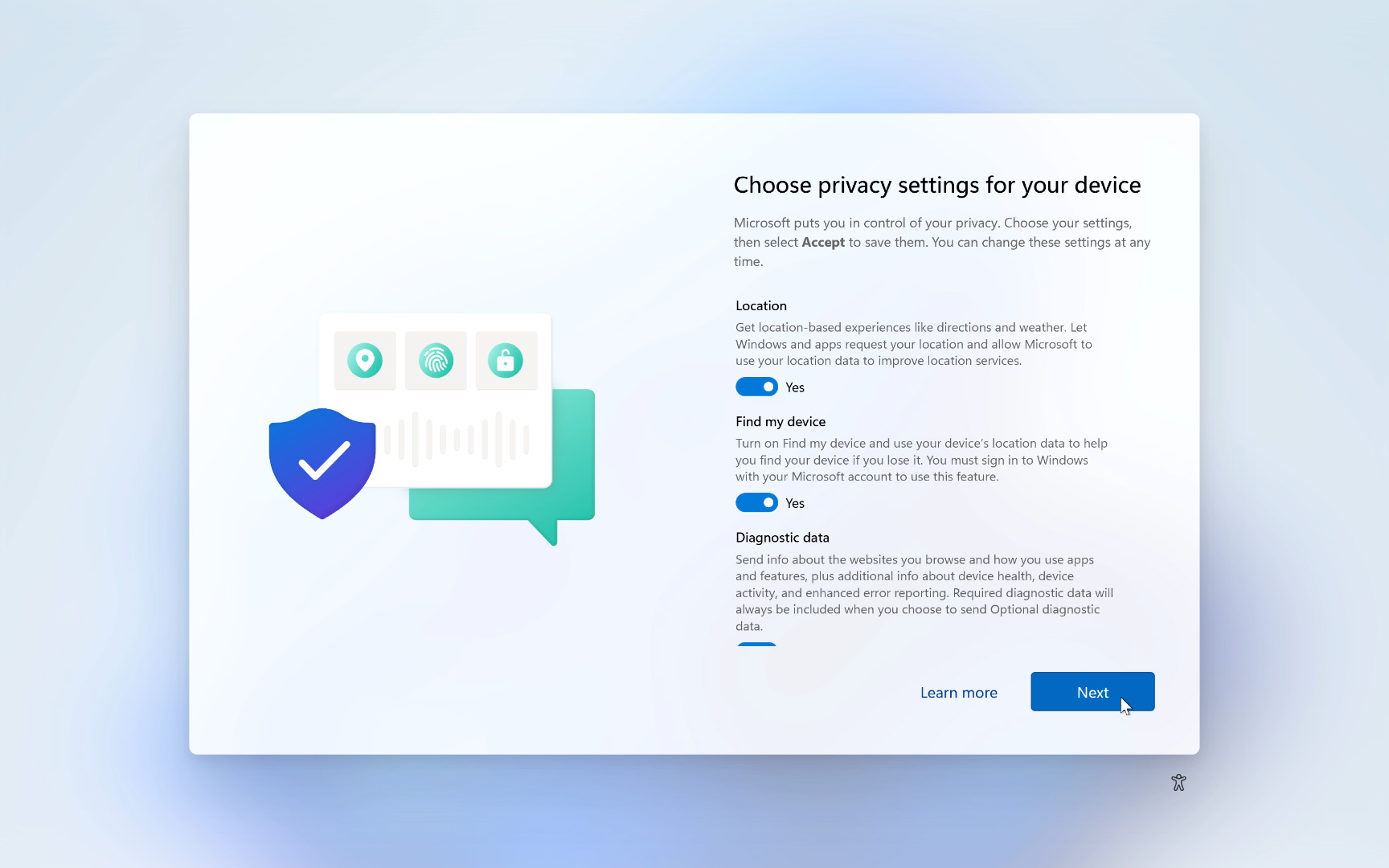
Telemetry and other data collection inspire more complaints surrounding Windows, and they aren't particularly unique to Windows 11. While the practice was present in Windows 10, the advent of Microsoft Copilot and its various forms of artificial intelligence tools raises concerns further, as AI tools typically train on vast amounts of data collected from human users. After 15 clicks, this is one of the most important screens you'll see.
How do [Microsoft] get away with all the spying and telemetry?
WiseInTheWays, Windows Central community member
By default, Microsoft asks to collect "Optional diagnostic data", which, in its own words, includes information about "the websites you browse and how you use apps and features." It stands alongside two more auto-enabled toggles, which primarily control access to your location, both for advertising reasons and for "Find my device," which, naturally, appeals more to portable devices than it would to any desktop PC.
Location services are fine, for the most part, but I generally use my Android phone over anything that a widget would offer me on Windows 11; weather reports included. The optional diagnostic is the part that sticks out like a sore thumb here and gives credibility to users who complain about data collection within a paid operating system.
Can I still disable tracking in Windows 11?
You can disable data-tracking features in Windows 11 after completing the setup process, meaning these selections aren't permanent. Location services can similarly be switched to "Off" in the "Privacy & security" subcategory of the Settings app.
Recall (preview) for Copilot+ PCs
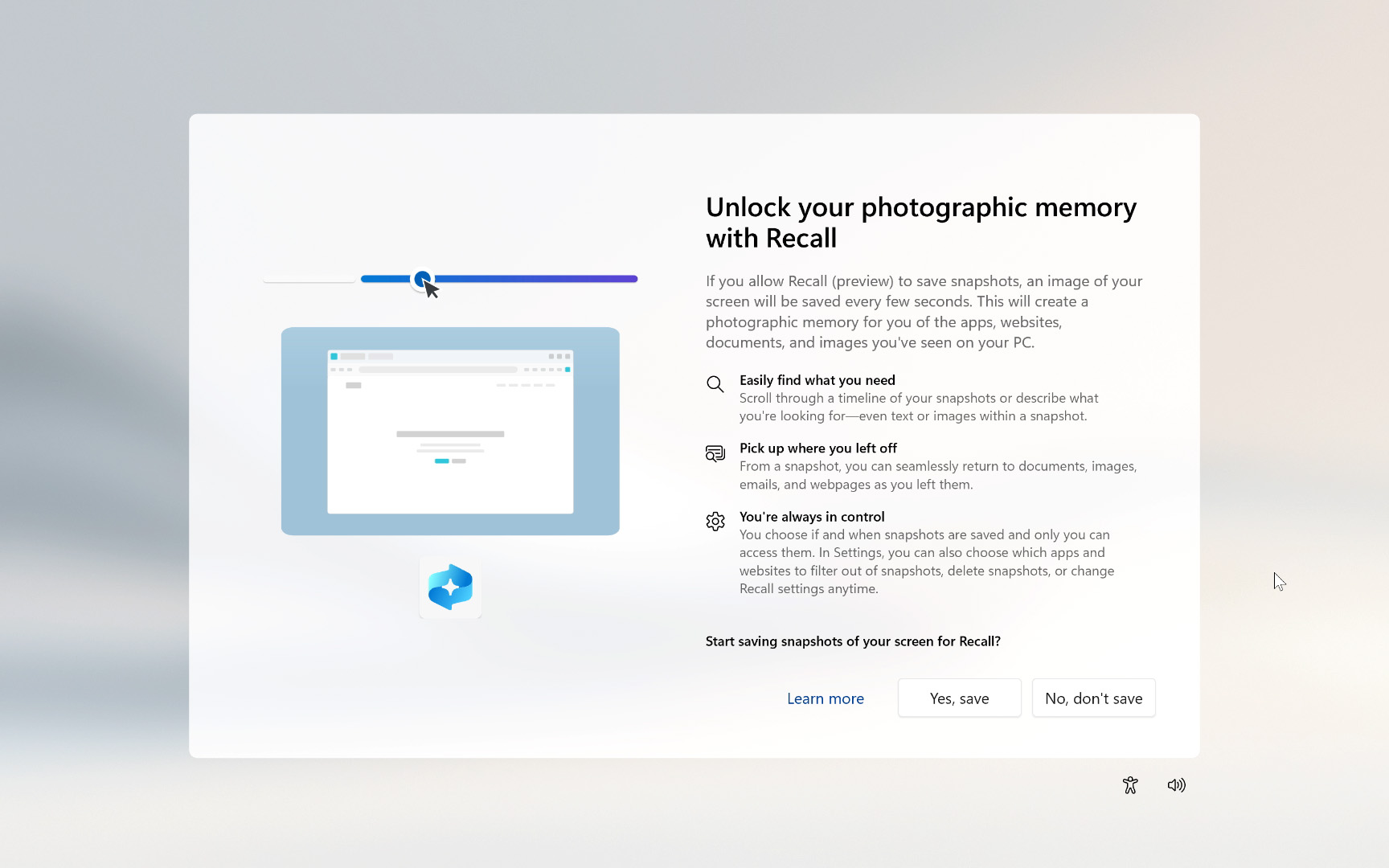
Windows Recall is one of the largest elephants in the room when discussing Windows 11. It eventually shipped after a year-long delay, becoming available to compatible Copilot+ PCs — that's an AI PC with an NPU rated for at least 45 TOPS — and offers to track everything you do on your computer in the form of visual snapshots.
We have our own reasons why you should (and shouldn't) use Windows Recall, but there is an important point to make: Recall is not enabled by default during the Windows 11 setup process. Users must click "Yes, save" or "No, don't save", but there's no way to skip past this prompt until you make a decision. Recall also runs entirely on your device, and not in the cloud, but your snapshots could potentially be seen by anyone who has physical access to your logged-in PC.
Can I disable Windows Recall?
Yes, you can disable Windows Recall by navigating to the "Privacy & security" subcategory in the Settings app and disabling "Save Snapshots" in the "Recall & snapshots" menu.
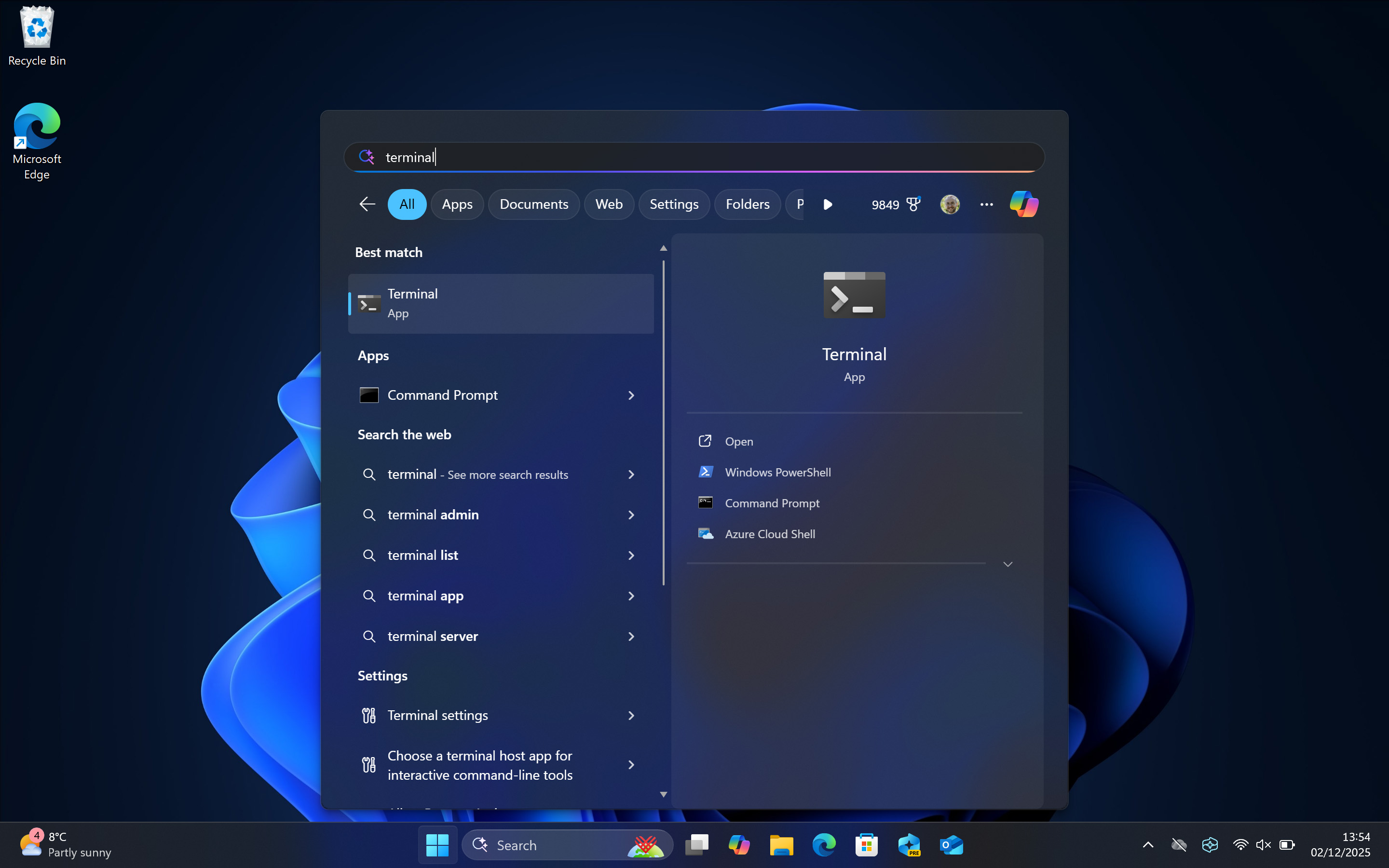
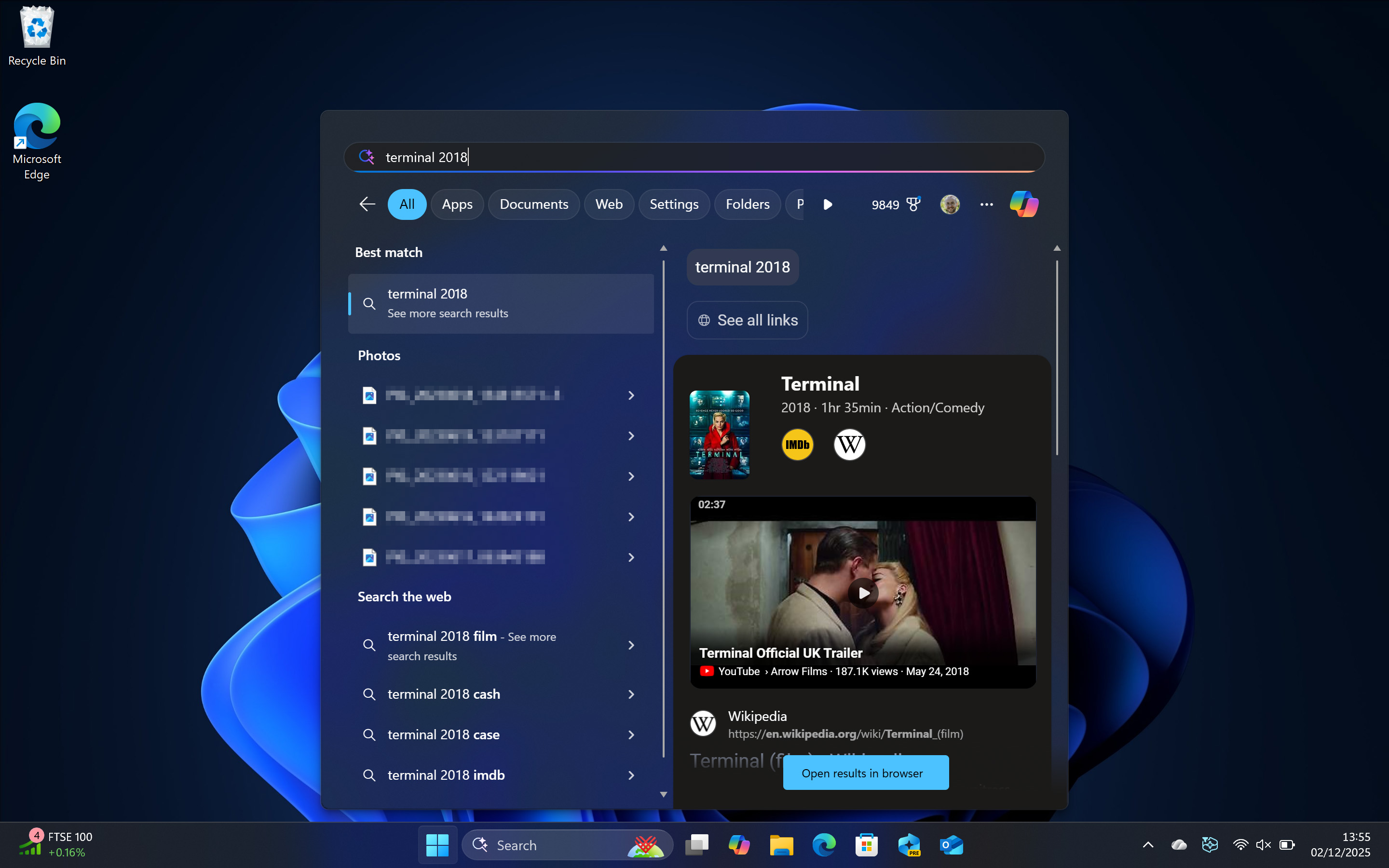
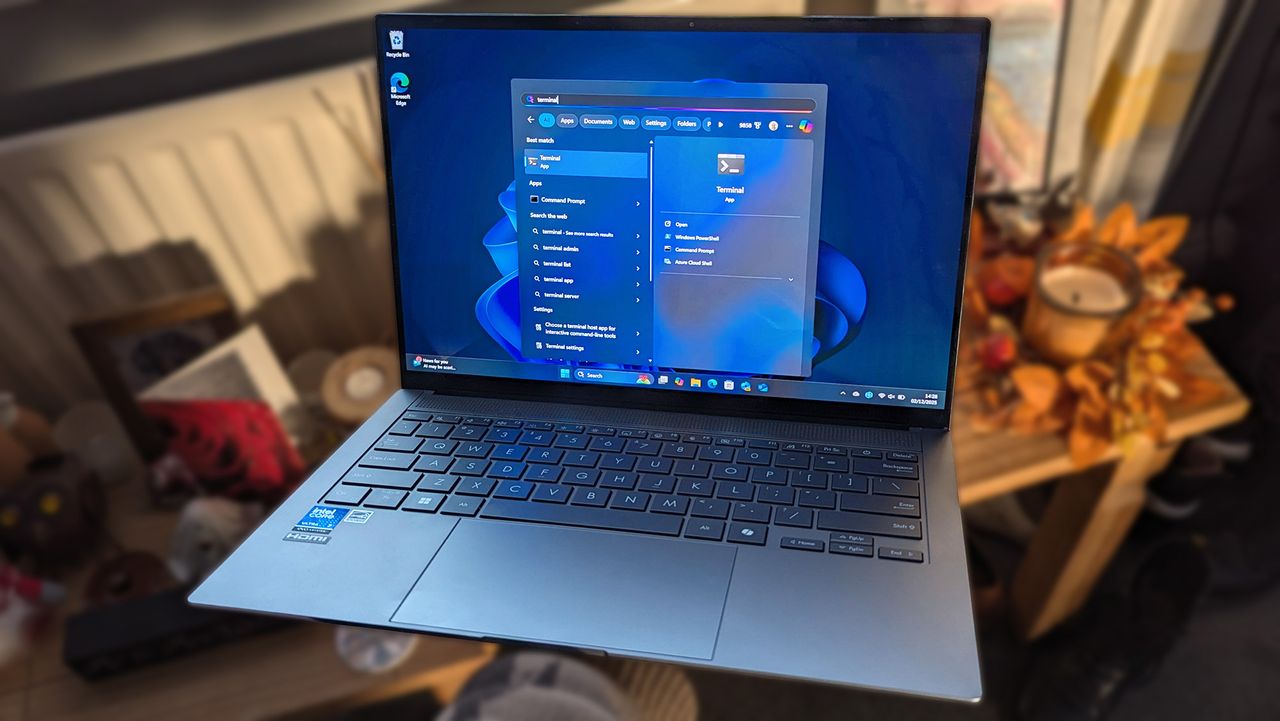
But wait, what happens if I search for 'terminal' in the Start menu?
Windows points me to the Terminal app — that's it. If I start typing something more specific, like 'terminal movie' or 'terminal 2018' then I'll see web search results for the movie, as you would expect.
Most of what Microsoft pushes as the standard for a Windows 11 installation can be managed or completely disabled by any user who has the time, but mandatory internet connections and purged local accounts are hard to defend. Personally, I restore my desktop PC to 'factory' settings with a clean Windows 11 ISO file around every 6 months, but I'm more of an experienced (and habitual) user.
Fearmongering is rife around Windows, just as it is with other leading hardware and software, but much of it is overhyped and sometimes outright wrong. For me, Microsoft has to tread carefully with Windows 12 (or whatever is next) and implement its agentic AI plans in a seamless, harmonious way; otherwise, the purists will likely claim a mass exodus. Whether that actually happens, remains to be seen — I still dual-boot into Linux, by the way. The best of both worlds.

Follow Windows Central on Google News to keep our latest news, insights, and features at the top of your feeds!