Hytale’s third major Early Access update is here, and it changes how you explore, build, fight, and survive in big ways.
Update 3 makes the world more lively, with animal taming now introduced to let you turn wandering critters into useful companions, while user-placed map markers finally give you proper tools to track bases, dungeons, or caves.
On top of that, a new fire spread system and the Goblin Flamethrower crank up the chaos, especially if you love testing the limits of Hytale’s sandbox. With that said, here’s a complete breakdown of the Hytale Update 3 patch notes.
Table of contents
Full Hytale Update 3 patch notes
Animal taming explained
Animal taming is the standout addition in Update 3, and it’s still an early feature. Only some of the friendlier creatures in the world can be tamed right now, and for that, you need to hold their favorite food in your hand.
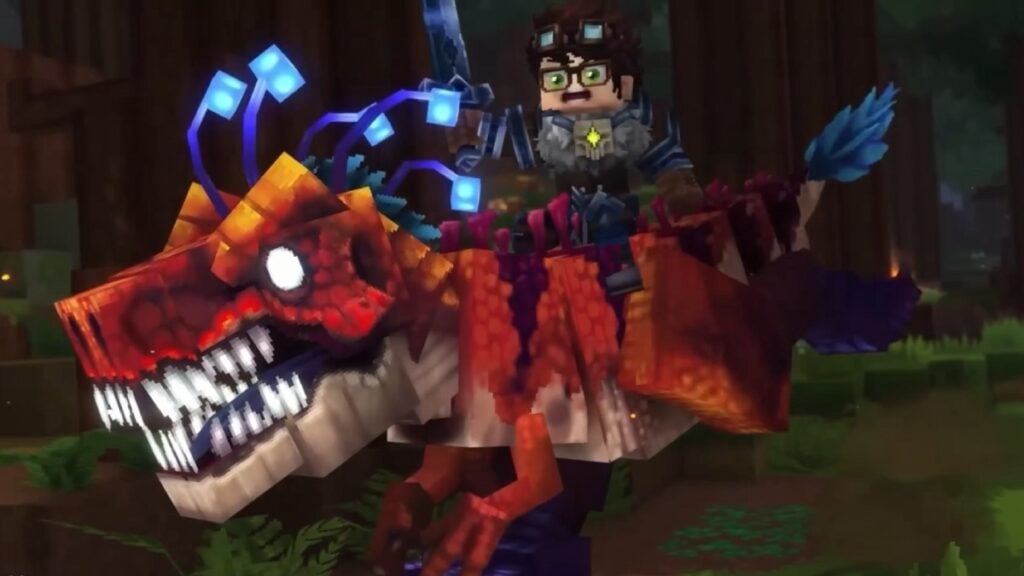
Once tamed, animals change how they behave around you. They can be petted with an empty hand, and you can feed them occasionally.
Some tamed animals offer extra utility, like being milked, sheared, or used as mounts, depending on the species. Tamed creatures stop running away from players, unless you hit them, and will sometimes walk up to greet you.
It also hints at breeding, advanced mounts, or combat-capable companions down the line. If you’re actively playing, keep a small stash of different foods while exploring, just in case.
How User-Placed Map Markers work
User-placed map markers are the biggest pure QoL upgrade in Update 3, and they reshape how you track your progress across a world. You can now drop custom markers anywhere on your map, and each marker supports a custom name, icon, and color.
Markers are shareable with other players in multiplayer, so a whole server can align around the same navigation language. New gameplay settings let you toggle marker visibility on both the map and the compass.
You can remove markers through a simple context menu on the map screen. This ties neatly into the other navigation tweaks in the patch, where player names are now always shown on the map, map marker icons have higher resolution, and the compass uses different icons based on vertical distance.
Fire spread system and Goblin Flamethrower
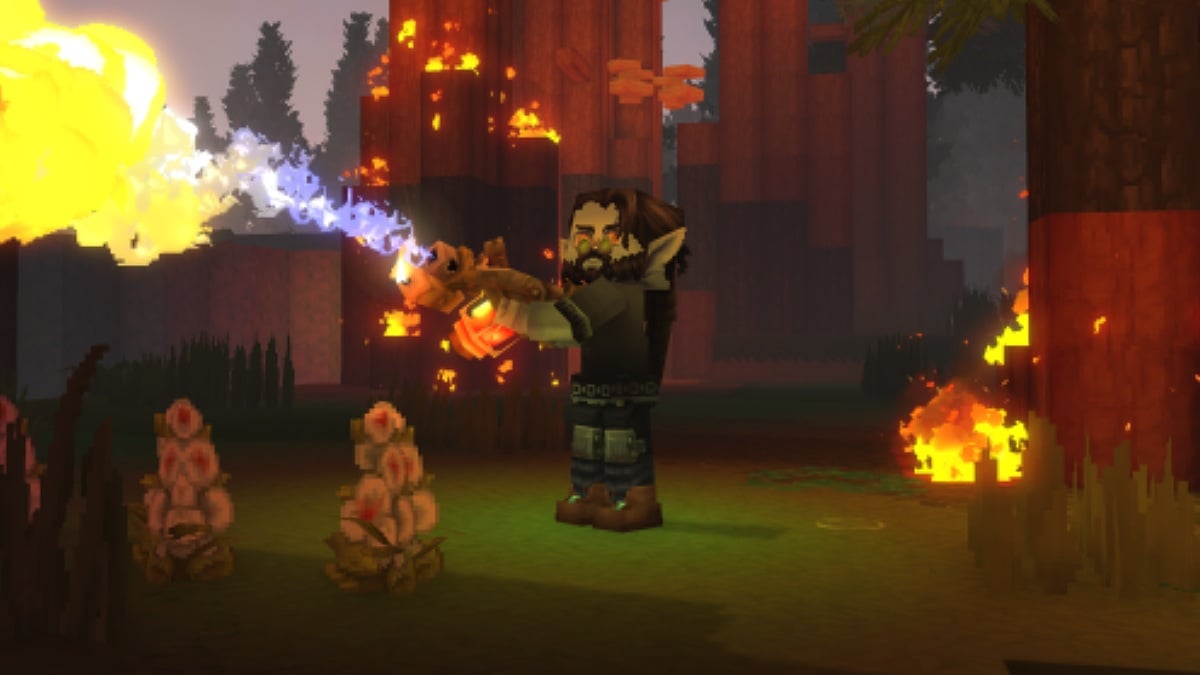
The new fire spread system and Goblin Flamethrower are grouped in the patch notes for a reason. Fire now behaves more systemically in the world, interacting with blocks and environments in a way that’s designed to feel more dynamic and dangerous.
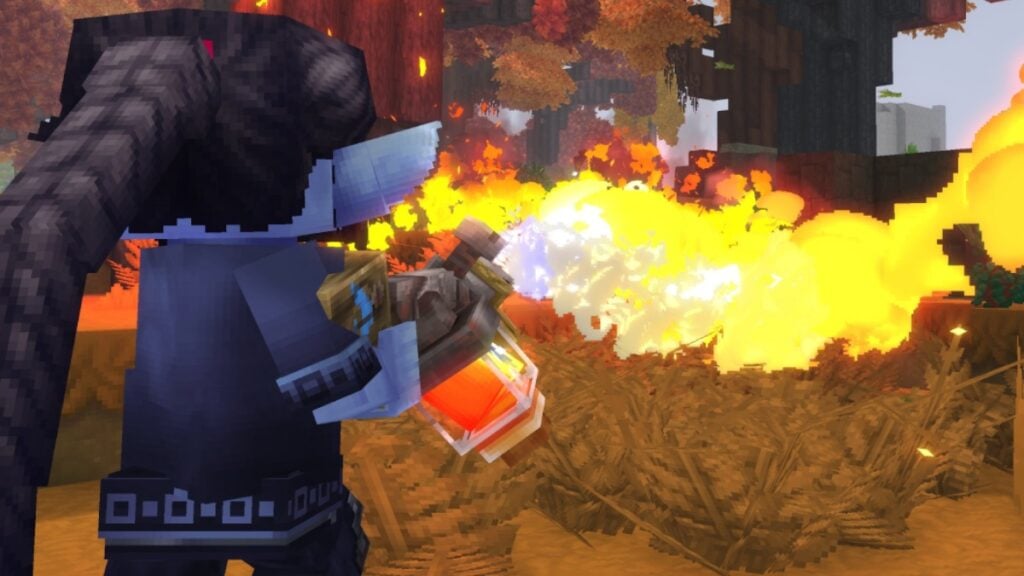
On top of that, Update 3 introduces the Goblin Flamethrower that can unleash sustained streams of fire on nearby enemies. The weapon is Creative-only for now.
Currently, this primarily matters for testing the spread of fire in various biomes and builds, as well as creating controlled scenarios for content.
Other gameplay changes and QoL upgrades
Beyond the headline features, Update 3 quietly cleans up a lot of core gameplay rough edges.
Coming to gameplay and navigation, map marker icons are visually upgraded, and world map text clarity has been improved. Player markers are always rendered on the map, and look better when zoomed in.
Teleport options are hidden on markers in Adventure mode to keep that mode more grounded. Doors now stay open if blocked by players or entities, so you don’t get weird clipping moments.
Teleporters require you to step a short distance away before you can use them again. Minecarts stop moving if they’re stuck, reducing odd physics behavior.
For inventory and crafting, a proper “sort” keybind now works in your inventory. Processing benches get a “Take All” button for output items, cutting down on clicking.
Shift-dragging now quickly transfers items between inventories, matching other survival games. Several early-game items craft faster or instantly, including crude ammo, weapons, tools, and key benches.
Dough now uses refillable tankards, and those tankards are crafted via the Farming Bench.
Combat, necromancy, and enemies
Combat balance gets a noticeable pass in Update 3, especially on weapons and necromancy tools.
Damage inconsistencies across some weapon tiers have been adjusted. Guarding stamina costs on certain drop-only weapons have been normalized.
All spear types now stack up to five and are throwable, giving them a more defined role as hybrid melee or ranged tools. Ranged ballistics have been updated for better accuracy, with randomized hitbox offsets and a debug flag for aiming. Shortbows and crossbows can finally pull ammo directly from your backpack, not just from the hotbar.
When it comes to Necromancy, summoned skeletons no longer damage their summoner, and the summoner no longer hurts them, avoiding accidental friendly fire.
Summons responds when you are attacked, not just when they are attacking. Summons also move faster and behave more aggressively overall, with more variety in skeleton minions, including ranged variants.
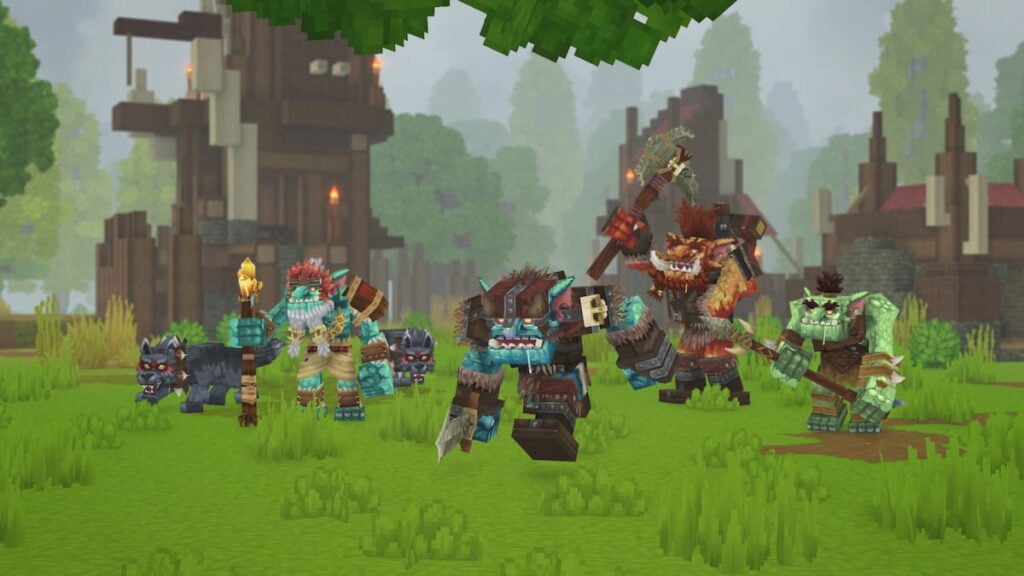
Rhino Toad attacks have been refactored, and a green Rhino Toad variant has been added. Several NPCs have improved target switching logic, so fights should feel less random.
New cosmetics, blocks, and world content
Cosmetics and building content also get a sizeable boost in this patch. Tweed Hat, Mage Shirt, multiple new shoes (Styled Flats, Wedge Shoes, Shaped Sneakers), a Construction Hard Hat, spiked bracelets, a hairband, and two new skirts are added.
More color variants for Fashionable Shoes with six new hairstyles, plus updated visuals for the Morning haircut. There are four new facial hair styles, two extra eye shapes, and two makeup variations (blush and eyeliner). Overpants are now called “Legwear.”
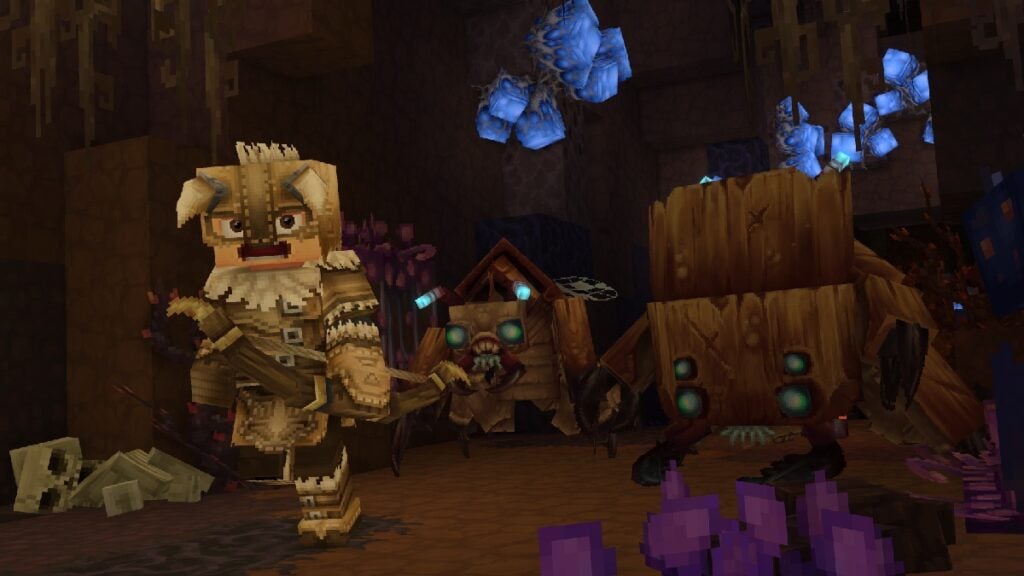
Incandescent Volcanic Rock returns, alongside new crack textures for thorium, basalt, magma, mud, and several ores. New lime-themed blocks include Lime Gravel, Lime Rock, Lime Rubble, Medium Lime Rubble, and Lime Stalactites.
A new T2 Furnace with updated model, textures, and animations is added, and T1 furnace visuals are refreshed, with more complex spawn locations in Taiga regions, plus improved weather VFX for Zone 1.
Localization, UI, and accessibility
Update 3 also pushes Hytale further toward global and long‑term support. Brazilian Portuguese and Russian have been added as in-game languages. Font fallback support also added, which means the client can pull glyphs from fallback fonts for non-Latin languages.
Noto Sans is added as a secondary fallback for Cyrillic, and UI elements are widened where needed for localized text. Bed sleeping notifications and sound effects now play when other players try to sleep. A Window Size option is available in video settings.
Teleporter warps are sorted alphabetically, making big networks easier to manage. Container action keybind indicators are repositioned, and tooltips are improved when keybinds are unassigned.
Feedback has been split, so bug reports live separately from general feedback. Avatar preset UI gets confirmations for unsaved changes and a counter on the Add Preset button.
Long server lists and big mod lists are easier to scroll, thanks to improved navigation and new scrollbars.
Sword swing and impact sounds are updated, and audio options now clearly separate speakers, stereo headphones, and 3D audio (HRTF) modes. Multiple fixes clean up water sound radius, ambient effects, and extreme audio panning.
Modding, creative tools, and performance
For server owners and creators, a new Anchor UI system lets server plugins inject UI elements into pages like the world map. Mods can be enabled or disabled per world save in the userdata or saves path.
New server version checks exist for plugins and asset packs, with validation failures able to block server startup unless explicitly skipped. New warnings trigger for missing mods, duplicate plugins, and misconfigurations.
The Creative Hub has been renamed “Crossroads,” with a Return to Crossroads button on the world map. A new /layer command applies layering to selected areas.
The Paste tool supports hold-down, undo/redo, and smoother movement, and the draft brush is now spherical instead of cubic. Entities rotate and render properly when using the selection tool’s rotate or translate mode.
World generation performance is improved, and client asset sizes are optimized. World map and chunk updates use dedicated streams, easing load.
The world configuration is more reliable thanks to atomic saving and improved backup handling. A long list of crashes, memory leaks, and worldgen bugs have been fixed, including issues with fire spreading above height 256, floating apple trees, mount transfers across worlds, and several plugin‑related crashes.
For more details about the update, you can check Hytale‘s official Update 3 patch notes post on X.