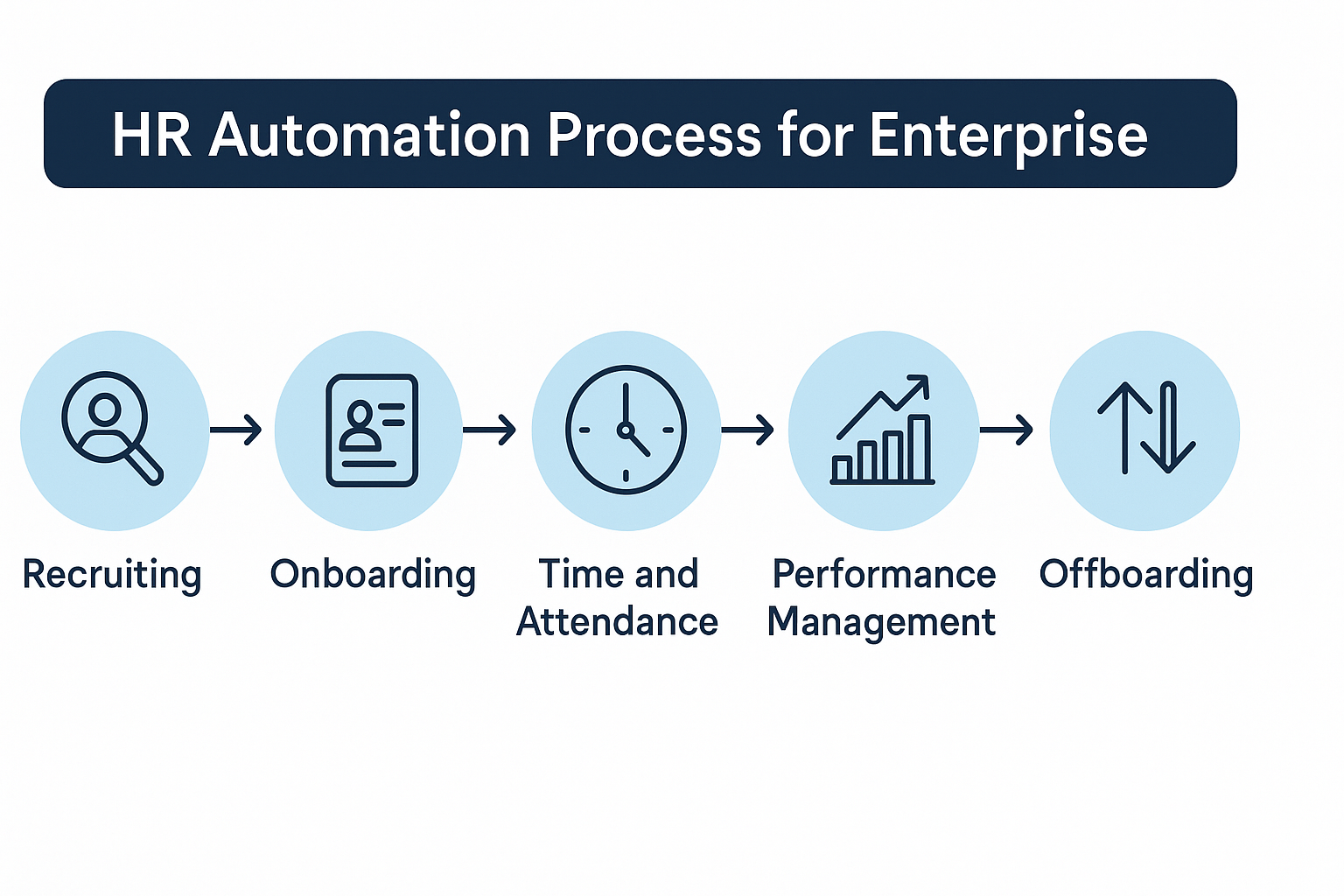
Executive Summary
Modern enterprise HR teams face an ongoing challenge: reducing administrative overhead while accelerating hiring, improving compliance, and delivering a seamless employee experience across every region and business unit. A well-designed HR automation process addresses these pressures by streamlining routine work, unifying fragmented systems, and allowing HR specialists to focus on strategic initiatives.
This guide outlines how enterprises can map their HR lifecycle, build automated journeys, connect scheduling tools, publish secure forms, design HR service portals, and implement governance and analytics frameworks. It also includes a 90-day rollout plan designed specifically for large organizations.
Understanding HR Automation in the Enterprise
HR automation refers to the end-to-end digitization and orchestration of key HR activities such as recruiting, onboarding, compliance, employee services, performance management, and internal mobility. In large companies, automation must be:
Scalable
Support multiple countries, languages, business units, and complex approval chains.
Secure & compliant
Provide role-based access, audit logs, data governance, and region-specific retention settings.
Interoperable
Integrate with HRIS, ATS, payroll, identity providers, and collaboration tools.
Measurable
Offer transparent KPIs, SLAs, and dashboards to ensure visibility and accountability.
Principles That Make Enterprise HR Automation Effective
Employee-Centric Experience
Provide intuitive self-service forms, real-time updates, and high-clarity process visibility.
Lifecycle-Oriented Architecture
Avoid isolated fixes; instead, standardize processes across recruitment, onboarding, performance, and offboarding.
Policy Built Into Workflows
Automations should enforce rules, eligibility, approvals, and regional considerations automatically.
Data Quality & Integrity
Ensure a single source of truth with structured data models and validated inputs.
Continuous Optimization
Monitor cycle times, identify bottlenecks, and iterate frequently for operational excellence.
Expected Business Gains
- 20–40% reduction in manual HR administration
- 25–50% faster time-to-hire
- Lower compliance risk through auditability and standardization
- Higher employee satisfaction due to transparency and self-service
How Bitrix24 Supports Enterprise-Grade HR Automation
Bitrix24 consolidates automation, communication, and collaboration tools into an integrated platform:
Workflows & RPA
Visual workflow builder with conditional branches, escalations, timers, audit logs, and approval logic.
HR Pipelines (CRM-Style)
Track candidates, internal transfers, training cohorts, or performance cycles in structured pipelines.
Calendars & Appointment Scheduling
Automated interview scheduling, 1:1 bookings, performance review sessions, and onboarding meetings.
Sites & Landing Pages
No-code careers pages, HR microsites, and internal HR hubs for policies, benefits, and how-to guides.
Secure Smart Forms
Applications, referrals, leave requests, equipment forms, and more–complete with conditional fields and consent tracking.
Chat & Contact Center
Omnichannel chat for HR support: website widget, social messengers, email, and canned replies.
Tasks & Projects
Template-driven onboarding, offboarding, and transition plans with roles, checklists, and deadlines.
Knowledge Base & Document Storage
Centralized policies, templates, and employee guides.
Integrations
APIs/webhooks for HRIS, ATS, payroll, e-signature, SSO/IdP, storage, and IT provisioning.
Enterprise Access & Governance
Granular access rights, on-premise deployment option, and advanced audit mechanisms.
Designing an Enterprise HR Automation Framework
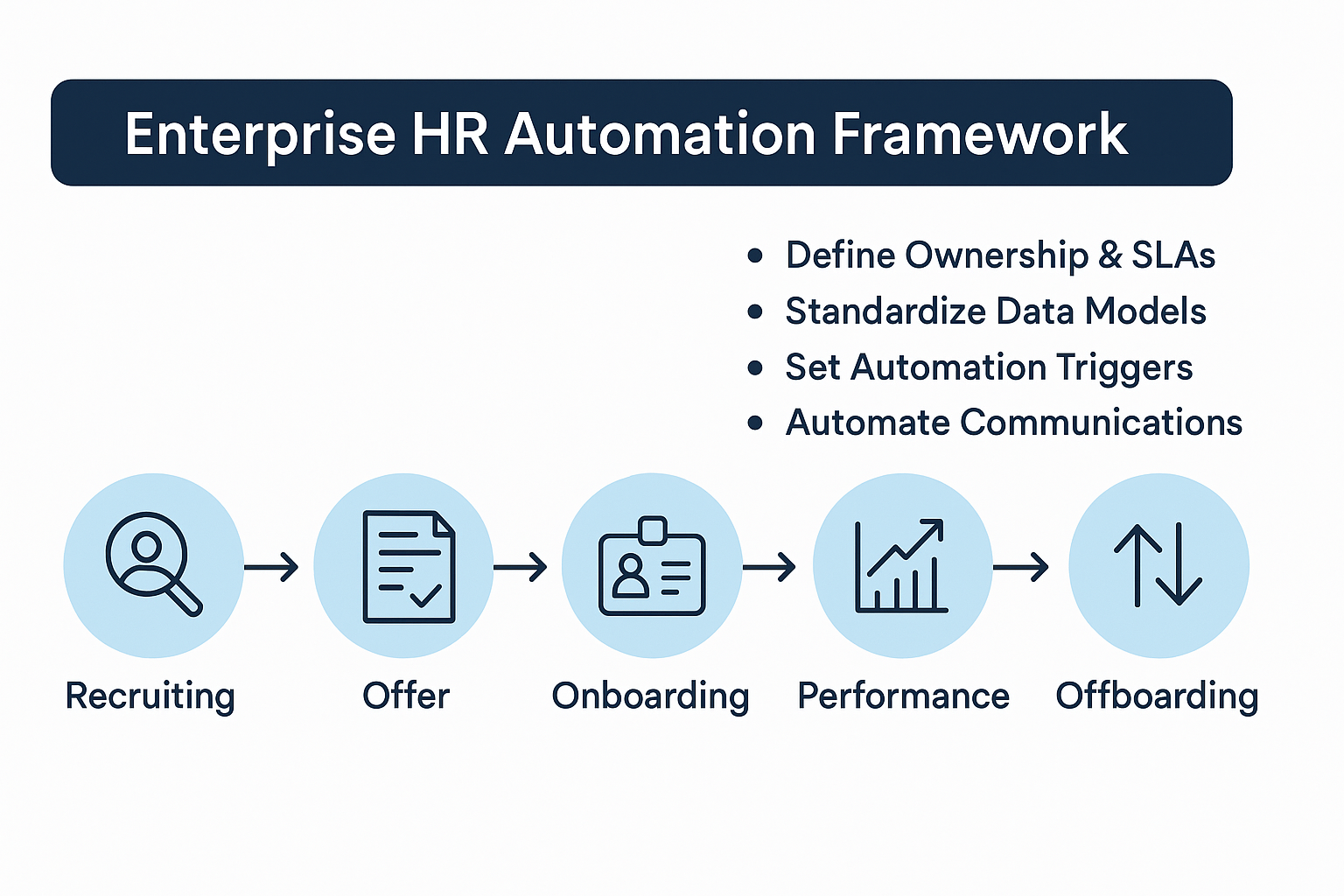
- Map the HR Lifecycle
Recruiting → Offer → Pre-boarding → Onboarding → 30/60/90 milestones → Performance → L&D → Mobility → Offboarding
- Define Ownership & SLAs
Clarify responsibilities, escalation paths, service levels, and regional variations.
- Standardize Data Models
Consistent candidate profiles, onboarding packets, contracts, and retention rules are essential.
- Set Automation Triggers
Form submissions, stage changes, contract signatures, due dates, or system events.
- Automate Communications
Automated messages, reminders, calendar events, tasks, and checklist progressions.
Recruitment Automation With Appointment Scheduling
Candidate Capture
- Build a professional Careers page using Bitrix24 Sites.
- Use smart forms for applications with dynamic fields, attachments, and compliance consent.
- Automatically route submissions into a structured HR pipeline.
Automated Screening
- Create candidate profiles instantly with attached CVs and notes.
- Trigger screening tasks and acknowledgement emails.
- Apply automated conditions: e.g., right-to-work tasks for certain regions.
Interview Scheduling
Bitrix24’s scheduling engine removes manual back-and-forth:
- Candidates book available time slots directly.
- Automatic reminders reduce no-shows.
- Group calendars facilitate panel interviews.
- Time-zone normalization ensures global consistency.
Feedback & Offer Management
- Feedback tasks auto-assigned with deadlines and escalations.
- Positive decisions trigger offer workflows.
- Structured scorecards maintain consistency and reduce bias.
Onboarding, Offboarding, and Employee Transitions
Onboarding Playbooks
When a candidate is marked “Hired,” Bitrix24 can launch a complete onboarding project:
- IT access provisioning
- Hardware assignments
- Mandatory compliance training
- Team introductions & buddy system
- Scheduled manager check-ins
Appointment scheduling can book orientation sessions and track participation.
Offboarding Processes
Automated steps include:
- Access revocation
- Equipment return
- Knowledge handover
- Exit interviews
- Final payroll confirmations
Role Changes
Automated transition tasks ensure smooth internal mobility–from permissions to training.
Leave, Attendance & Workforce Administration
- Smart leave request forms with rules for accruals and blackout periods
- Automatic updates to calendars and chat statuses
- Attendance check-in/out rules with full audit history
- RPA escalations for overdue approvals
Performance, 1:1s & Learning Programs
Goal & Review Management
- Store OKRs centrally
- Automate quarterly review workflows
- Auto-schedule recurring 1:1s
Learning & Compliance
- Host a training portal
- Auto-enroll based on role or policy changes
- Track completion and send reminders
- Maintain recorded acknowledgments for audits
HR Service Desk: Forms, Sites & Chat
Self-Service HR Portal
A dedicated HR site houses:
- Benefits information
- Policies
- Onboarding guides
- Searchable knowledge base
Smart Service Forms
Requests for payroll, benefits, travel, equipment, or certificates route automatically based on category and SLA.
Omnichannel Chat
Employees can use widgets, messengers, or email for quick HR questions. CSAT scores finalize each ticket.
Security, Compliance & Governance
- RBAC:granular access control by unit, country, or role
- SSO integration:unified login with MFA
- Full audit trails:track edits, approvals, and downloads
- Consent logging:stored with timestamps
- Data residency options:cloud or on-premise
- DLP:restrict exports, watermark PDFs, enforce legal hold
- Retention rules:per region or business unit
Analytics & Dashboards
Track critical metrics across recruitment, onboarding, performance, and HR service operations:
Recruitment
- Time-to-hire
- Time-to-schedule
- No-show rate
- Offer acceptance rate
- Source effectiveness
Onboarding
- Day-1 readiness
- Checklist completion rates
- Early attrition
HR Service Desk
- First response time
- SLA adherence
- Category heat maps
- CSAT trends
Compliance
- Training completion
- Policy acknowledgement
- Audit exceptions
90-Day Enterprise Rollout Plan
Days 0–15: Design & Discovery
- Process mapping
- Policy alignment
- RBAC model & security architecture
Days 16–45: Build & Integrate
- Pipelines, workflows, portals, and forms
- Connect HRIS, payroll, SSO
- Build dashboards
Days 46–60: Pilot
- Launch in one business unit
- Measure performance, fix edge cases
Days 61–90: Scale & Govern
- Expand to all regions
- Finalize access controls
- Establish monthly review cadence
Change Management Strategies
- Executive sponsorship to communicate the “why”
- HRBP champions network
- Targeted training for each persona
- In-product nudges and reminders
- Quarterly process retrospectives
FAQs
How does automated scheduling improve hiring?
It eliminates manual coordination, reduces no-shows with reminders, and enables faster offer decisions.
Can complex approval chains be automated?
Yes – Bitrix24’s process designer supports conditional logic, CFO-level approvals, escalations, and audit logs.
How do sites, forms, and chat integrate?
The HR portal hosts content; forms collect structured data; chat handles fast questions and updates.
Does Bitrix24 integrate with HRIS and payroll?
Yes via APIs and webhooks; Bitrix24 orchestrates processes around the system of record.
How do enterprises maintain compliance?
Through RBAC, consent tracking, retention rules, audit trails, and regional hosting options.
What KPIs matter most?
Time-to-hire, SLA adherence, no-show rate, onboarding readiness, CSAT/eNPS, and compliance completion metrics.
Conclusion
A successful enterprise HR automation strategy unifies workflows, scheduling, forms, chat, data governance, and analytics across the entire employee journey. Bitrix24 provides the integrated infrastructure necessary to automate high-volume HR processes while strengthening compliance and improving employee experience.
By standardizing lifecycle steps and layering in intelligent automation, enterprises can dramatically reduce manual work, accelerate decision-making, and create a scalable HR operating model designed for long-term success.