
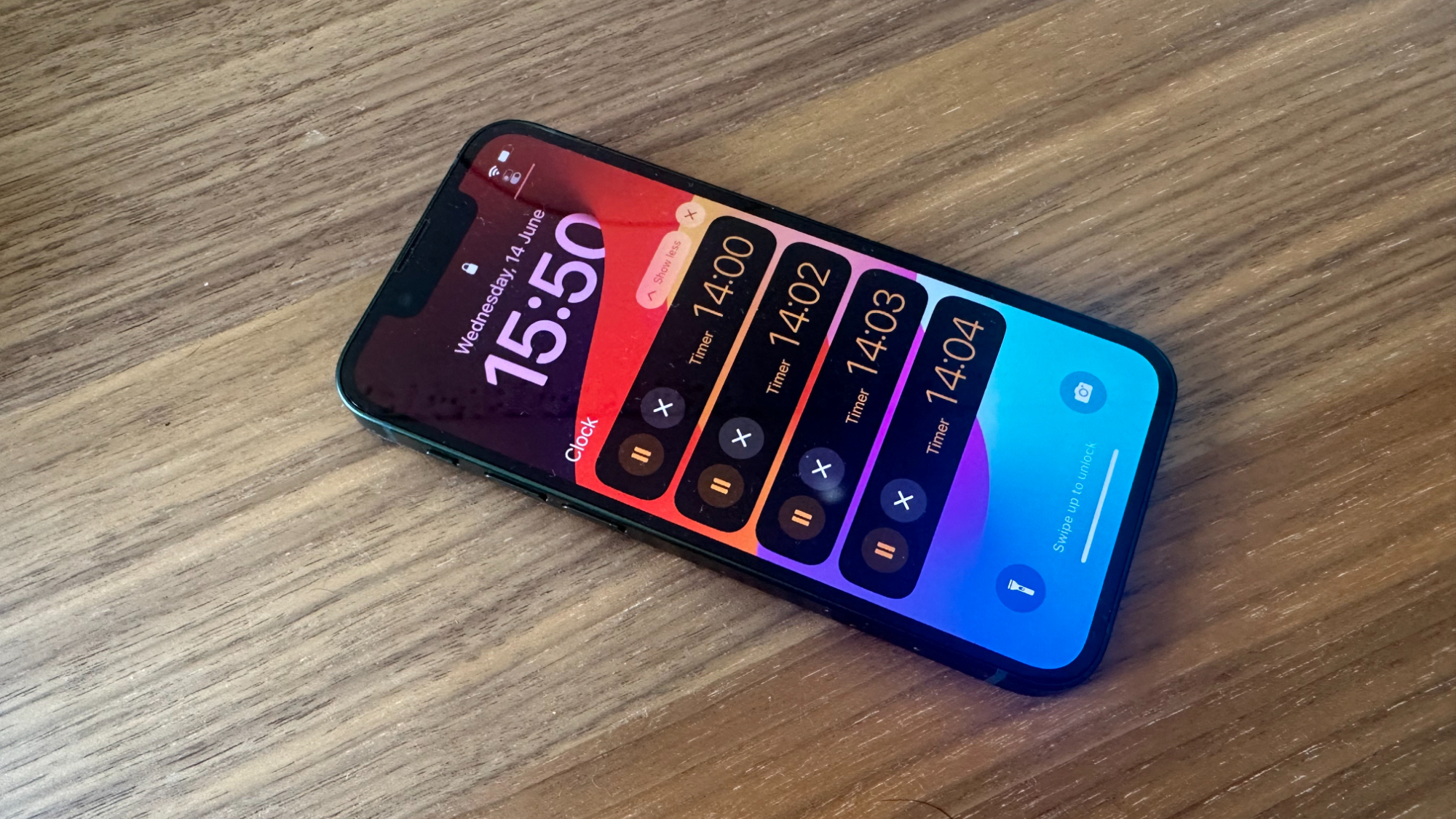
16 years since the original iPhone first appeared in Steve Jobs' hands, and we finally can run two timers at once. When Craig Federighi revealed that iOS 17 was bringing multiple timers to iPhone, many of us looked on in disbelief - no way, they finally did it.
So, here's how to use multiple timers in iOS 17 and never mess up your cooking ever again (iMore can't guarantee your cooking skills).
How to use multiple timers at once on iOS 17
Beta software, also referred to as a preview, seed, or release candidate, is a version of software that’s still under development and not yet released to the public. This software is intended only for installation on development devices registered under your Apple Developer Program membership. Registered development devices can be upgraded to future beta releases and the public version of the software. Attempting to install beta software in an unauthorized manner violates Apple policy and could render your device unusable and necessitate an out-of-warranty repair. Make sure to back up your devices before installing beta software and install only on devices and systems that you’re prepared to erase if necessary.
iOS 17 is only available as a developer beta at the time of writing. Here’s how to install it.
Luckily, Apple hasn't made timers any more complicated in iOS 17. It's still as simple as opening the Clock app.
- Open the Clock app
- Tap Timer
- Select your duration and tap Start
Now, with iOS 17, you can start what appears to be an infinite amount of timers (in my testing, I had 20 running at once), although only five will appear as Live Activities on your Lock Screen.
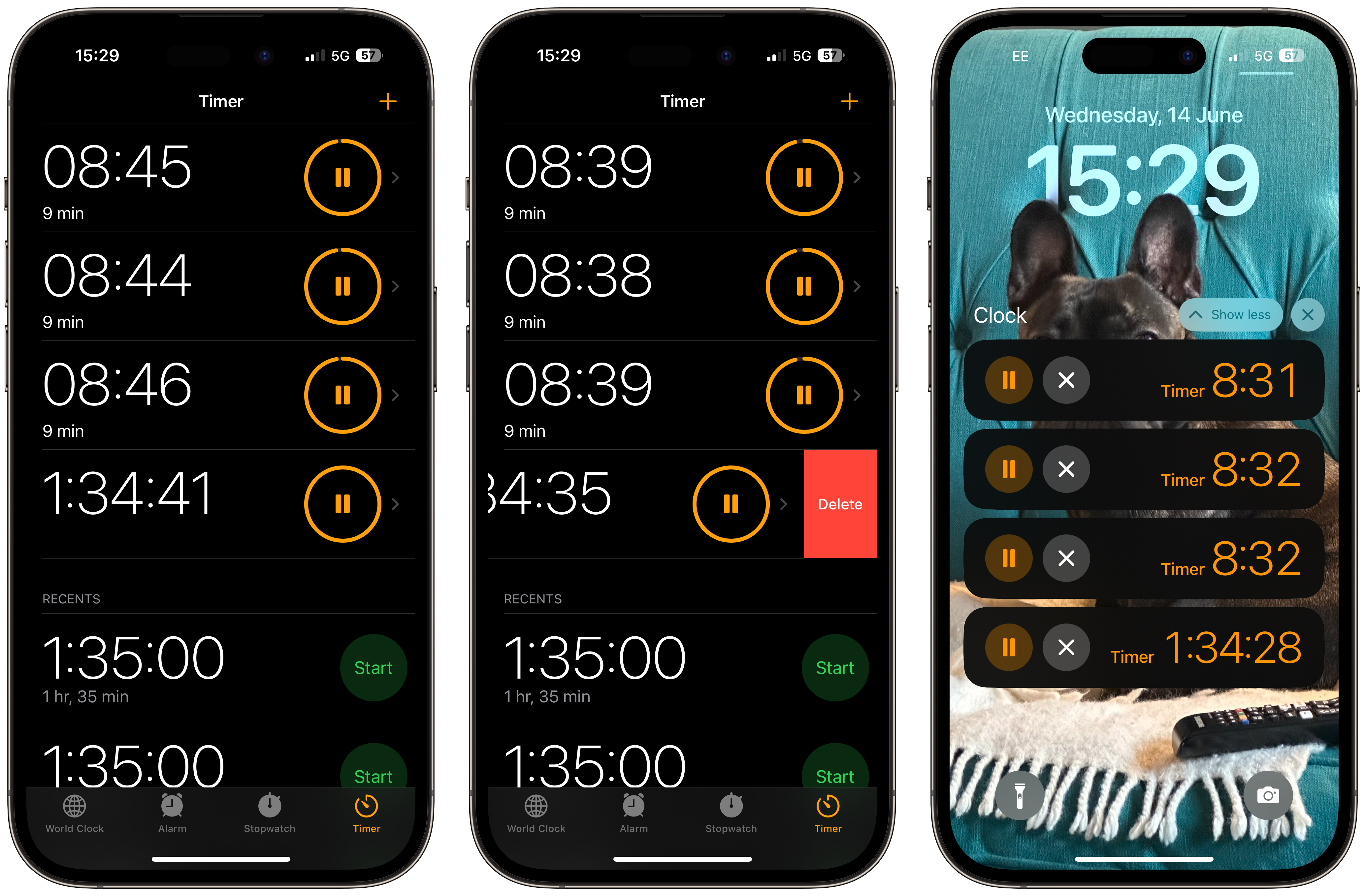
Countdown everything, everywhere, all at once
We've been waiting to use multiple timers on our best iPhones for far too long, but now Apple has given us the tool we've craved forever. Whether you're a budding chef who has been using third-party applications for years or a forgetful person that uses timers to remember when to do tasks, Apple has listened, and now you've got the power.
Never again will using a timer on your iPhone lead to forgetting steps in your pasta sauce or burning your Christmas dinner, thanks to one of the many improvements in iOS 17.