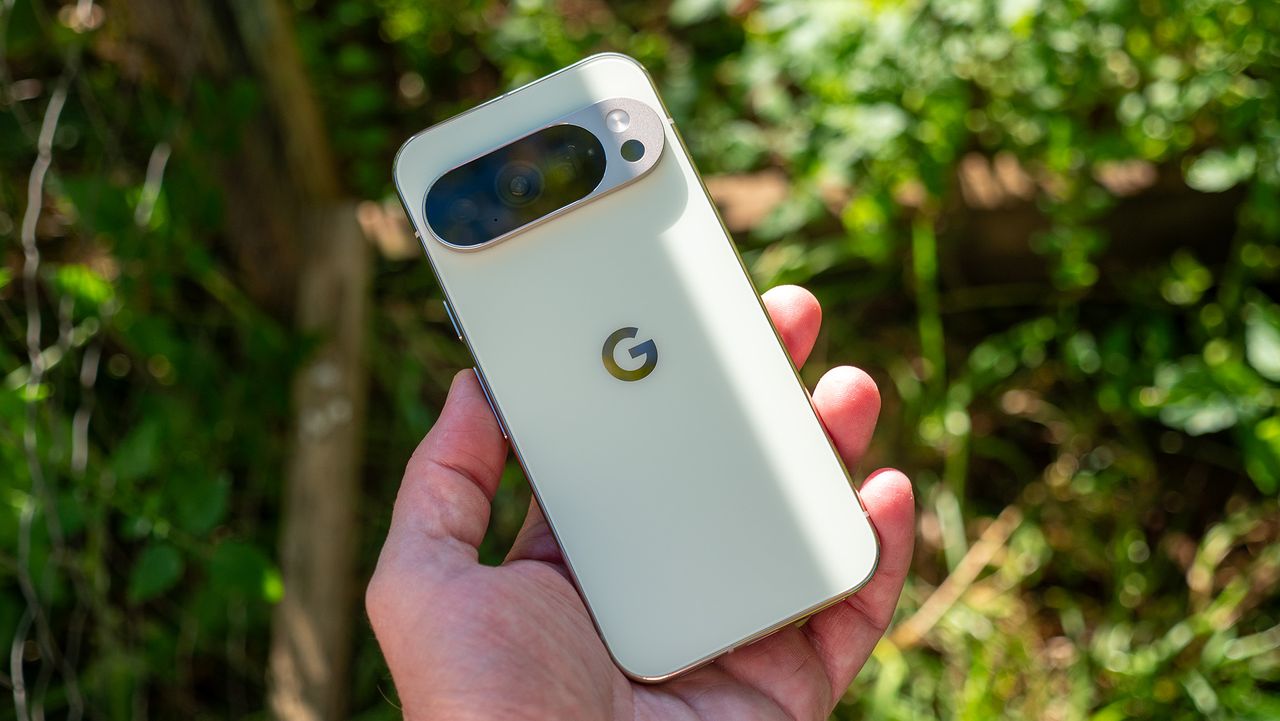
Google has made the best of AI and incorporated numerous brilliant AI features into its lineup of Pixel phones. Clear Calling seeks to improve phone calls by eliminating noise and cleaning up the audio overall. If you have a Pixel 7 or later Pixel, such as a Pixel 10, you can easily enable this feature to leverage its advantages.
Here's how you can enable and use the Clear Calling feature on compatible Pixel phones.
How to use Clear Calling
1. Open the Settings app on your Pixel.
2. Scroll down and tap Sound and vibration.
3. Scroll down and tap Clear Calling.
4. Turn on the toggle next to Clear Calling to enable it.
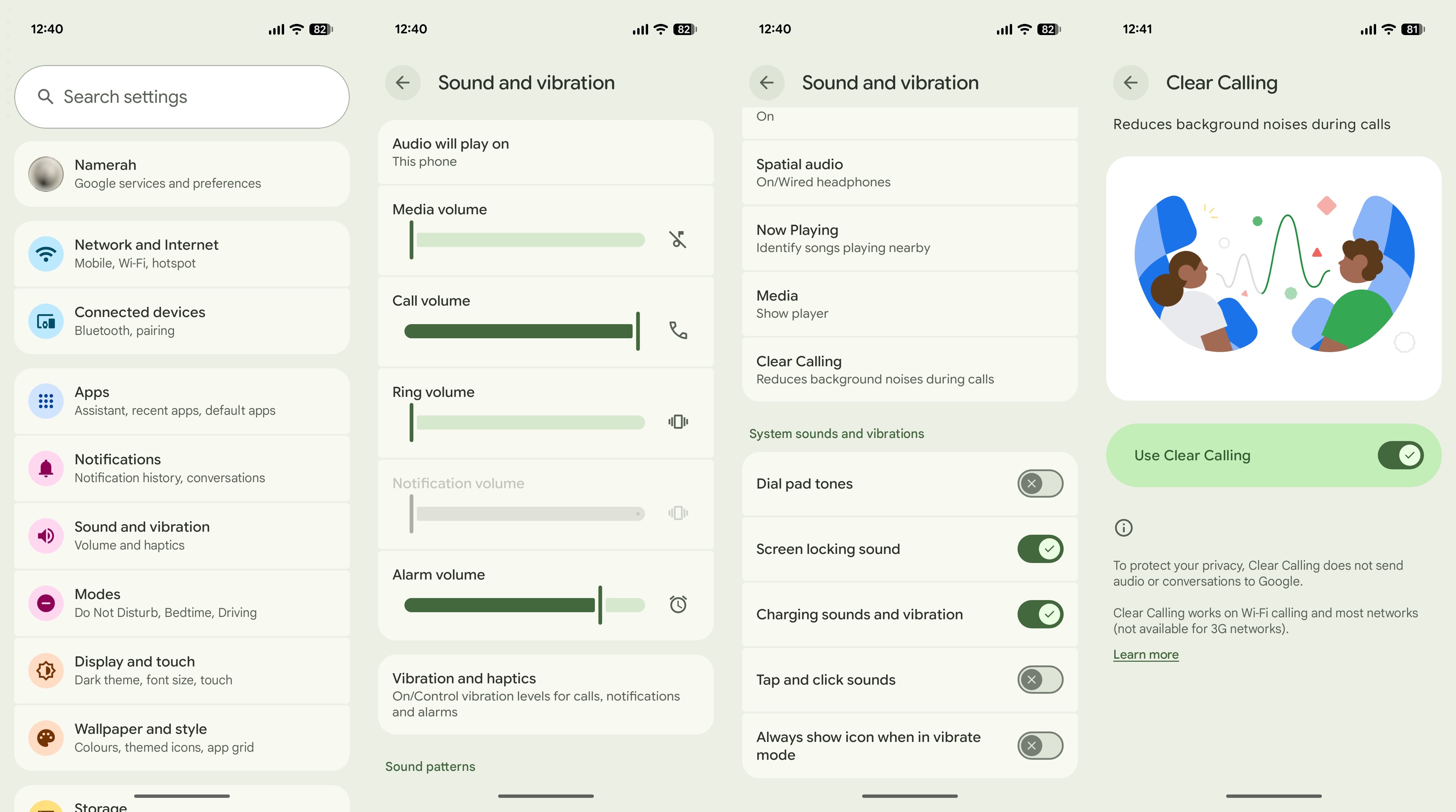
Once the feature is enabled, you can start to use Clear Calling simply by placing a phone call to anyone. From there, you should hear a difference in the clarity of the person you are speaking with, as it’s meant to filter out any background noises while also enhancing voices.
For those who want to use Clear Calling on Pixel 7 and newer Pixels, this feature can also be toggled mid-call. Google also points out that Clear Calling will not work with Voice over IP (VoIP) services. That means it won't work on WhatsApp or Telegram calls, so the only way that it works is when you are actually on a “traditional” phone calls.
Pixel-only features FTW
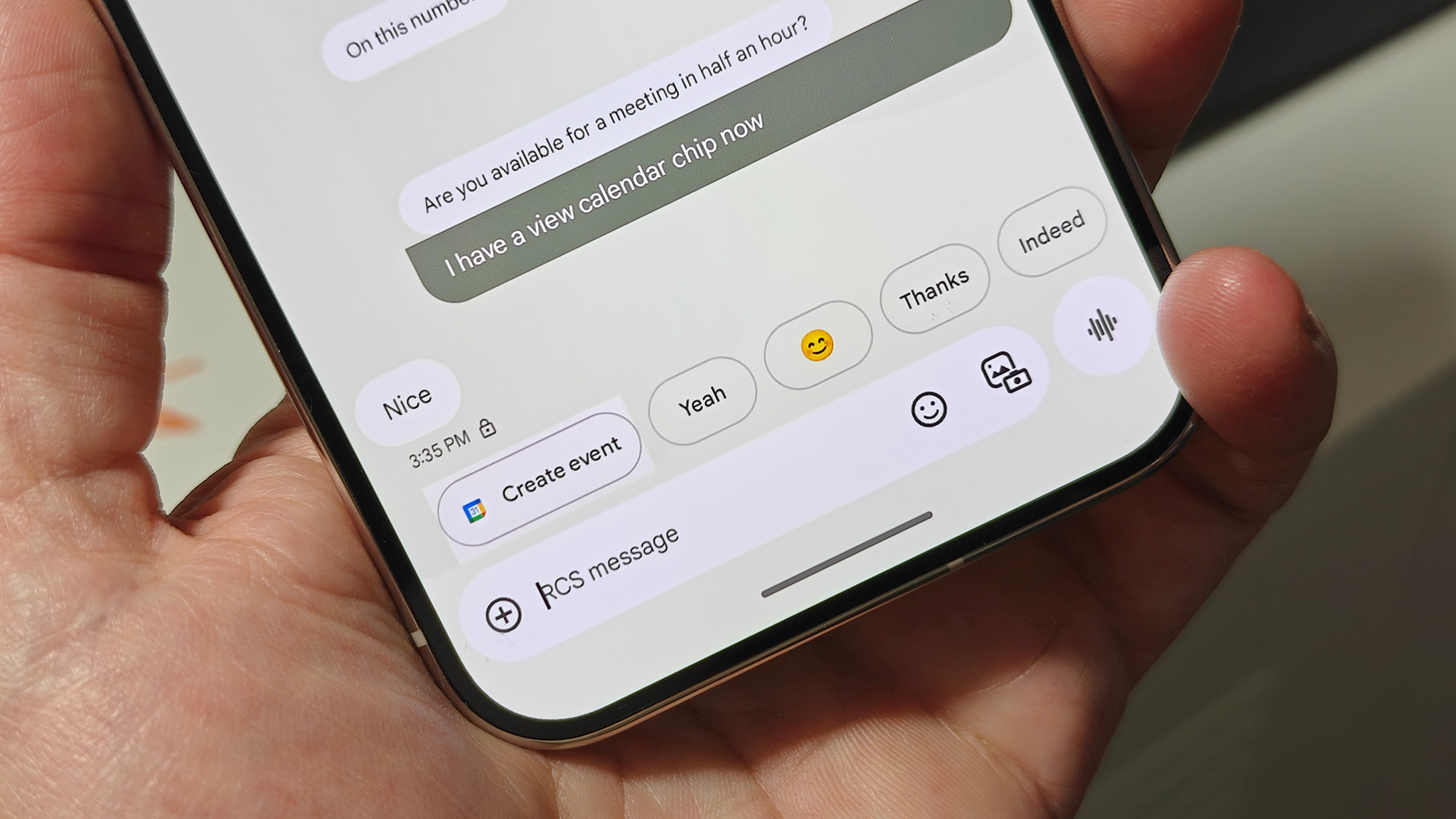
One of the big reasons to consider grabbing the Pixel over some of the best Android phones is the exclusive features. Clear Calling is just one rather obscure example, but something like Magic Cue is another beast entirely. A lot of the Pixel-only features are focused on the camera, which is regularly regarded as one of the best-in-class, but there are other exclusives as well, such as the fantastic Now Playing feature.
Occasionally, some of these features will make their way into the AOSP build, making them available for all Android phone makers to implement. But there's something about having device-specific features that help the Pixel stand out from the pack, and Clear Calling is just another example.
Pixel-only features is the way to go for many
Some smartphones offer features that you won't find elsewhere. When it comes to the Pixel 10, Google's features are game changers. Enjoy Pixel-exclusive features like Clear Calling, Magic Cue, Pixel Studio, and Now Playing.