The campaign goes live in 48 hours. Your designer is out. You have the copy, the brief, and a clear idea of the visual you need — but no way to produce it in time through normal channels.
This is the situation that's quietly turned AI image generation into a mainstream marketing tool.
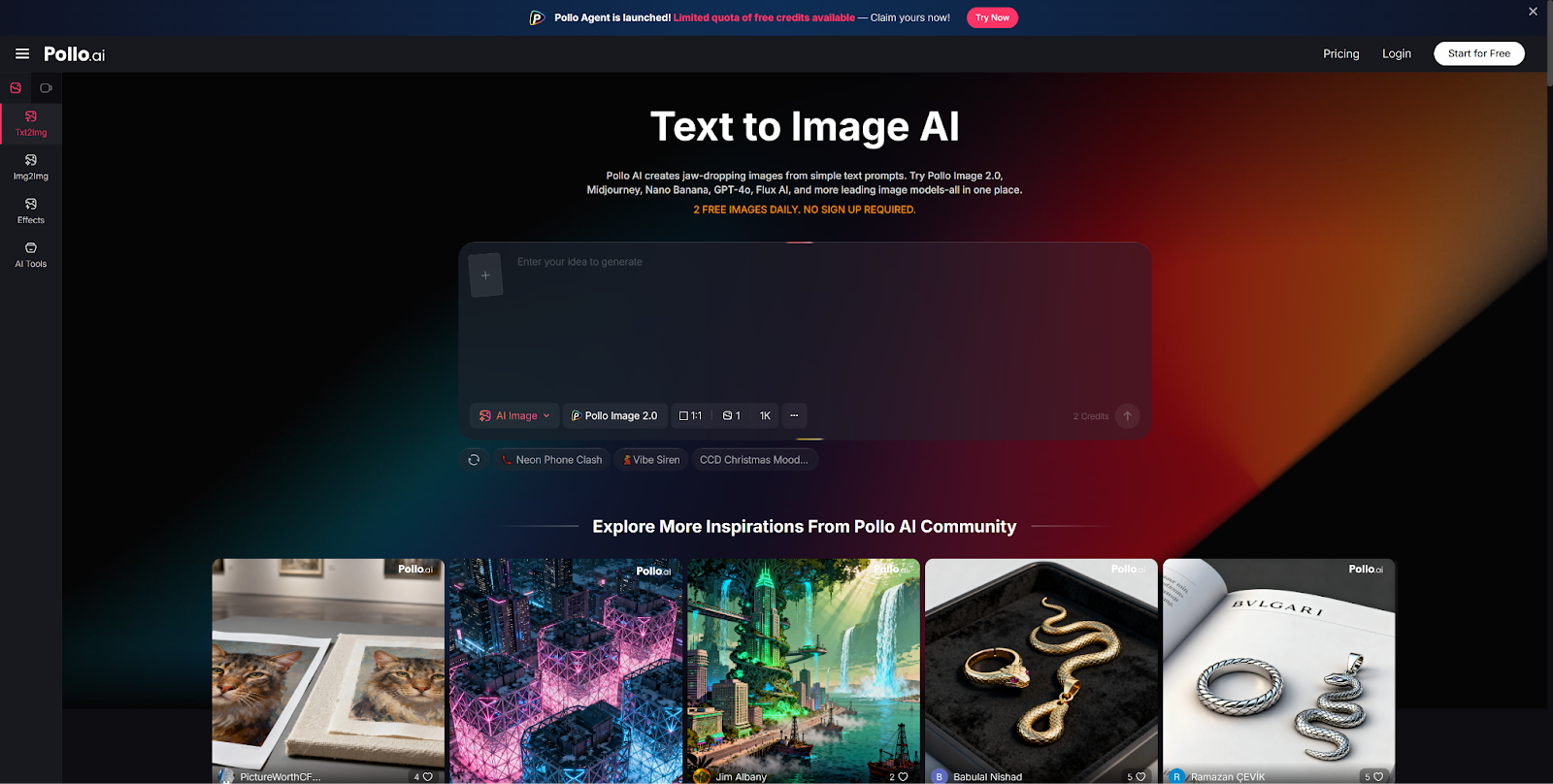
Knowing how to create campaign visuals with Pollo AI — quickly, purposefully, and without design experience — is now a practical skill for small teams, solo marketers, and founders who can't always wait on a design queue.
Here's a straightforward process for getting from brief to usable image without a designer in the room.
What AI Can Realistically Help Marketers Produce
Before diving into process, it's worth being honest about what AI image generation is and isn't suited for in a marketing context.
Works well:
- Ad concept images: Hero images for social ads, display ads, and paid search landing pages
- Blog post visuals: Featured images, section breaks, and inline illustrations that would otherwise be stock photos
- Promo backgrounds: Campaign-specific visual environments — seasonal scenes, product lifestyle contexts, event backdrops
- Presentation slides: Visual support for internal or client-facing decks
Works less well:
- Anything requiring brand-specific logos or trademarked visual identities reproduced accurately
- Highly technical or diagrammatic content
- Images where a specific, identifiable real person must appear
Understanding this scope helps you use AI confidently within its strengths rather than fighting its limitations.
Build the Image Around Your Campaign Goal
The most useful prompt you can write starts with a clear campaign objective, not just a visual description. Ask yourself what the image needs to communicate before you describe what it should look like.
Awareness campaign: The image should feel aspirational and brand-aligned. Prompt for atmosphere, color, and lifestyle context. Avoid overly busy compositions.
Click-through focus: The image should have a strong focal point and visual contrast. Prompt for a single clear subject, bold color contrast, and space for text overlay.
Seasonal promotion: Lean into seasonal cues — weather, color palettes, cultural associations. "Warm autumn light," "clean winter whites," or "fresh spring morning" give the model strong environmental direction.
Product launch: Generate lifestyle or conceptual images that show the product's world without requiring the product itself to appear in the AI output (which it usually can't do accurately anyway). A campaign mood visual works better than an AI-generated product shot.
Keep Prompts Commercially Useful
Marketing prompts need to be specific about four elements:
Audience context: "Professional woman in a modern office" is more useful than "a person working." The context tells the model what the image is for.
Setting: Where is the action happening? Interior, exterior, urban, natural? The setting anchors the lifestyle feel of the image.
Mood: What emotion should the viewer feel? "Optimistic and energetic" produces very different results than "calm and trustworthy."
Format: Are you generating a horizontal banner, a square social post, or a vertical story? Include aspect ratio cues and leave space for text if you'll be adding copy later.
Combining all four elements — audience, setting, mood, format — gives you a much higher-fidelity starting point than describing only the visual content.
Where Editing Tools Still Matter
AI generation handles the creative concept. Post-generation editing handles the polish.
For many marketing visuals, that split is entirely appropriate.
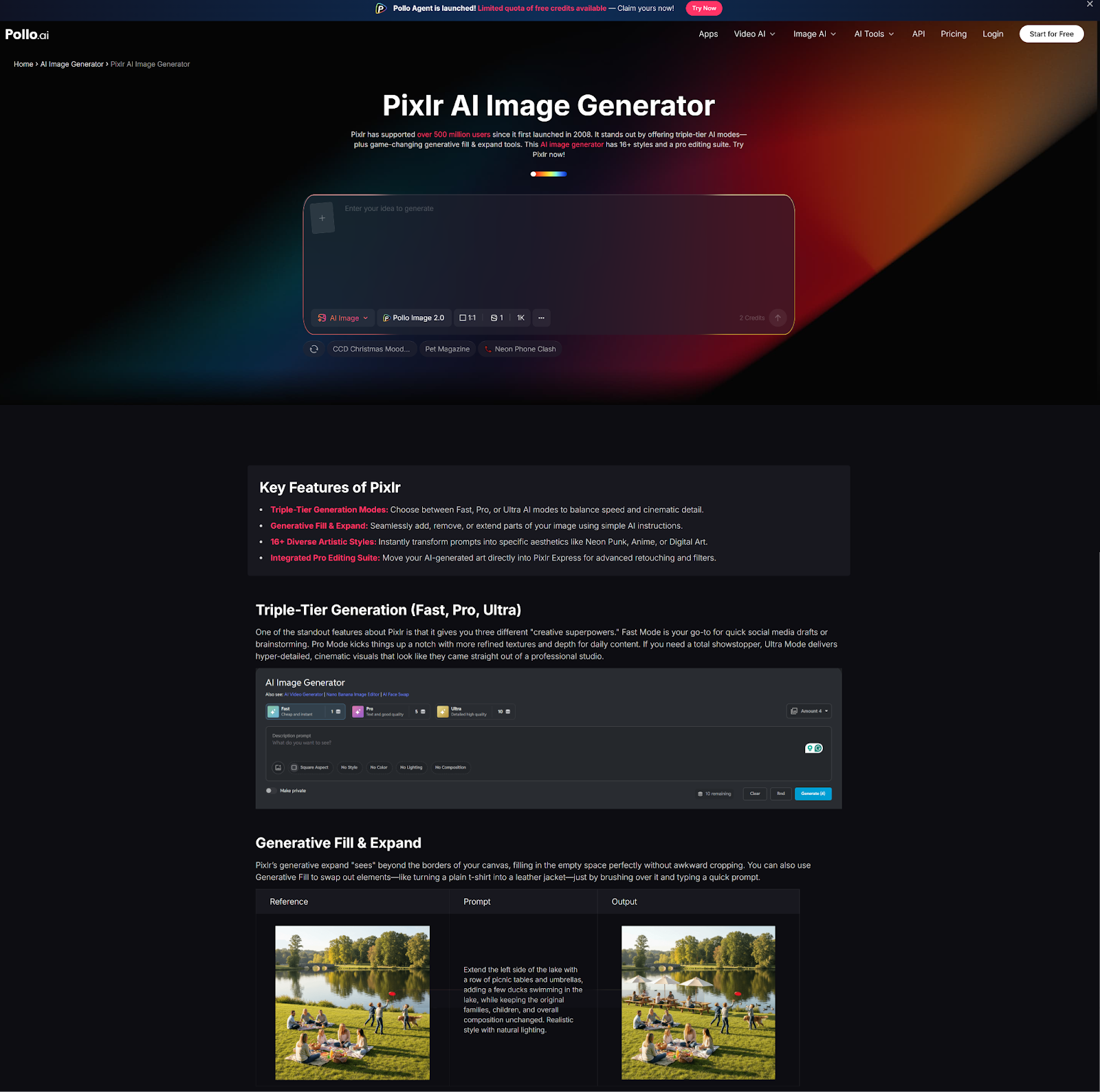
Pixlr AI — lightweight, browser-based, fast — are a practical choice for the finishing stage: cropping to exact ad specs, adjusting brightness and contrast, adding text overlays, or removing distracting background elements.
The generation stage and the editing stage are different tasks. Using Pollo AI for the concept image and a fast editing tool for the finishing work is a leaner, more efficient pipeline than trying to do everything in one place — especially under time pressure.
Fast Templates for Common Marketing Needs
Here are four prompts you can adapt immediately:
Sale promo background:
"Bold red and white color palette, abstract geometric shapes, modern graphic style, wide horizontal format, no text, energetic feel, retail marketing visual."
SaaS blog header:
"Abstract tech-inspired background, deep blue and purple gradient, soft glowing interface elements, editorial photography feel, wide format, no faces, no text."
Ecommerce banner:
"Minimalist product lifestyle scene, neutral beige background, natural light, clean surface, professional product photography style, horizontal format."
Event teaser visual:
"Dramatic night sky, city lights in the distance, warm amber spotlights, crowd silhouettes, concert or conference atmosphere, wide format."
Each of these works as a standalone background image. Layer your headline and CTA over the top using Canva, Figma, or any basic design tool — and you have a deployable campaign asset in under an hour.
Fast, Useful, and Good Enough to Publish
AI doesn't replace a great designer. But it does let you move forward when a designer isn't available — which for most small marketing teams and solo operators is more often than they'd like.
The campaign visuals workflow on Pollo AI is a practical starting point. Use it for the concept image, finish in a lightweight editor, and ship. That's a pipeline that works even with a 48-hour deadline.