A scratch on even the best phone screens can be frustrating and detracting from both the device's appearance and functionality. While prevention is ideal, knowing how to address existing scratches can help maintain your phone's sleek look. Just as knowing how to clean your phone case is important, understanding scratch removal techniques can keep your entire device looking pristine.
Before attempting any repairs, ensure your charging port is clean, as debris can sometimes be mistaken for screen damage. If you're unsure about cleaning it yourself, learn how to clean an iPhone's charging port without damaging it. In this guide, we'll explore several methods to remove or minimize scratches on your iPhone screen, using common household items.
These techniques are best suited for minor scratches and should be approached with caution to avoid further damage. Let's get started!
1. Assess the scratch severity
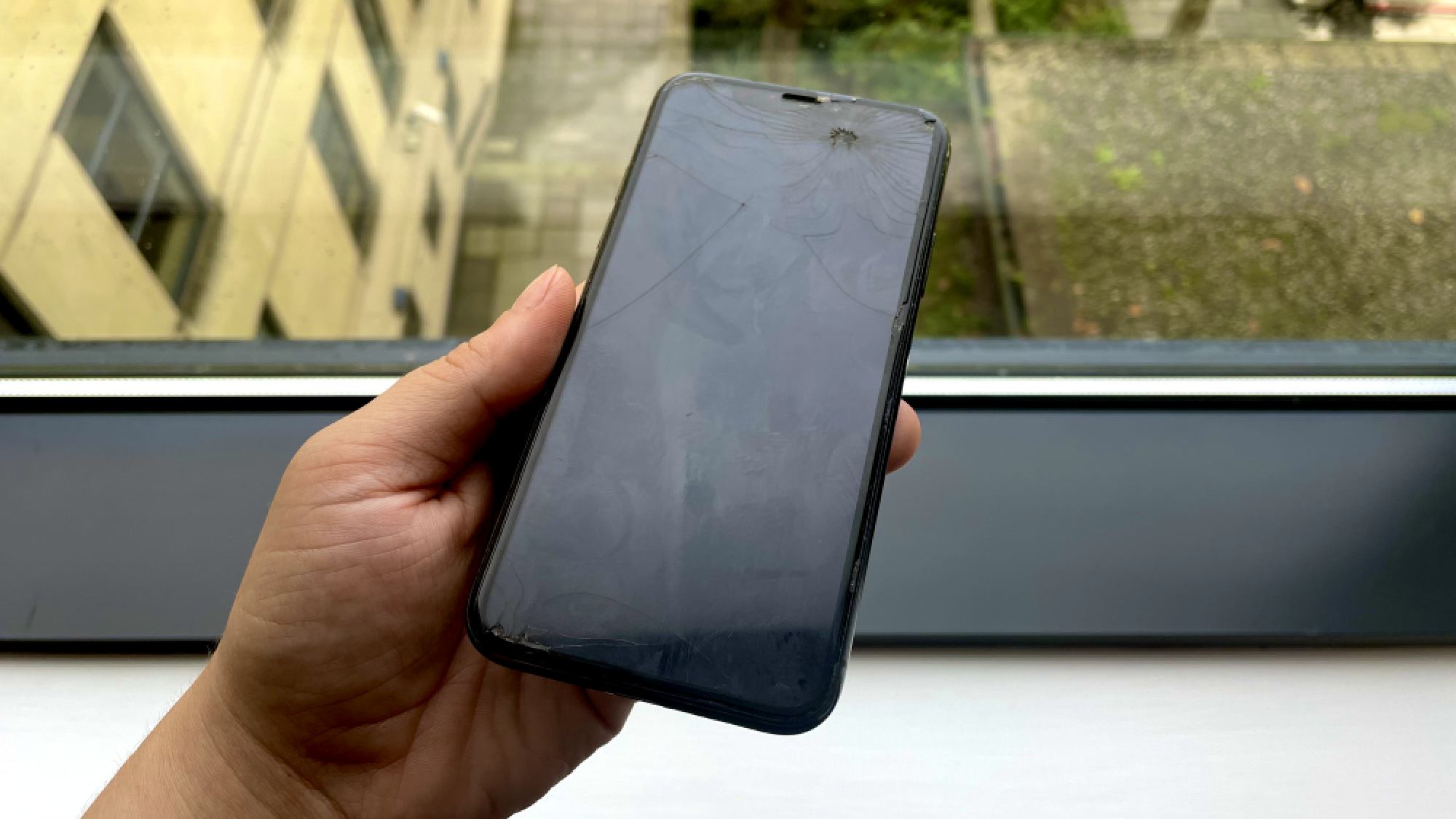
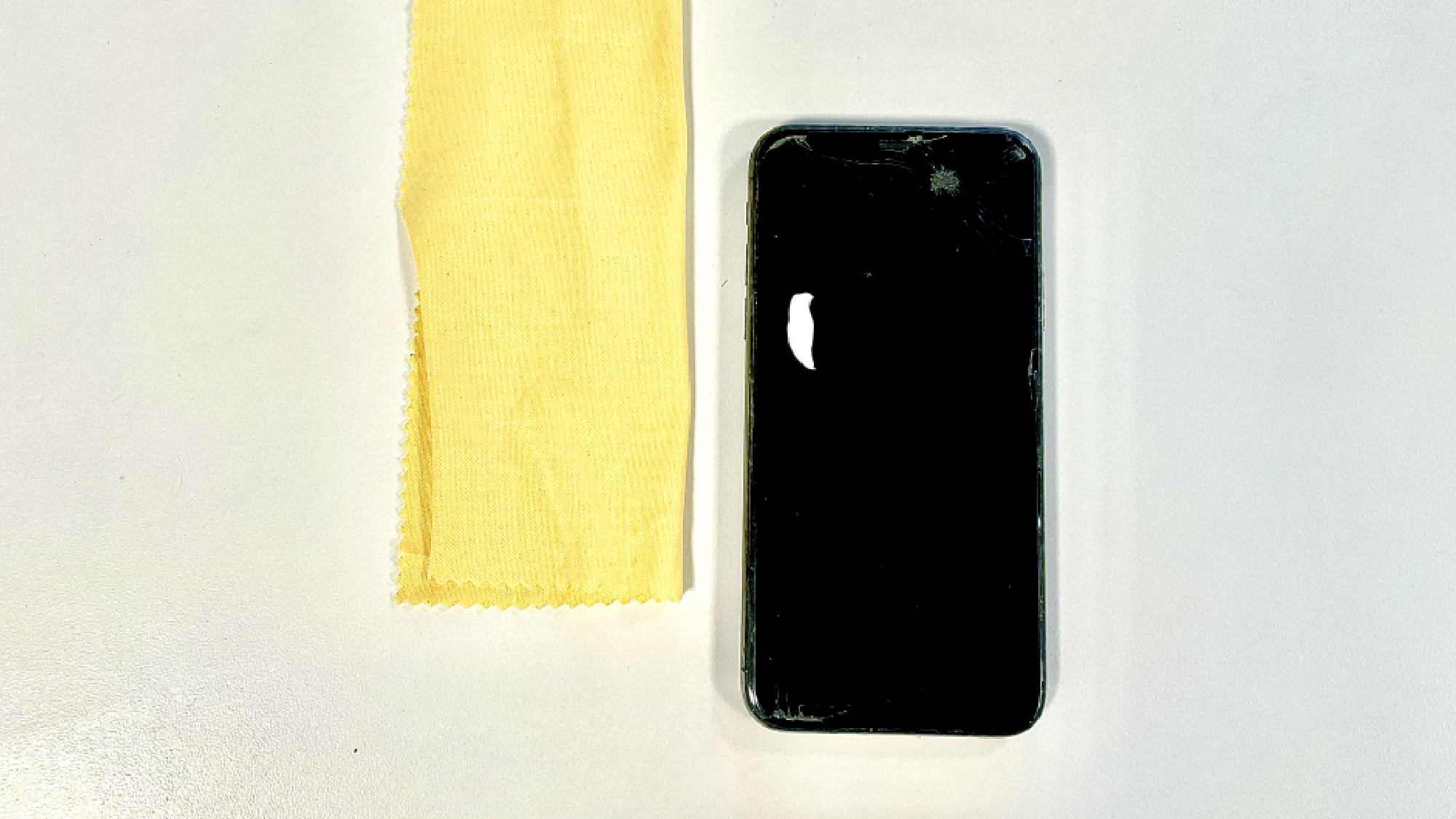
Your first point is call is determining if the scratch is superficial or deep. The following methods work best on light surface scratches, so it's best to consider a professional repairer if the scratches go far beyond the surface. The image above, for example, is a lost cause.
2. Clean the screen thoroughly
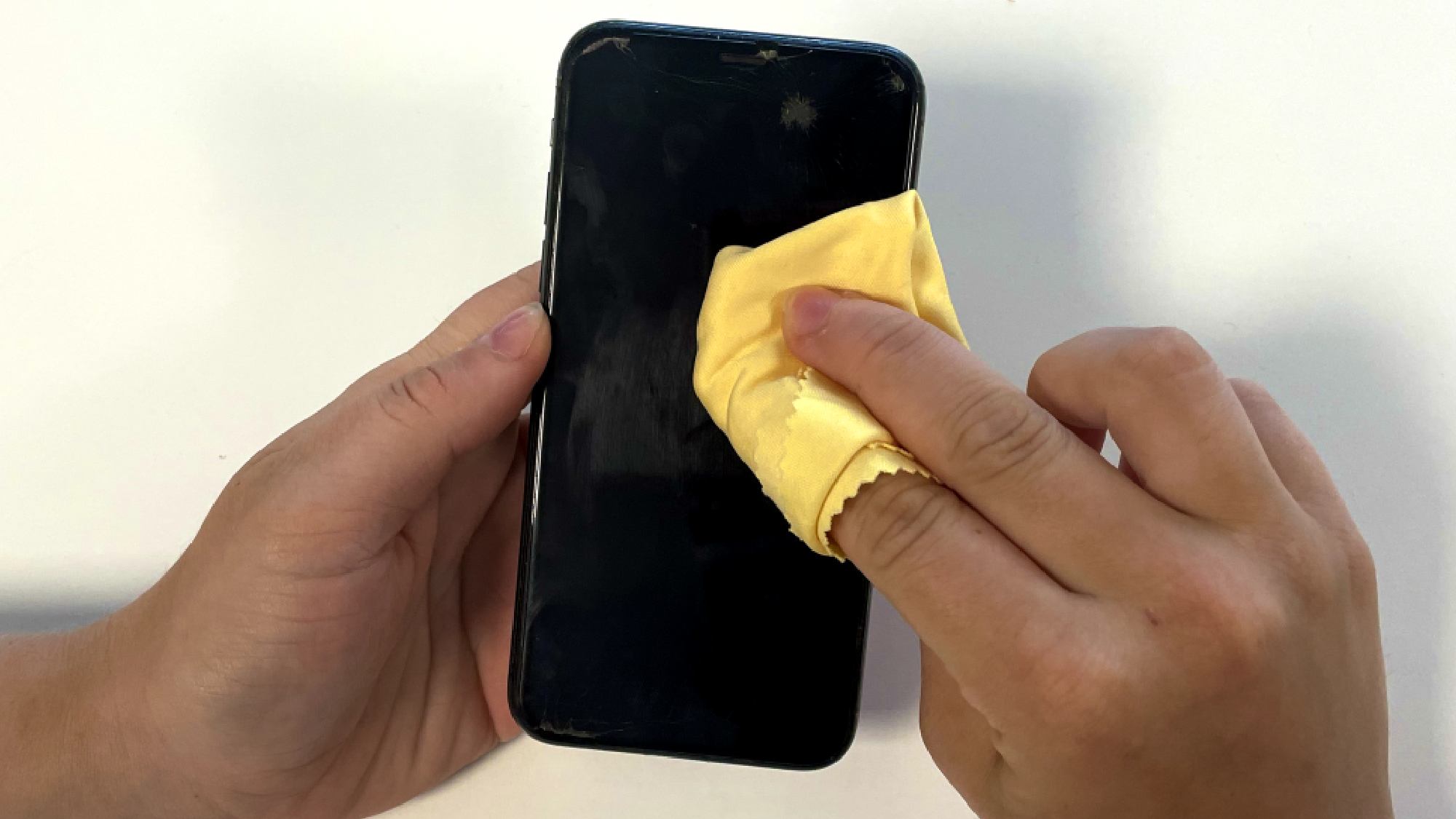
Next, remove any dirt or debris from your phone screen. To do this, use a soft lint-free cloth and clean gently before attempting any scratch removal.
3. Try the toothpaste method
Toothpaste is a really great way to removal scratches from smaller surfaces like iPhone screens, to large areas like glass stovetops.
Apply a small amount to a cotton swab and gently rub it on the scratch in circular motions. Wipe clean with a damp cloth.
4. Create a baking soda paste
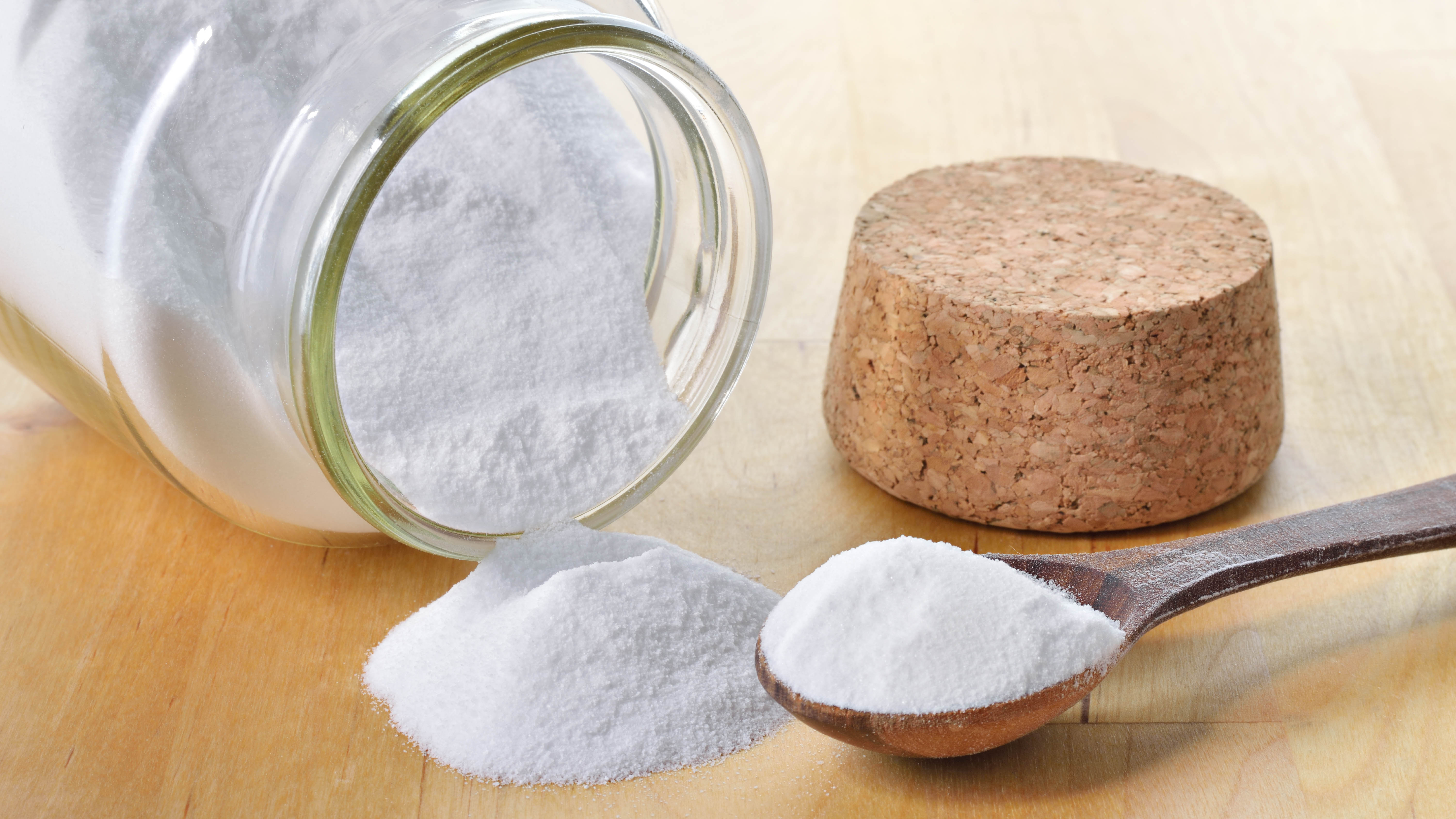
Another option to remove iPhone scratches naturally is using a baking soda paste. Mix two parts baking soda with one part water. Apply the paste to the scratch using a soft cloth, rubbing gently in circles. Once finished, clean off with a damp cloth.
5. Experiment with baby powder
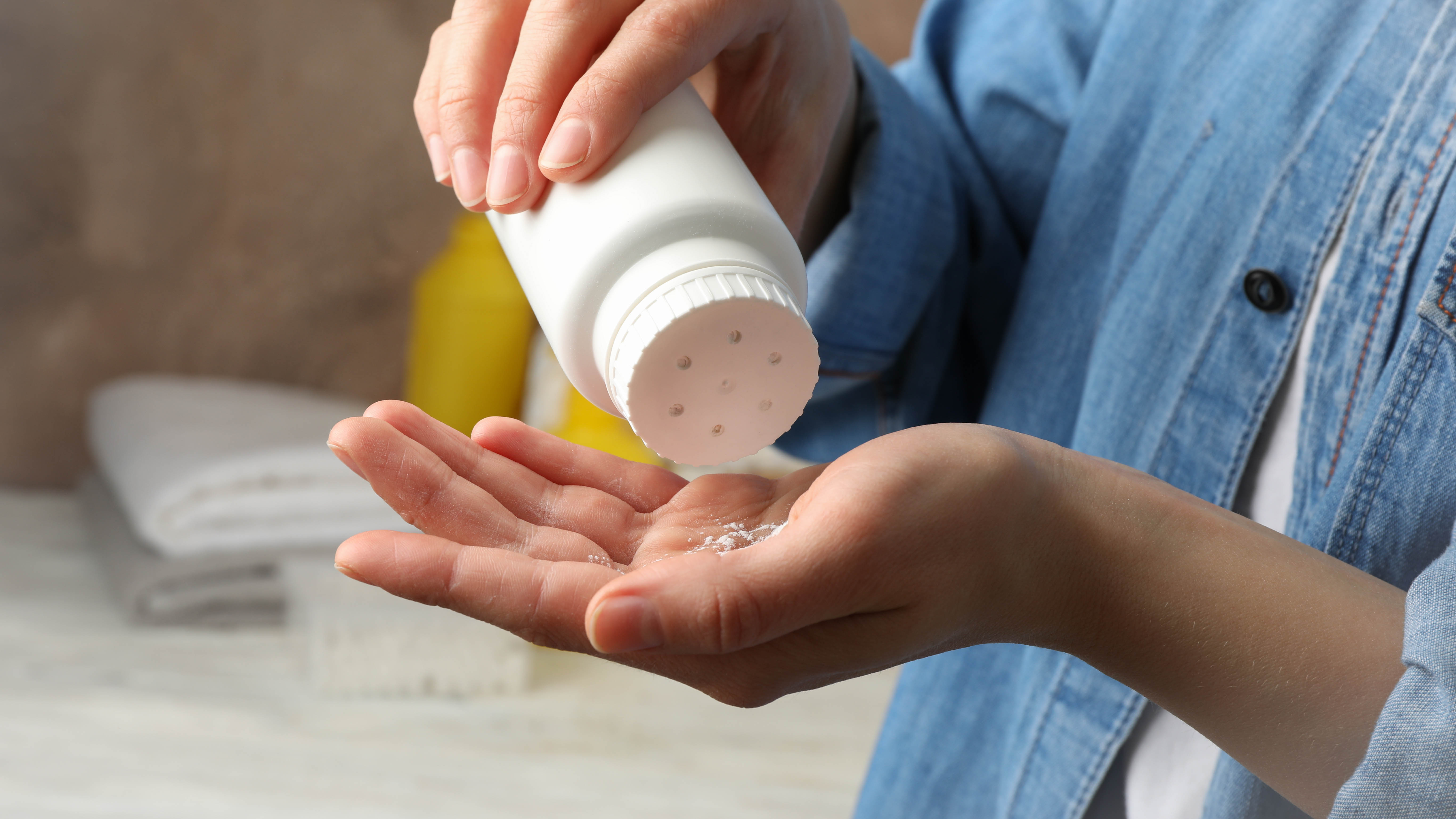
Similarly to the previous step, you can make a scratch-removal paste with baby powder and water. Apply the paste to the scratch using a soft cloth, rubbing gently in circles. The fine particles in the powder fill in the small scratches, minimizing their visibility.
6. Try a drop of vegetable oil
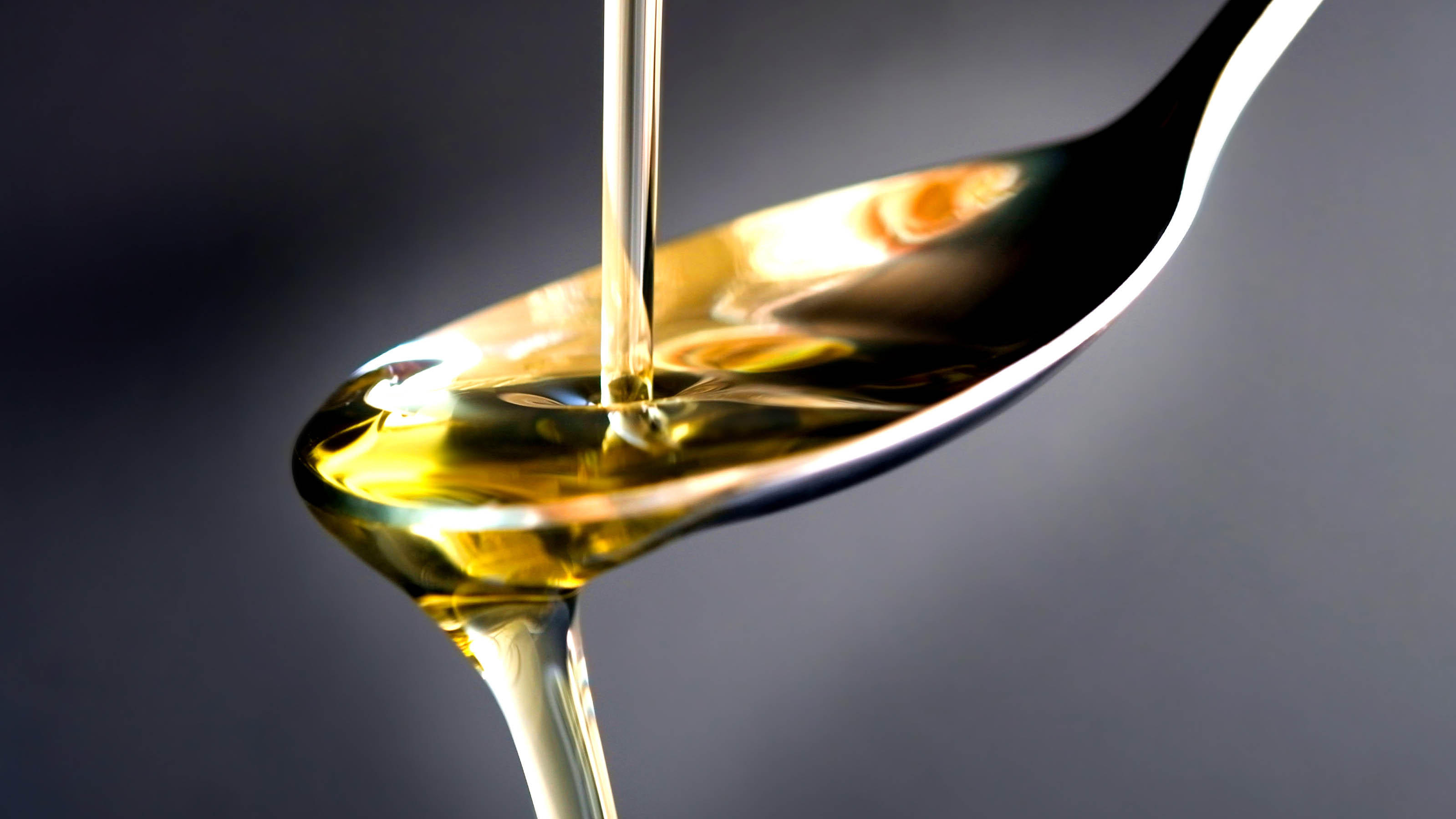
Although this scratch-removal hack may seem strange, vegetable oil can be a great way to get your iPhone screen looking pristine again. Using a tiny drop of vegetable oil, gently rub it into the scratch for a quick cosmetic solution. This is, however, only temporary.
7. Prevent future scratches
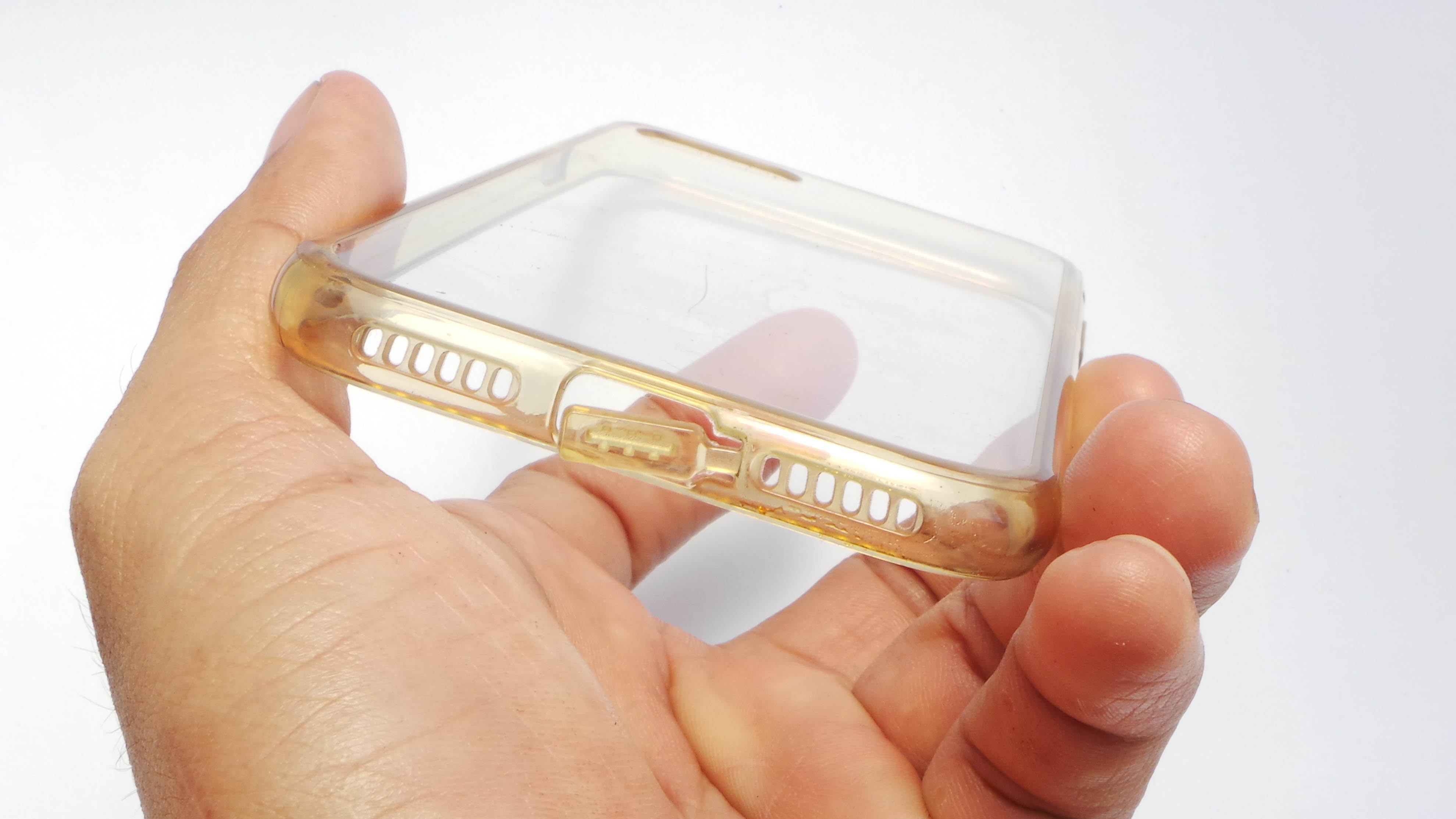
If you find your iPhone screen is prone to getting scratched, invest in a good quality screen protector and phone case, to minimize the risk of future scratches.
By following these steps, you can significantly reduce the appearance of minor scratches on your iPhone screen. Always proceed with caution, though, as aggressive attempts at scratch removal can lead to more scratches.
If you're intersted in exploring the latest iPhone features — iOS 18 lets you send messages via satellite, expanding communication options in remote areas. For productivity, learn how to mirror your iPhone to Mac with iOS 18 and macOS Sequoia. And note-takers will appreciate that iOS 18 Notes lets you add audio recordings directly in the app.