

Destiny 2 meets Star Wars with the Renegades expansion on Dec. 2, but avid fans may want to preload the update for an early start. Good news and bad news: you can indeed preload Renegades, but the window is quite tight, and it requires a lot of disk space.
Preloads releasing when the maintenance downtime starts isn't new, but this time, the server outage only lasts for one hour. Here's how you can preload Destiny 2: Renegades.
Table of contents
When does the Destiny 2: Renegades preload start?

Preloads for Destiny 2 Renegades start at 10am CT on Dec. 2 in most platforms, though "some PlayStation users" can jump the gun after Nov. 30 if they have auto updates enabled, Bungie said. It's quite a short timespan to get ready for the next expansion, especially considering downloads can get as big as 170 GB.
If you're not on PlayStation, your preload only begins one hour before the update drops on the weekly reset, which is not much of a "pre" load—especially considering you must download an entire new version of Destiny 2 in that time. In most cases, that version will also coexist with your existing installation, making for an exorbitant file size of hundreds of GBs worth of Destiny 2 data.
If you've cleared out your disk storage and have a good internet connection, here are the steps you can take to download Renegades ahead of time.
How to preload Destiny 2 Renegades

Once the preload period kicks off, the download should appear when updating Destiny 2 as usual on your platform of choice.
- PlayStation: Set up auto-updates by going to Destiny 2 in your main menu, clicking Options, and marking "check for updates."
- Xbox: Go to Profile & System, then Settings, Systems, and Updates. You can enable auto-updates for your games here, including the Renegades preload.
- Steam: The Renegades preload should appear in your Downloading queue shortly after it becomes available. Enable auto-updates by going to Destiny 2's properties in your Library tab and checking the "immediately download updates" box. If the preload doesn't show up, try resetting Steam.
- Epic Games: Like Steam, the update should land on Epic once Bungie enables global preloads.
- Microsoft Store: Look for the latest update in your download queue once the preload period begins.
How big is the Renegades preload?
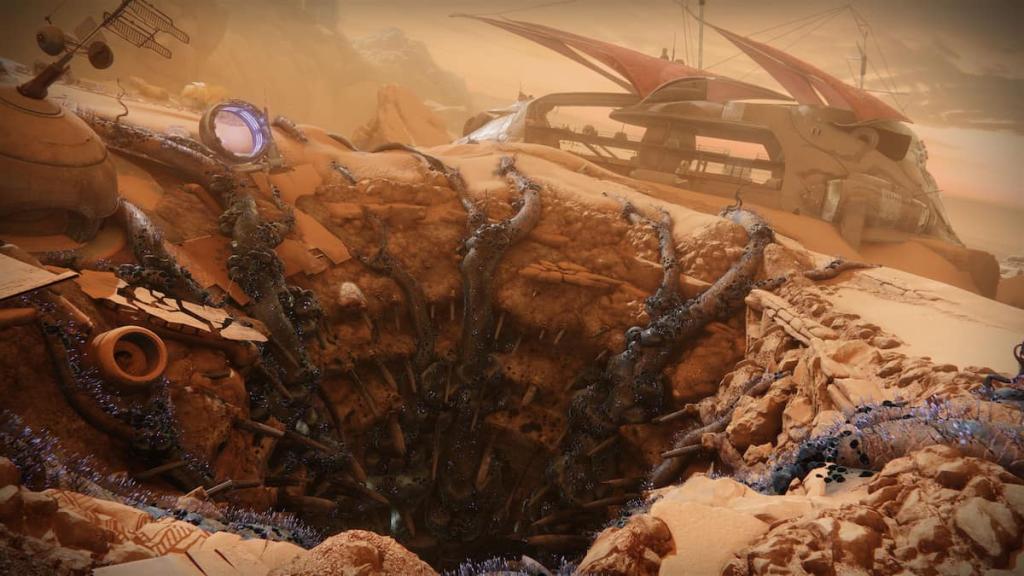
The disk space requirement is another obstacle to preloading Renegades, since most versions require you to have more than one version of Destiny 2 on your computer. On Steam and Epic, the next expansion may require you to have over 300 GB of space on your disk.
| Platform | Preload storage space requirements | Total file size after Renegades | Notes |
|---|---|---|---|
| Steam | 326 GB | 170 GB | The Steam preload requires you to have both the latest Edge of Fate patch and the Renegades preload on your disk at the same time, though the obsolete one will disappear after the game goes live. This means you likely have to download close to 170GB before playing. |
| Epic Games Store | 325 GB | 170 GB | Similar to Steam |
| Microsoft Store | 159 GB | 159 GB | |
| PlayStation 5 | 173 GB | 173 GB | |
| PlayStation 4 | 173 GB | 205 GB | Requires the latest Edge of Fate patch plus a ~50 GB preload. |
| Xbox Series X/S | 171 GB | 171 GB | |
| Xbox One | 161 GB | 161 GB |
One hour is a short period for a download as huge as Destiny 2, and since it's expansion release day, server issues may not be out of the picture. Because of that, make sure you can download Renegades ahead of time to get into the action more quickly.
The post How to preload Renegades in Destiny 2 appeared first on Destructoid.