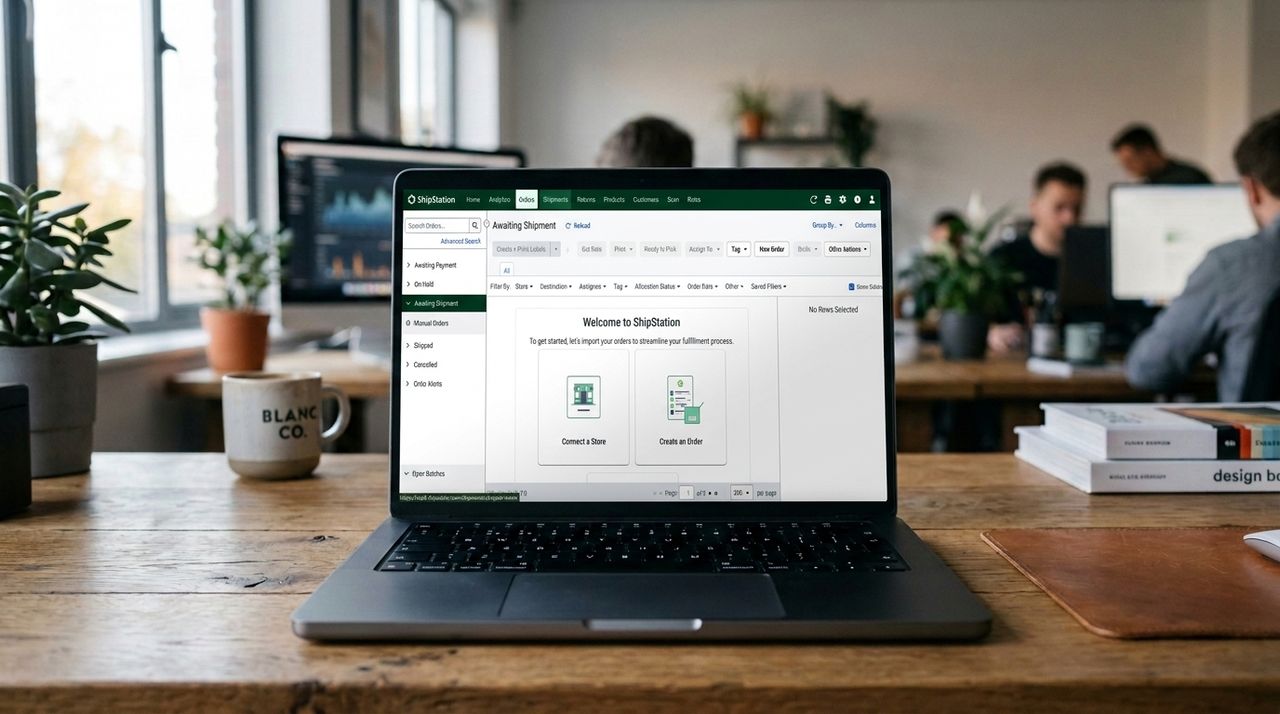
Orders are coming in, and somehow that's become the problem.
Fulfilling them means comparing carrier rates across multiple tabs, copying tracking numbers by hand, and printing labels one by one. Past a certain volume, the process stops scaling, and shipping starts eating into the time you don't have.
Shipping software is supposed to fix that. But with dozens of platforms competing for your attention, picking one can feel just as overwhelming as the problem you're trying to solve. Differences between tools aren't always obvious upfront, and the wrong choice can cost you more in missed features or overpriced plans than you ever save on postage.
Here's how to work out which one fits your business.
What shipping software actually does
It helps to understand what you're buying before comparing platforms. Shipping software sits between your online store and the carriers, pulling in orders automatically, comparing rates across USPS, UPS, FedEx, DHL, and others, generating labels, and sending tracking updates to customers.
Platforms add value in three ways: carrier discounts, automation, and order centralisation. On discounts, platforms negotiate bulk rates and pass them on — Pirate Ship, for example, offers savings of up to 87% off retail USPS rates through its access to USPS Connect eCommerce pricing. On automation, batch label printing, rule-based carrier selection, and auto-populated customs forms cut fulfillment time sharply. On centralisation, a single dashboard consolidates orders from Shopify, Amazon, Etsy, and anywhere else you sell.
Most tools also handle returns, branded tracking pages, and basic analytics on carrier performance and shipping costs.
5 questions to answer before you choose a shipping platform
1. How many shipments do you process per month?
Volume is the single biggest factor in determining your best options. Under 30 orders a month, Shippo or Pirate Ship covers the basics without any cost commitment. Shippo's free Starter tier handles up to 30 labels per month, and Pirate Ship is entirely free with no label limits. Both these platforms earn their revenue through carrier relationships rather than subscriptions.
As your volume grows, paid plans start to make financial sense. Shippo's paid plans begin at $19/month, unlocking custom branding, automation, and priority support. ShipStation's paid tiers start at $14.99/month for up to 50 orders a month.
2. Are you shipping domestically or internationally?
US-focused tools like Pirate Ship only support USPS and UPS. That works fine domestically, but falls apart once you need to handle customs documentation or access regional carriers in other markets.
For international shipping, Easyship connects to more than 550 courier services worldwide and automates duty and tax calculations at checkout, which directly reduces cart abandonment for cross-border buyers. Sendcloud is the stronger pick for European businesses, with multi-language customer communication and a carrier network built around local logistics providers.
3. How many sales channels are you managing?
Selling only through Shopify? Almost any platform will serve you.
But if you’re managing orders across Amazon, eBay, Etsy, Walmart, and your own storefront, you need something built for that complexity. ShipStation offers hundreds of integrations and is one of the broadest options for fragmented commerce. Amazon-owned Veeqo also handles multi-channel well and keeps shipping features free regardless of order volume, though its data-sharing terms are worth reading carefully before signing up.
4. Do you need inventory management alongside shipping?
Shipping and inventory management software are different products, so it’s best not to conflate them if you want to avoid overpaying.
If you need both in one place, Ordoro is a popular option for dropshippers tracking stock levels across multiple suppliers. ShipStation also includes inventory syncing across platforms. If your existing setup already handles inventory through a separate tool or your ecommerce platform, a leaner shipping-only solution will cost less and add less complexity.
5. How technical is your team?
Pirate Ship is designed for simplicity: no setup and almost zero learning curve. Shippo is similarly accessible but includes full API access on every plan, including the free tier, which makes it the natural pick for developer teams embedding shipping into custom workflows or proprietary platforms.
ShipStation offers considerably more depth, but user reviews flag a steeper learning curve compared to simpler alternatives.
Key shipping features to compare
Here's what to look at when comparing platforms:
- Carrier network: More carriers mean more rate-shopping options. Shippo connects to 40+ carriers; Easyship connects to 550+. Pirate Ship covers USPS and UPS only.
- Automation rules: Automatically assigning a carrier or service based on weight, destination, or order value is where most time savings actually come from. Look for platforms that let you configure rules without developer involvement.
- Batch label printing: Essential at any meaningful volume. Check whether the platform caps batch sizes on lower-tier plans.
- Branded tracking: Several platforms let you customize tracking pages and shipping emails with your own branding rather than the carrier's generic interface. For customer retention, this matters more than it looks.
- Returns management: Self-serve return portals and pre-paid label generation become increasingly important as order volume grows. Manual return handling scales badly.
- Reporting: Basic analytics on carrier performance, shipping costs, and delivery times help you spot where money is being lost.
Comparing different pricing models
Shipping software comes in three main pricing structures.
Subscription-based plans charge a flat monthly fee tied to shipment volume or features. ShipStation's paid plans start at $14.99/month and scale up from there. Predictable, but you pay for capacity even when you don't use it.
Pay-as-you-go models charge per label with no monthly minimum. On Shippo's free Starter plan, labels using your own carrier accounts cost $0.05 each beyond the 30-label free allowance. Costs stay low for businesses with inconsistent order volume.
Fully free tools like Pirate Ship and Veeqo cover their costs through carrier relationships. Worth evaluating first, particularly for straightforward domestic shipping.
Note that some platforms lock key capabilities, such as API access, additional users, or automation rules, behind higher tiers. E.g., ShipStation moved API access to its Standard plan at $29.99/month, so even low-volume users who need custom integrations face a significant cost jump. If developer integrations matter to your workflow, work out the true cost of the tier you'll actually need, not the entry price.
Matching the shipping tool to your situation
Use case |
Solutions |
|---|---|
Just getting started, or under 30 orders/month |
Pirate Ship (free, USPS/UPS only) or Shippo's free tier (30 labels, 40+ carriers, API included) |
Growing business, primarily domestic |
Shippo's $19/month Pro plan or ShipStation's entry-level paid tier, depending on whether you prioritise carrier discount depth or interface polish |
Multi-channel seller across several marketplaces |
ShipStation or Veeqo, both of which handle broad integration libraries well |
International focus |
Easyship for global reach and automated customs handling; Sendcloud for European operations |
Developer team embedding shipping into a custom platform |
Shippo, which includes API access at every plan level |
Combined inventory and shipping management |
Ordoro or ShipStation's higher tiers |
Making your final call
Most major platforms offer free trials or permanently free entry tiers, so there's no good reason to commit before testing. Start with the tool that fits your current situation, not your projected one two years from now. If you're shipping 80 orders a month today, solve for that. You can migrate later, and most platforms support data export.
What tends to get overlooked is that the cost of a bad choice rarely shows up on the subscription invoice. It shows up in the hours spent on manual workarounds, in the carrier rates you overpay because you're not comparing options, and in the customer goodwill you lose when tracking updates don't arrive. Pick the tool that fits how you actually work, and it will pay for itself fast.