What you need to know
- The Windows 11 Moment 3 update starts shipping today as an optional update.
- The update improves the Widgets Board, gives you the option to show seconds in the system tray clock, and includes several other improvements.
- Windows 11's Moment 3 update will start rolling out to all supported PCs on June 13, 2023 as part of Patch Tuesday.
Windows 11 has its second feature drop of the year on the way. The update, also known as Moment 3, will start rolling out on June 13, 2023 as part of Microsoft's Patch Tuesday updates. But you don't have to wait until then to get the update on your PC. You can install the Windows 11 Moment 3 update as an optional update starting today, March 24, 2023.
The biggest change in this update is the Widgets Board, which has a new layout that splits the MSN news feed from your widgets. PCs running the latest update will have new Taskbar options, including the ability to show seconds in the system tray clock.
The update also has a new Win32 app isolation feature that can be used to run legacy programs in a sandboxed environment, which is more secure. The ability to run self-contained Win32 apps is in preview, as is Windows 365 Boot.
Here's a quick recap of the biggest changes in the update:
- An updated Widgets Board layout and pinning experience
- New animated Taskbar weather icons
- Bing AI button in the Taskbar search bar
- 2FA code recognition in notifications
- Multi-app kiosk mode
- Show clock seconds in the system tray
- Glanceable VPN status icon in the Taskbar
- Various improvements to Voice Access
- Support for more languages in the live captions feature
- Updated touch keyboard settings
- Cloud suggestions in Simplified Chinese IME
- USB4 settings page
- Search box will be lighter when app mode is set to light
- Access keys in File Explorer
- Create live kernel dumps in Task Manager
- Settings search is faster
- New presence sensing settings
- Win32 app isolation feature (preview)
- Windows 365 boot (preview)
How to install the Windows 11 May 2023 feature update
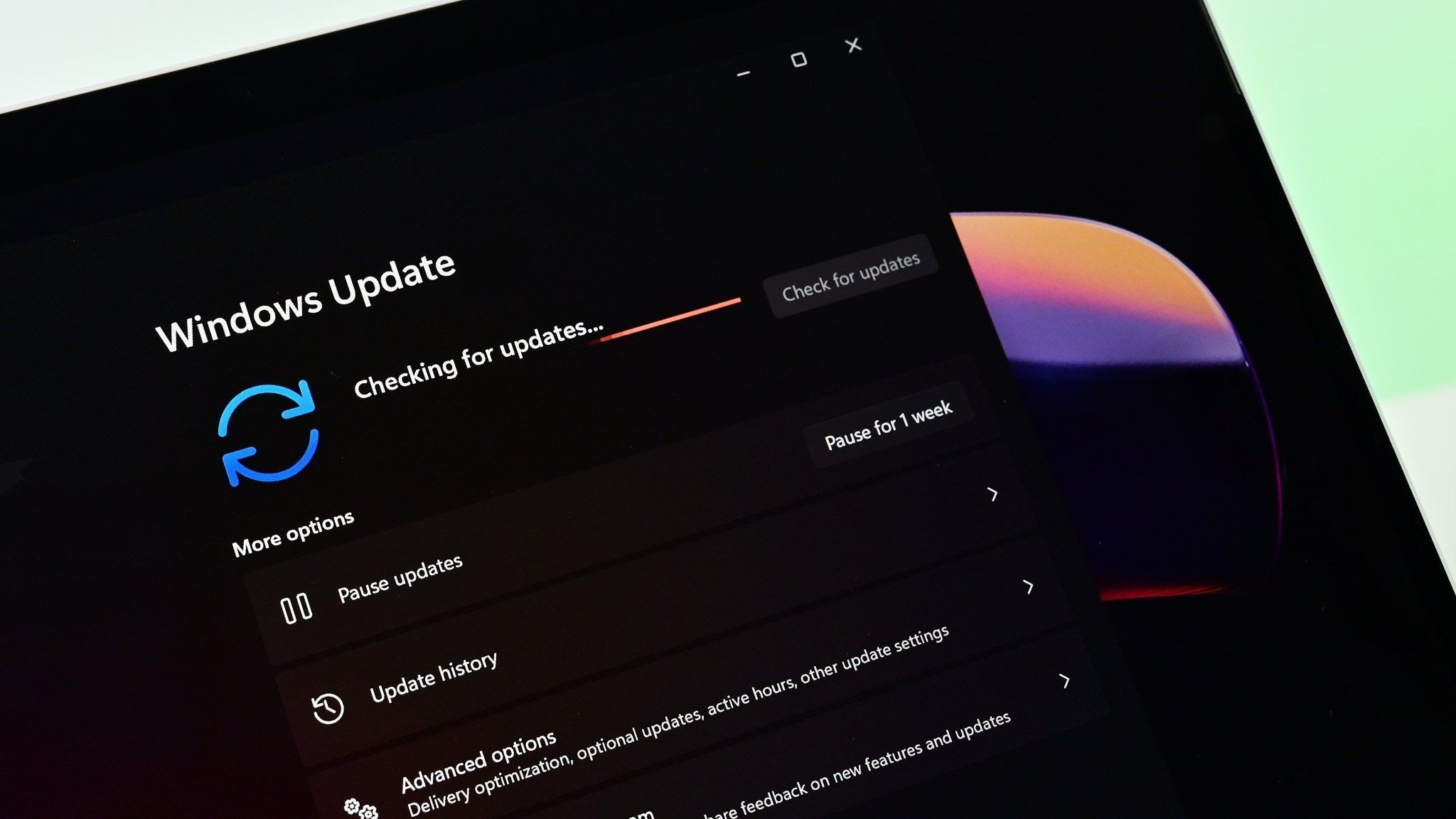
The update starts shipping today as an optional update, but you may not see it just yet. If the option doesn't appear, check back in after waiting a while.
- Open Settings.
- Click Windows Update.
- Click Advanced options.
- Click Optional updates.
- Select the update you'd like to install.
- Click Download & install.