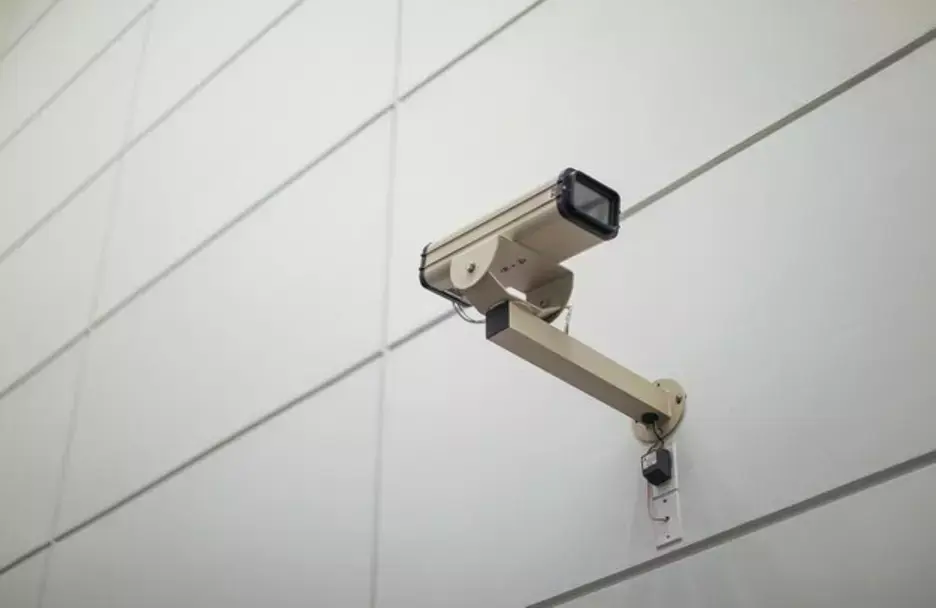
Security cameras have become an essential tool for ensuring safety and monitoring both residential and commercial properties. With modern technology making these devices more accessible and advanced, installing them on your own can be a straightforward task if done correctly. Whether you're looking to protect your home or business, knowing how to install security cameras like a pro can give you peace of mind and a sense of security. This comprehensive guide will walk you through the steps and considerations you need to know to ensure a successful and effective installation.
Understanding the Basics of Security Cameras
Before diving into the installation process, it's essential to have a clear understanding of the different types of security cameras available. Depending on your needs, you may want to opt for a wired system, a wireless system, or a combination of both. Wired cameras are often more reliable and provide a continuous power supply, while wireless cameras offer more flexibility and ease of installation.
Security cameras also vary in resolution, with options ranging from standard definition to high-definition (HD) and 4K quality. Higher-resolution cameras provide clearer images and more detailed footage, making it easier to identify faces, license plates, or other important details. Additionally, consider whether your system will include features such as night vision, motion detection, or remote access.
Choosing the Best Locations for Security Cameras
Location is critical when it comes to effective security camera installation. To maximize the benefits of your surveillance system, it’s important to strategically position your cameras to cover the most vulnerable and important areas of your property.
Entrances and exits should always be a priority. These areas include front and back doors, side gates, garage entrances, and windows. If installing a system in a business setting, place cameras near cash registers, safes, or entrances where deliveries are made. Additionally, consider installing cameras in high-traffic areas where there is the potential for unwanted entry.
Preparing for Installation
Before beginning the installation process, it’s important to have all the necessary tools and equipment ready. Typically, you'll need a power drill, screws, anchors, and mounting brackets that are compatible with your camera system. Additionally, a ladder and safety gear will come in handy when mounting cameras in high or hard-to-reach locations.
Once you have your equipment, consider mapping out where each camera will be placed. Pre-plan the wiring route if you’re using a wired system. For wireless systems, determine where the cameras will receive the best Wi-Fi signal. If necessary, invest in Wi-Fi extenders to ensure a stable connection.
Installing the Security Cameras
Once you're prepared, it’s time to start the installation process. Begin by mounting the cameras using the provided brackets. Secure the brackets to your desired location using the power drill and screws. Ensure that the camera is angled correctly to cover the area you want to monitor. Most security cameras have adjustable mounts, allowing you to tilt and rotate them as needed.
For wireless systems, connect the cameras to your Wi-Fi network and ensure they are receiving a strong signal. Most wireless cameras come with a mobile app or desktop software that allows you to connect the camera to your network, configure settings, and view live footage. With Castle Security, you can trust that you’re working with a system that combines reliability with ease of installation, ensuring that your property is safeguarded 24/7. Regular maintenance and testing will keep your cameras functioning at their best, giving you peace of mind and ensuring that your property remains secure.
Maintaining Your Security Cameras
Installing security cameras is not a one-time task. Regular maintenance is essential to ensure the cameras continue to perform at their best. Periodically clean the camera lenses to remove dirt, dust, or debris that may obstruct the view. For outdoor cameras, check for any damage caused by weather conditions and ensure the camera is securely mounted.
Additionally, if you're using a wireless system, it’s important to monitor the camera’s battery life and replace or recharge the batteries as needed. Wired systems may require checking for wear and tear on the cables and connections.
Lastly, take the time to review footage regularly and ensure the system is storing recordings properly. By keeping up with routine maintenance, you can ensure that your security cameras continue to provide reliable protection for your property.
Conclusion
Installing security cameras like a pro requires careful planning, the right tools, and attention to detail. By choosing the right camera system, selecting strategic locations, and ensuring proper installation, you can create a robust security network that protects your home or business. You can trust that you’re working with a system that combines reliability with ease of installation, ensuring that your property is safeguarded 24/7. Regular maintenance and testing will keep your cameras functioning at their best, giving you peace of mind and ensuring that your property remains secure.