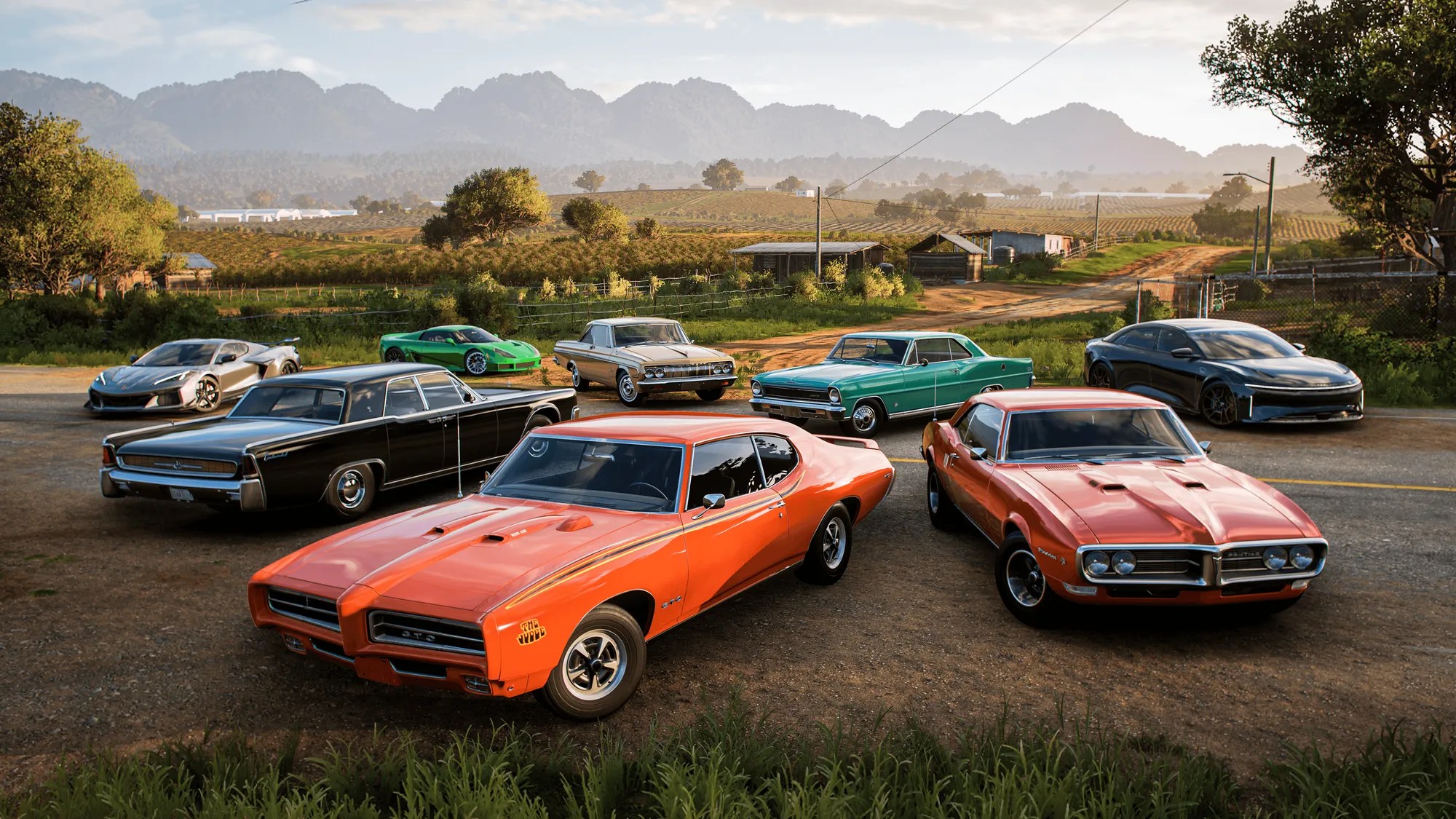

Hopping online in Forza Horizon 5 is where the real fun is at. You can race your friends, crash into randoms, or simply vibe around Mexico in a full convoy and cruise around scenic views. Playing solo gets boring fast, but once you’re online, you’ve got Horizon Open Races, Eliminator battles, and more.
So without any further ado, here’s how to dive straight into online mode.
Unlocking Horizon Life
To get yourself started, play through the intro first. Horizon Life, the online playground, doesn’t unlock until you’ve finished the intro.
Pick an accolade in Campaign > Accolades. Anything works: a race, drift zone, or speed trap. Complete it while it tracks on your HUD, then chat with Rami for your first house. Knock out the opening expedition, then run one more event.
That’s it, you’ll now have unlocked Horizon Life, Festival Playlist, and Forza Link Leaderboards. You’re all set to dive into online fun.
Access The Online Tab
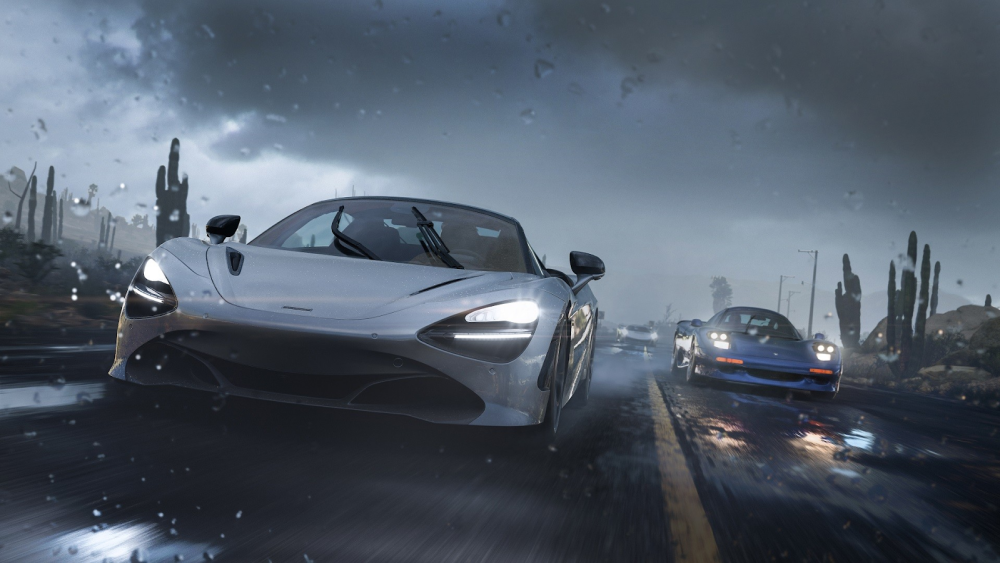
Confirm you’re connected by simply pausing in Freeroam or Horizon Life, and hitting the Online tab (next to My Horizon and the map). For PS5 players, make sure Crossplay is turned on in the settings menu (Settings -> Extras). However, do note that you’ll need PS Plus for online multiplayer playability.
There are multiple online modes to choose from:
- Convoy: Create a squad lobby or join one for co-op runs, or open-world fun. If you want to avoid randoms in your squad, lock it to Friends Only.
- Horizon Open: Jump into PvP matchmaking for Road, Street, Dirt, Cross Country, or Drifting and more. Whatever fits your vibe, there’s something for everyone.
- The Eliminator: This is a battle royale mode, with a racing twist. The safe zone shrinks every minute, so keep moving and grab better rides to survive.
There’s also Rivals, Arcade, and Horizon Tour: Ghost challenges and more to check out.
Squad Up With Friends

Forza Horizon 5’s Crossplay works seamlessly across platforms. Go to Online -> Convoy to create a lobby, set the privacy, and then invite your friends. On PS5, you’ll see Xbox and Steam friends with little icons after linking your Microsoft Account.
Meanwhile, on Xbox or PC, you can hit the Xbox button on your controller and get started. Head over to the “People” tab, search for your friend’s gamertag, and then invite them after adding. Once you’ve got your crew assembled, hop into your online journey with races, PvE stuff, and an array of endless fun awaiting you.
Do This Before You Jump Online
Before jumping into an online queue, it’s best to tune your ride in Car Mastery first. Stock cars have a tough time in PvP races. Grind rivals for Ghost challenges practice, and for quick XP, tear through Horizon Arcade events with your friends. When it comes to bargains, keep an eye out for Auction House deals with your convoy.
There are no limits to creativity when it comes to online multiplayer, and the stage is all yours after unlocking it. Rev up, and own Mexico.