
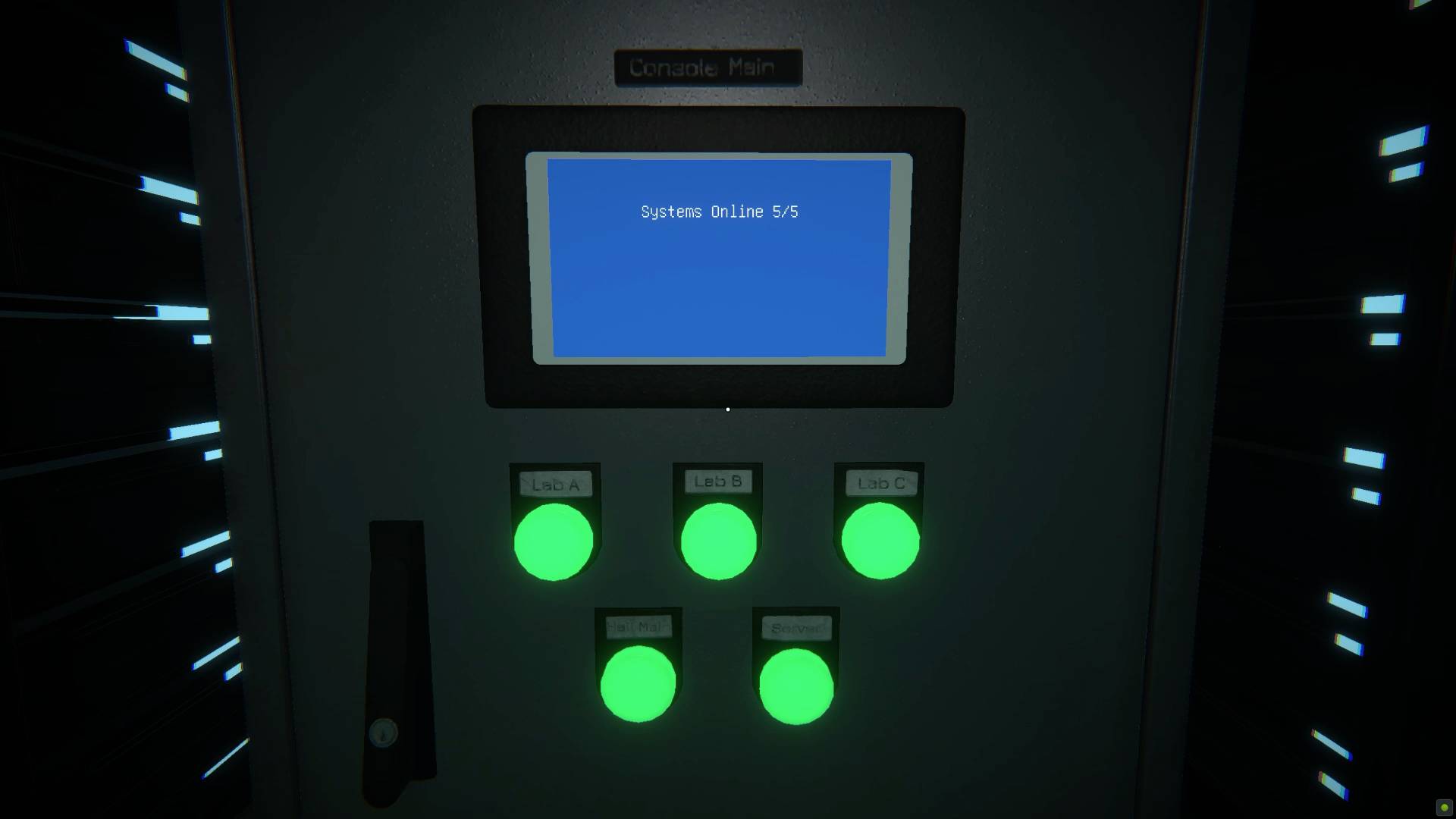
You'll need to get the power back on in Viewfinder within the first 15 minutes of the game, when the tech you're using to explore this photo-powered puzzler breaks down. There's no real objective at this point except a mention that you might 'need to reroute some power sources' to get things running again. Because you're left to explore with no clear explanation of what to do, you might be pushing buttons at random trying to work out what going on - so here's how to get the power back on and continue puzzling.
How to reroute power in Viewfinder
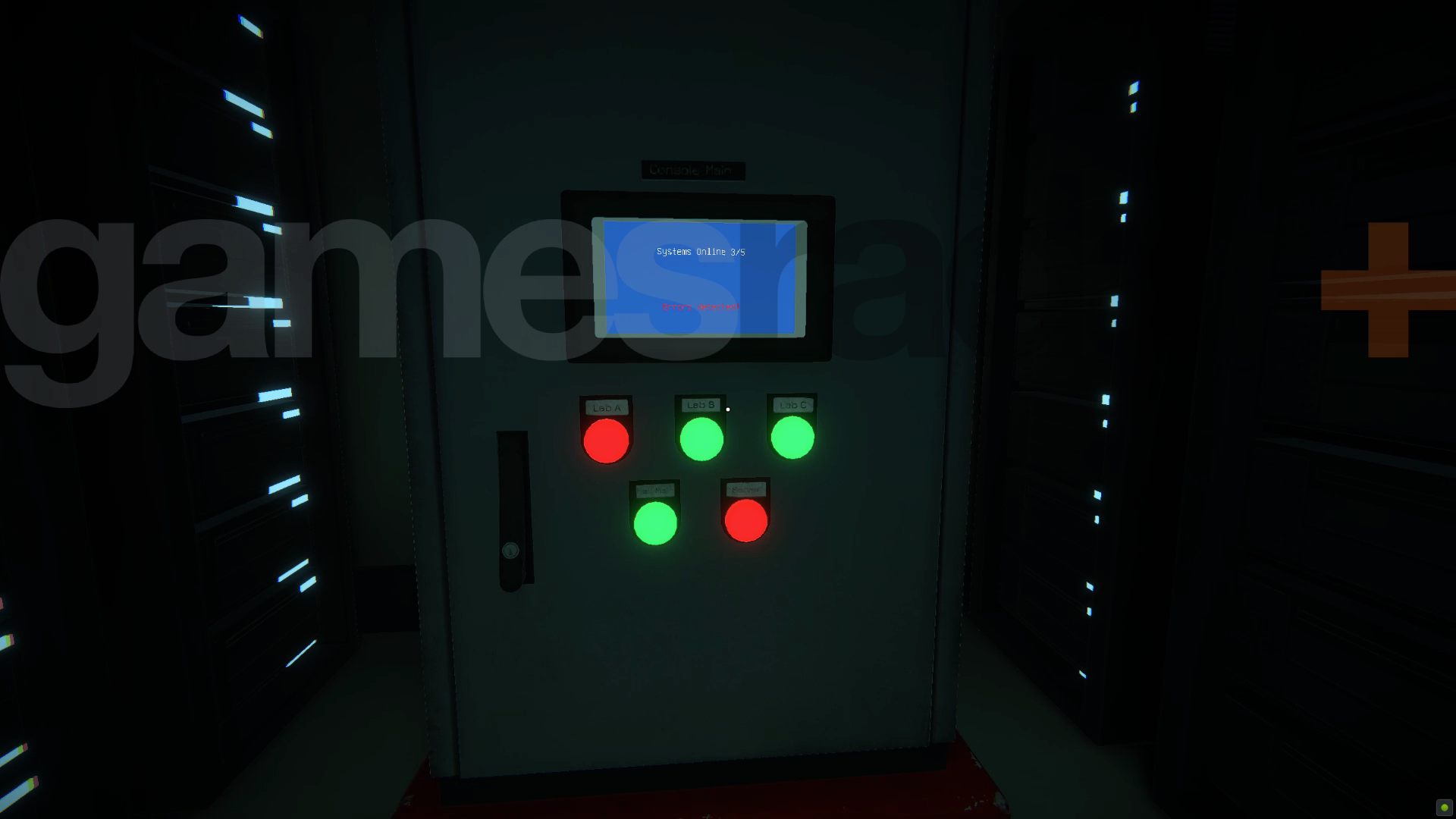
Being able to turn the power back on in Viewfinder isn't hard, it's just poorly-explained. The voice in your ear, Jessie, will casually mention that you 'might need to reroute our power sources' to get things working again while filling in some various backstory bits. There's not a lot more to go on than that, so you'll need to explore the small space that you have until you find the back room with blue screen terminal in it.
Part of the problem here is that while this looks like a puzzle, with three green lights and two red, it isn't - just turn everything off and then back on again. There are no combinations or sequences to work through to try and 'solve' anything. Just press all the buttons once to make them go black and kill power completely so the lights go out, then press them all again. They should all come back green and you'll be able to return to the start and continue on your picture warping way.
© GamesRadar+. Not to be reproduced without permission