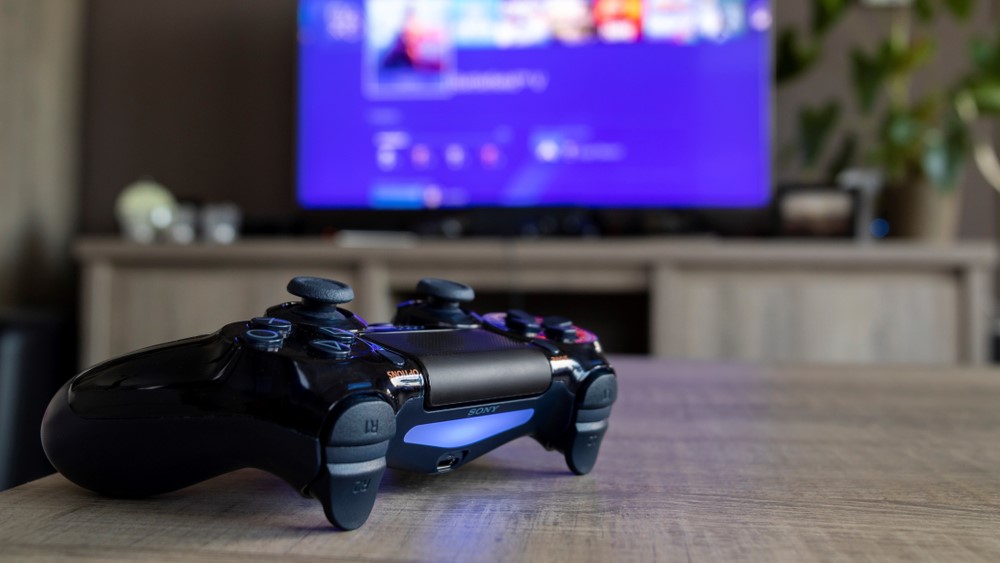
If you're looking to connect a PS4 controller to an iPhone, it's easier than you might think. There's tons of games to play via Apple Arcade, so it makes sense that you'd want to play comfortably on a recognizable controller.
You can connect your PS4 controller to an iPhone as well as an iPad, Apple TV, or Mac. It's super simple and shouldn't take you longer than a few minutes. If you have a PS5 controller, here's our how to connect PS5 controller to iPhone article.
Here's how to connect your PS4 controller to iPhone.
How to connect PS4 controller to iPhone
1. Make sure that your controller is turned off.
2. Press and hold the PS button and the Create (or Share) button at the same time until the light bar begins to flash. The controller is now in pairing mode, which makes it discoverable by your Apple device.
3. On your iPhone, go to Settings > Bluetooth and turn on Bluetooth. Stay on this screen until you complete the steps to pair your accessory.
4. Select the controller from the list of nearby devices.
5. If the controller pairs but doesn't connect, press the PS button on the controller.
That's all you have to do to connect your PS4 controller to your iPhone. Like I said, it's simple. If you want the experience of a better controller, we recommend purchasing the DualSense, which is arguably the best controller on the market.