
Earlier this week, we showed you how to how to build a virtual studio for free with a selection of free plugins and software curated by MusicRadar.
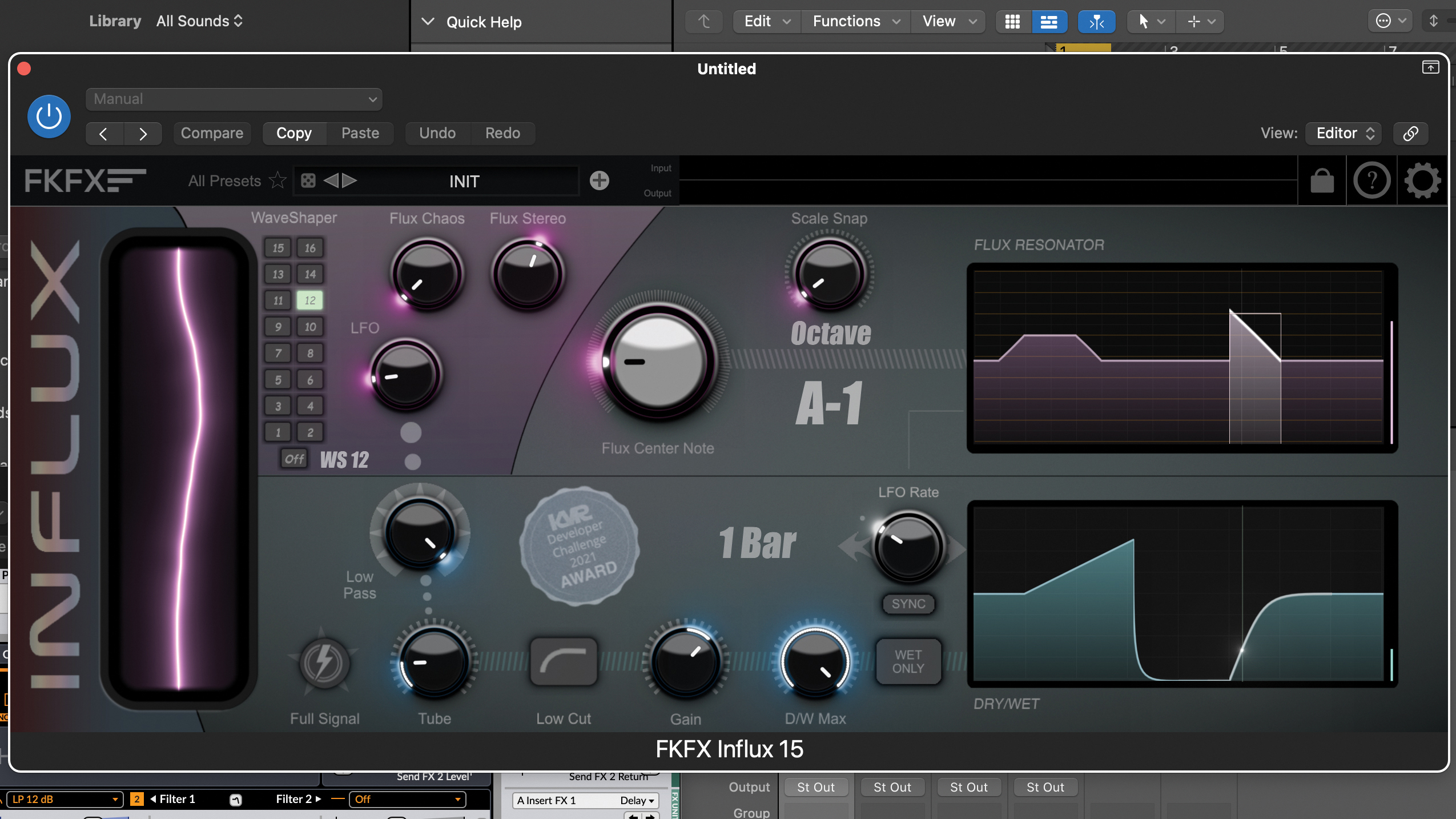
Today, we're walking you through some of these plugins in more detail, starting with FKFX Audio's Influx, a powerful multi-effects plugin that you can download today absolutely free.
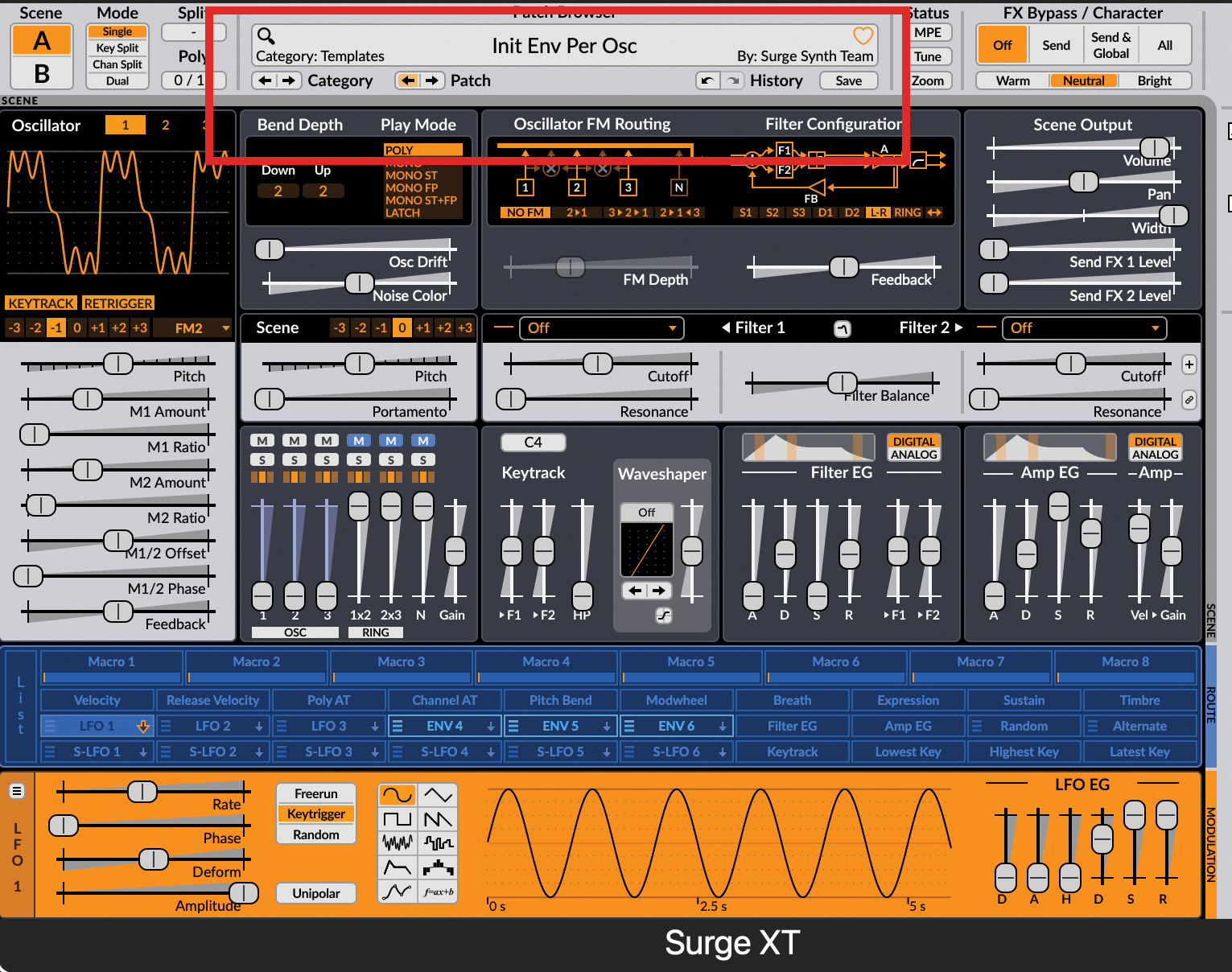
Start by loading in Surge XT, not because we’re going to use its sound design features (of which there are many), but we do need a simple FM sound so we can hear the results of our experimenting. Load in patch Init Env Per Osc, just such a sound.
Start by loading in Surge XT, not because we’re going to use its sound design features (of which there are many), but we do need a simple FM sound so we can hear the results of our experimenting. Load in patch Init Env Per Osc, just such a sound.
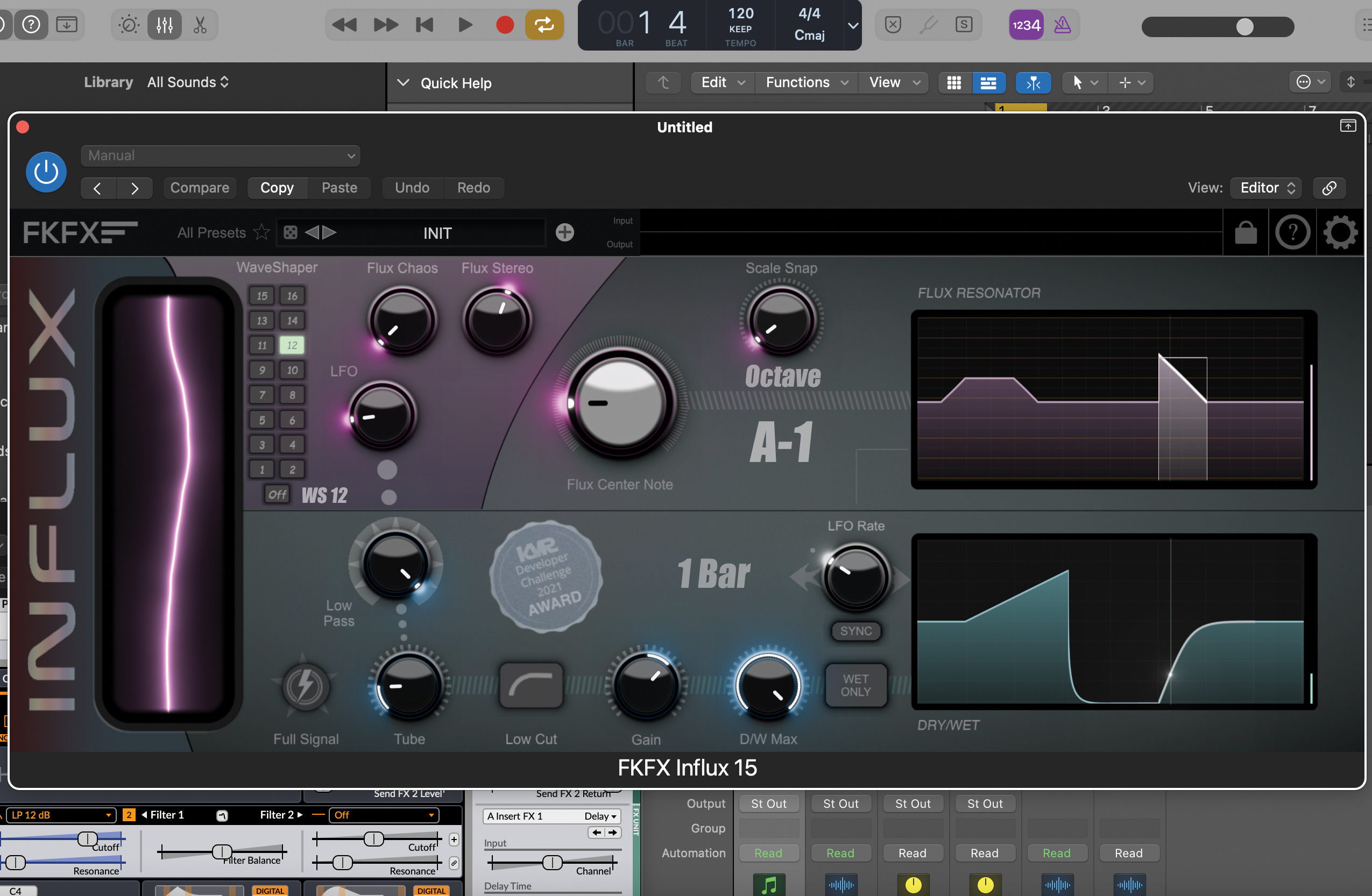
We have a feast of creative effects to choose from, but one of the best for evolving, rhythmic or just plain crazy sounds is FKFX Audio’s Influx. It has an extraordinary range of features (not to mention it installs cleanly without any ‘trusted developer’ issues that you do get with rather a lot of freeware).
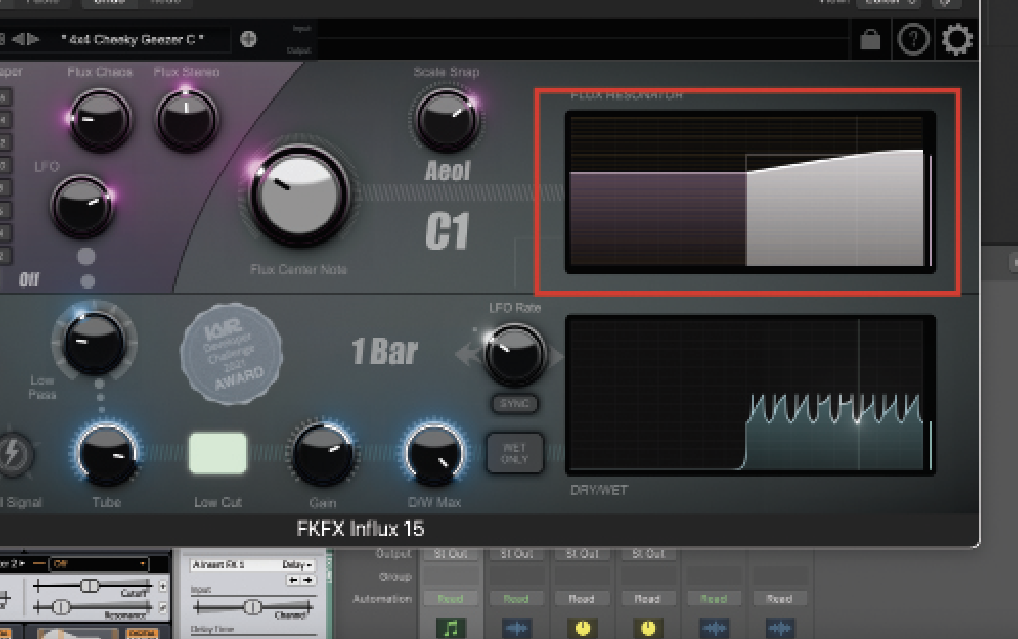
Load up the first preset, 4x4 Cheeky Geezer, to give you a quick idea of some of the sound design potential here. The main Flux module generates grains of sound at pitches you can customise by clicking on the screen top right. Controls to the left of this dictate the level of the effect, central pitch, waveshapers and level of chaos.
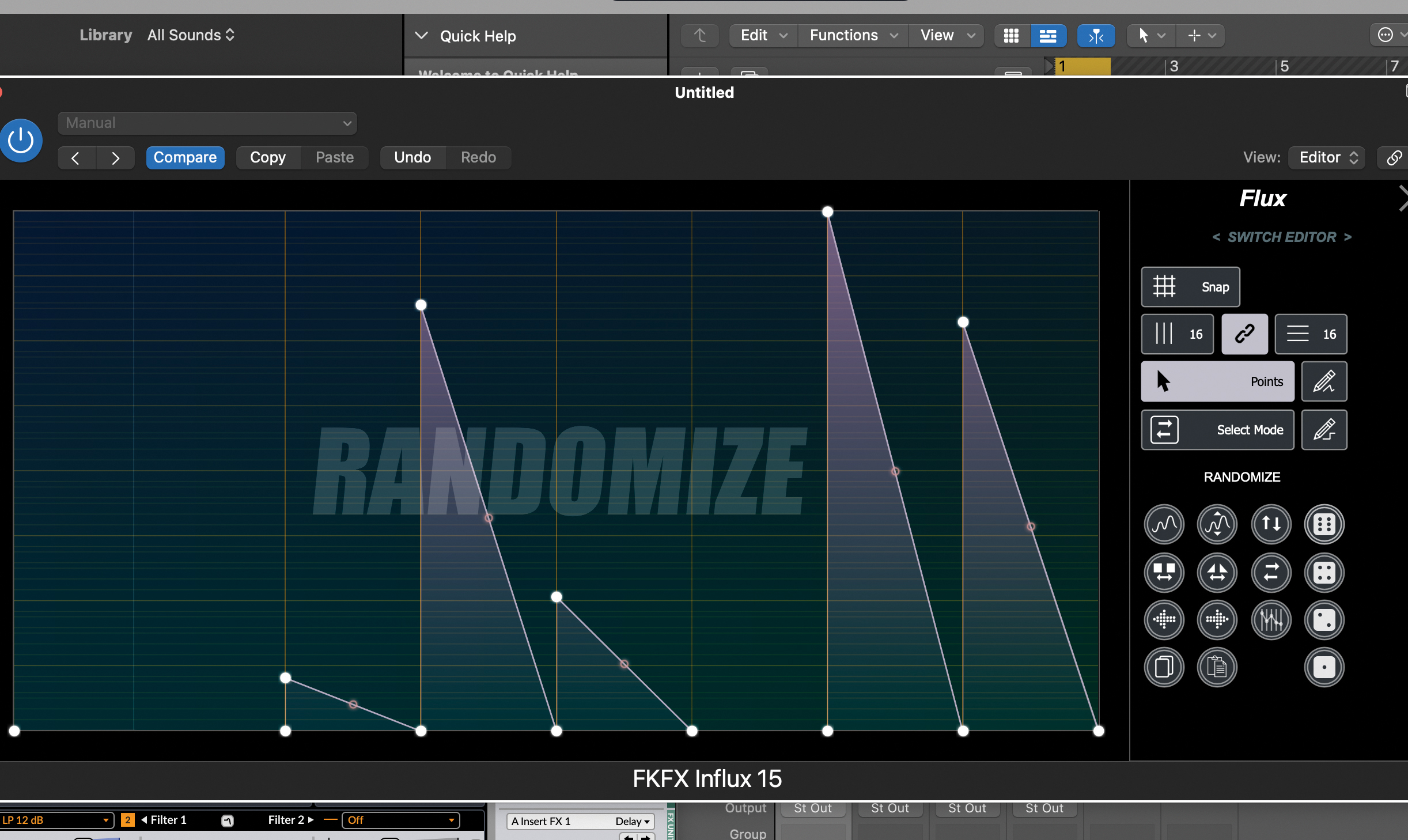
Click on the Flux Resonator UI to change the pitch envelope either by clicking and dragging points within the existing one, or drawing new points. Or use several quick edit options which let you Flip, Mirror, Copy and Paste, Randomize and more.
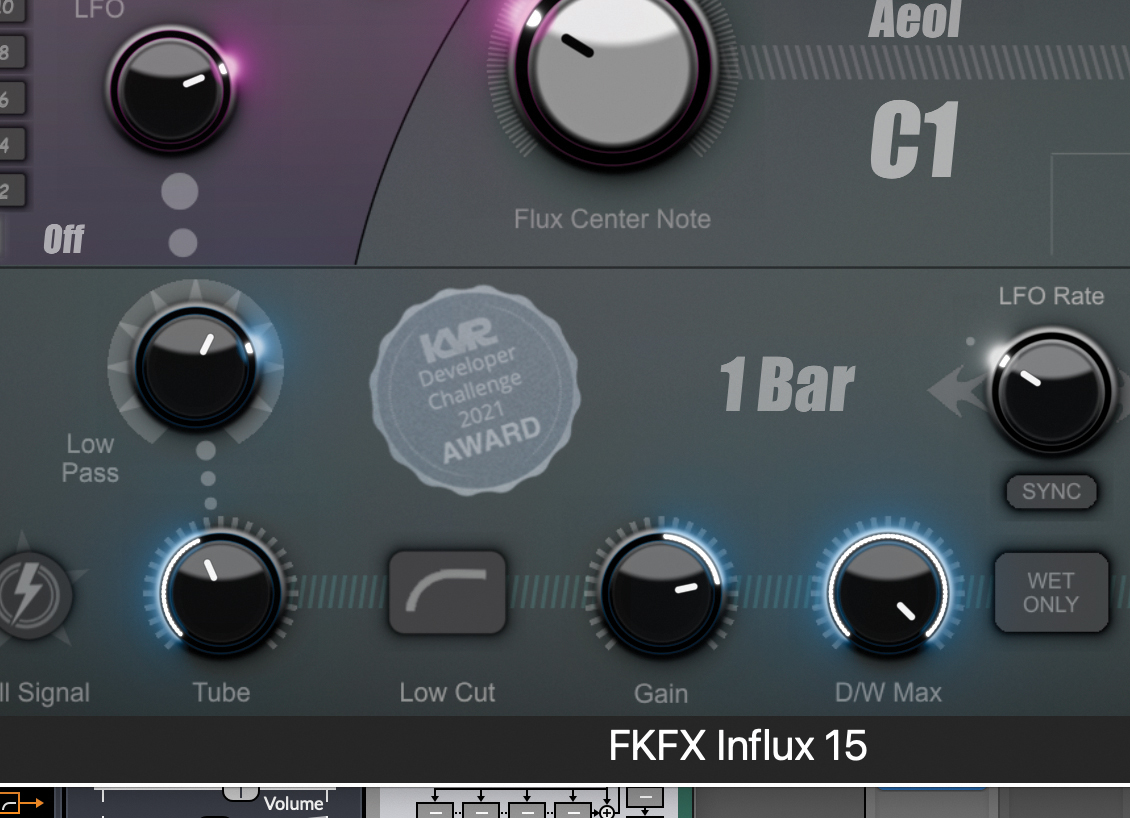
Then you enter the filter and tube section where the controls have more obvious impact, the Low Pass controlling a filter for sweeping the sound, the Tube adding drive and the LFO increasing the timing (you can lock it to tempo, too).
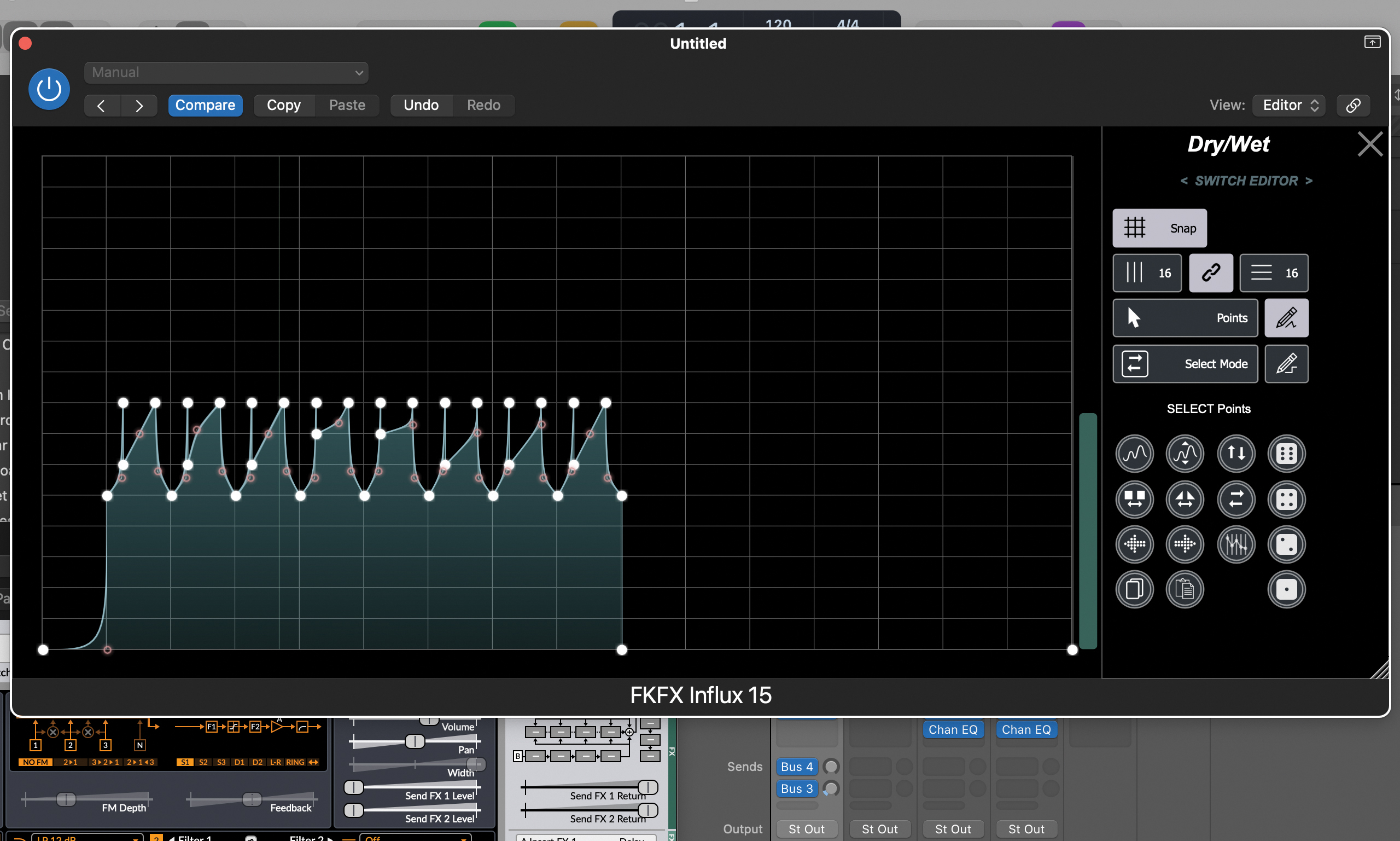
Finally the Dry/Wet UI allows you to determine the depth of the effect and when it occurs, so here’s where you can introduce a lot of rhythmic, pulsing and evolving action.
There’s a lot going on with Flux and it will take a while to get your head around the options but it will be a wild ride, and it’s one worth taking for out-there sound design.