What you need to know
- Google is allegedly working on an "annotation" feature for the images Gemini creates for users.
- It's been rumored that this will allow users to write or draw items on the image before downloading, though another says a "resubmission" option could further this feature.
- Google recently revealed Nano Banana Pro, a model that takes its text legibility further with better image accuracy and more.
Enjoy our content? Make sure to set Android Central as a preferred source in Google Search, and find out why you should so that you can stay up-to-date on the latest news, reviews, features, and more.
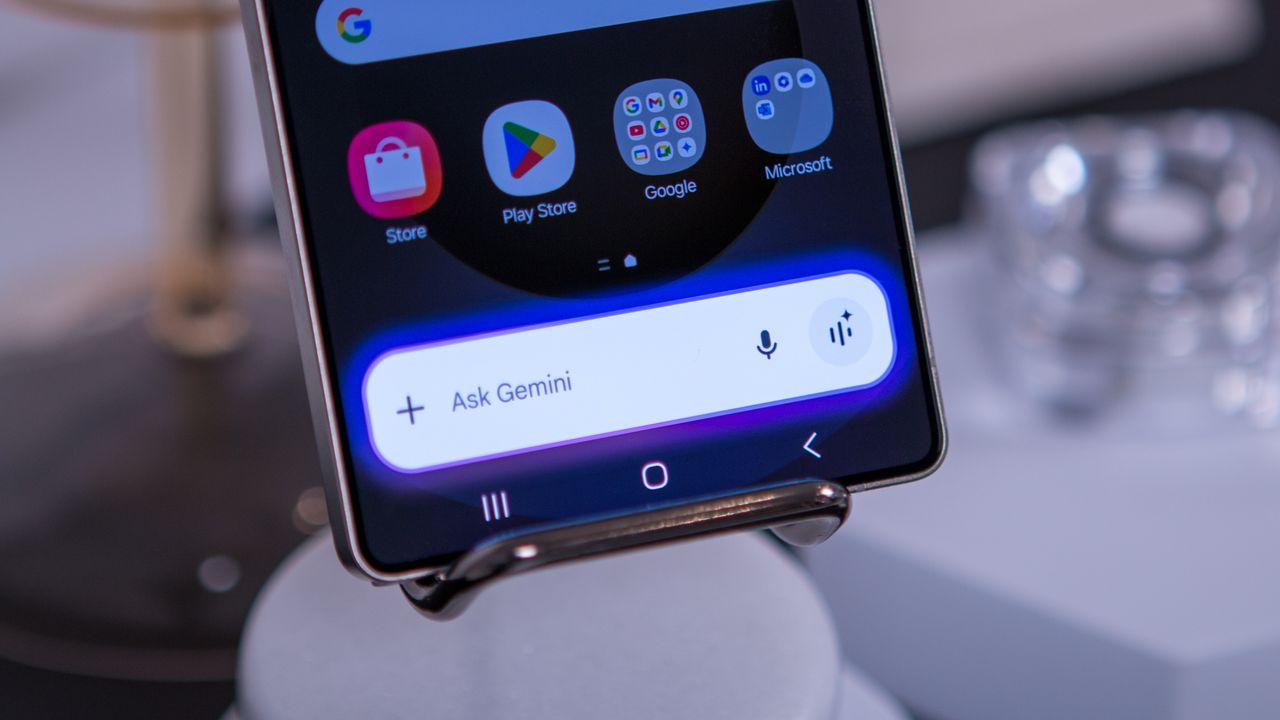
Google was reportedly spotted working on a new feature for Gemini that gives users a little more control over their images before saving them.
This new feature, under development at Google, was leaked by TestingCatalog on X, who claims this will open new possibilities for users (via Android Police). According to their discovery, Gemini is supposedly preparing a new "annotation" feature for images that users prompt it to generate. Annotations seem to extend beyond just typing on your digital keyboard, as it seems users can "draw and add text to generated images," per the tipster.
The tipster provided a snapshot of this alleged feature, showing how Gemini will offer a horizontal color palette. More importantly, there are two options beneath it: a squiggly line for drawing and a classic "T" for text.
Curiously, another user chimed in, who also seemingly discovered this in-the-works feature, claiming that users can soon "resubmit" those annotated images. The user states, "I'm currently downloading the image, circling, arrowing, and putting text instructions before resubmitting with a prompt." So, instead of writing out your prompt again, after Gemini failed to generate what you'd like, users might be able to draw/write those specific changes on the image.
This sounds like a rather easy way of directly impacting how the AI behaves when you're looking for those minute aspects to change. Currently, there's no word on when we could see this feature arrive in the Gemini app.
Mark it up, make the change
Google is working on an image annotation feature for Gemini. Users will be able to draw and add text to generated images before downloading them. "Generate me a coloring page" 🍌 pic.twitter.com/mknesNVwrpNovember 26, 2025
Google has been implementing methods for image editing in Gemini natively since earlier this year. The editor works for those generated by AI and photos taken by users themselves. Google stated that users could change backgrounds, add or remove objects, and blend photos using the AI's capabilities. Users could also tell Gemini a story and have the AI try and match that with its AI visuals.
What's been rumored now brings that human element in a little more, by enabling users to directly engage with the AI's results, instead of starting from zero again.
Gemini's image capabilities were recently extended, as Google revealed Nano Banana Pro. During its announcement, Google said the model was capable of generating "more accurate and content-rich images for users." Additionally, Nano Banana Pro clears up its legibility for text, fonts, and more. In a way, perhaps this is in preparation for this annotation feature, but we'll have to wait and see.