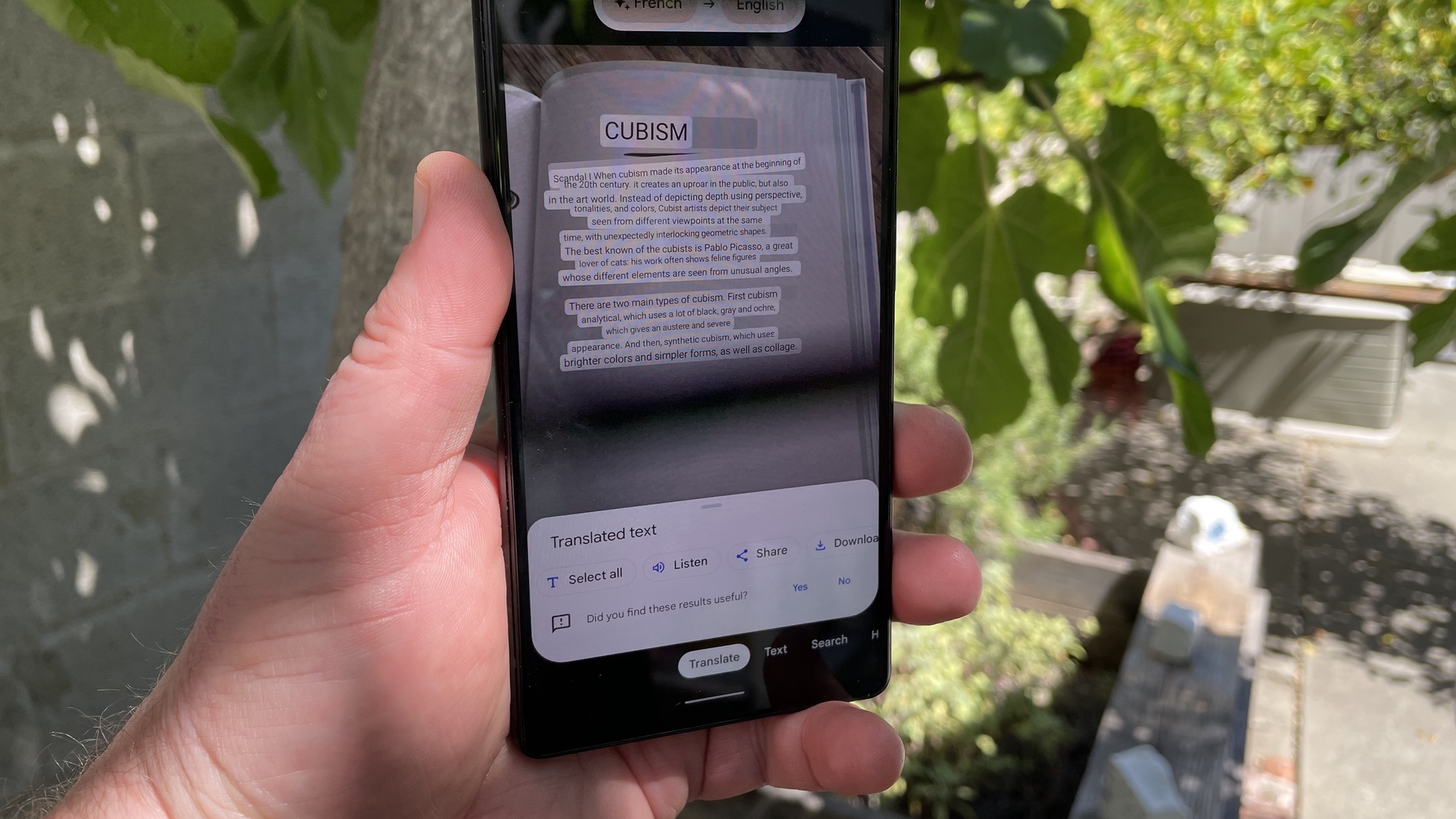
Google Lens is getting a generative artificial intelligence upgrade that will show a full, AI-generated response to an uploaded image rather than other images.
Available in any Google iPhone or Android app with the Lens feature included, it is part of an effort from the search giant to give users a better experience.
Just point your camera at whatever is in front of you, or upload a photograph, and ask a question about it in the search box. Google will generate a response with reasonably accurate information, links to verified sources and images.
How does Lens with GenAI work?
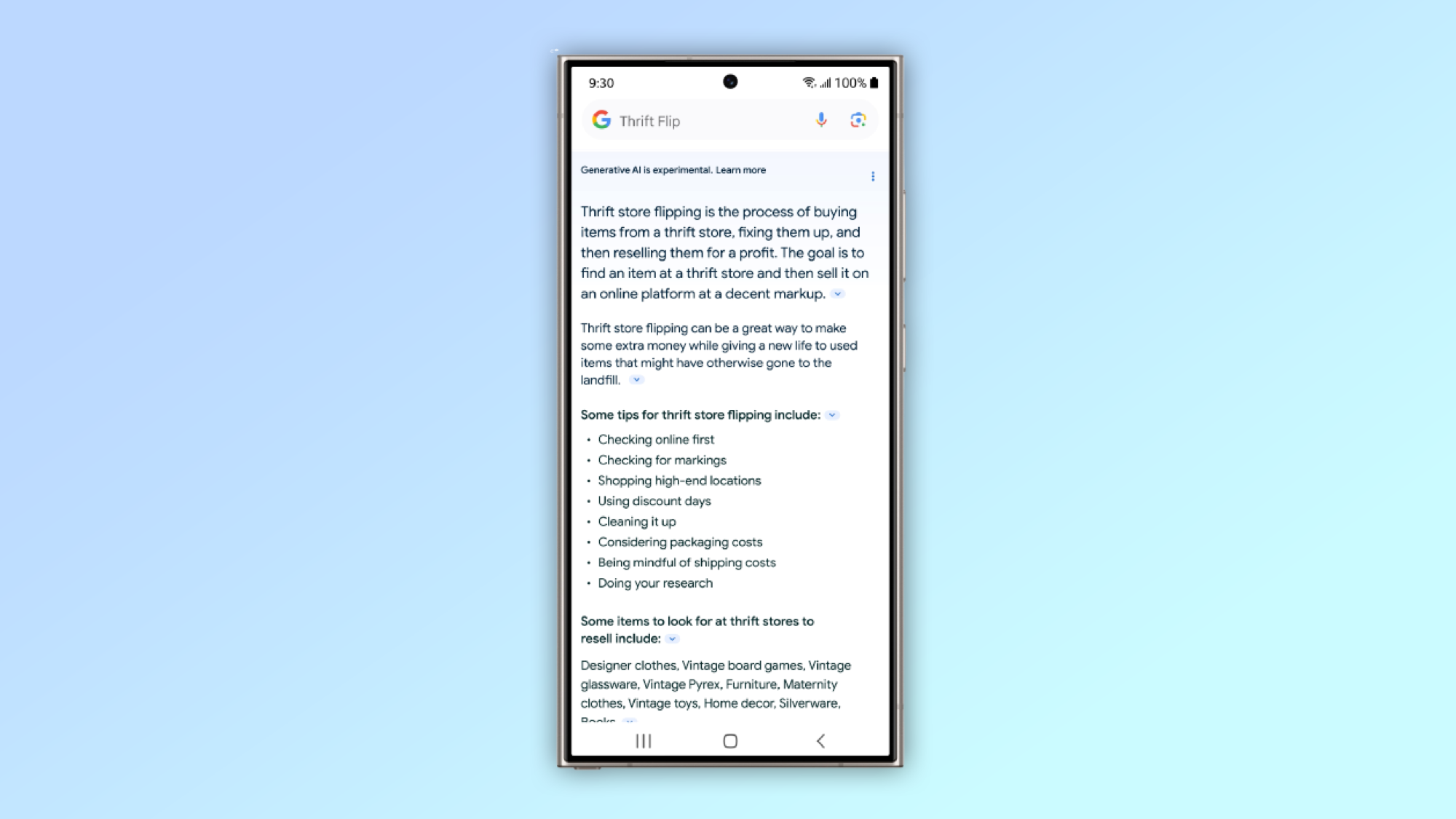
Google has been experimenting with using AI in search results for some time. One of the most obvious examples of this is in the snippets shown at the top of the results on the Google website if a query has no clear answer from one specific website.
The latest feature is the first time generative AI has made it into mainstream results, and not part of an experimental feature users have to opt-in to access.
Users can add a text query alongside the picture when they send a photo to Google’s multisearch in Lens. The underlying AI analyses the image in much the way it does now, but also attempts to answer the query in a few paragraphs of text.
What are some examples?
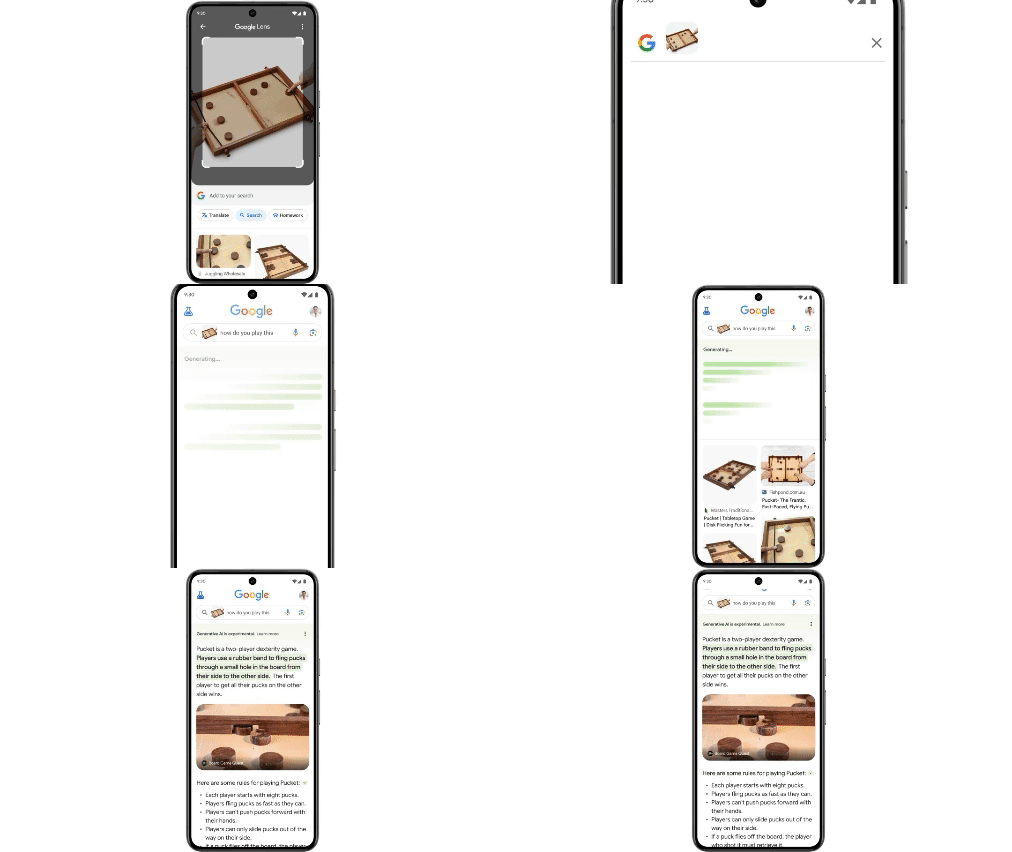
During a press event, Google used a picture of a plant in its demonstration of the new GenAI feature in Lens.
Sharing a picture of a potted plant and typing “How do I water this?”, the results popped up with a few simple instructions for watering the plant.
Another interesting use case could be in identifying insects around the house. Something usually reserved for Facebook community groups, the AI tool can identify the species and you could ask whether it’s dangerous.
One I’m keen to experiment with is around food. Share a picture of the ingredients in your fridge and ask it to come up with a recipe to try out for dinner.
Some of these features are already available in Google’s Bard chatbot, or by enabling GenAI in search extension in Google Labs. However, making this available across all Google mobile products is a significant mainstream exposure for the relatively new technology.